




 here!
here!
I’m your shopping assistant for PC builds, upgrades, and everything tech.
Got questions? Ask away!
Start a conversation
here!
I’m your shopping assistant for PC builds, upgrades, and everything tech.
Got questions? Ask away!
Start a conversation



Any questions? Ask CelesteSM will help you find out quickly.
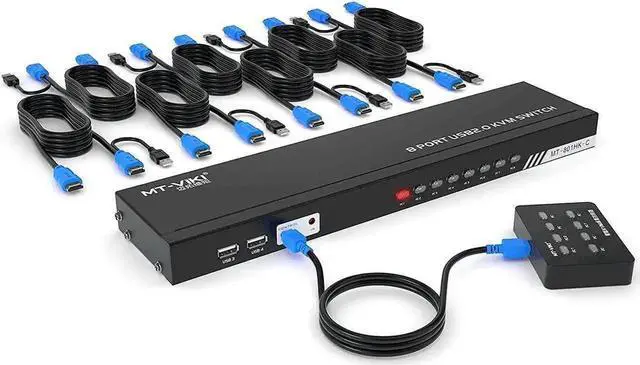
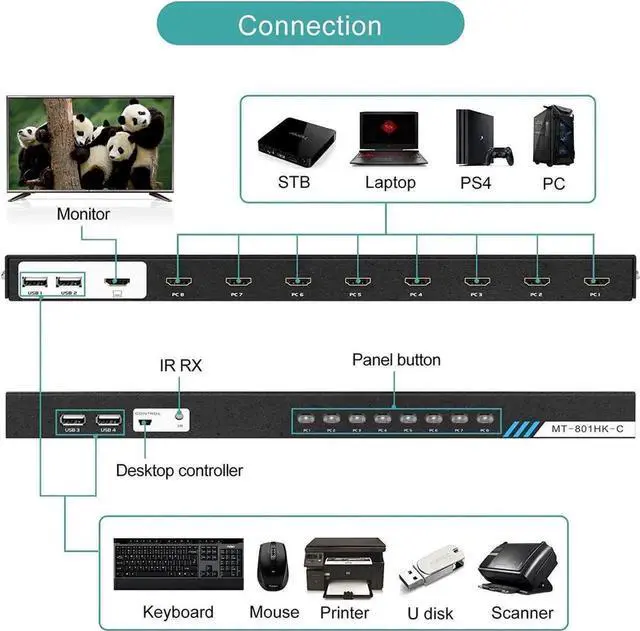
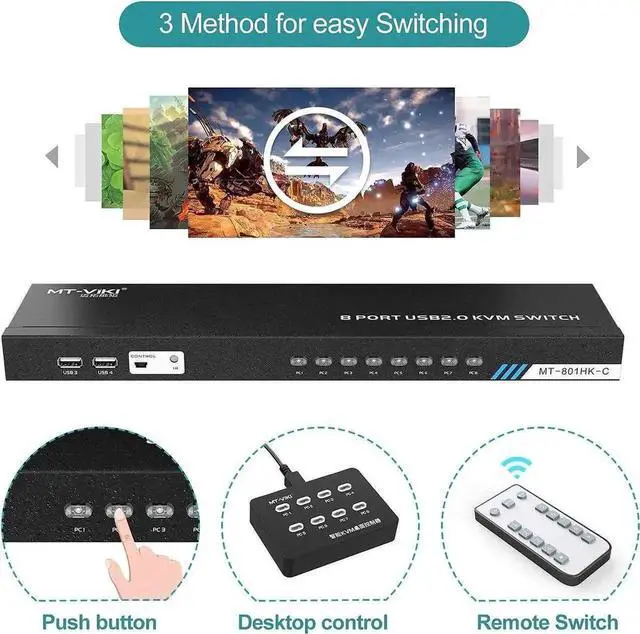
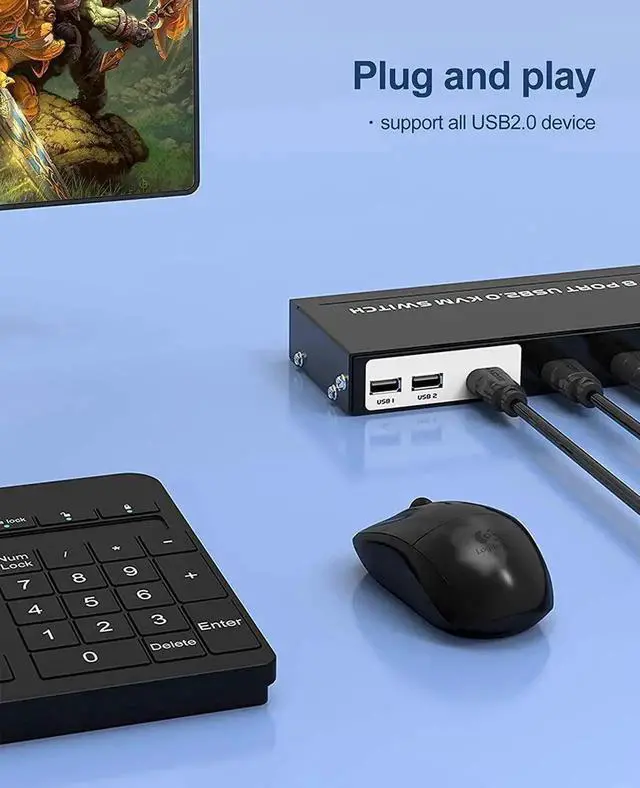
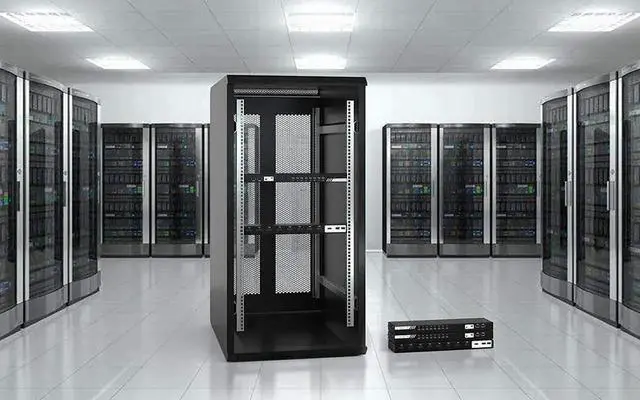
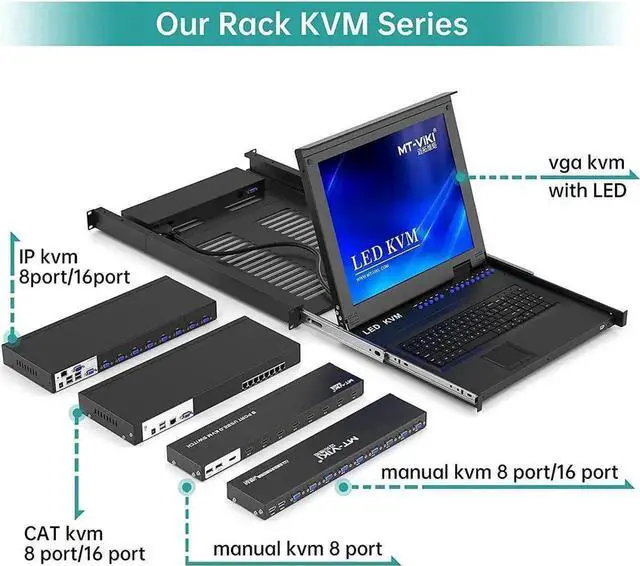
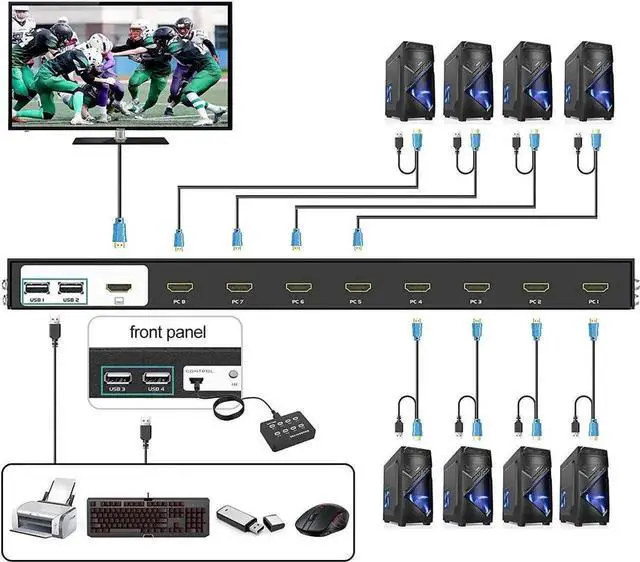
This 8-port rack-mountable HDMI KVM switch is specially designed for server cabinets, office multi-host monitoring and IT management scenarios. It allows eight computers to share a single HDMI display and one set of input peripherals to save desktop space and equipment costs. Supporting 4K@30Hz high-definition video output, it presents sharp and stable picture effects for daily monitoring and office work. Equipped with dual control solutions including infrared remote and front panel physical buttons, users can quickly switch target hosts without operating the connected computers. The integrated 4-port USB 2.0 hub realizes shared access to storage disks, printers and other USB devices across all 8 hosts. Standard rack-mount structure supports fixed installation in standard server racks, and all necessary KVM connection cables are contained in the package for one-step setup. It works without extra drivers, featuring stable signal transmission and seamless host switching, an ideal management accessory for small and medium server rooms, multi-station office environments and computer monitoring platforms.


