CKLau KVM Switch Dual Monitor Displayport 2 Monitor KVM Switch 2 Port
Installation Step;
1. Turn off all your devices and unplug all cables;
2. Plug the power cable which comes with the KVM switch into the KVM switch and socket;
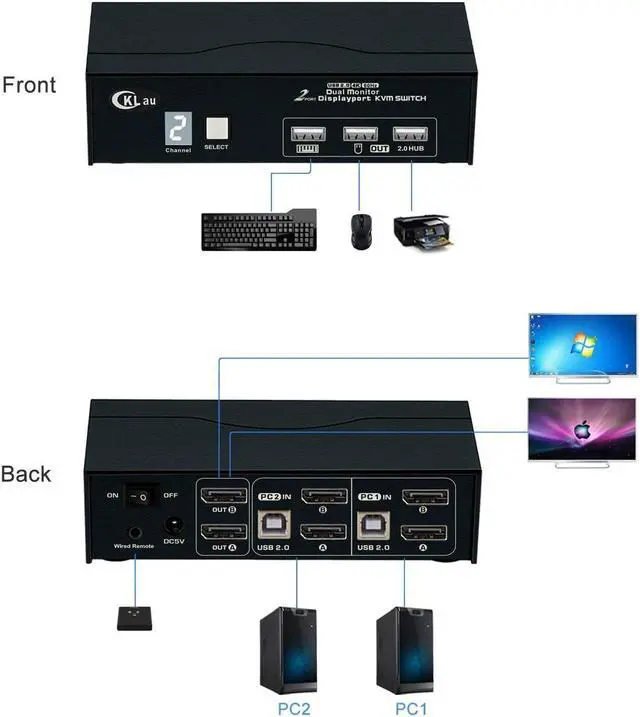
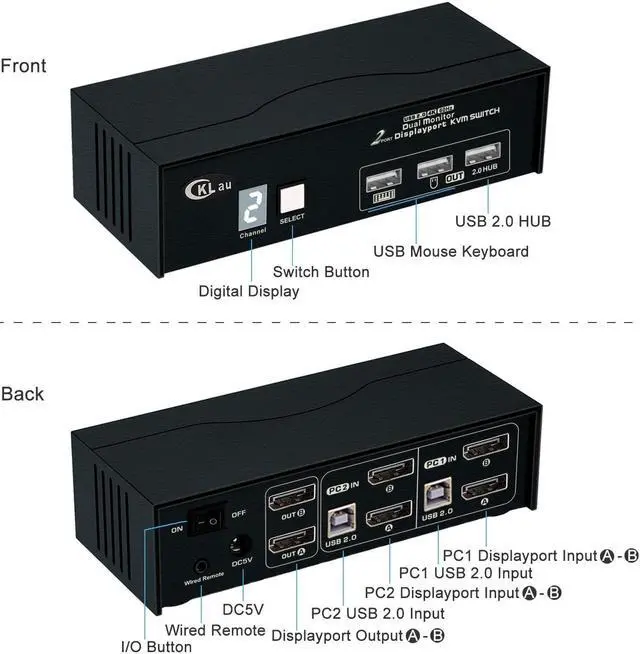
3. Plug USB 2.0 cables and Displayport 1.2 cables into the KVM switch and your computers;
4. Plug Displayport cables into the KVM switch and your monitors;
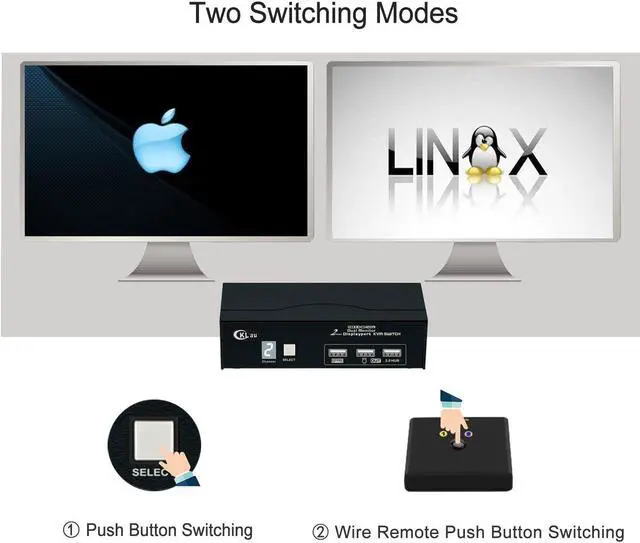
5. Plug the mouse into the mouse slot of the KVM switch, plug the keyboard into the keyboard slot of the KVM switch, plug the wired remote push button switch into the KVM switch, plug the printer/USB driver/other USB device into the Hub port of the KVM switch if needed;
6. Turn on the KVM switch;
7. Turn on your devices one by one.
Package includes:
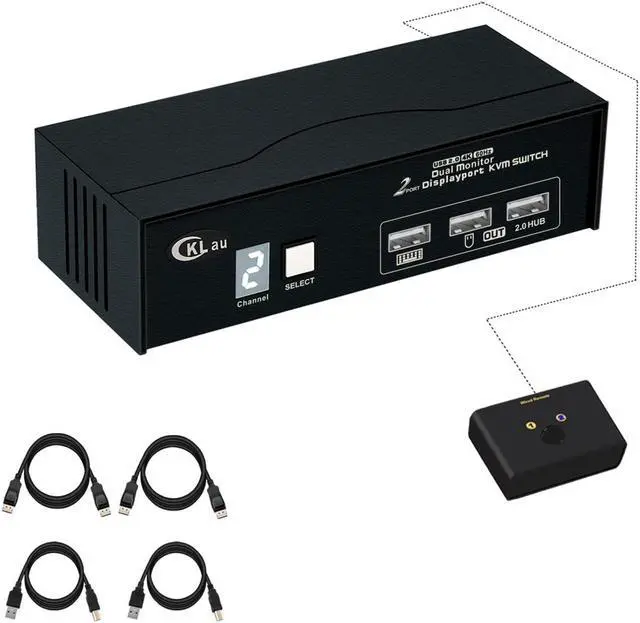
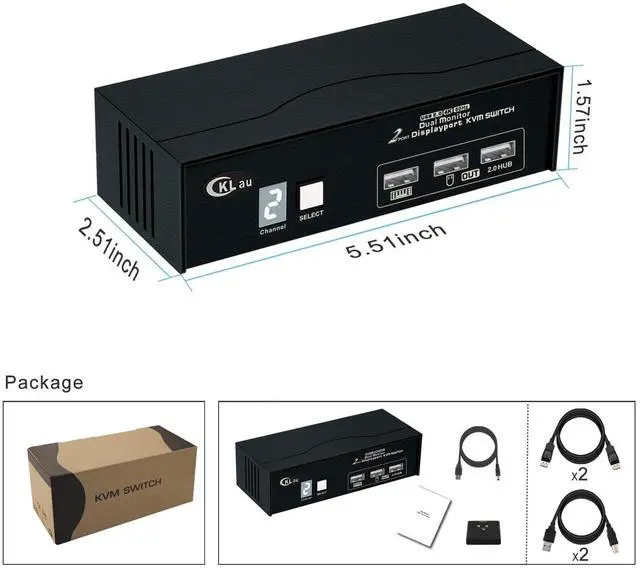
1 pcs 2 port KVM switch
2 pcs USB 2.0 cables
2 pcs Displayport 1.2 cables
1 pcs power cable
1 pcs manual
1 pcs wire remote push button switch
Tips:
1. This KVM switch supports DP 1.2 and is compatible with DP 1.4 devices at 4K@60Hz only. Please set up your devices resolution as 4K@60Hz or lower before using.
2. The KVM switch only come with 2 pcs Displayport 1.2 cables, you need to buy another 2 pcs Displayport cables if you want to connect 2 computers.
3. If one of your computers operates on BIOS, start by turning on that computer, entering your password, logging into the system, and waiting for the display. Then, switch to the second computer and turn it on. If both computers are BIOS-based, follow this sequence: start by powering on the KVM, then switch on the first BIOS computer, enter your password, log into the system, switch the KVM to the second computer, and finally, turn on the second BIOS computer. In summary, avoid starting both BIOS computers simultaneously, as it may cause issues like a black screen or disable your keyboard and mouse.
Supports DP 1.2, DP 1.1, compatible DP 1.4 at 4K60Hz.
Space-saving design with minimal footprint.
With digital display, easy to know which computer your are operating.
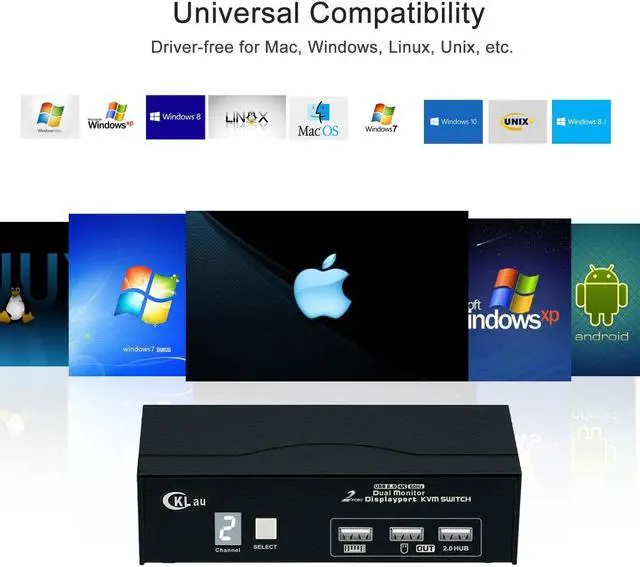
Drive-free for Windows 11/10/7/2000/XP/Vista, Linux, Mac, Debian, Ubuntu, Fedora, Raspbian, Ubuntu, etc.
Suit for home, office, supermarket, media, etc.
2 Port KVM Displayport KVM 2 Monitors 2 Computers Displayport KVM Switch Display Port KVM KVM Switch Display Port





 here!
here!