Features
This versatile device allows you to control up to 4 computers and display their content on 2 monitors simultaneously. Equipped with 3 USB 3.0 ports, it enables ultra-fast data transfer speeds of up to 5Gbps, supporting both USB 3.0 and 2.0/1.1 devices
Ideal for multi-monitor setups, it supports resolutions up to 4K@60Hz, including 3D and UHD content.
- Allowing connect with DisplayPort & HDMI interface on your PC
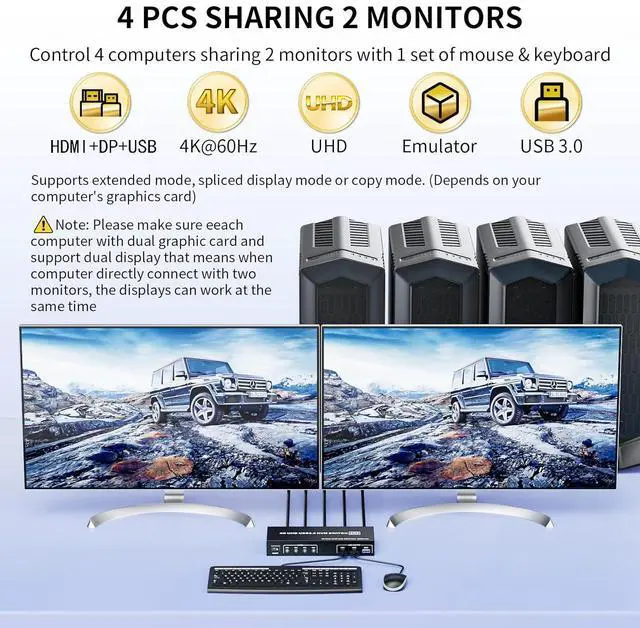
- 4 PCs Share 2 Monitor: 4 computers / laptops share one set of keyboard, mouse and dual monitors
- Supports high resolution up to 4K@60Hz and downwards
- 3x USB 3.0 external peripherals with 5Gbps
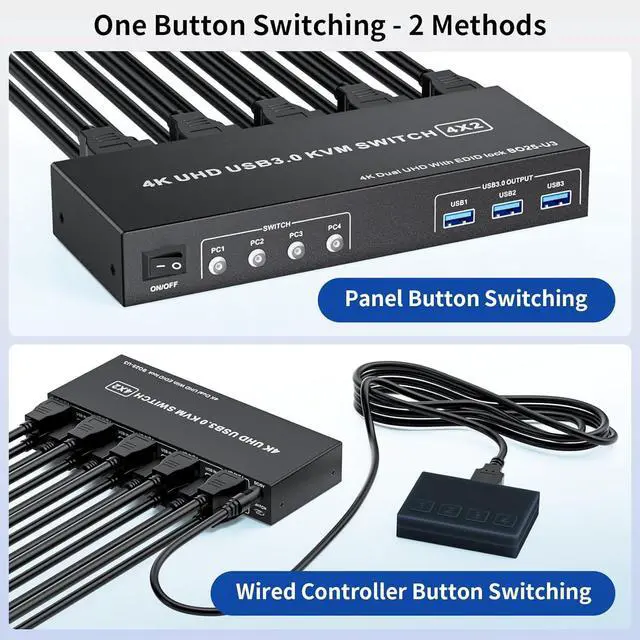
- Easy Switching: Quickly switch between the 2 computers with single one click of the panel switch button or the wired remote controller (included in the package)
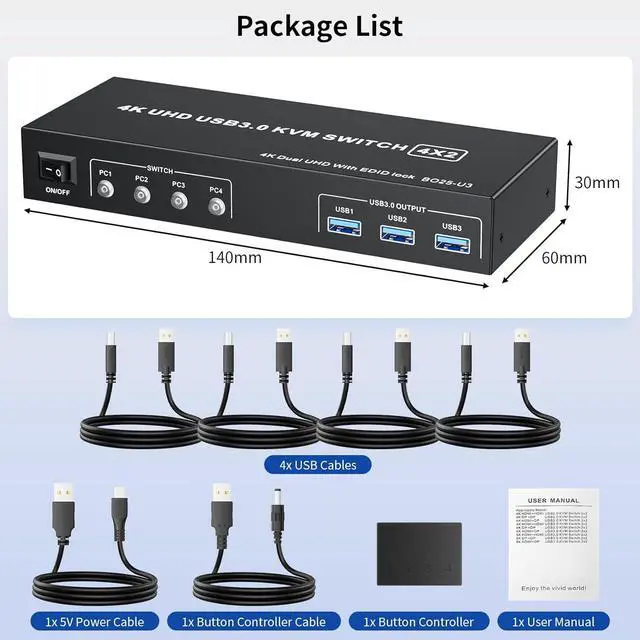
Package List:
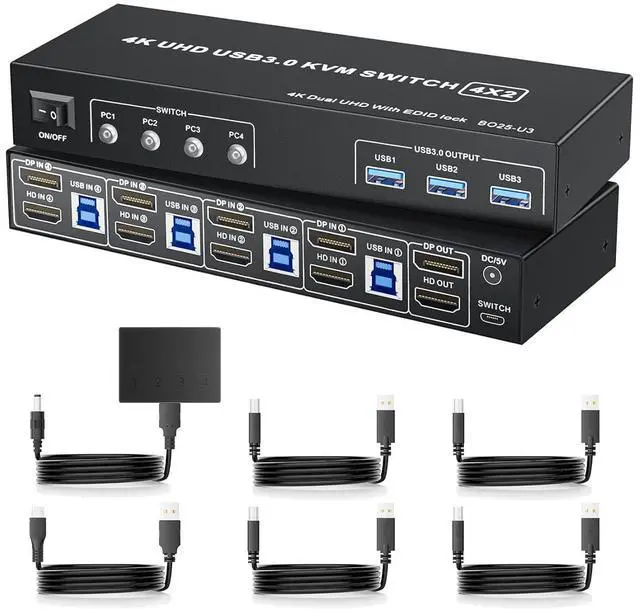
- 1 x DP+HDMI KVM Switch 2 Monitor 4 Computers
- 4 x USB Cables
- 1 x Wired Remote Controller
- 1 x 5V Power Cable
- 1 x User manual
Installation Steps
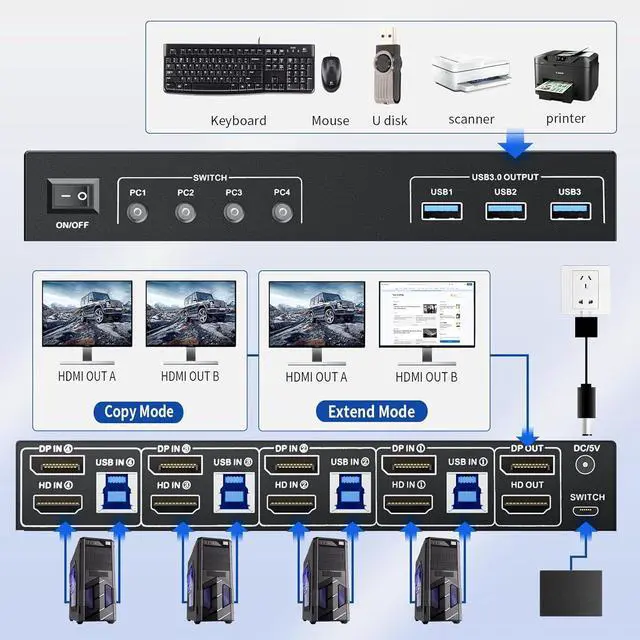
1. Insert the power adapter into the KVM
2. Plug 2 HDMI cable into the KVM and monitor (output interface)
3. Plug the HDMI cable and USB cable into the KVM and your computer/laptop (input interface)
4. Allowing to connect 3 USB 3.0 devices into USB 3.0 output interface
- HDM1 IN1 + DP IN1 + USB IN1=PC1
- HDM1 IN2 + DP IN2+ USB IN2=PC2
- HDM1 IN3 + DP IN3 + USB IN2=PC3
- HDM1 IN4 + DP IN4 + USB IN2=PC4
Effortlessly manage multiple computers with a single monitor and keyboard setup using the 4K DisplayPort + HDM KVM Switch
- Important Note: 1. Pls make sure if your PC or laptop comes with 2 HDMI ports and working simultaneously 2. Pls make sure you have connected the USB IN of the KVM switch and the native usb port of your pc with the included USB data cable accordingly 3. Pls make sure your pc and laptop support Extended mode
DP HDMI KVM Switch 4 in 2 out: Allows to control 4 computers with 1 set of monitor mouse and keyboard. Making easily switch between 4 computers on 2 monitor and share 3 USB 3.0 devices
Four-PC KVM with 3 USB 3.0 Ports: The Dual monitors HDMI KVM switch with 3x USB 3.0 ports that allows 4 PCs sharing one set of keyboard, mouse, printer, scaner, hub and other USB devices; Providing ultra-fast transfer speed of up to 5Gbps, which is 10x the speed of USB 2.0. backward compatible with USB 2.0 / 1.1 devices
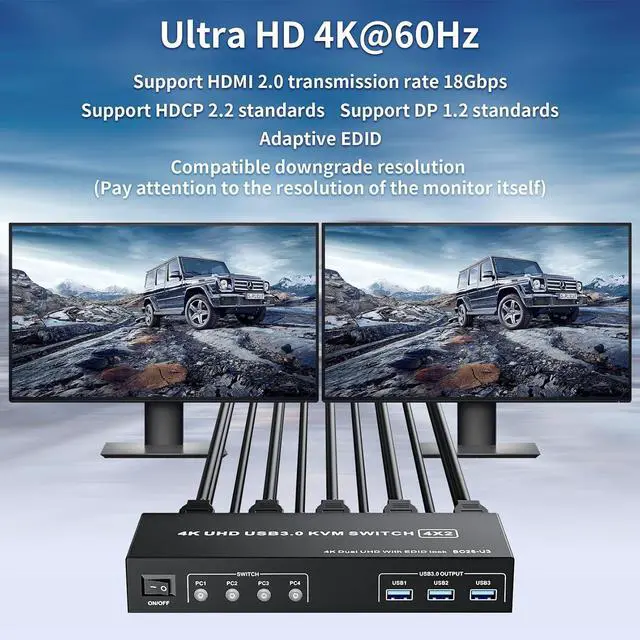
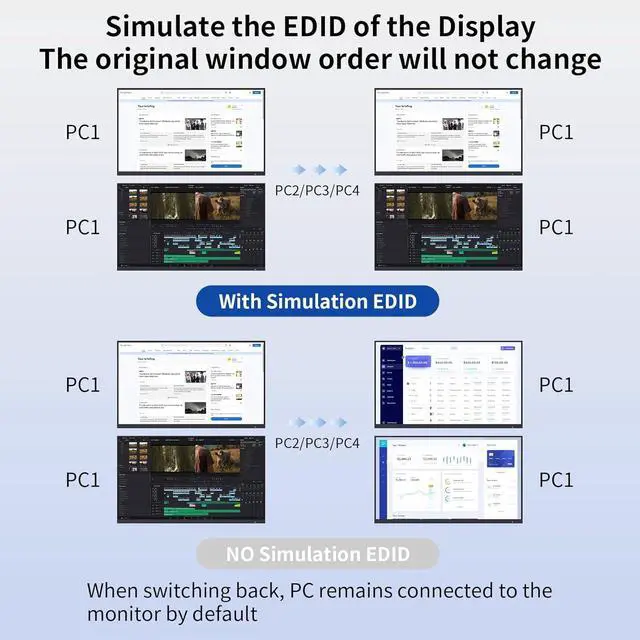
Ultra UHD 4K@60Hz: Support resolution up to 4K@60Hz and and backward compatible with lower resolution, also supports 3D, UHD, HDMI 2.0, HDCP 2.2 Standard, EDID adaptive (if you need 4K resolution.
NOTE: please use version 2.0 HDMI cable and make sure your computers and monitors support 4K)





 here!
here!