






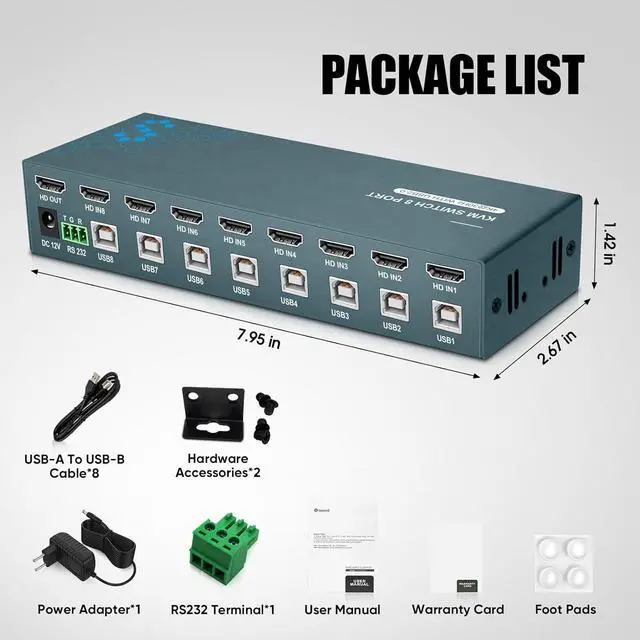


8-Port HDMI KVM Switch for 4K Resolution
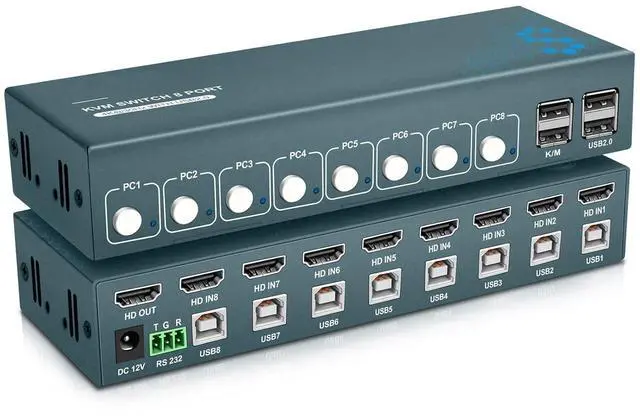
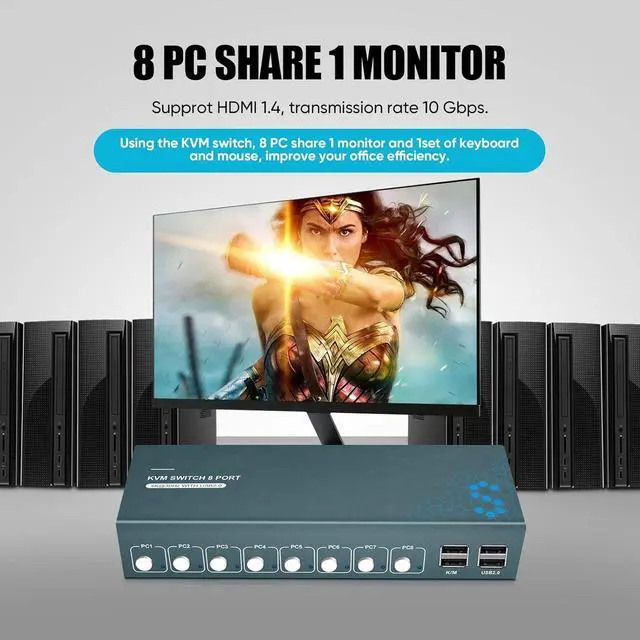
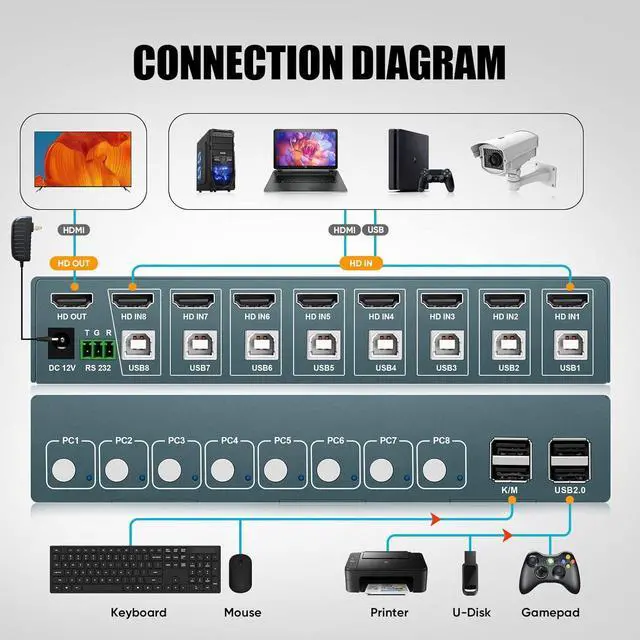
Efficiency meets versatility with our 8-port HDMI KVM switch, designed for controlling up to 8 host devices using a single set of keyboard and mouse, all while sharing a single monitor. This smart solution not only streamlines your workflow but also significantly reduces device costs and saves valuable workspace.

4K@30Hz Resolution: Experience outstanding video quality with support for resolutions up to 3840*2160@30Hz. The adaptive EDID ensures compatibility with various complex application environments, delivering a visually immersive experience.
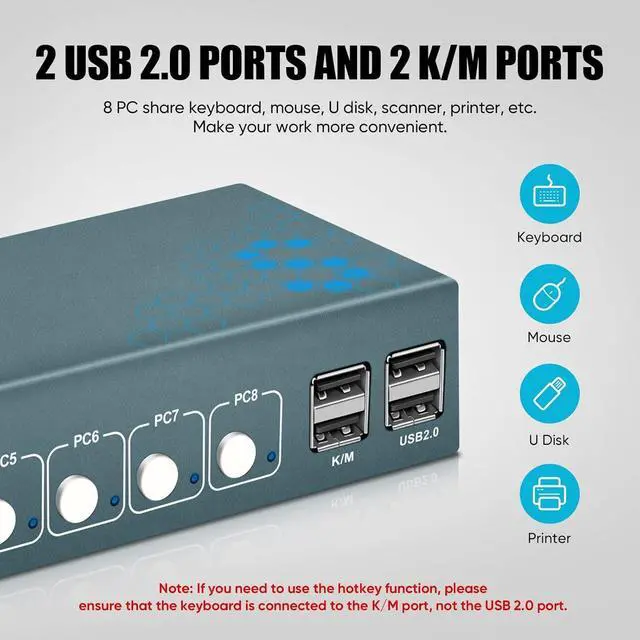
USB 2.0 Ports: Connect peripheral devices like USB flash drives, printers, scanners, and more with the integrated USB 2.0 ports. Please note that for hotkey switching, ensure the keyboard and mouse are connected to the K/M port, not the USB 2.0 port.


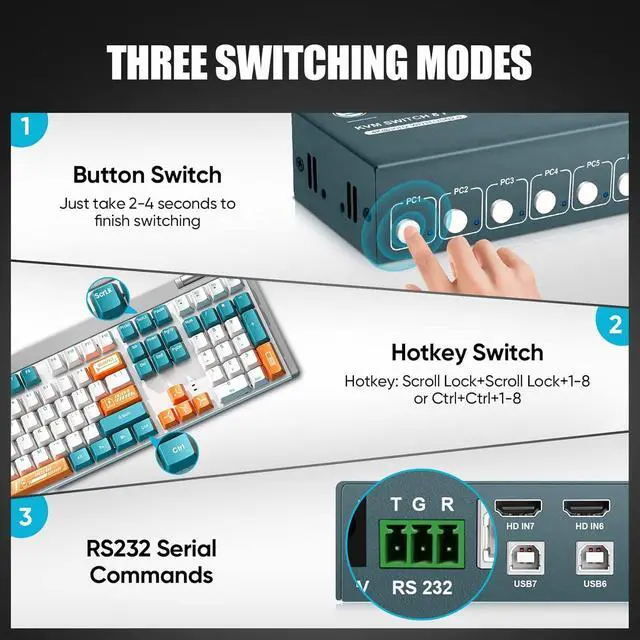
Two Switching Methods:
Seamlessly switch between computers using either the support button or hotkey switch. The status light on the switch panel indicates the active computer, providing clarity in your operation.
To get the RS232 working, you can use the following commands for switching ports and controlling the scanning feature:
PS 1 to switch to port 1 (equivalent to the keyboard command ctrl + ctrl + 1)
PS 2 to switch to port 2 (equivalent to ctrl + ctrl + 2)
PS 3 to switch to port 3 (equivalent to ctrl + ctrl + 3)
PS 4 to switch to port 4 (equivalent to ctrl + ctrl + 4)
PS 5 to switch to port 5 (equivalent to ctrl + ctrl + 5)
PS 6 to switch to port 6 (equivalent to ctrl + ctrl + 6)
PS 7 to switch to port 7 (equivalent to ctrl + ctrl + 7)
PS 8 to switch to port 8 (equivalent to ctrl + ctrl + 8)
CS 0 to stop scanning (no keyboard equivalent, can press any key)
CS 1 to start scanning (equivalent to ctrl + ctrl + S)
Make sure to add a space before the number in the command, and always press ENTER after inputting the command (except for hex commands).
Adjustable Beep Sound Control:
This product offers an easy way to toggle the beep sound on or off using a simple key combination. To turn off the beep sound, press CTRL+CTRL+B+0. To turn it back on, press CTRL+CTRL+B+1, allowing you to customize the audio experience based on your preferences.
