



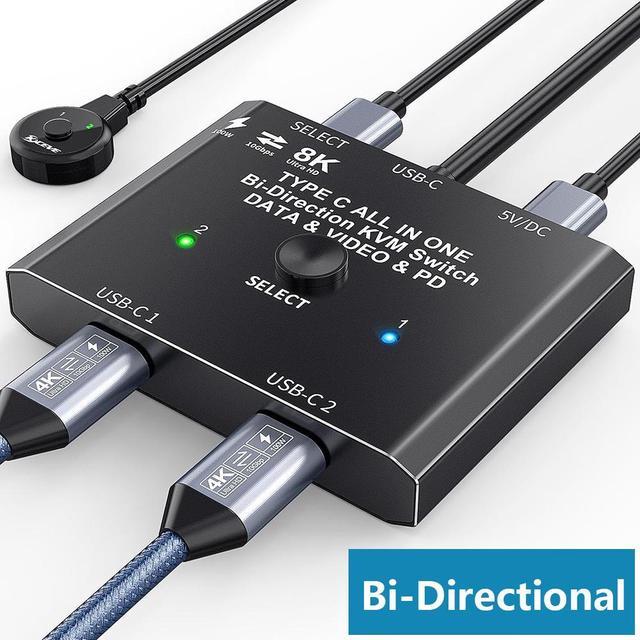


Bi-Directional USB C Switch/Spliiter with 8K Video Transfer and 10Gbps Data
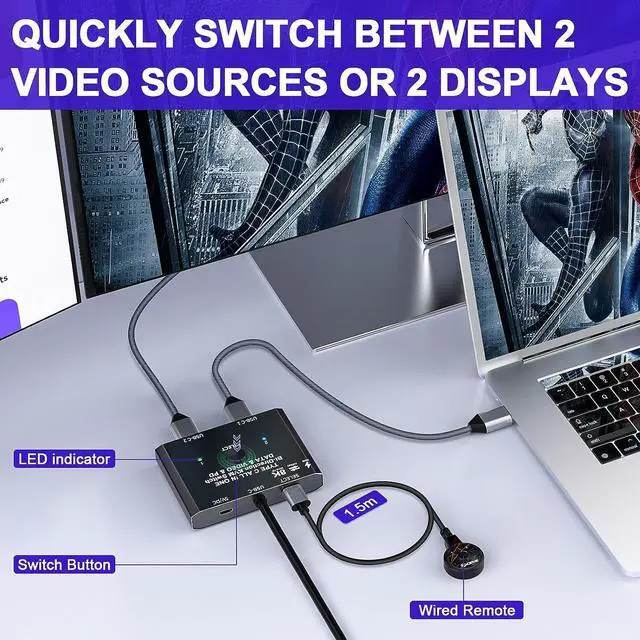
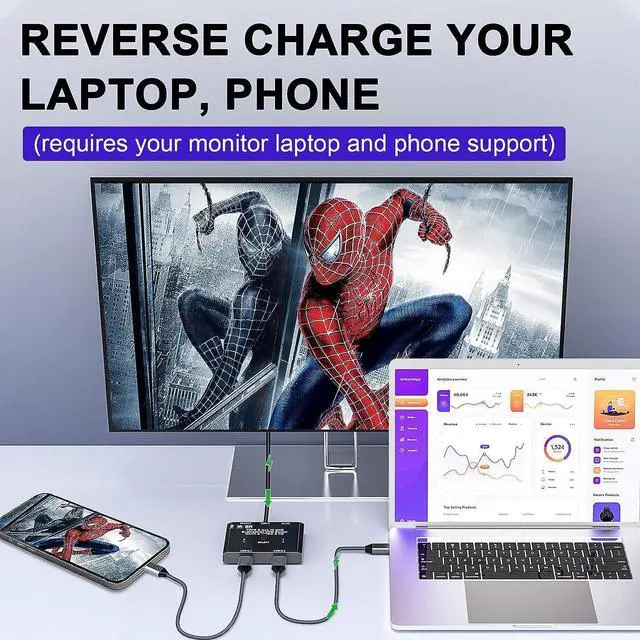
Work as a USB C switcher,2 video sources share 1 monitor.
You can share 1 display device by one-click switching between video sources such as computer, laptop, tablet and game console (monitor with HDMI port require USB-C to HDMI adapter).
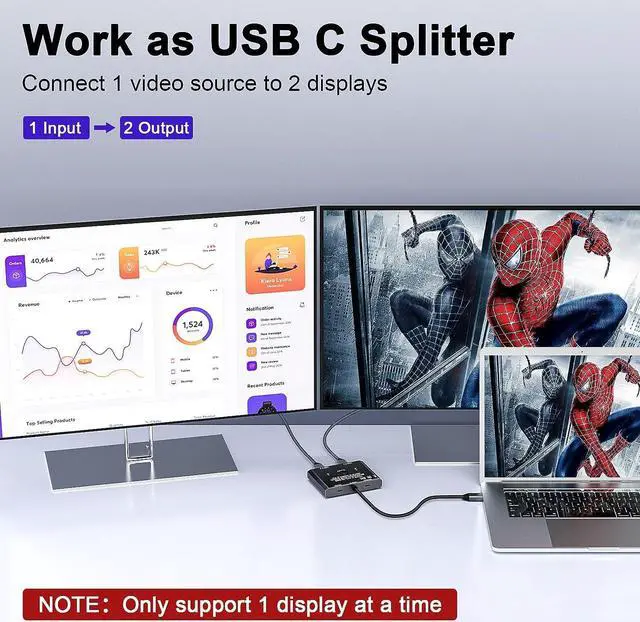
Work as a USB C spliiter,1 video source share 2 displays.
One video source can be switched between two display devices.
Please note that it is not a USB-C hub, so 2 monitors cannot work simultaneously.
Please follow the following instruction to operate:
- Connect the 2 included USB 3.1 Gen 2 Cable from our USB-C Switch's USB-C 1 and USB-C 2 Port to your USB-C Source Devices (or display devices);
- Connect the fixed USB-C cable at the USB-C position to the USB-C port of the monitor (or source device), please make sure that the USB-C port of the monitor supports video transmission and the video function is turned on;
- Connect the included USB power cable with the switch to the power supply (Must power the USB-C switch, otherwise the monitor won't show anything);
- Press the [Select] button to switch between the two video sources (or display devices).

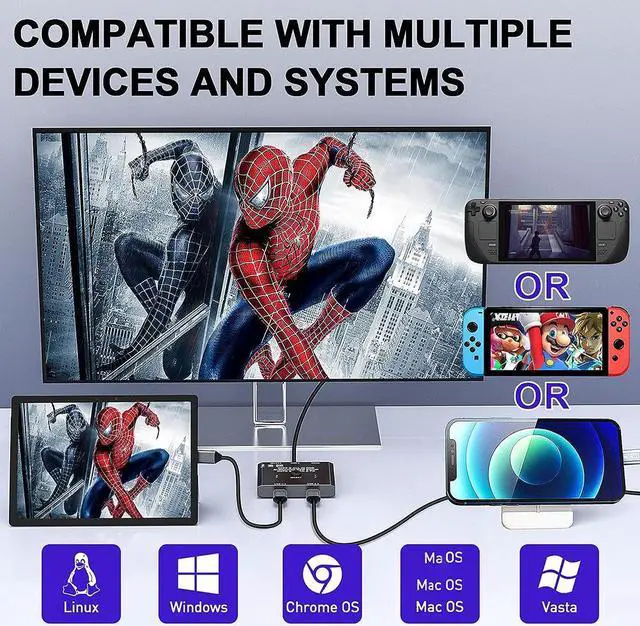
Widely applicable to a variety of video sources and display devices.
Suitable for devices such as computers, laptops and tablets that compatible with USB-C Alt DP (Alternate Display Port Mode)
One video source can be switched between two display devices or two video sources can be displayed on one display device (Two monitors CANNOT display simultaneously).
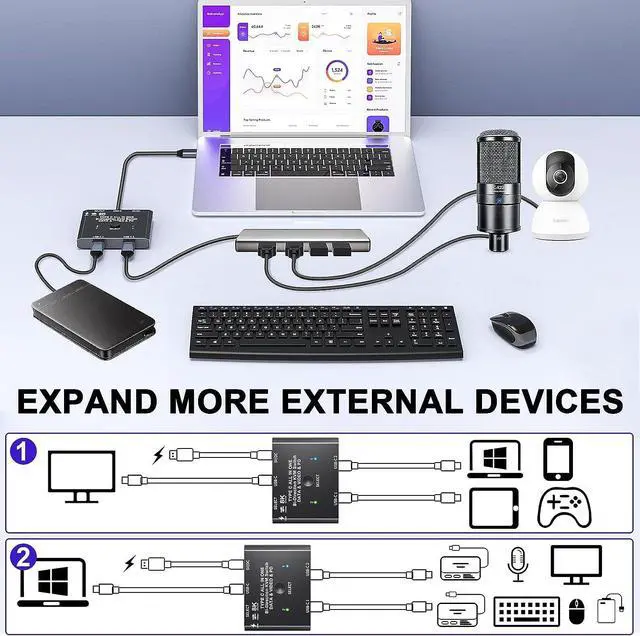
If your monitor only has HDMI or Displayport ports, please use a USB C docking station. You can also connect devices such as keyboardand mouse to the docking station. (works as a KVM switch)
Please note:
- A small number of USB devices cannot be connected to the docking station and need to be directly plugged into the USB C switch, otherwise they will not be recognized. Example: external USB 3.1 SSD enclosure,MacBook Pro.
- Please use a USB-C/Thunderbolt Docking Station/Hub with better compatibility, otherwise flickering or black screen will occur.
- Do not use too long cable(exceed 1.0 meter) for connecting between the switcher and your devices, otherwise it will flicker or the screen will turn black.
- This is not a USB-C hub, so only one connection is active at a time.

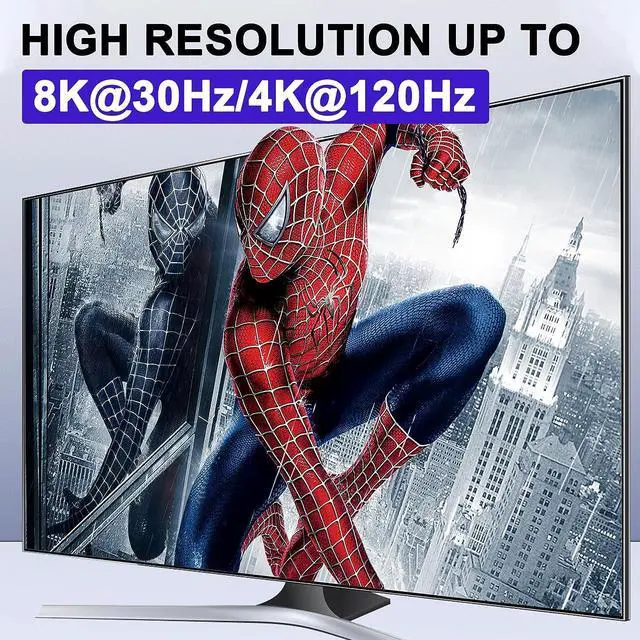
8K Ultra HD Picture Quality
You can outout max 8K@30Hz 4K@120Hz Video and Picture in your Displays via our USB C Switch, this requires 8K Source Device, 8K USB-C Gen-2 Cable(Video Transfer) and 8K USB-C Displays.

with Wired remote(1.5m)
Wired remote that supports remote switching for easy management of desktop cables.

10Gbps Data Transfer
You can transfer your data to your computer, hard disk, U disk and other related devices through this USB C switch. Your cable must support data transmission, and the maximum transmission rate is 10Gbps.

Package included:
- 1 x USB C Switch,
- 2 x USB C Cable,
- 1 x Wired Remote controller,
- 1 x USB Power Cable,
- 1 x User Manual