




 here!
here!
I’m your shopping assistant for PC builds, upgrades, and everything tech.
Got questions? Ask away!
Start a conversation
here!
I’m your shopping assistant for PC builds, upgrades, and everything tech.
Got questions? Ask away!
Start a conversation
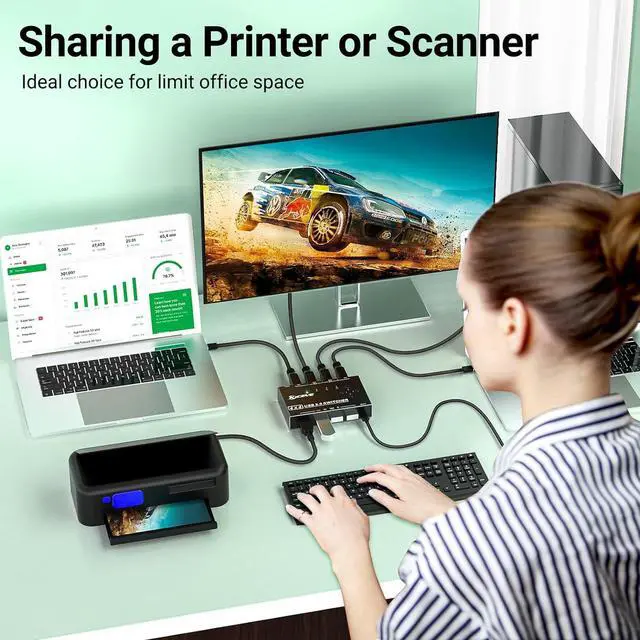
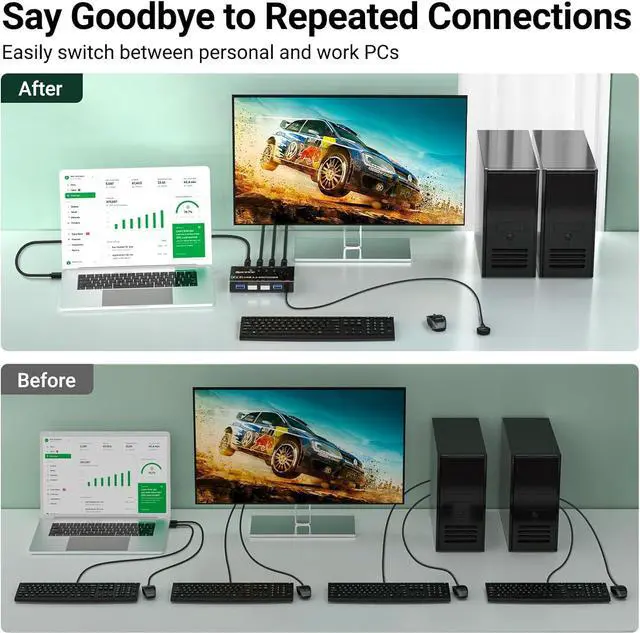
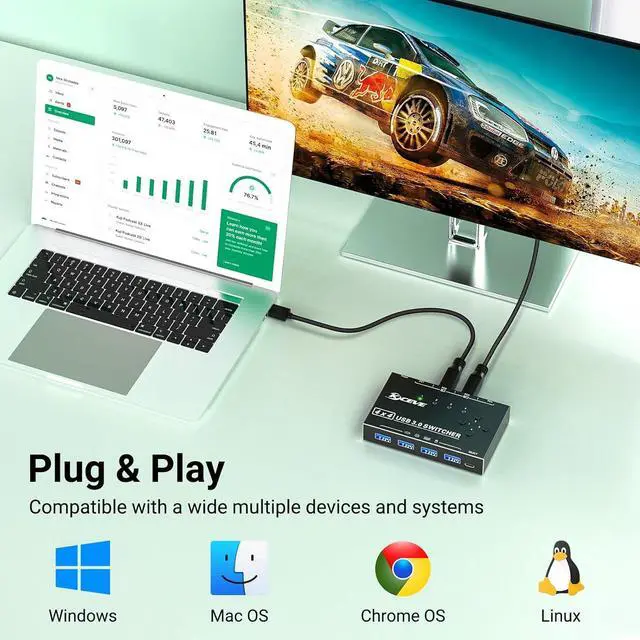



Any questions? Ask CelesteSM will help you find out quickly.


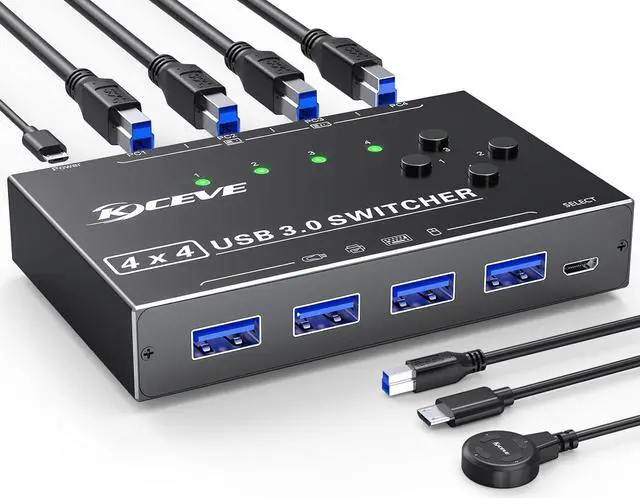
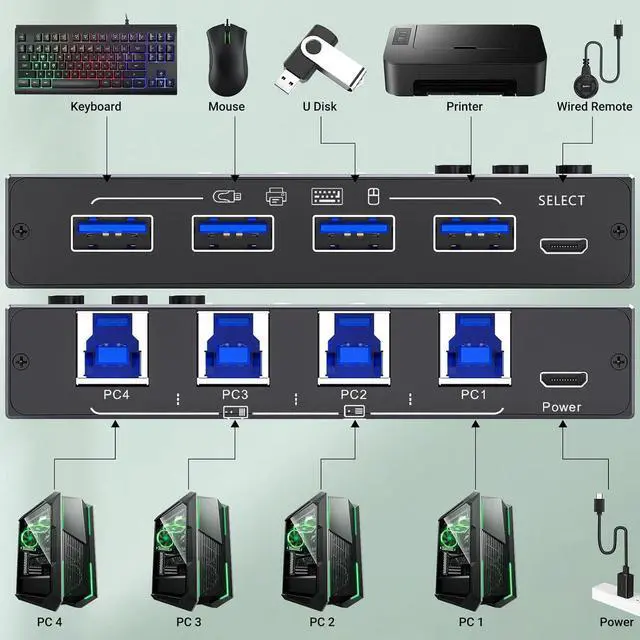
| Input Tip: | Use the USB A-B cables to connect the USB port of your computers to the USB-B ports of the switch |
|---|---|
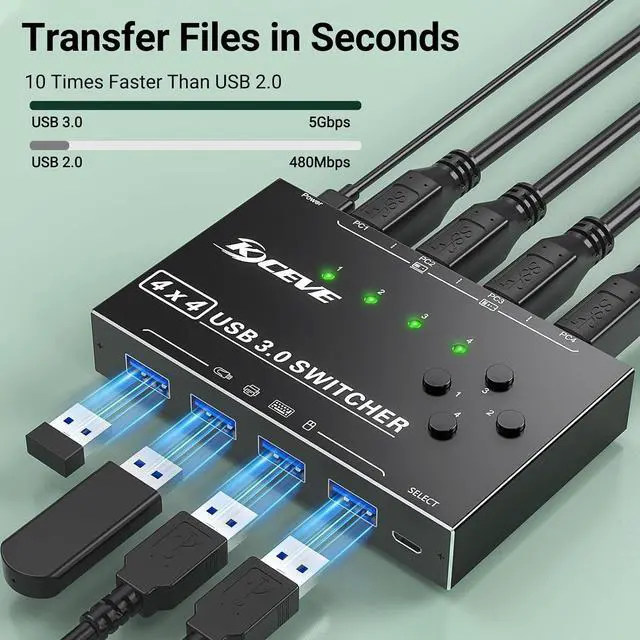
| Output Tip: | The USB3.0 switch has 4 identical USB-A ports on the front, which are used to connect USB devices. |
| For USB C device: (INPUT) | You need to use a USB C to A adapter with a USB A to A cable. |
| For USB C device: (OUTPUT) | If you want to plug a USB C device into this switch, you need to use the USB A to USB C OTG Adapter |
| Not a KVM | It is a USB switch without an HDMI port and it does not support 4 computers sharing a single display |
| About Power Supply: | Not all devices need power supply during use; the power port can only supply power to USB switch. |
| Package Content: | USB 3.0 Switch * 1 ; USB A to B Cable * 4 (2.62FT/0.8M) |
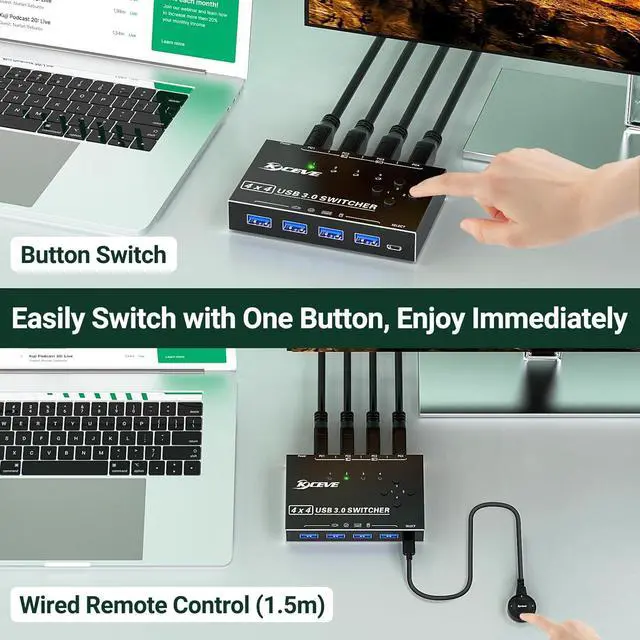
| Package | Remote Control *1 (4.92FT/1.5M); USB power cord *1(4.92FT/1.5M) |


