2 Monitors 4 Computers USB 3.0 Dual Displayport 1.4 KVM Switch
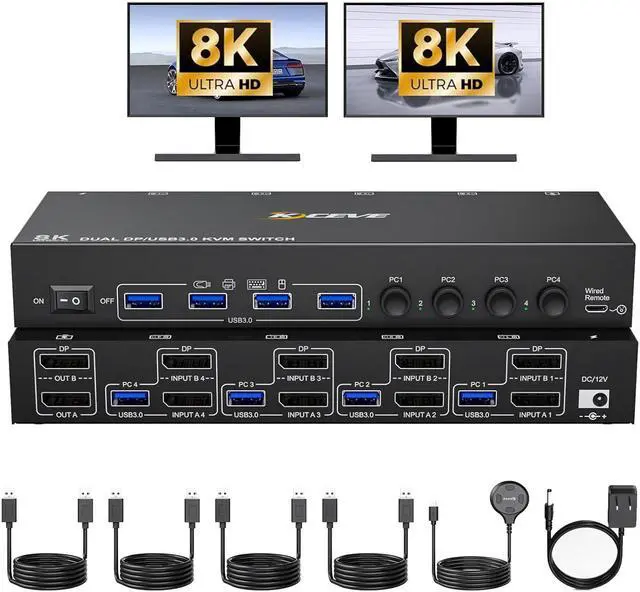
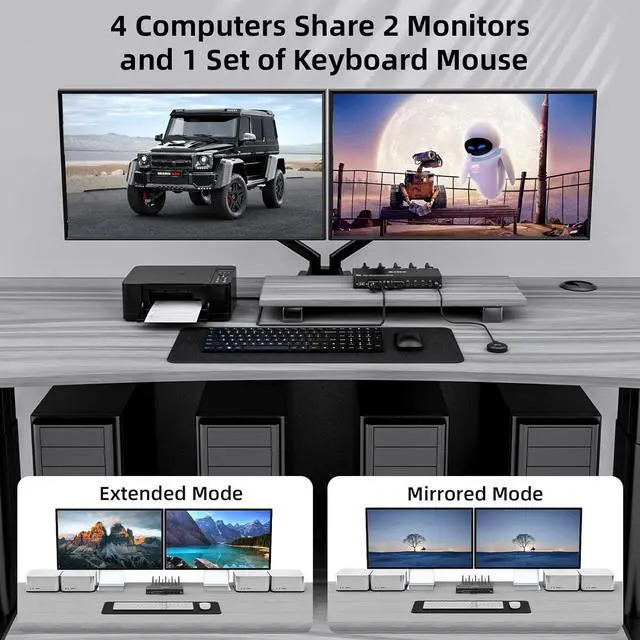
Dual monitor DP 1.4 KVM switch allows 4 computers to share 1 set of keyboard mouse and 2 monitors for mirrored or extended screens, making workspace tidier and improving work efficiency.
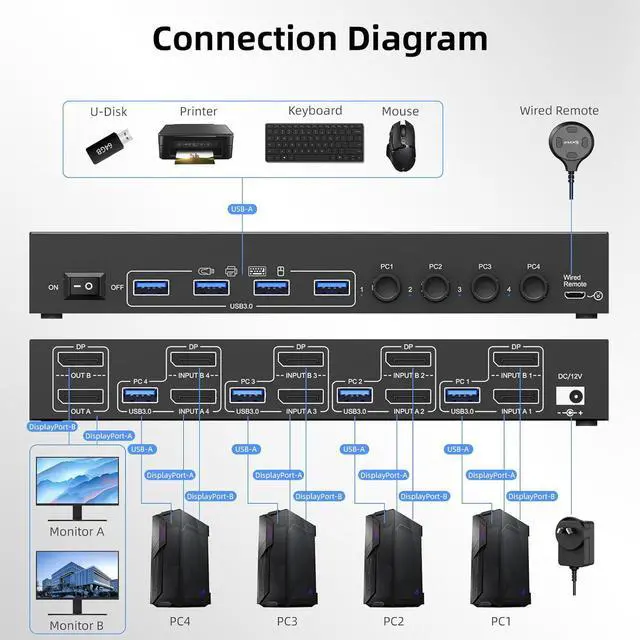
Note: To get 2 screens, please make sure 2 Displayport cables are connected from each PC to the corresponding port on the KVM and each PC supports dual display or multi-screen display.
Warm Tips: You could connect your computers to 2 monitors directly without the KVM to test it.
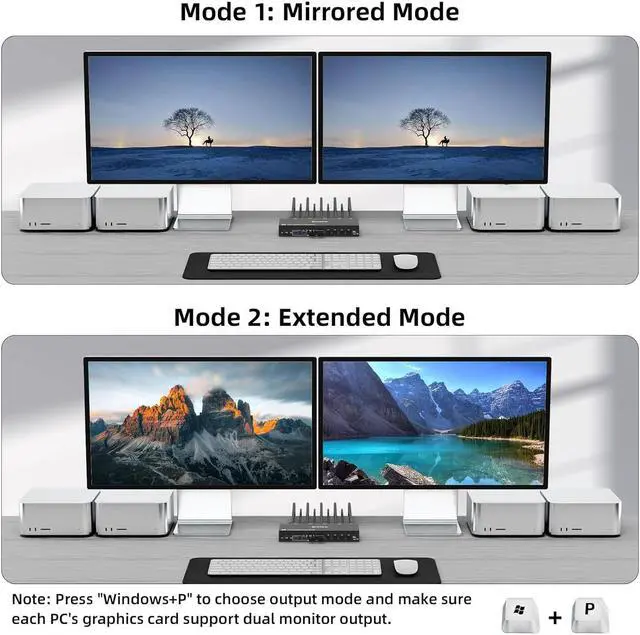
2 Working Modes of 4 Computers Dual Monitor DP 1.4 KVM Switch
Mirror Mode: 2 monitors display the same screen from PC1/PC2/PC3/PC4.
Extended Mode:The working window from main screen can be dragged to seond output monitor.
Method: Press "Windows+P" to choose output mode
Separate 12V Power Port
When you use some high power USB devices, you could connect the external 12V/1A power supply to make the switch work with more stable perfromance.
Independent Power Switch
When you want to turn off dual monitor DP 1.4 kvm, just one-click here to free from the hassle of the unplugging and unplugging the cables.
Clear Indicator Lights
when switching between 4 computers, the clear and non-dazzling indicator lights will indicate the working computer.
Wired Remote Switching
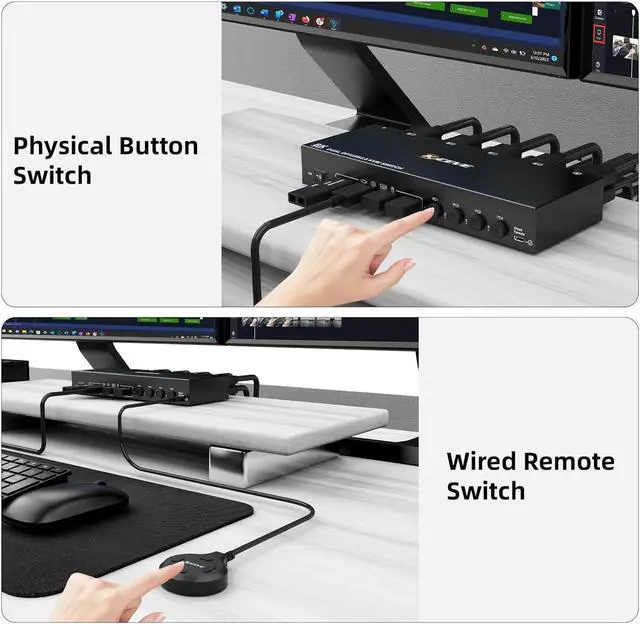
With the included 1.5M desktop controller, you can easily switch signal when the 4 port dual monitor kvm is placed behind or under a desk.
The 4 port dual monitor DP KVM switch allows to control 4 computers/laptops with one set of keyboard mouse and 2 monitors for mirrored or extended screens, making workspace tidier and more efficient.
Note: To get 2 screens, please make sure 2 displayport cables are connected from each PC to the corresponding DP port on the KVM and each PC supports dual display.
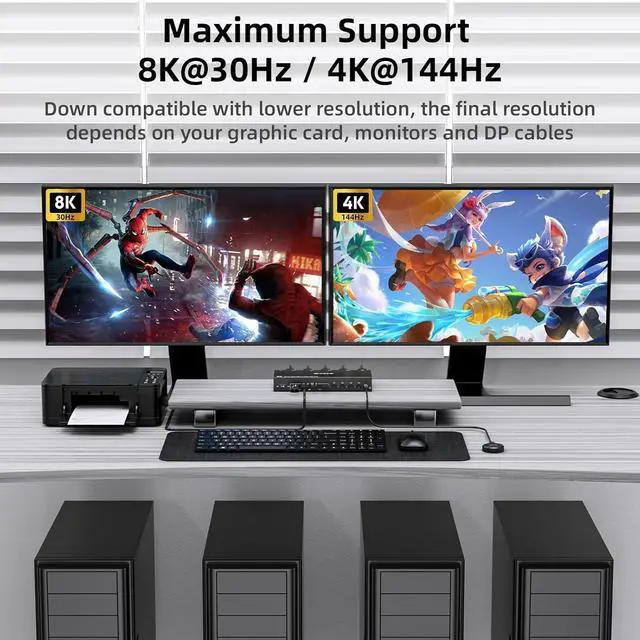
The 4 in 2 out DP 1.4 KVM switches supports max resolution up to 8K@30Hz or high refresh rate 4K@144Hz, and also supports 3D and 1080P@60Hz or downward compatible with lower resolution.
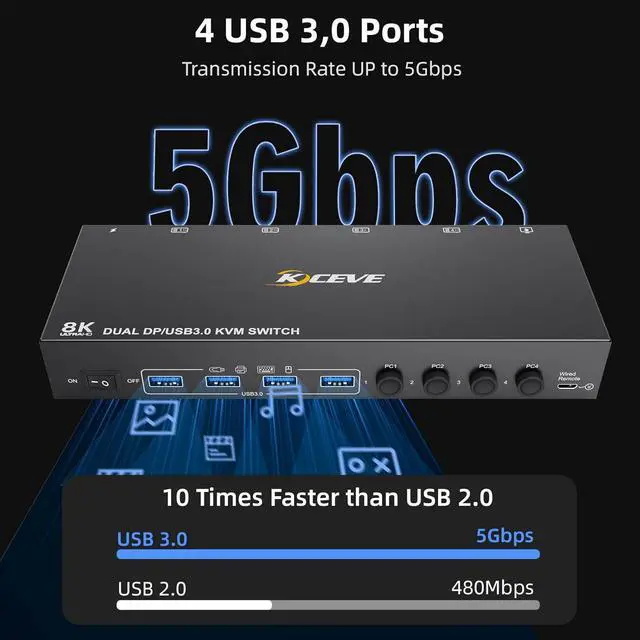
The 8K Dual DP 1.4 KVM has 4 USB 3.0 ports which allows 4 computers to share keyboard, mouse, printer, scanner or other USB devices. USB 3.0 transfer speed up to 5Gbps, which is 10 times faster than USB 2.0 (only 480Mbps).
Note: If the USB devices dont work properly, please check if the USB cables are connected correctly from each PC to the KVM.
The dual displayport 1.4 KVM support panel button switching and wired remote control switching (including in the package), LED indicates the active computer. It is compatible with Windows/Vista/XP/Mac OS/Linux and Unix operating systems, plug and play, NO driver or complex software needed, easy to use.
The dual monitor 4 port KVM switches is designed with 12V external power supply port for high-power consumption USB devices, just supply external power for the KVM with the included 12V/1A power cable, the performance of USB devices will be more stable and reliable. The 4 computers dual monitor KVM also has a separate power switch. When you want to power off the switch, you could one-click here without unplugging and reconnecting everything.