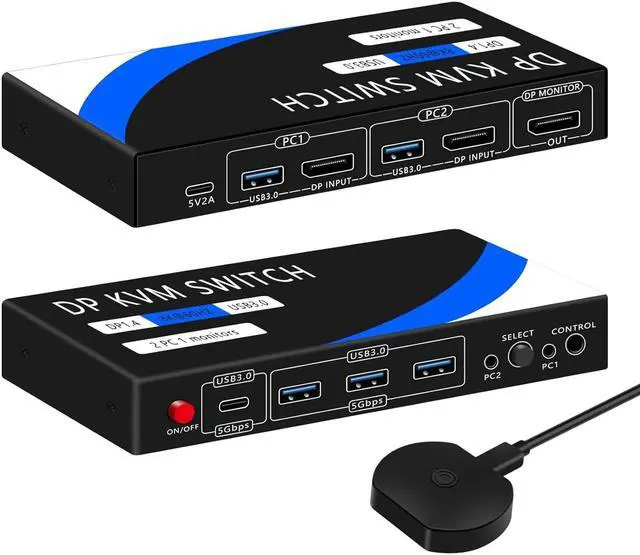
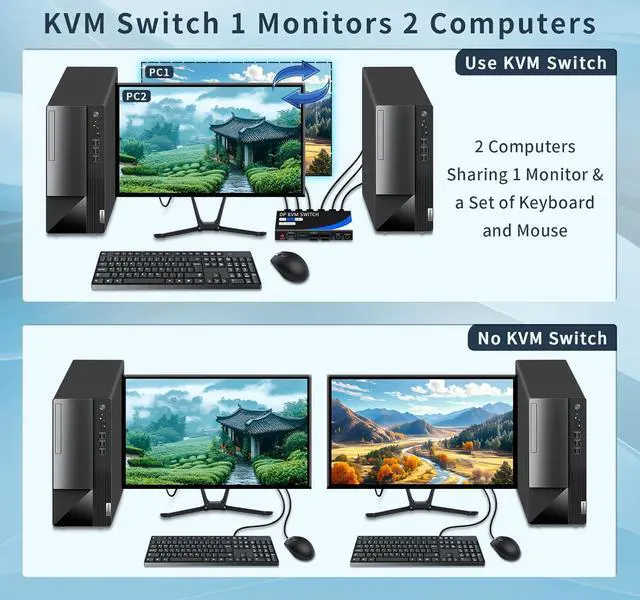
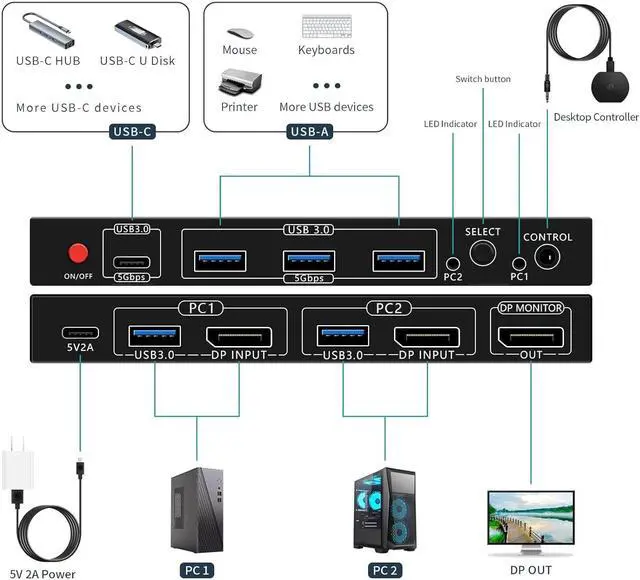
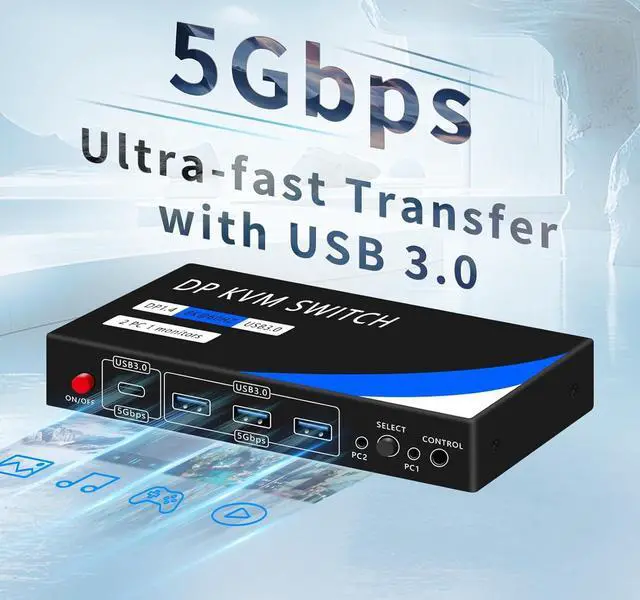
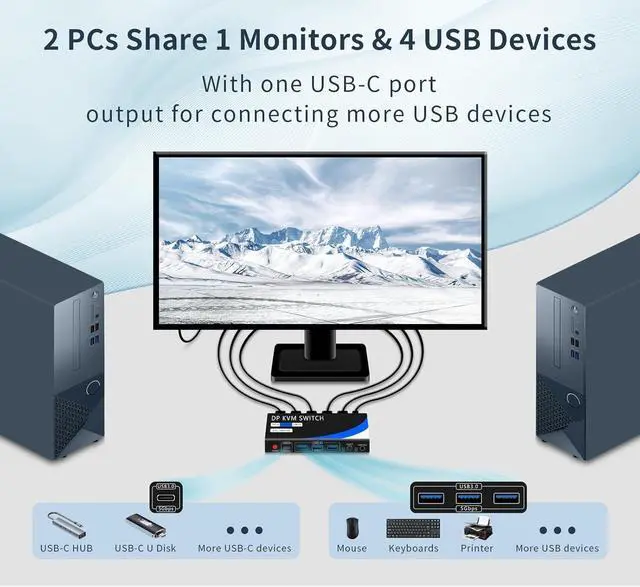
Note 1: 1, The input port DP cable and USB cable must be connected to the corresponding computer to realize the KVM function. 2, Please make sure the USB charger is charged when connecting high-power devices. 3, KVM switch does not support hotkey switching. 4Only one monitor is supported for switching.
Note 2: 1, This KVM switch is not a HDMI KVM switch or USB-C KVM switch, please make sure your host and monitor have DP ports. 2, If your host and monitor don't have DP interface, you need to use HDMI or USB-C to DP to connect this KVM switch, such as connecting through laptop's typec interface, please make sure to use high quality converter and docking station of famous brand, otherwise there may be compatibility problems.
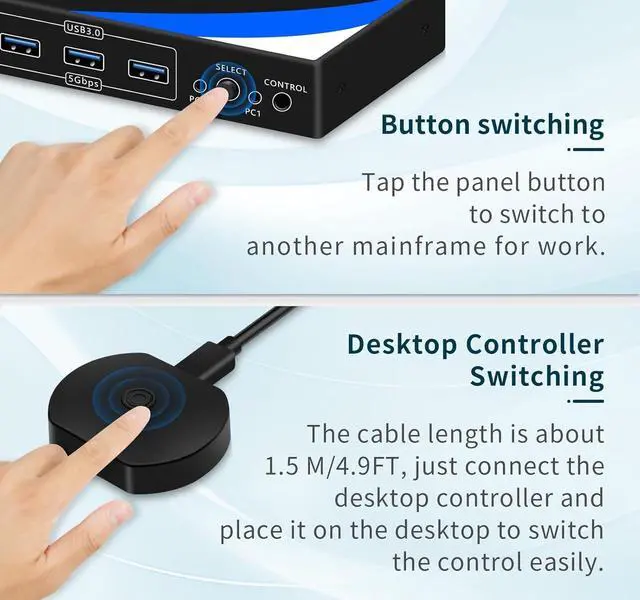
Package includes 1* displayport KVM switch, 2* USB 3.0 cables, 1* wired controller, 1* charger and power cord, user manual. We can ensure long term peace of mind support for your displayport KVM switch.
Note: The displayport cable is not included in the kit, you need to prepare 3 displayport cables in total.