Features:
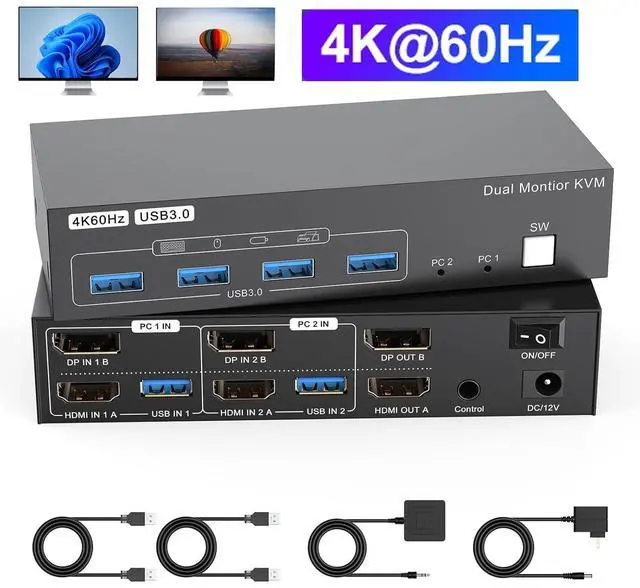
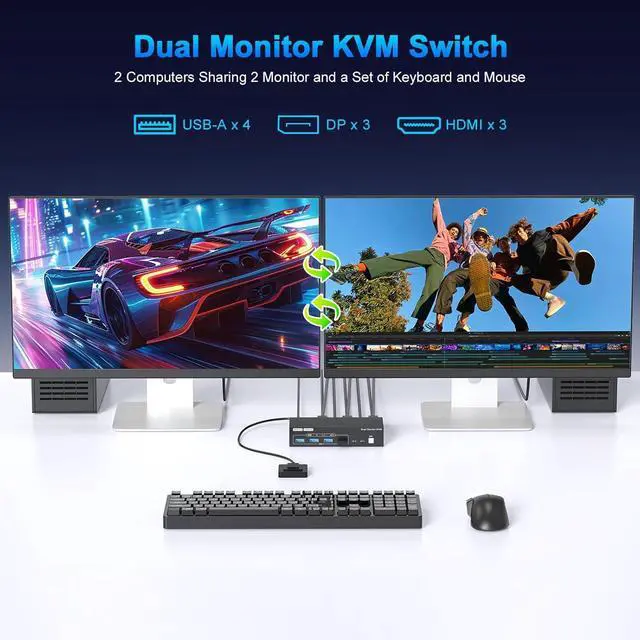
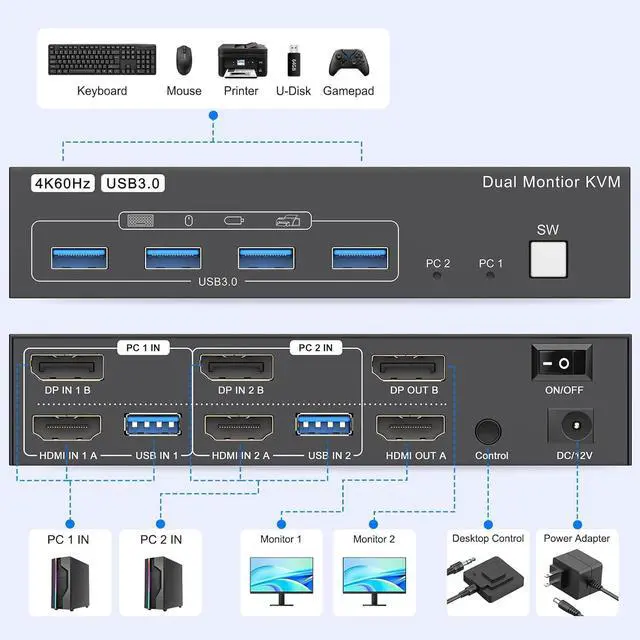
- Dual Monitor KVM Switch: KVM switch 2 ports allows two computers or laptops to share two HD monitors and 4 USB 3.0 ports, such as mouse, keyboard, printer U disk or gamepad, etc. It also support extended and copy mode display, if your computer support dual monitor display and have extended or copy function. Please note: The computer and monitor to be used need to come with an HDMI port and a DP port, and the use of HDMI to DP and DP to HDMI conversion cables is not supported.
- HDMI2.0 + DP1.2 KVM Switch:Dual monitors kvm switcher supports up to 4K@60Hz screen display, and is backward compatible with 4K@30hz, 1080P, 720P etc; Brings you realistic visual enjoyment; KVM switcher also supports simultaneous connection of two signal sources with different resolutions, automatically identify the resolution when switching the signal source.
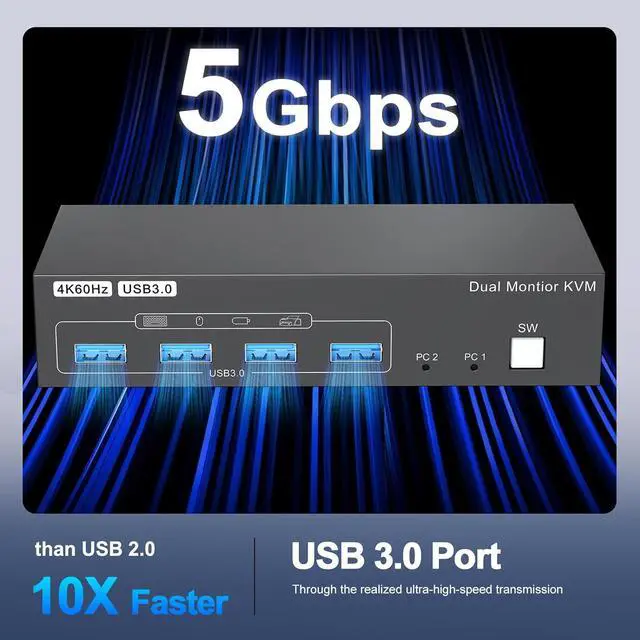
- USB 3.0 KVM Switch:HDMI display port KVM switch dual monitor with 4 USB 3.0 ports, can recognize mouse, keyboard, printer, U disk and other USB peripherals. USB 3.0 can provide up to 5Gbps transmission speed, which is 10 times faster than USB 2.0, and has obvious advantages when reading U disk or hard disk. At the same time, the switch is compatible with USB2.0 devices.
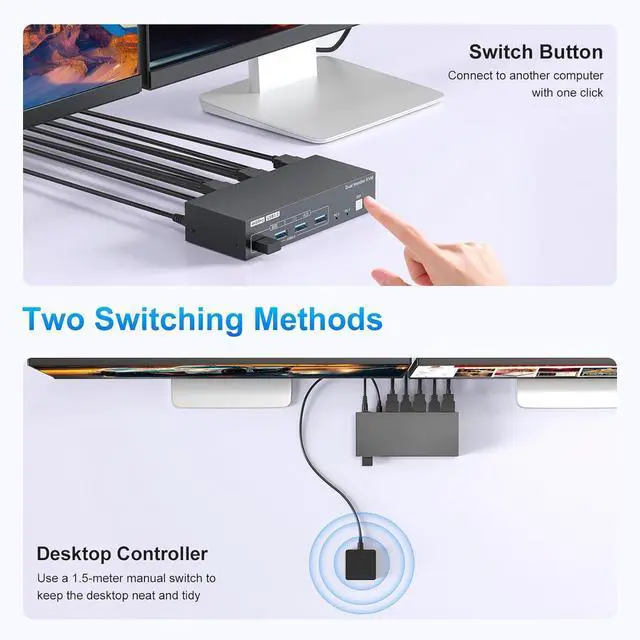
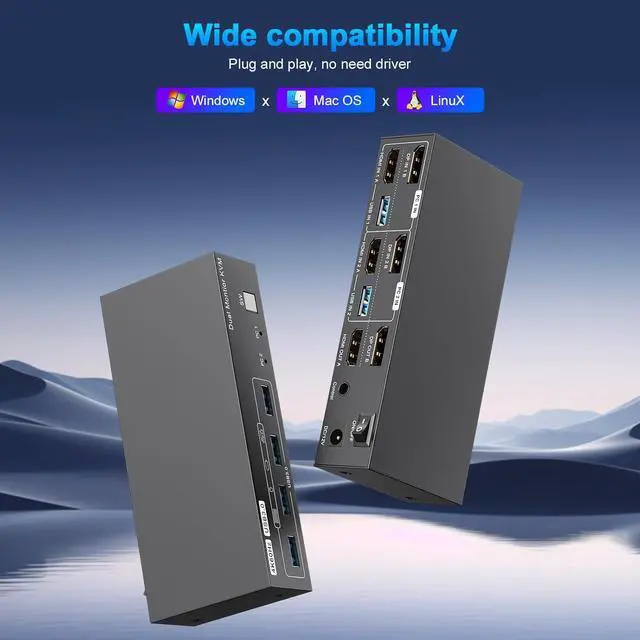
- Two Switching Mode:This 2 computer 2 monitor kvm Switch driver-free for Windows, Mac OS, Linux and Chrome OS. Compatible with PC, Laptop,TV Box. It is widely applied for home, office, teaching, games, etc.You can press the button on the panel or use the wired remote(included) to switch the computers,LED indicate the active computer.
- Power Adapter and ON-OFF Switch Designed:The dual monitor switch for 2 computers is powered by USB cables, and the upgraded 12V power adapter makes the 4K 2 monitor 2 computer kvm switch work smoother and provides more stable recognition when connecting high-power USB devices. When not in use, just turn off the displayport hdmi kvm switch without unplugging the cables.
- What will you Get:Provides 1 year war-ranty and technical support for this 4K HDMI KVM Switch. PACKAGE LIST:1* 4K HDMI DP USB3.0 KVM switch; 2*USB 3.0 Cable(1M); 1*Wired Remote(1.5M); 1*12V Power adapter and 1*User Manual.
Important Notes:1. Please make sure that the computer you connect to itself supports at least two monitors working at the same time. 2.Keep the cable wires properly connected (refer to the picture connection schematic). 3. If you have any problems when using the KVM switch, please contact our professional technical team for help, we provide 24 months replacement service for quality problems, so that you have no worries after the sale
Important Notes 2:Each computer needs to be connected with 1*HDMI2.0 cable + 1*DP1.2 cable+ 1*USB cable to get dual screen display properly. For computers that do not have 1 HDMI and 1 Displayport port, you will need to use them with a reliable adapter or USB C docking station to expand the HDMI/DP signal. Before purchasing, please make sure that each of your computers can support dual screen display. Test method: You can connect your computer directly to 2 monitors (not via KVM)