




 here!
here!
I’m your shopping assistant for PC builds, upgrades, and everything tech.
Got questions? Ask away!
Start a conversation
here!
I’m your shopping assistant for PC builds, upgrades, and everything tech.
Got questions? Ask away!
Start a conversation



Any questions? Ask CelesteSM will help you find out quickly.
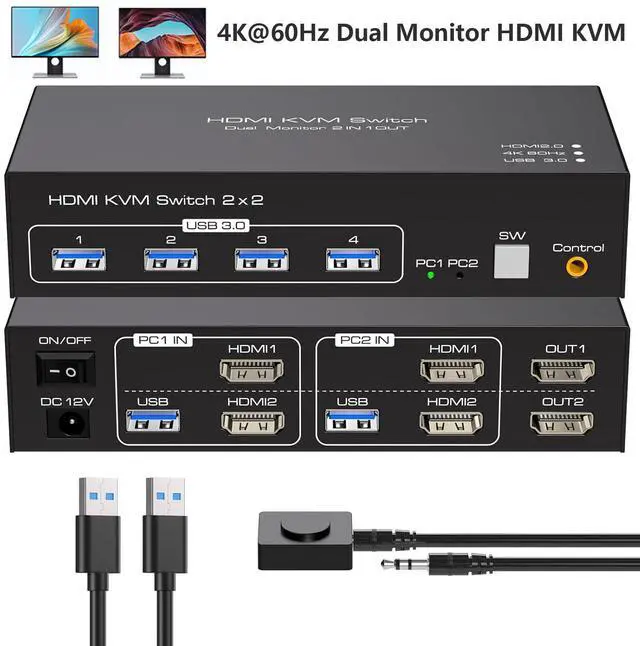
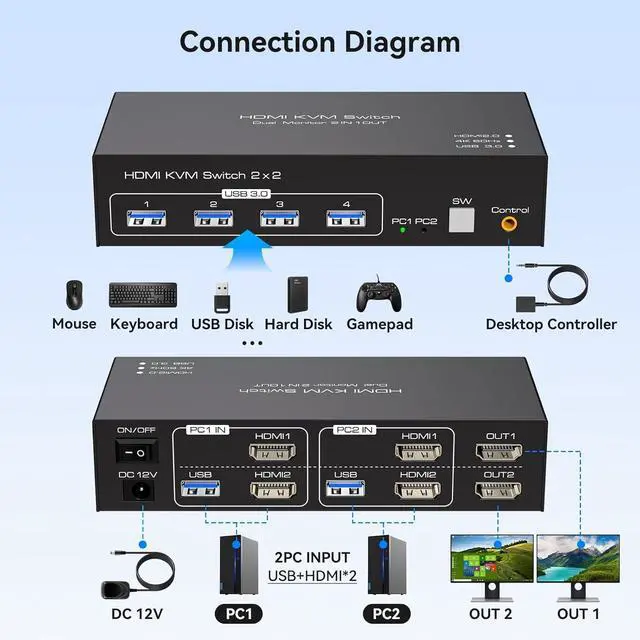
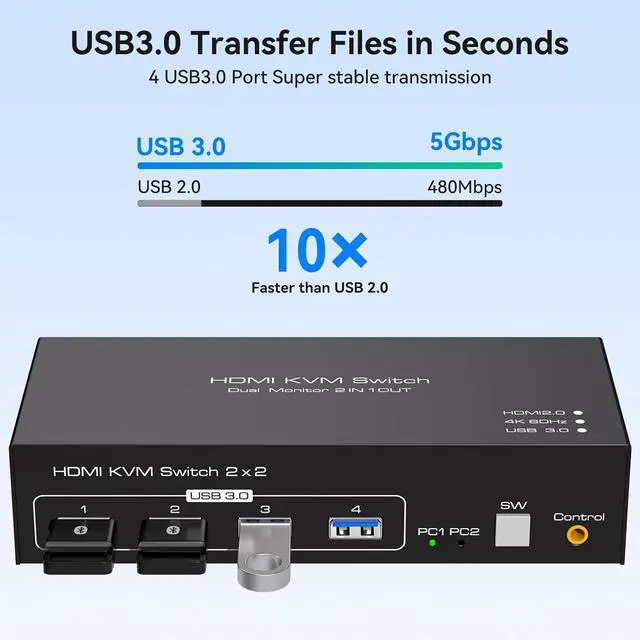
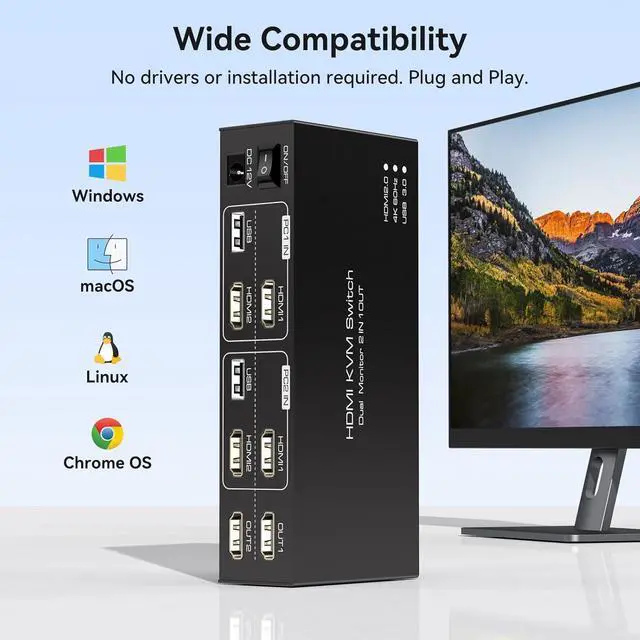
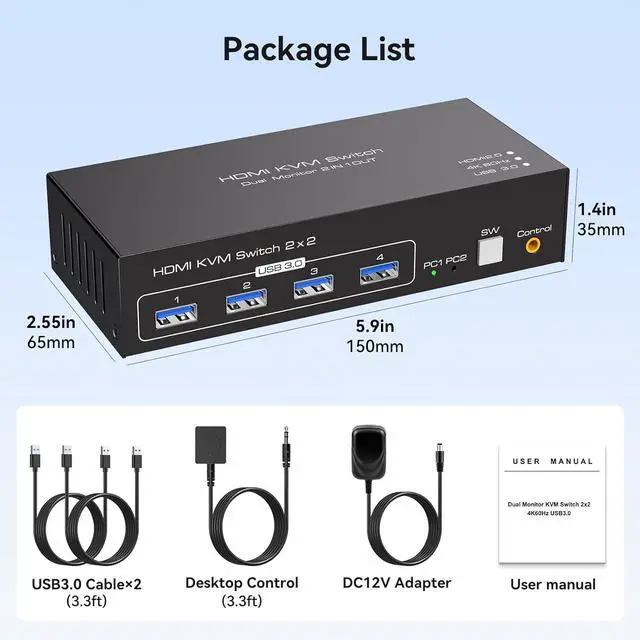
4K HDMI KVM Switch for 2 Computers Share 2 Monitors and 4 USB 3.0 devices

Duplicate and Extend Mode

Copy Mode: It can synchronize the screen of the main screen to the second output screen, so as to realize that the two screens can display the same content.this mode is suitable for PPT presentations and other situations where the same information needs to be displayed on multiple screens at the same time.
Extended Mode: You can easily drag and drop the window on the main screen to the second output screen. It provides users with a broader operating space and more flexible task processing methods, making multitasking easier and more efficient.
(Please note that if you want to properly use two monitors, make sure that your graphics card supports 2 HDMl outputs.)
Switch seamlessly between two computers

With a KVM switch for two monitors, you can clean up your desk and make your work more efficient and convenient.
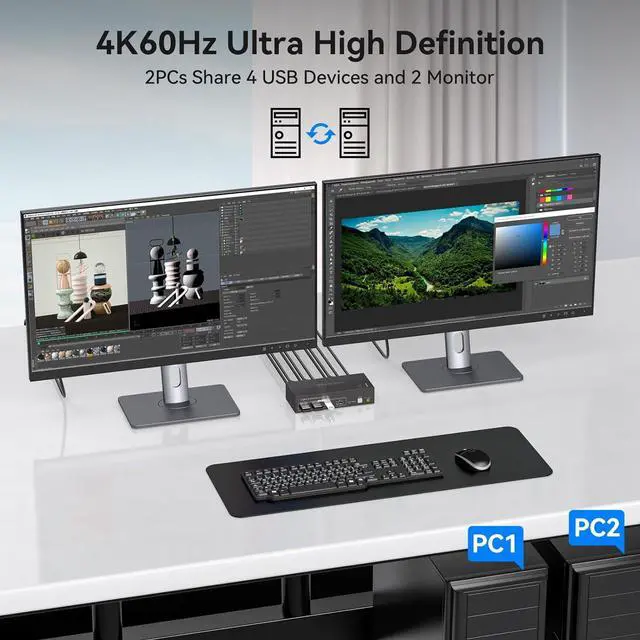
Enjoy the Stunning View of 4K60Hz Ultra HD

4K resolution allows every detail to be accurately rendered, whether it's the veins of a leaf in a magnificent natural landscape, the texture of a sparkling water surface
Note: 4K60Hz output is only available when both the computer and monitor support 4K60Hz and a 4K cable is used.

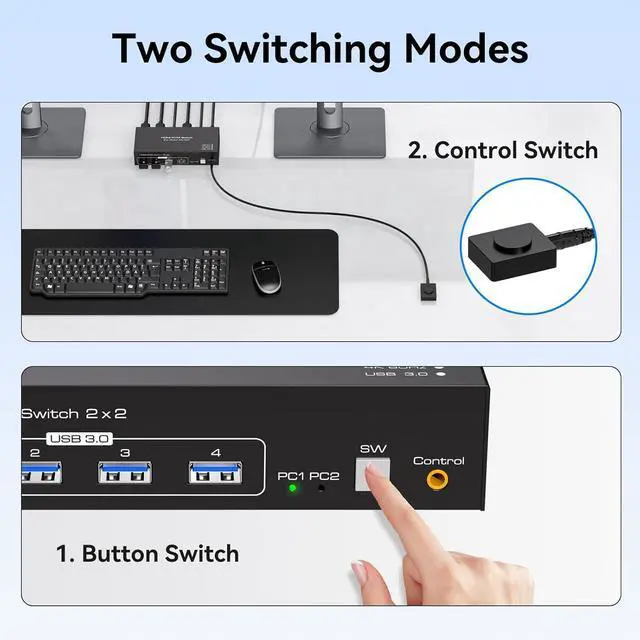
With a touch of a button on the control panel, you can easily and quickly switch between computers.

The included extension cable for the push button switch allows for easy switching without having to stand up.

The LED lights are designed to display active devices, so you can clearly see which device is in use.


