




 here!
here!
I’m your shopping assistant for PC builds, upgrades, and everything tech.
Got questions? Ask away!
Start a conversation
here!
I’m your shopping assistant for PC builds, upgrades, and everything tech.
Got questions? Ask away!
Start a conversation



Any questions? Ask CelesteSM will help you find out quickly.

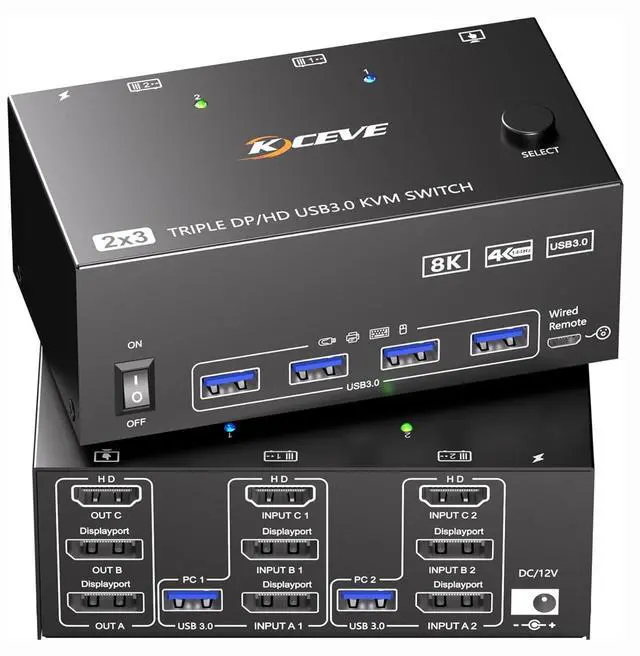
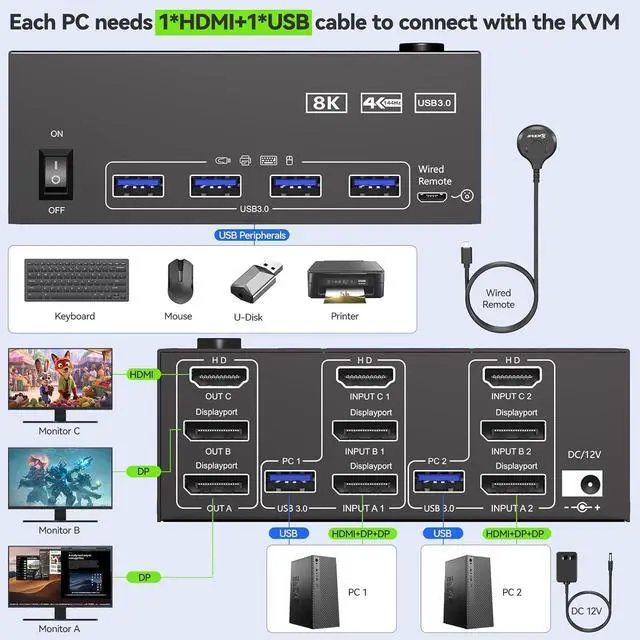
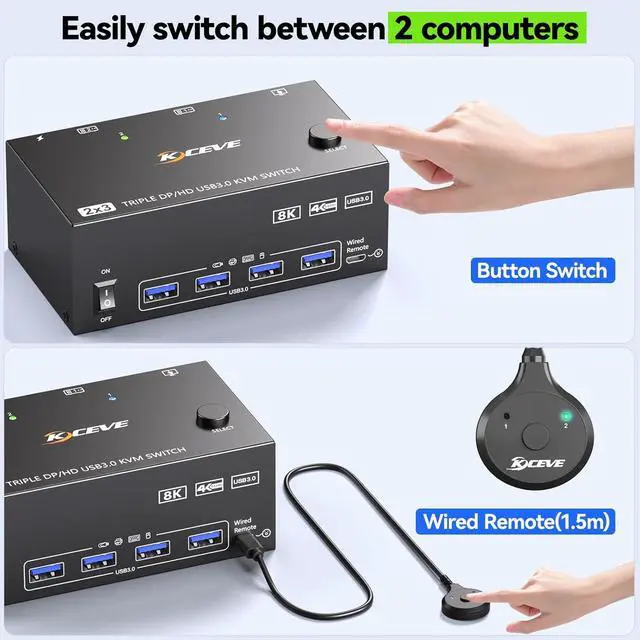
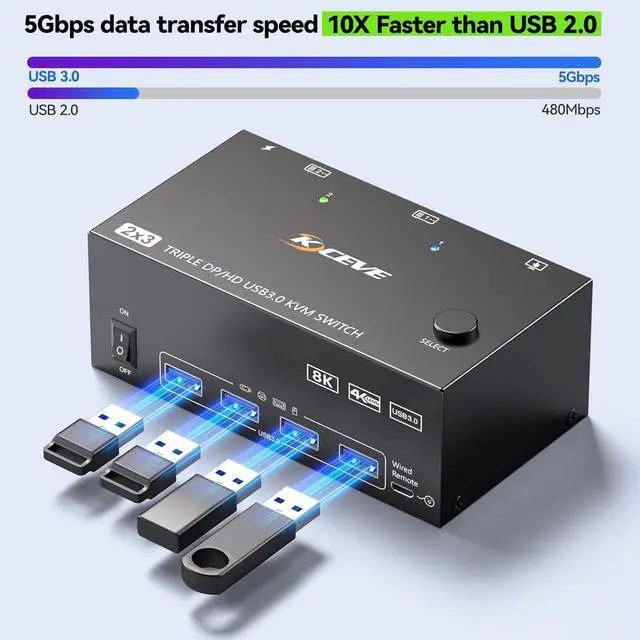
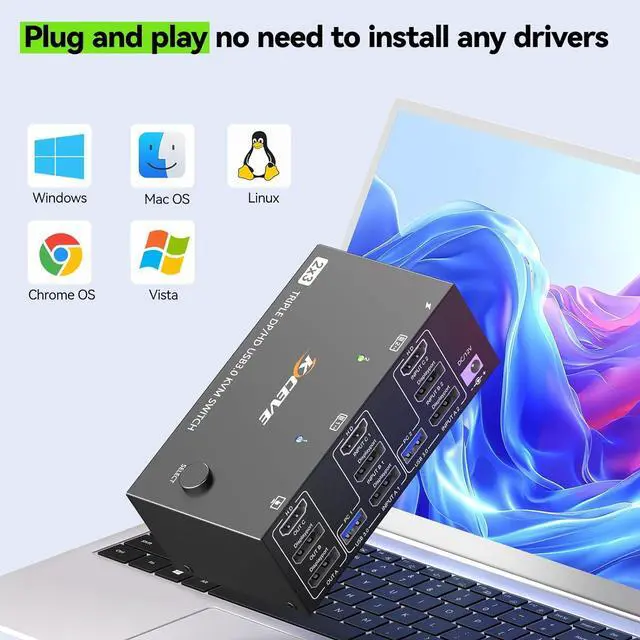
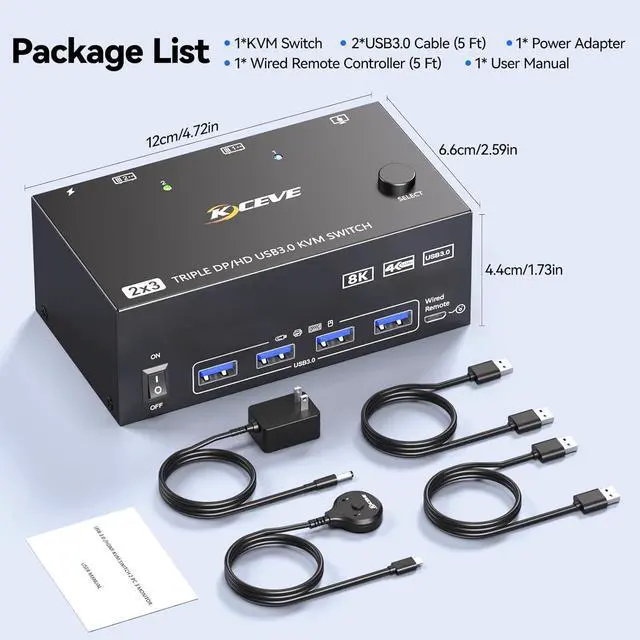
This 3 monitors KVM switch allows switching between 2 computers to share 3 external monitors and 4 USB peripherals.

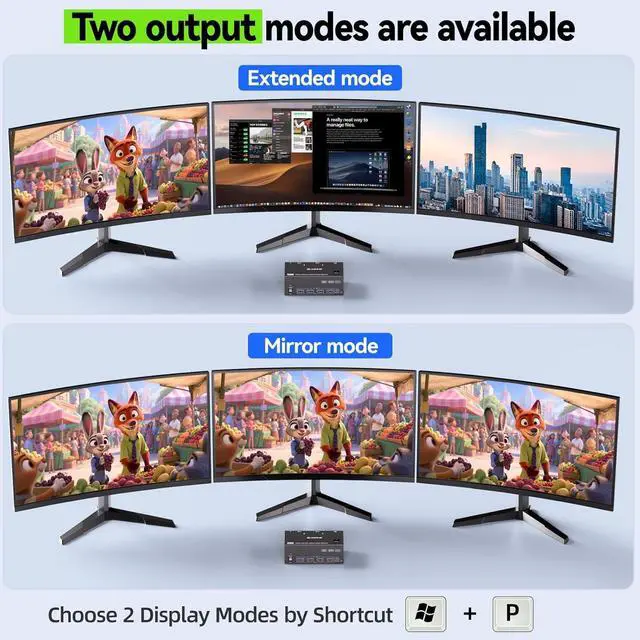
Windows OS: Press the shortcut key "WIN+P" and then select "Extension" or "mirror" below.
Mac OS: Set [Mirror Mode]: Select [Ap-p-le Icon] [System Preferences], click [Display] [Arrange], and then check [Mirror Display]; When [Mirror Display] is unchecked, "Extended Mode" can be achieved.

Each PC must be connected to the KVM switch simultaneously with 1 HDMI cable + 2 DP cable + 1 USB cable. Please check if the ports on your computers are compatible.


KVM switch 2 computers 3 monitors support resolution up to 7680*4320@60Hz, 3840*2160@120Hz and backward compatible.

3 Monitor KVM Switch with 4 USB 3.0 Ports - Connect Keyboard, Mouse, Printer & Other USB Peripherals for PC-Direct Smooth Performance.


