




 here!
here!
I’m your shopping assistant for PC builds, upgrades, and everything tech.
Got questions? Ask away!
Start a conversation
here!
I’m your shopping assistant for PC builds, upgrades, and everything tech.
Got questions? Ask away!
Start a conversation



Any questions? Ask CelesteSM will help you find out quickly.

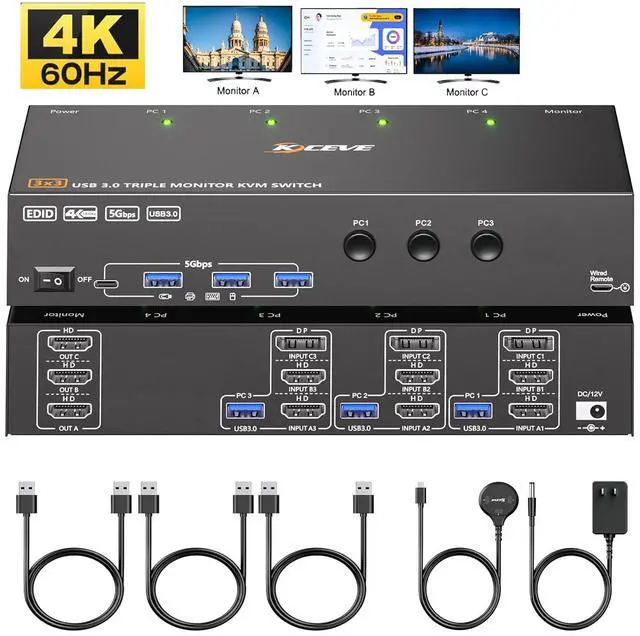
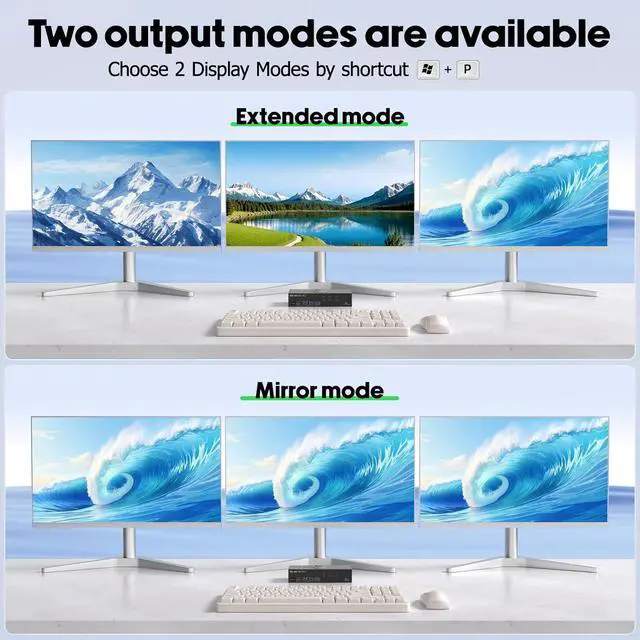
3 computers 3 monitors KVM switch with EDID Simulation,suitable for users with Multiple computers and monitors, supporting Mirror mode and extended Mode, helping you balance work and play.

You can choose between mirror mode or expansion mode as needed among the 3 monitors. Mirror mode can output three identical screens, while extended mode can output three different screens.

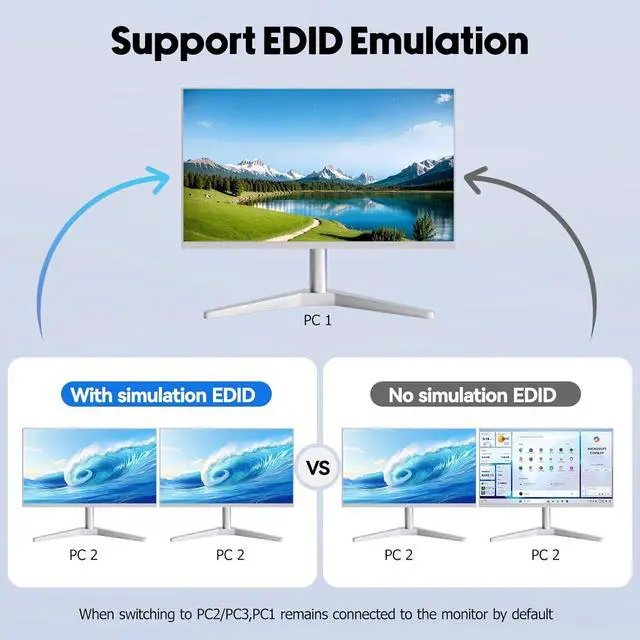
when the monitor is switched between 3 computers, the original window position will not be changed, while other KVM require the user to rearrange the window order.

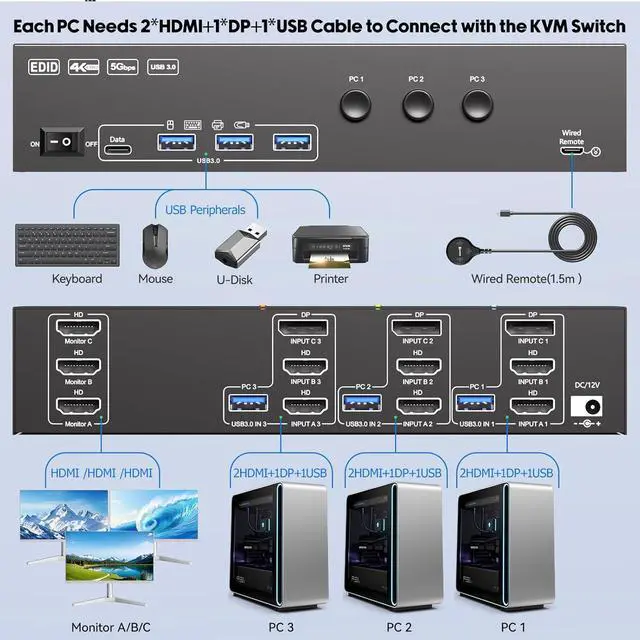
Each PC needs 2 * HDMI+1 * DP+1 * USB cables to connect to the KVM switch.


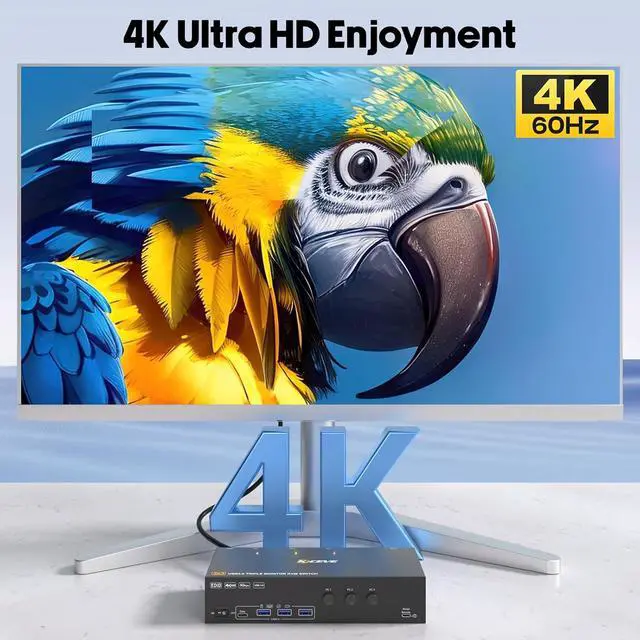
KVM switch 3 computers 3 monitors support resolution up to 3840*2160@60Hz and backward compatible, support 3 monitors simultaneously output 4K 60Hz.

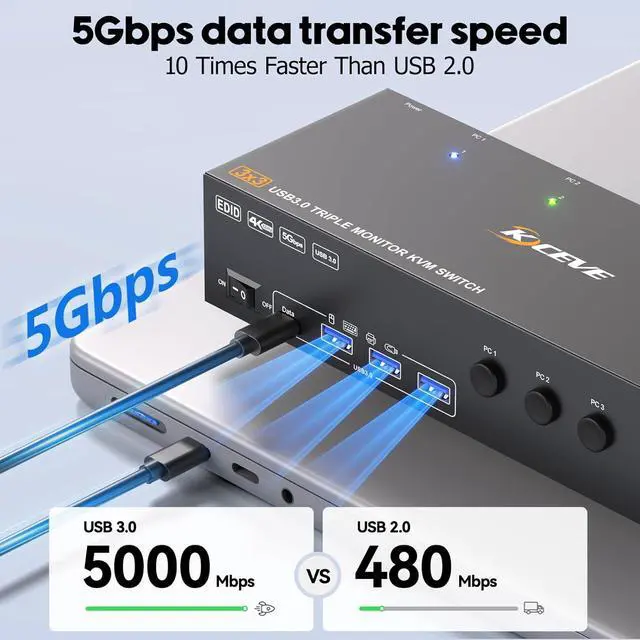
Triple monitor KVM switch with 4 USB 3.0 ports for USB peripherals. you no longer need to plug and unplug the keyboard and mouse back and forth.


Q & A:
Q: I want to share 3 monitors between 3 computers. How do I connect the cables?
A: Each PC needs 2 * HDMI+1 * DP+1 * USB cables to connect to the KVM, with 3 monitors correspond to 3 video sources, and cannot be crossed. USB cables are the data channel between USB devices and the PCs, and they also provide power to the KVM.
Q: Does this triple monitor KVM Switch compatible with laptops only with USB-C ports?
A: Yes, but you need purchase an additional USB-C to DP/HDMI adapter or USB-C docking station to connect the KVM to your USB-C laptops.
Q: Does this KVM switch support EDID emulation?
A: Yes, when the monitors are switched between 3 computers, the original window position will not be changed, while other KVM require the user to rearrange the window order.
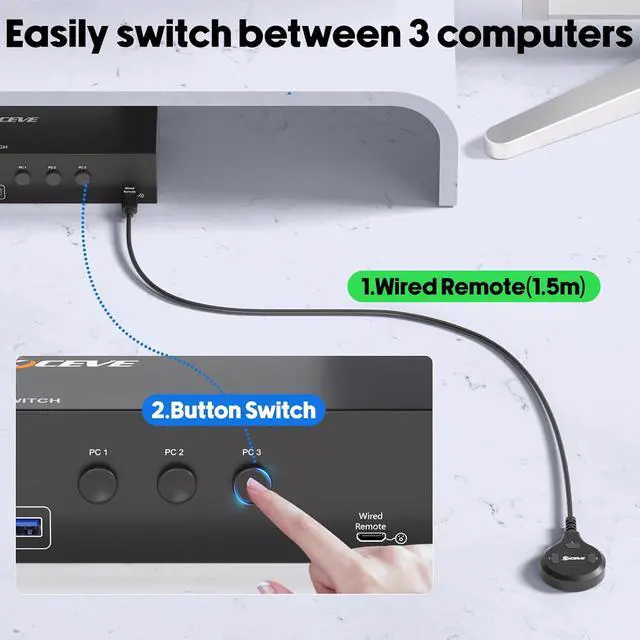
Q: Does the DisplayPort HDMI KVM switch support Hotkey switching?
A: Does the DisplayPort HDMI KVM switch support Hotkey switching?


