




 here!
here!
I’m your shopping assistant for PC builds, upgrades, and everything tech.
Got questions? Ask away!
Start a conversation
here!
I’m your shopping assistant for PC builds, upgrades, and everything tech.
Got questions? Ask away!
Start a conversation





Any questions? Ask CelesteSM will help you find out quickly.
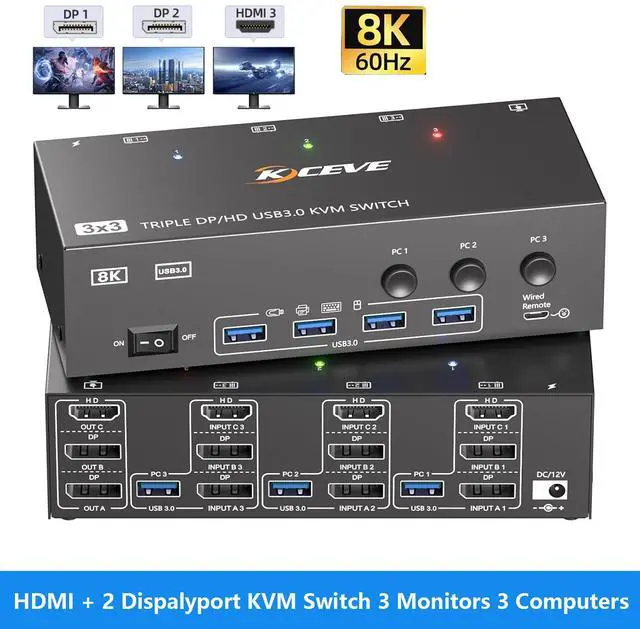
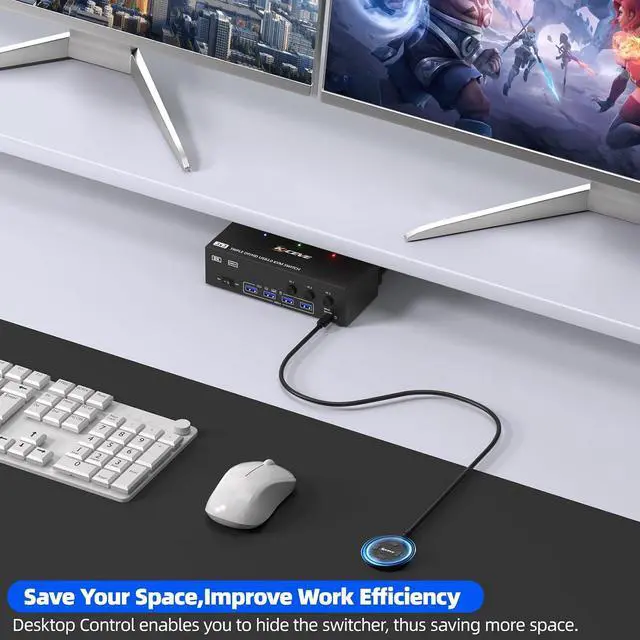
Triple Monitor 2 Displayport + HDMI 3 Computers 3 Monitors KVM Switch

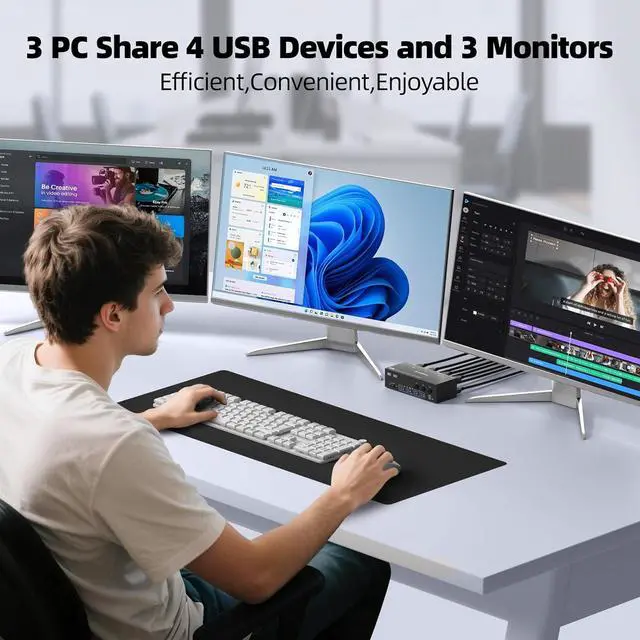
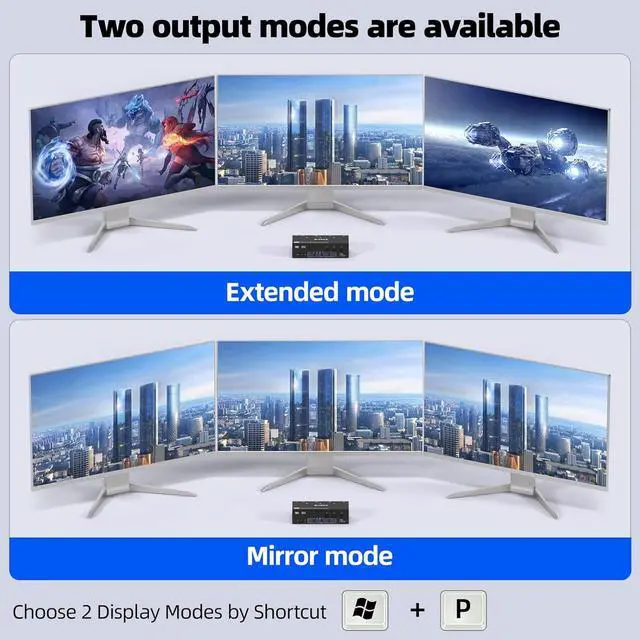
This triple monitor KVM switch can control up to 3 computers to share 3 monitors and 4 USB devices with just one set of keyboard and mouse. You can also use various combinations, such as 2 PC share 3 monitors,3 PC share 2 monitors, 2 PC share 1 monitor. etc.
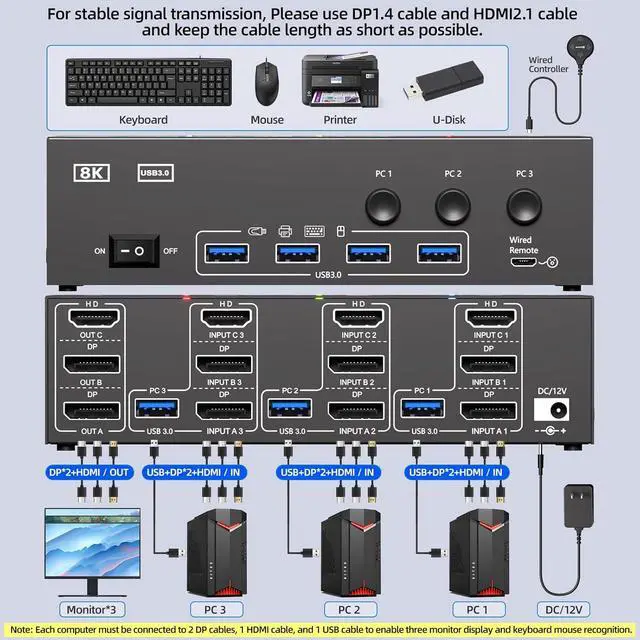
Easy setup, Plug and Play


Connection Steps:
1. Connect 2*Displayport & 1* HDMI & 1* USB cables from PC1 to "INPUT A1, INPUT B1, INPUT C1 and USB-A (PC1) " separately
2. Connect 2*Displayport & 1* HDMI & 1* USB cables from PC2 to " INPUT A2, INPUT B2, INPUT C2 and USB-A (PC2)" separately
3. Connect 2*Displayport & 1* HDMI & 1* USB cables from PC3 to " INPUT A3, INPUT B3, INPUT C3 and USB-A (PC3)" separately
4. Connect 3 monitors to "OUT A", "OUT B", "OUT C" seperately
5. Plug USB peripherals like keyboard mouse into the USB port on the front of the 3 monitors 3 computers KVM switch; Plug the 12V power cable into "DC/12V" to supply external power for more stable performance
6. Insert the 1.5M wired remote controller; then turn on the 3 PCs 3 monitors KVM switch
Please Attention:
(1) System Requirements & Setup Guide: For 3-monitor output: Requires a graphics card that supports 3 independent displays. And 2x DP and 1x HDMI cables should be connected from each computer to the KVM;
(2) For USB function: Connect the included USB 3.0 cable from each computer to the KVM's rear USB-A port. Don't cross-connect


What Can You Get from 3 Computers 3 Monitors KVM Switch?


