




 here!
here!
I’m your shopping assistant for PC builds, upgrades, and everything tech.
Got questions? Ask away!
Start a conversation
here!
I’m your shopping assistant for PC builds, upgrades, and everything tech.
Got questions? Ask away!
Start a conversation




Any questions? Ask CelesteSM will help you find out quickly.

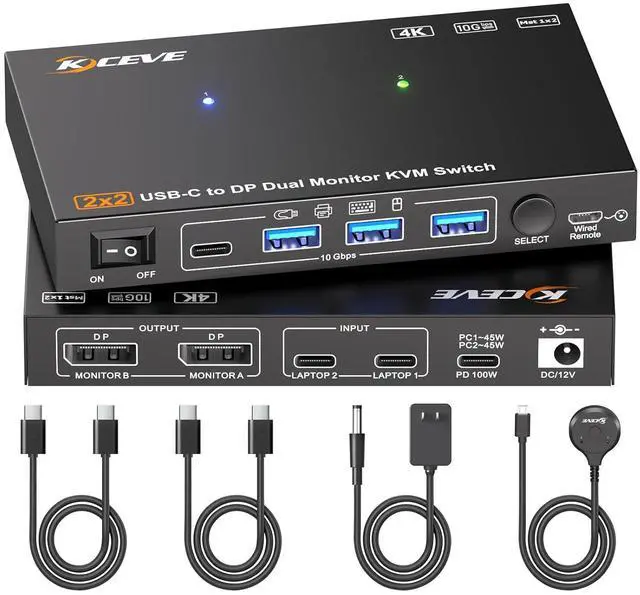
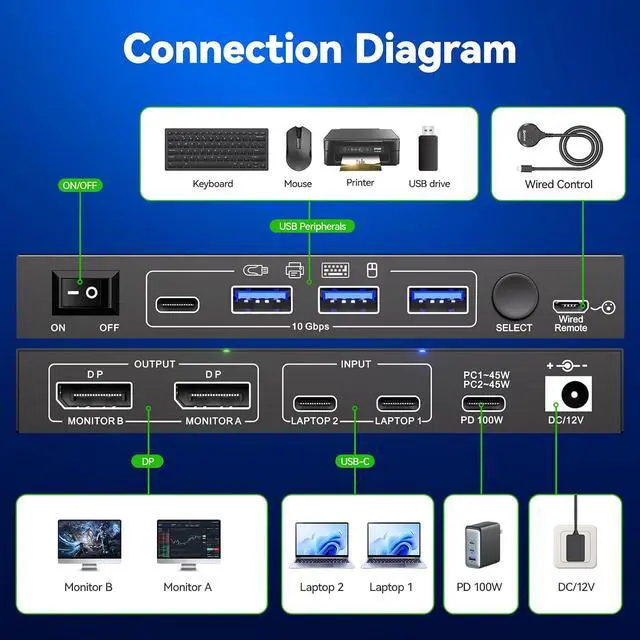
2 Monitors KVM switch enables seamless switching between 2 laptop, sharing 2 external monitors and 4 USB peripherals.

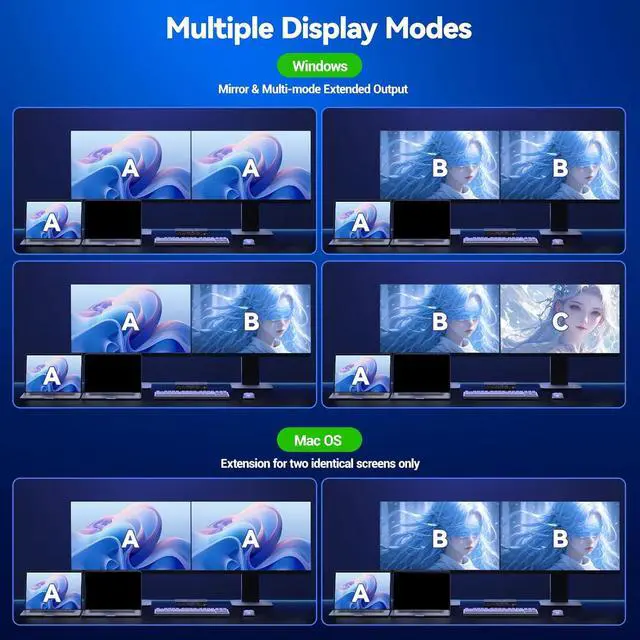
Reminder: Mac OS only supports dual-display extension with two identical screens.


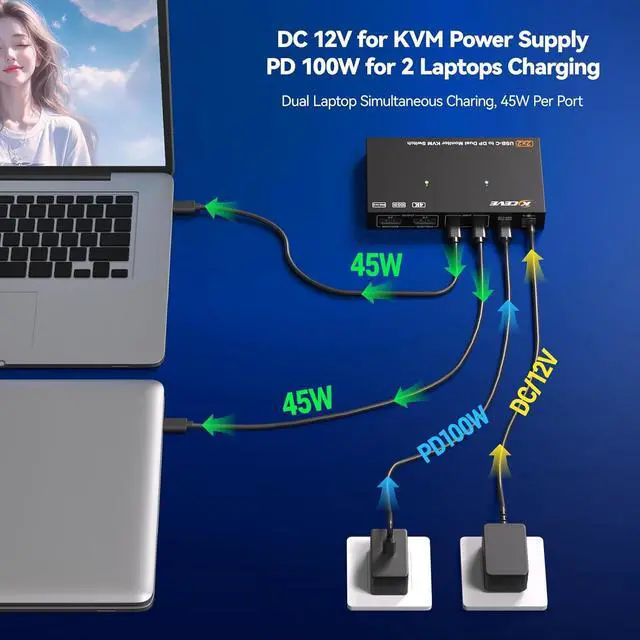
Simply connect to the KVM with a USB-C cable and plug the laptop's power adapter into the "PD" port. For HDMI monitors, an 8K DP to HDMI cable or adapter is recommended.


PD Port |Say Goodbye to Laptop Charging Issues When Using the KVM Switch -- Full Power, Non-Stop Productive Work!

Supports simultaneous dual 4K@60Hz output, backward compatible with 4K@30Hz and 1080P@120Hz.

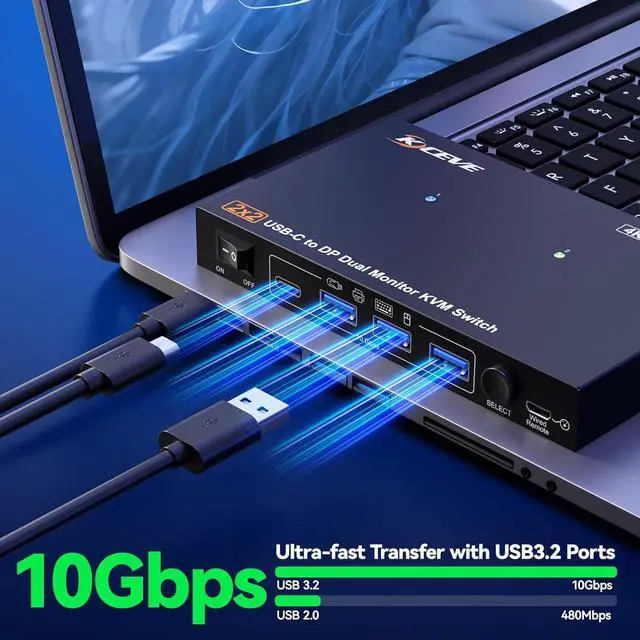
With 4 USB 3.2 ports for keybaord, mouse, U disk,support ultra-fast data transfer up to 10Gbps

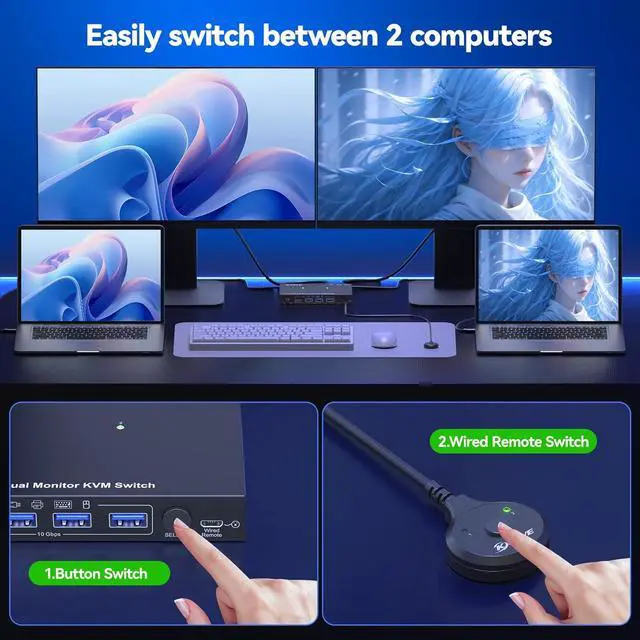
Switch via Button or Wired Remote(1.5m), 3-5 Seconds Response Time

Package Listing:
1x USB-C KVM Switch,
2x USB-C Cable(40Gbps),
1xWired Remote(1.5m),
1x Power Adapter (12V/2A),
1x User Manual


