




 here!
here!
I’m your shopping assistant for PC builds, upgrades, and everything tech.
Got questions? Ask away!
Start a conversation
here!
I’m your shopping assistant for PC builds, upgrades, and everything tech.
Got questions? Ask away!
Start a conversation



Any questions? Ask CelesteSM will help you find out quickly.

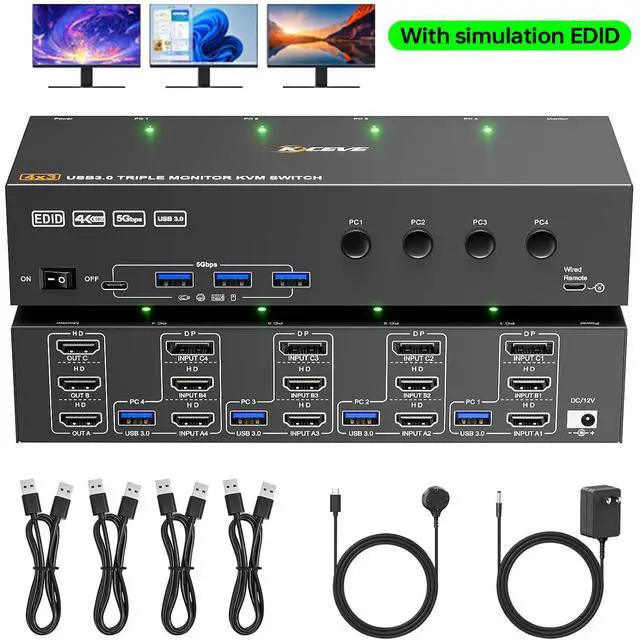
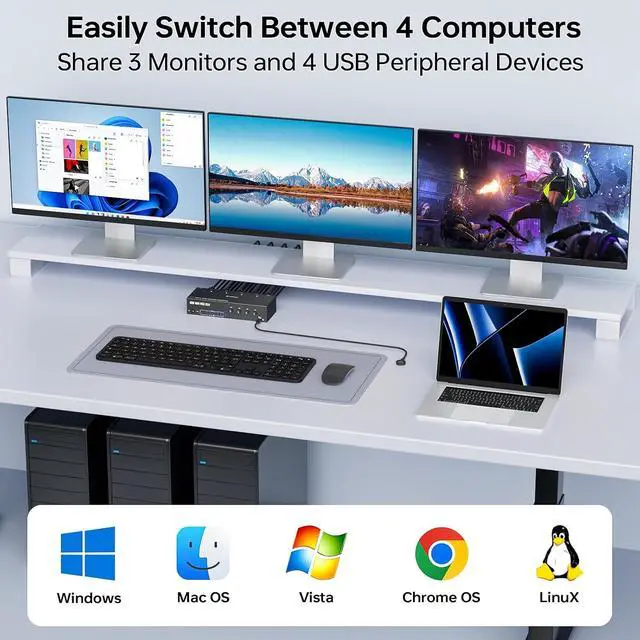
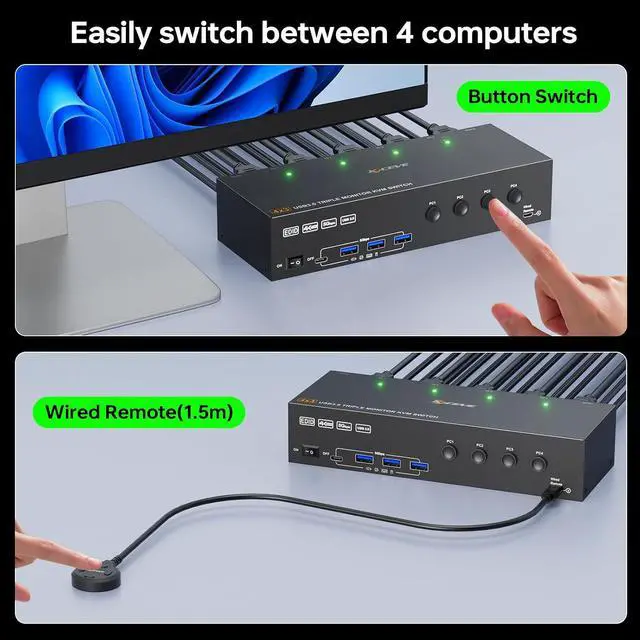
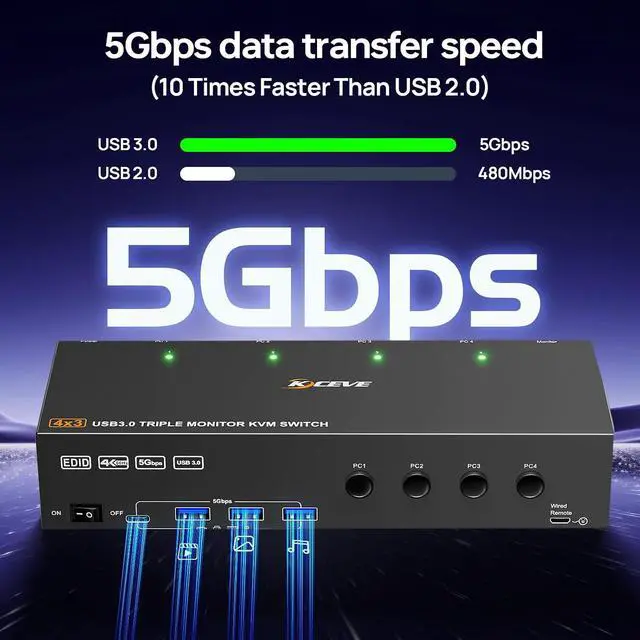
USB 3.0 triple monitor KVM switch can control 4 computers to share 3 monitors and 4 USB devices with just one set of keyboard and mouse.

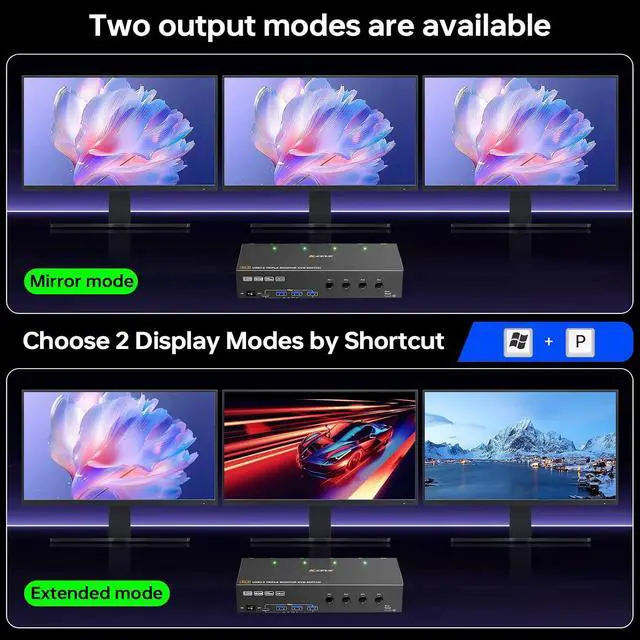
Windows OS: Shortcut key "WIN+P" and then select "Extension" or "mirror" below
Mac OS: Set [Mirror Mode]: Select [A-p-p-l-e Icon] [System Preferences], click [Display] [Arrange], check [Mirror Display]

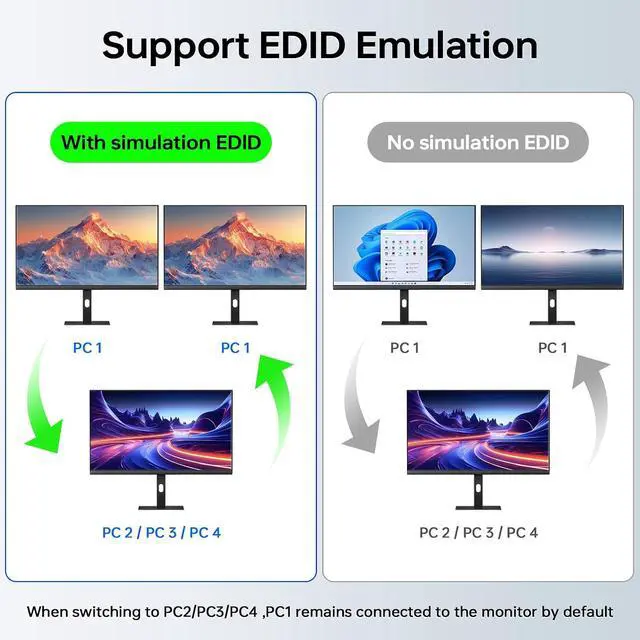
This 3 monitors KVM switch features EDID emulation, when the monitors are switched between 4 computers, the original window position will not be changed, while other KVM switch require the user to rearrange the window order.


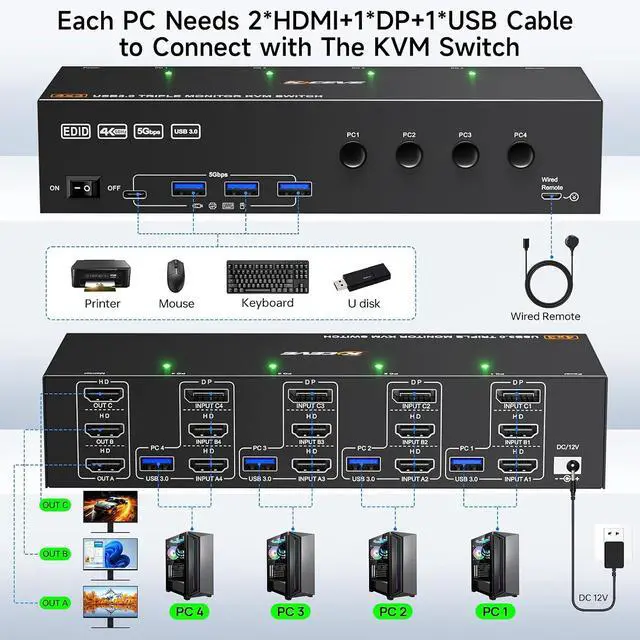
NOTE: Each PC needs 2 * HDMI+1 * DP+1 * USB cable to connect to the KVM switch, with OUT A, OUT B, and OUT C used to connect 3 external monitors.

Supports input devices such as laptops, desktops, game consoles, servers, etc.
HDMI Displayport KVM switch 4 computers 3 monitors driver-free for Windows, Mac, Linux, Unix, Ubuntu and most other major operating systems.


Q & A:
Q: How do I connect my desktop computer?
A: Each computer needs to connect 2 * HD-MI+1 * DP+1 * USB cables to the KVM switch simultaneously,3 HD-MI output ports are used to connect 3 external displays.
Q: My laptop only has a USB-C port. How do I connect this 3 monitors KVM switch ?
A: You need a USB-C docking station with 2*HDMI+1* Displayport outport,convert USB C to HD-MI and Displayport.
Q: Does the KVM switch support EDID emulation ?
A: Yes,with EDID emulation,when the monitors are switched between 4 computers, the original window position will not be changed.
Q: At present, I only have 2 monitors. Is this triple monitor KVM switch also applicable?
A: The 3-layer circuit board of this 3 monitors KVM switch is independent, so you can have many choices such as:4 PC share 2 monitors, 4 PC share 1 monitor, 3 PC share 2 monitors, 2 PC share 2 monitors, 2 PC share 3 monitors.. etc


