




 here!
here!
I’m your shopping assistant for PC builds, upgrades, and everything tech.
Got questions? Ask away!
Start a conversation
here!
I’m your shopping assistant for PC builds, upgrades, and everything tech.
Got questions? Ask away!
Start a conversation
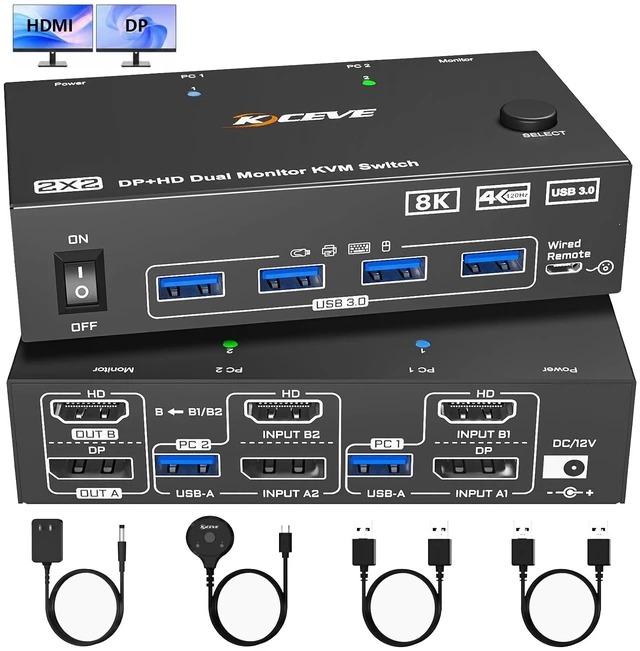
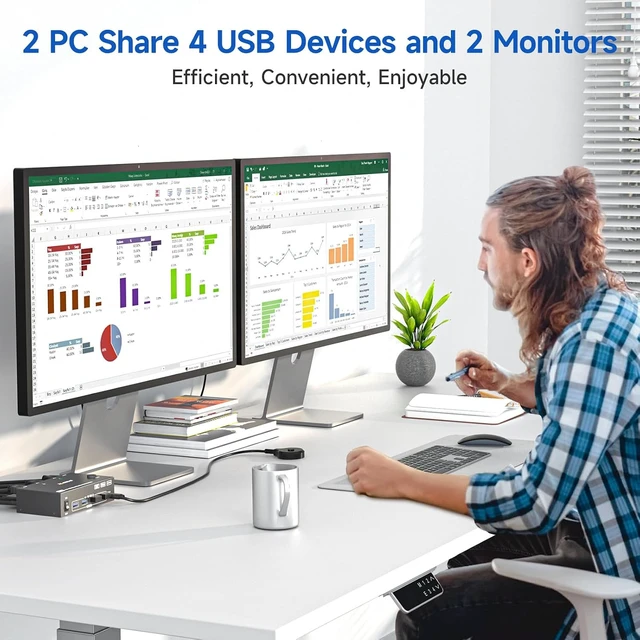



Any questions? Ask CelesteSM will help you find out quickly.

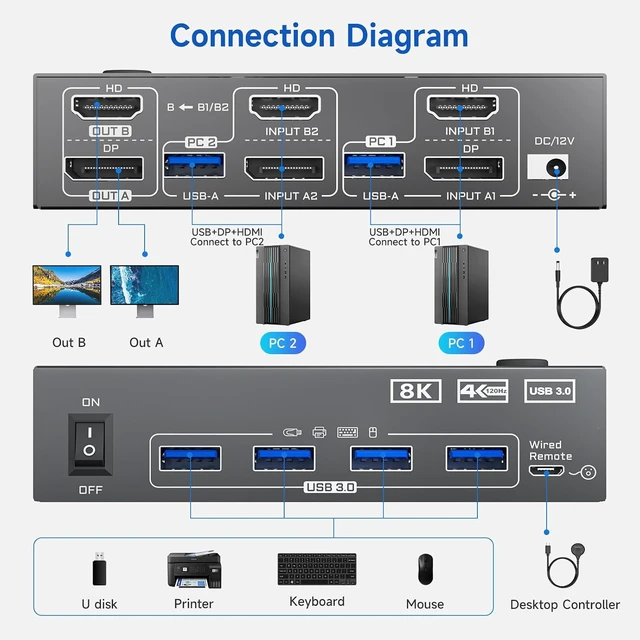
Connection Diagram of Dual Monitor KVM Switch

Connection Steps:
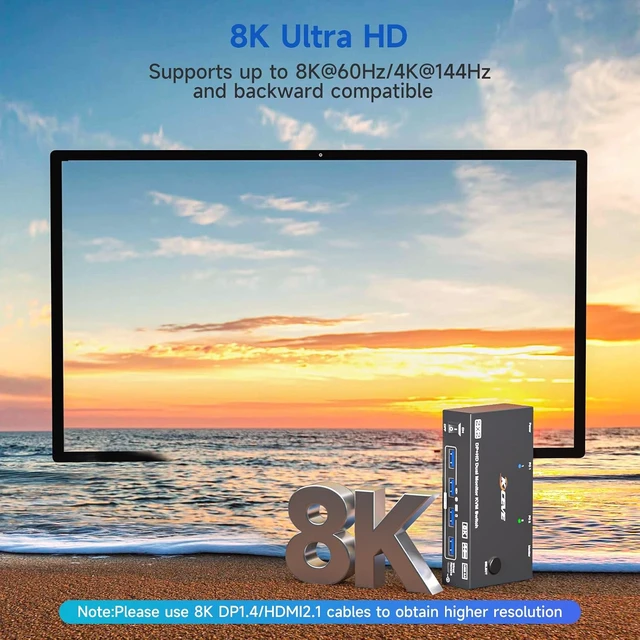
Note: Please use HDMI 2.1 and DP 1.4 cables no longer than 1.5 meters (59 inch). Because lower-version cables or excessively long cables will prevent optimal resolution and may cause issues such as black screen, flickering, or no display.

Important Note: 8K60Hz resolution can only be obtained if your computer's graphics card, monitor, and the cables used all support 8K60Hz.

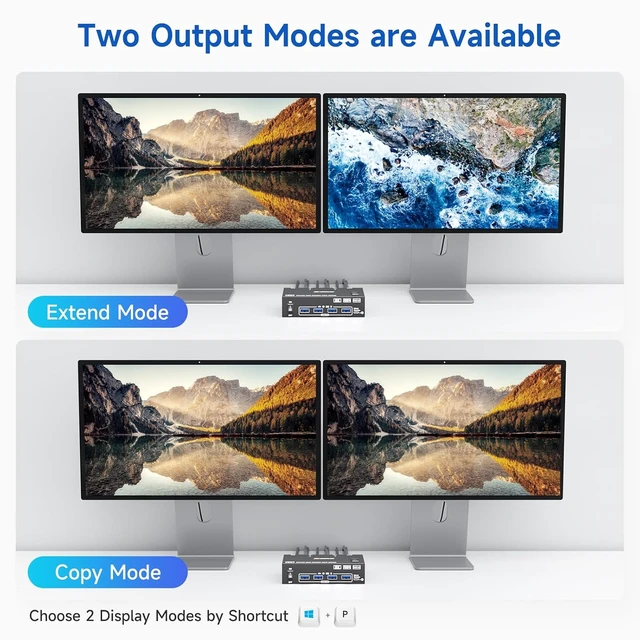
The Dual Monitor KVM Switch support Mirror mode and extended Mode, helping you balance work and play.
Note: Choose 2 Display Modes by shortcut "Windows+P" and make sure your PC or laptop supports multiple monitors.

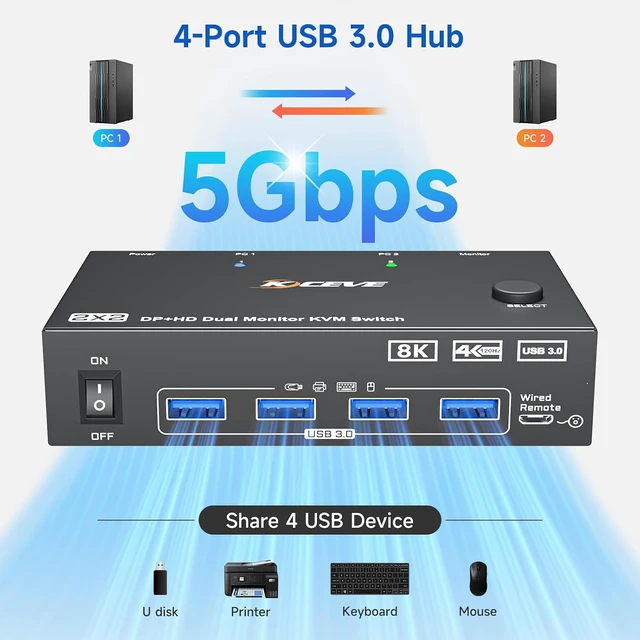
2 monitors KVM Switch USB3.0 elivers up to 5Gbps data transfer speed -- 10 times faster than USB 2.0 -- enabling seamless sharing of peripherals like printers and external drives between two computers, while minimizing clutter and boosting efficiency.

You can switch computers by pressing the buttons on the panel, more conveinient.

Eliminates monitor flickering and insufficient power supply when high - power USB devices are in use, ensuring more stable product operation.

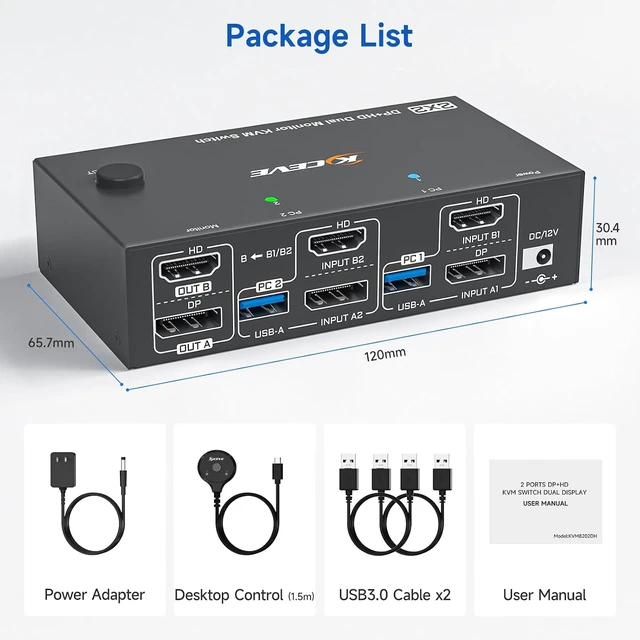
Upgraded wired remote control(1.5m) features larger buttons for more comfortable and convenient.


