




 here!
I’m your shopping assistant for PC builds, upgrades, and everything tech.
Got questions? Ask away!
Start a conversation
here!
I’m your shopping assistant for PC builds, upgrades, and everything tech.
Got questions? Ask away!
Start a conversation



Any questions? Ask CelesteSM will help you find out quickly.


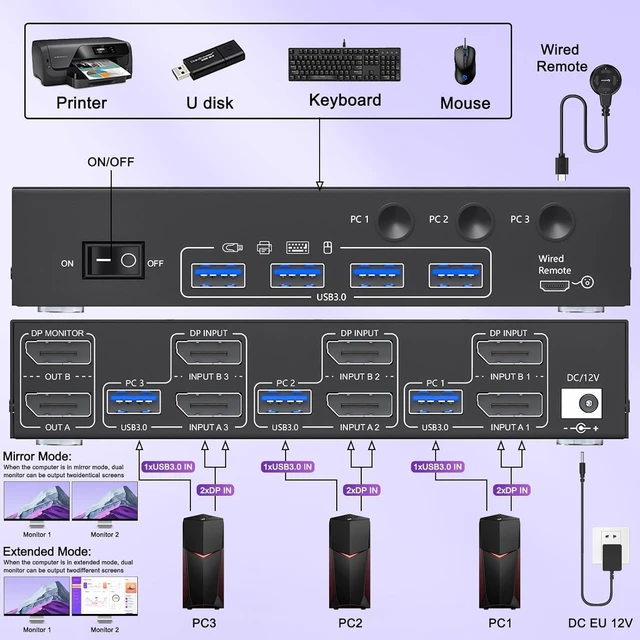
1. Turn off all devices before connecting the KVM switch to avoid potential damage or connection issues.
2.Each computer requires 2*Displayport +1* USB cable to connect the 2 monitor KVM switch,OUT A, OUT B need 2 DP cables connect to 2 monitor
3. Plug your keyboard and mouse into the USB devices ports on the KVM switch.
4. Turn on the monitors, computers, and KVM switch
Note: You must use USB cables to connect both computers and the KVM switch, otherwise the 4 USB ports devices will not work.


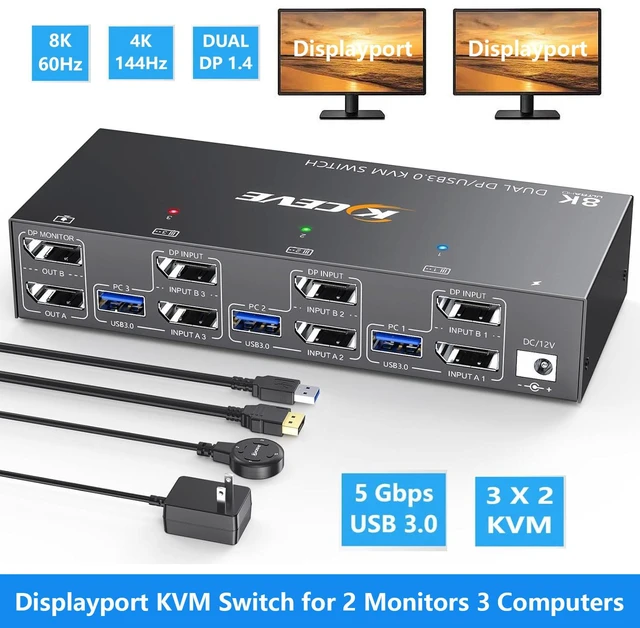
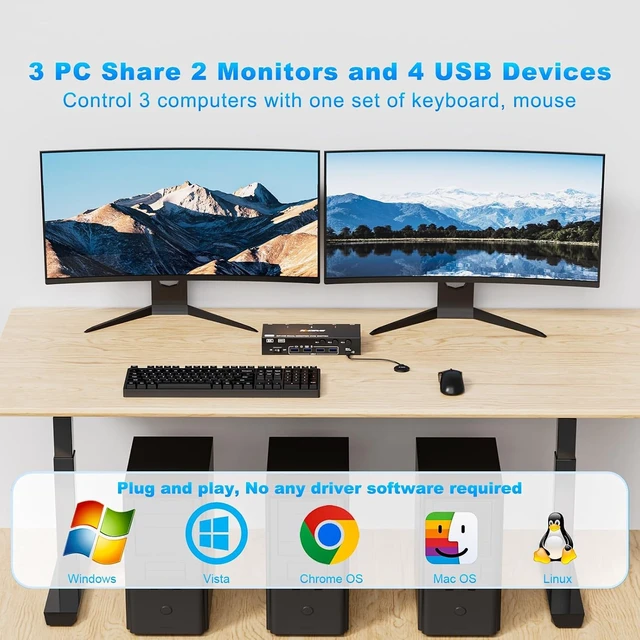
3 Computers 2 Monitors KVM SwitchThis KVM switch dual monitor help you to control 3 computers or laptops by only one set of wired or wireless keyboard mouse,share 2 monitors and 4 USB 3.0 devices
KVM Switch 2 Monitors Ultra HD 8K@60HzDual monitor KVM Switch displayport support resolution 8K@60Hz 4K@144Hz and downwards.this 2 monitors KVM aslo support input terminal to connect 3 computers with different resolutions, e.g. one is 4K@60Hz, the other is 4K@30Hz, [email protected]: Final resolution is also subject to graphic cards, monitors, cables and adapters.
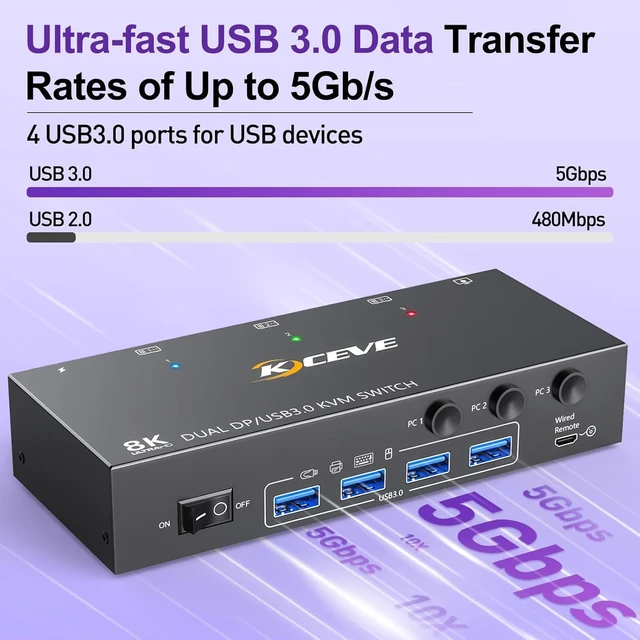
Dual Displayport KVM Switches with 4 USB 3.0 PortsDual monitor DP USB switch with 4 integrated USB 3.0 ports,supports ultra-fast USB 3.0 data transfer speeds up to 5Gbps,which can recognize keyboard,mouse,printer, scaner, etc.If you want to improve office efficiency, it will be your best choice.
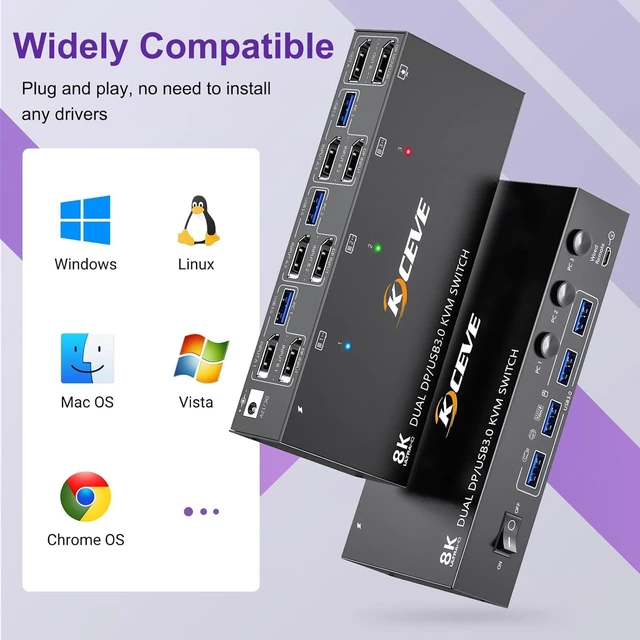
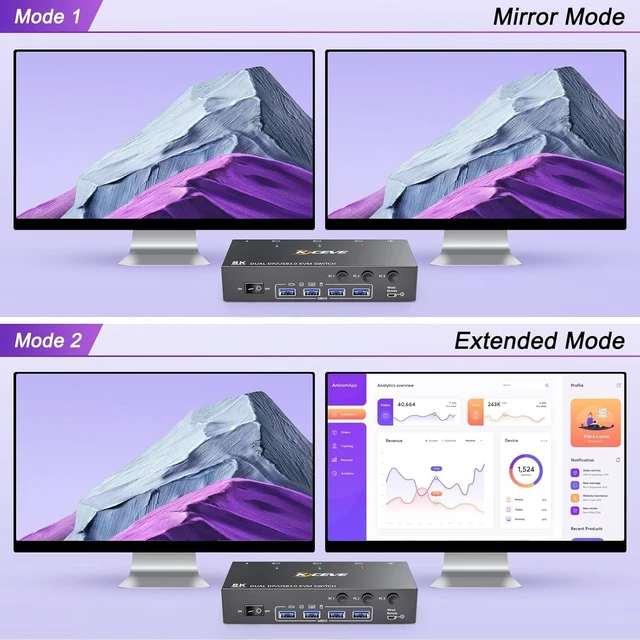
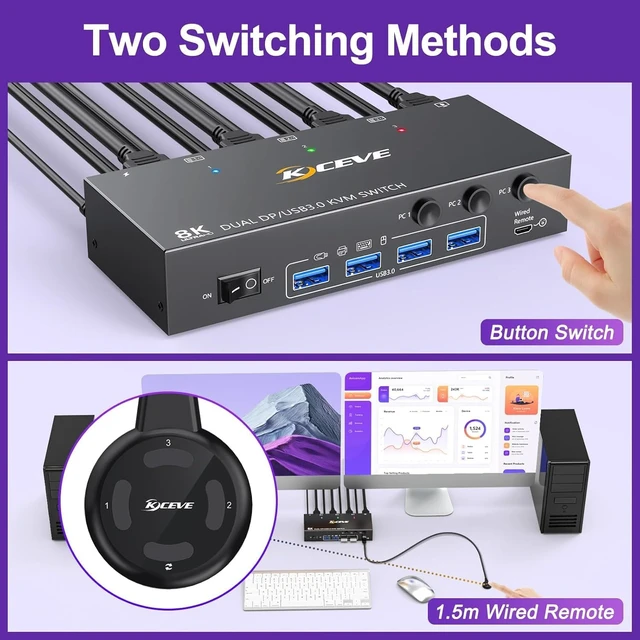
Great Compatibility & 2 Switching ModeThe two monitor KVM switch driver-free for Windows/Vista/Mac OS/Linux and Unix.You can press the button on the panel or use the wired remote(included) to switch the computers.Two color LED indicate the active computer.
Dual Monitor KVM with Wide Application2 monitors KVM switch Displayport support many kinds of input devices,such as PC, Laptop, A-p-p-l-e TV,PS4,Xbox.it is widely applied for Office, Home, Teaching, Game, Meeting Room,etc.
NoteThe 3 computers 2 monitors KVM switch require each PC to have 2*DP outputs.converter will be needed if your PC does not have dual DP outputs.It is recommended to use DP1.4 cables to connect the KVM,the length of a single cable should not exceed 1.5m, otherwise it may cause resolution degradation, flickering or the monitors not working.This Displayport KVM switch does not support EDID emulation,so the desktop locations may change upon switching and boot-up.
This dual monitor displayport KVM switch equipped with a 12V power adapter, it completely solves the problem of unstable connections caused by insufficient power when connecting high-power USB devices(such as HDD, SSD etc).
: Each PC needs 2*DP cable + 1*USB cable be connected to get dual screen display properly. For desktop or laptop without 2*DP port, you need to use it with a reliable adapter or USB C docking station.


