

Your Browsing History
- Free 30-day Returns
$162.39
Ships from China.

Best Sellers
- $169.19
- + FREE SHIPPING

Meet Your Seller

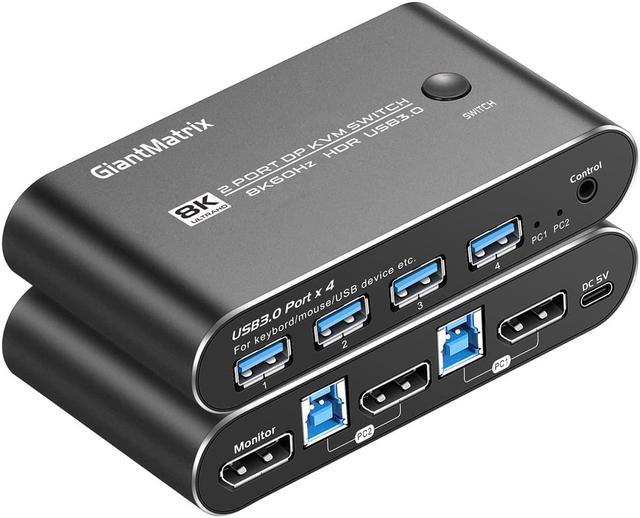
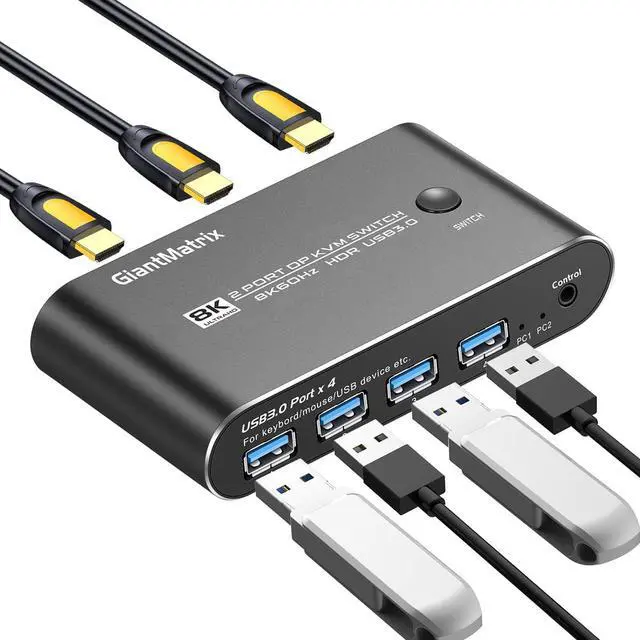


DP2.0 KVM Switch DisplayPort 2 Port KVM Switch 1 Monitors 2 Computers Displayport KVM Switch Box 1440P 120Hz 144Hz 165Hz 175Hz 240Hz KVM Displayport USB 3.0 FreeSync G-SYNC
Limited time offer, ends 07/06 By VoltSync
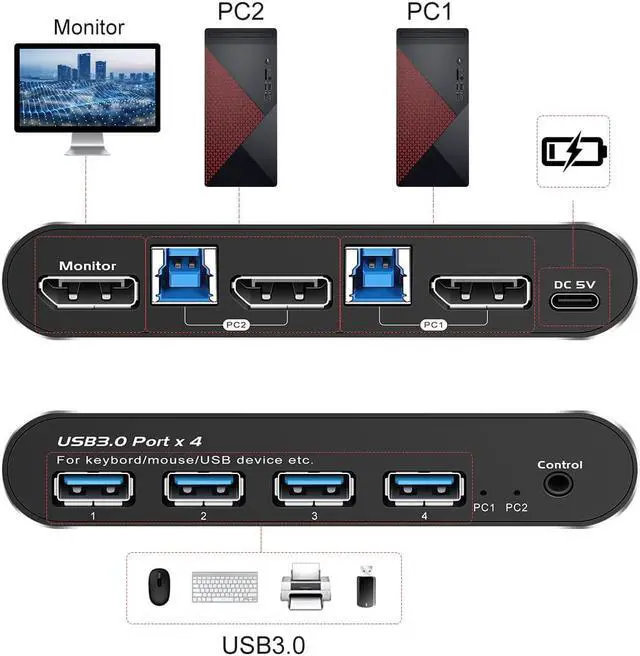
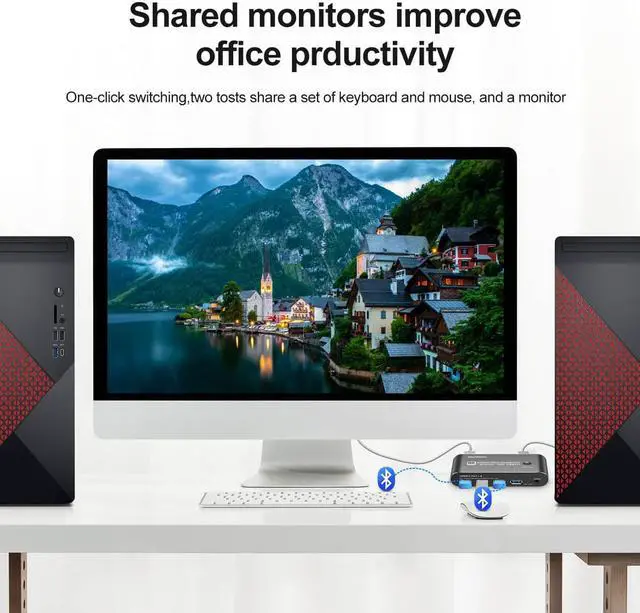
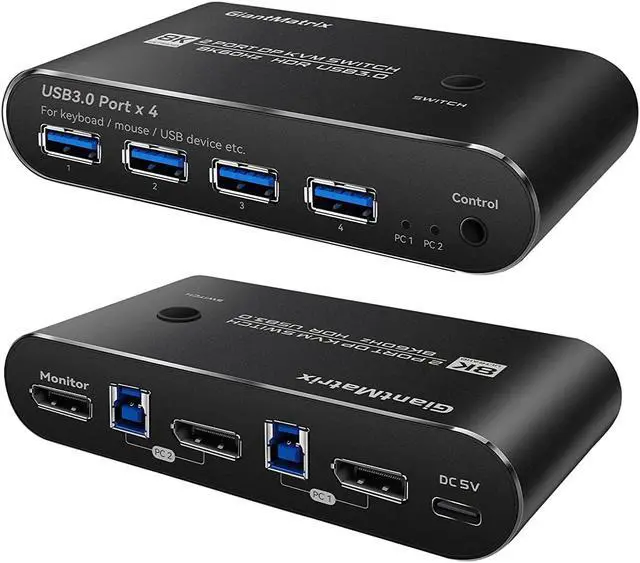
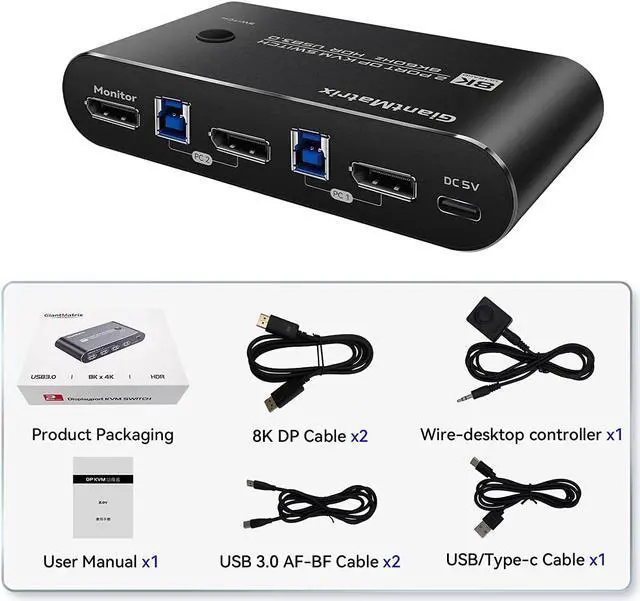
- 1. 2 Port KVM Displayport: KVM Switch Displayport 2 Computers 1 Monitor sharing one set of keyboard & mouse, 1 DP2.0 or DP 1.4 monitor, and 2 pcs USB 3.0 peripheral devices. 2 pcs USB 3.0 hub (data transferring rate up to 5Gbps/s ,10 times faster than USB 2.0), 2 kits cables and a wire remote push button switch.
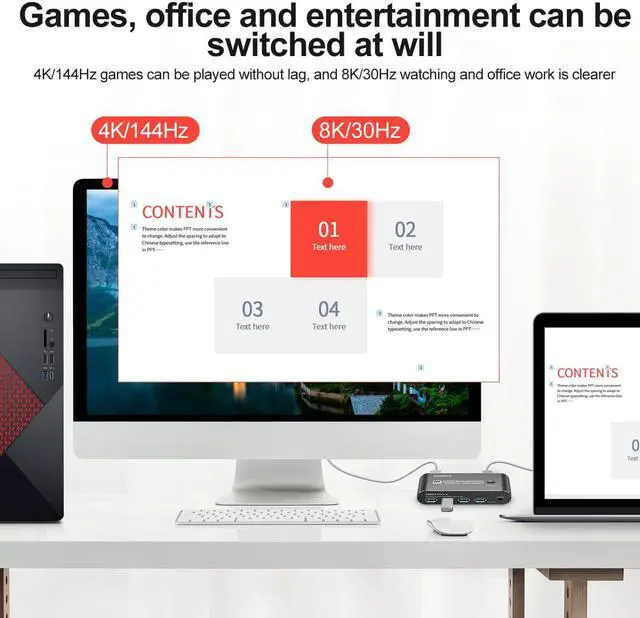
- 2. Displayport KVM Switch 2 Port : Recommend resolution 5120x1440@60Hz, 5120x1440@120Hz,5120x1440@144Hz,5120x1440@165Hz,3440x1440@75Hz,3440x1440@100Hz,3440x1440@144Hz,3440x1440@165Hz,3440x1440@175Hz,7680x4320@60Hz ,3840*2160@60Hz3840x2160@144hz3840x2160@175hz,3840x2160@240Hz ,2560*1440@165Hz,2560*1440@144Hz,3840x1600@144Hz,3840x1600@165Hz,3840*1620@144Hz,3440*1600@144Hz,3840*1080@240Hz,and the lower resolution is not recommended . Drive-free for Windows 10/7/2000/XP/Vista, Linux, Mac
+
+
Overview
Specs
Reviews

Any questions? Our AI beta will help you find out quickly.
Try me now
1. 2
Port KVM Displayport: KVM Switch Displayport 2 Computers 1 Monitor sharing one set of keyboard & mouse, 1 DP 2.0 or DP 1.4 monitor, and 2 pcs USB 3.0 peripheral devices. 2 pcs USB 3.0 hub (data transferring rate up to 5Gbps/s, 10 times faster than USB 2.0 ), 2 kits cables and a wire remote push button switch.
2. Displayport KVM Switch 2
Port: Recommend resolution 5120x1440@60Hz, 5120x1440@120Hz, 5120x1440@144Hz, 5120x1440@165Hz, 3440x1440@75Hz, 3440x1440@100Hz, 3440x1440@144Hz, 3440x1440@165Hz, 3440x1440@175Hz, 7680x4320@60Hz, 3840*2160@60Hz3840x2160@144hz3840x2160@175hz, 3840x2160@240Hz, 2560*1440@165Hz, 2560*1440@144Hz, 3840x1600@144Hz, 3840x1600@165Hz, 3840*1620@144Hz, 3440*1600@144Hz, 3840*1080@240Hz, and the lower resolution is not recommended. Drive-free for Windows 10/7/2000/XP/Vista, Linux, Mac
3. KVM Switch 1 Monitors 2
Computers Displayport: manual button switching, wired remote push button switching.
4,
KVM switch Displayport 2 Port: Support long DP 1.4 Cables, The kvm switch Displayport has EQ, Support long DP 1.4 Cables 4k 144Hz 2K165Hz 1440P 120Hz 144Hz 165Hz 175Hz 240Hz, DP input 1.5M, DP Output 1.5M For RTX3060, RTX3070, RTX3080, RTX3090, RTX4080Support FreeSync G-SYNC
5, Attention, The 2 Port Kvm Switch Displayport cannot support USB-C to DP Cable. The kvm Displayport cannot support EDID. The Displayport Kvm Switch cannot support laptop(USB-C Output).. The kvm switch cannot support DP TO HDMI output. It cannot support HDMI TO DP, too. It must use DP 1.4 Cables, and use the accessory cable for output. It can not support Dock (Docking) and other Devices which is Type-c output
Port KVM Displayport: KVM Switch Displayport 2 Computers 1 Monitor sharing one set of keyboard & mouse, 1 DP 2.0 or DP 1.4 monitor, and 2 pcs USB 3.0 peripheral devices. 2 pcs USB 3.0 hub (data transferring rate up to 5Gbps/s, 10 times faster than USB 2.0 ), 2 kits cables and a wire remote push button switch.
2. Displayport KVM Switch 2
Port: Recommend resolution 5120x1440@60Hz, 5120x1440@120Hz, 5120x1440@144Hz, 5120x1440@165Hz, 3440x1440@75Hz, 3440x1440@100Hz, 3440x1440@144Hz, 3440x1440@165Hz, 3440x1440@175Hz, 7680x4320@60Hz, 3840*2160@60Hz3840x2160@144hz3840x2160@175hz, 3840x2160@240Hz, 2560*1440@165Hz, 2560*1440@144Hz, 3840x1600@144Hz, 3840x1600@165Hz, 3840*1620@144Hz, 3440*1600@144Hz, 3840*1080@240Hz, and the lower resolution is not recommended. Drive-free for Windows 10/7/2000/XP/Vista, Linux, Mac
3. KVM Switch 1 Monitors 2
Computers Displayport: manual button switching, wired remote push button switching.
4,
KVM switch Displayport 2 Port: Support long DP 1.4 Cables, The kvm switch Displayport has EQ, Support long DP 1.4 Cables 4k 144Hz 2K165Hz 1440P 120Hz 144Hz 165Hz 175Hz 240Hz, DP input 1.5M, DP Output 1.5M For RTX3060, RTX3070, RTX3080, RTX3090, RTX4080Support FreeSync G-SYNC
5, Attention, The 2 Port Kvm Switch Displayport cannot support USB-C to DP Cable. The kvm Displayport cannot support EDID. The Displayport Kvm Switch cannot support laptop(USB-C Output).. The kvm switch cannot support DP TO HDMI output. It cannot support HDMI TO DP, too. It must use DP 1.4 Cables, and use the accessory cable for output. It can not support Dock (Docking) and other Devices which is Type-c output
Warranty & Returns
Warranty, Returns, And Additional Information
Warranty
- Please contact the Seller directly for warranty information. Warranty information may also be found on the Manufacturer's website.
- CONTACT
Return Policies
- Return for refund within: 30 days
- Return for replacement within: 30 days
- This item is covered by VoltSync Return Policy
Manufacturer Contact Info
- For a directory of all our manufacturers, please click below.
- Manufacturers Directory
LOADING...
LOADING...