




 here!
here!
I’m your shopping assistant for PC builds, upgrades, and everything tech.
Got questions? Ask away!
Start a conversation
here!
I’m your shopping assistant for PC builds, upgrades, and everything tech.
Got questions? Ask away!
Start a conversation



Any questions? Ask CelesteSM will help you find out quickly.
KVM
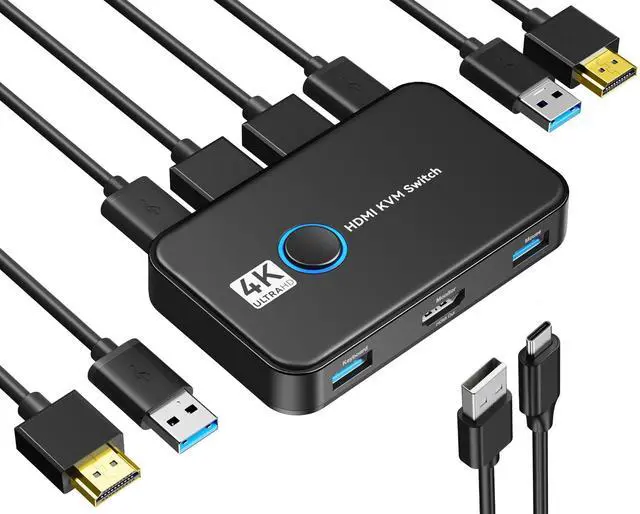
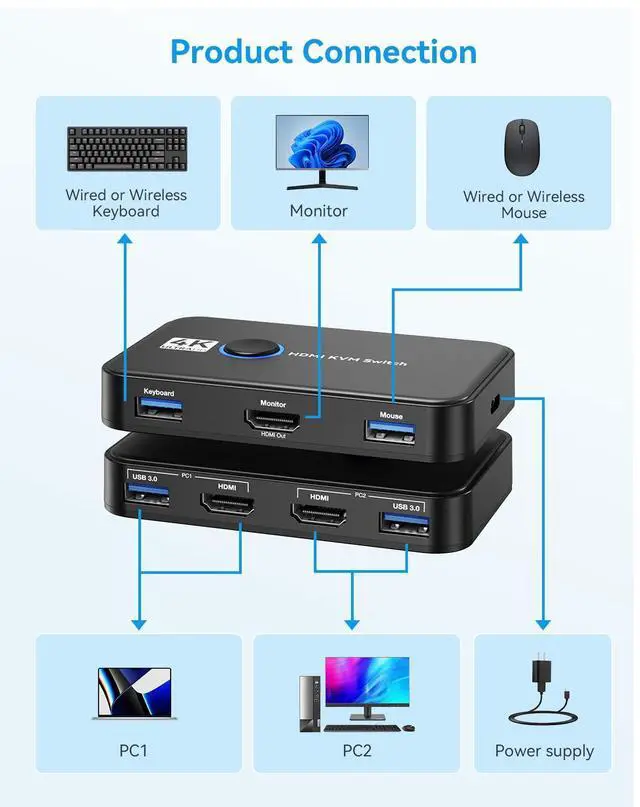
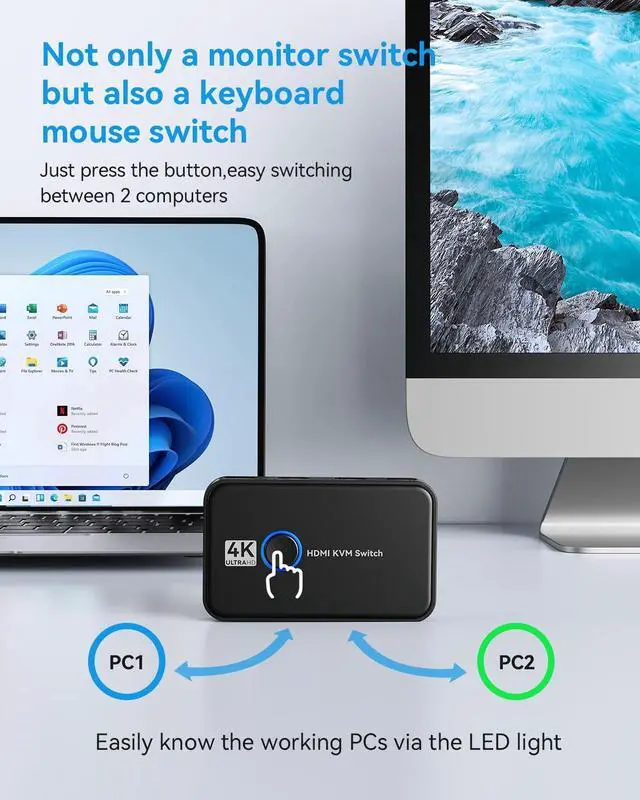
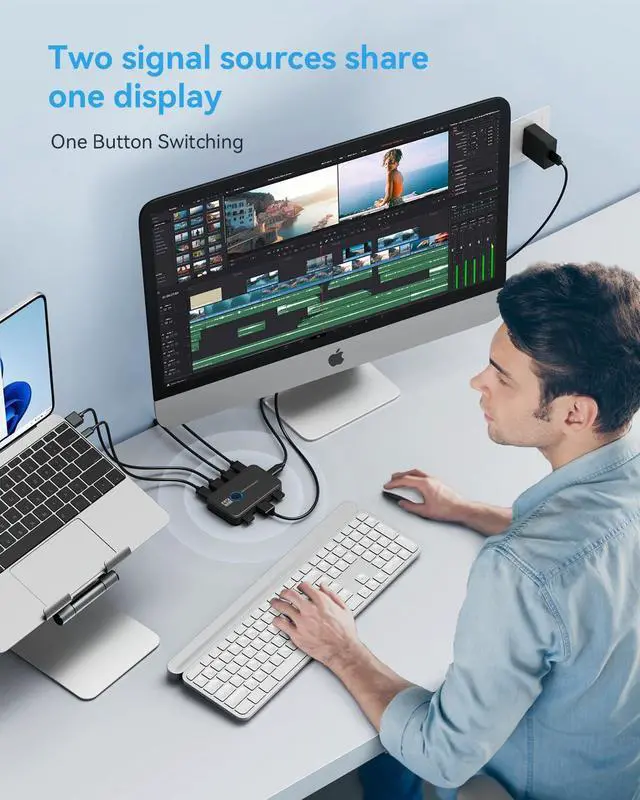
HDMI KVM Switch Connects Two Computers to a Single Keyboard, Mouse and Monitor
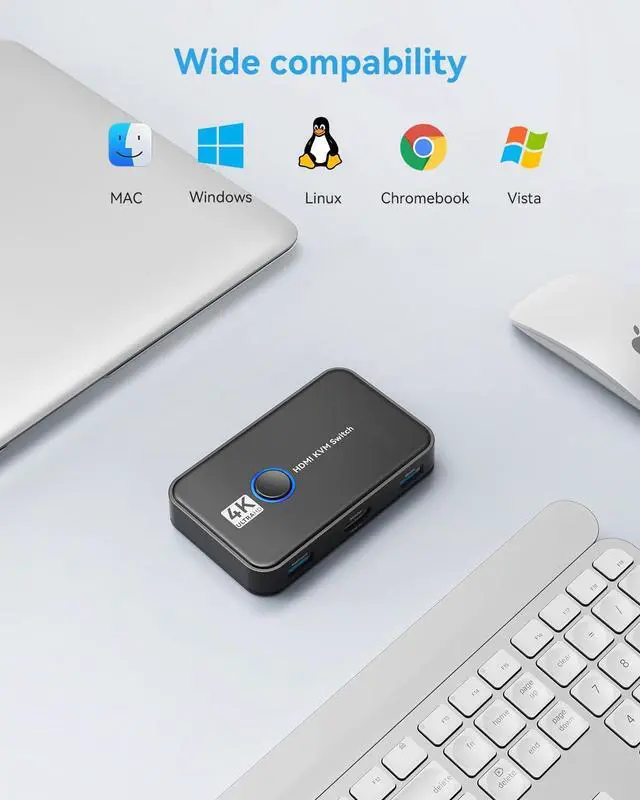
Ideal device for connect two HDMI signal source output devices (such as computers, servers, video recorders, etc.) to output the HDMI signal sources to one HDMI display device (such as TVs, projectors, LCD monitors, etc.).
Applications
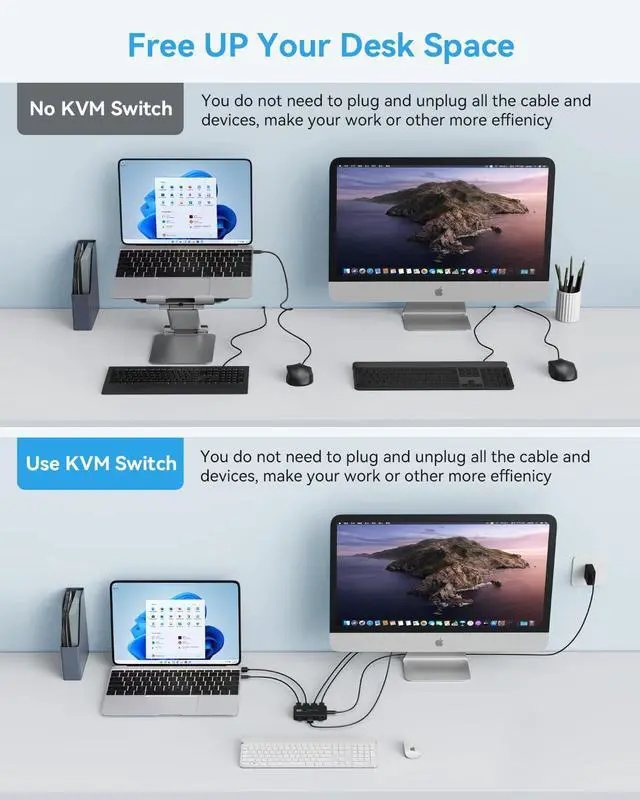
1. The KVM switch is very suitable for use in networks with multiple computers and other server locations. Save the cost of multiple keyboards and monitors, and free up more desktop space.
2. The KVM switches can increase the normal operation time of IT equipment, save manpower, and improve work management efficiency.
Features:
Notice:
1. 2xUSB-3.0 interface can only connect USB mouse and USB keyboard;PC1's HDMI cable and USB-3.0 cable should be connected to the same input device; PC2 is also.(Ensure to switch display successfully,pls connect the usb and hdmi cable together)
Troubleshooting
What to do when devices randomly disconnect?
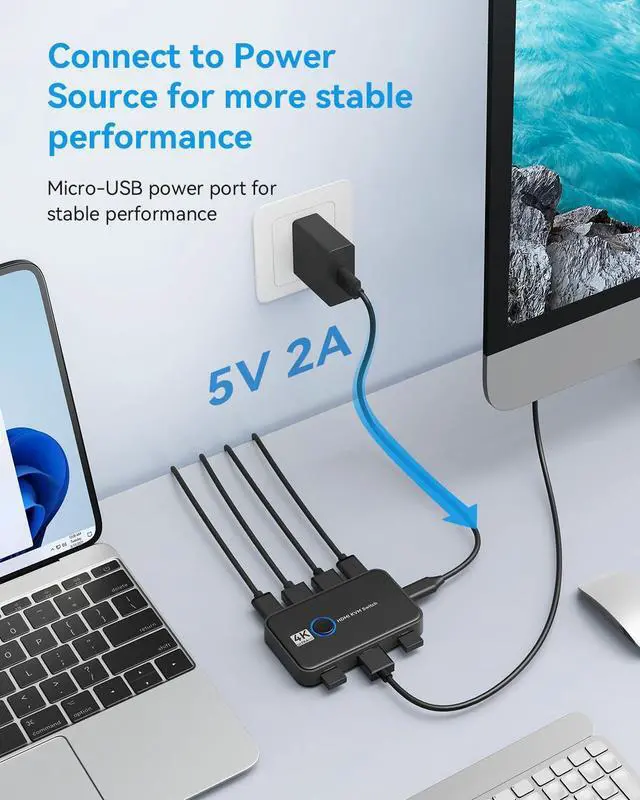
1. Replug the KVM Switch.
2. Change the cable that connected with your device.
USB devices do not work normally?
1. Wait 10 seconds for the operating system to recognize the device;
2. Replug the mouse and keyboard once;
3. Replug the KVM Switch.
Switch
| Operation Mode | manual |
| Contact Type | Normally Open |
| Connector Type | Hdmi |
| Brand | KEHIPI |
| Terminal | Physical |
| Circuit Type | [IN] |
| Actuator Type | Push Button |
| Contact Material | Metal |
| Number of Positions | 2 |
| Control Method | Push Button |
| Connectivity Protocol | Usb |
| Color | Black |
| Unit Count | 1.0 Count |
| Number of Items | 1 |
| Manufacturer | KEHIPI |
| Brand Name | KEHIPI |
| Item Weight | 10.2 ounces |
| Package Dimensions | 7.13 x 5.12 x 1.65 inches |
| Color Name | Black |
| Special Features | Play, Plug |
| Date First Available | May 27, 2023 |


