• $227.41
  • Free 30-day Returns
  • Ships from Hong Kong.
    Price alert
    Sold by E-tech
    Top Rated
    3.9 (31 seller ratings)

    Shipped by E-tech

    Shop it at NeweggBusiness.

    Meet Your Seller

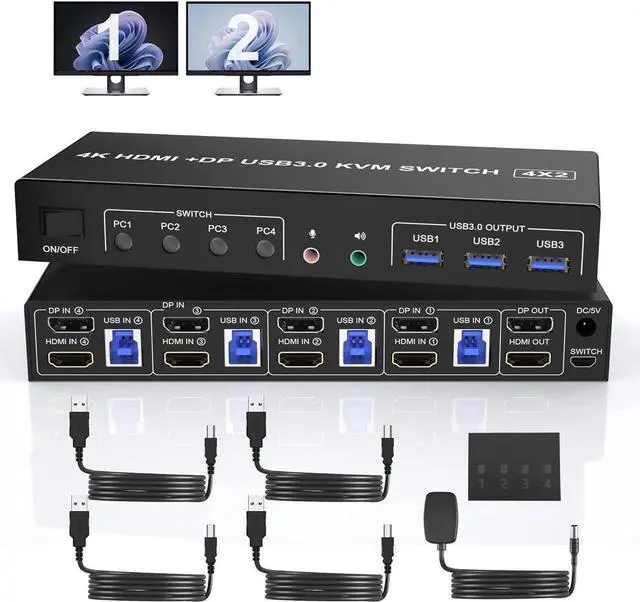
    USB 3.0 Displayport+HDMI Dual Monitor KVM Switch for 4 PCs, 4K 60Hz KVM Switch 2 Monitors 4 Computers, with Audio Microphone Output and 3 USB 3.0 Ports, HDMI+DP Monitor KVM Switch for 4 PCs 2 Monitors

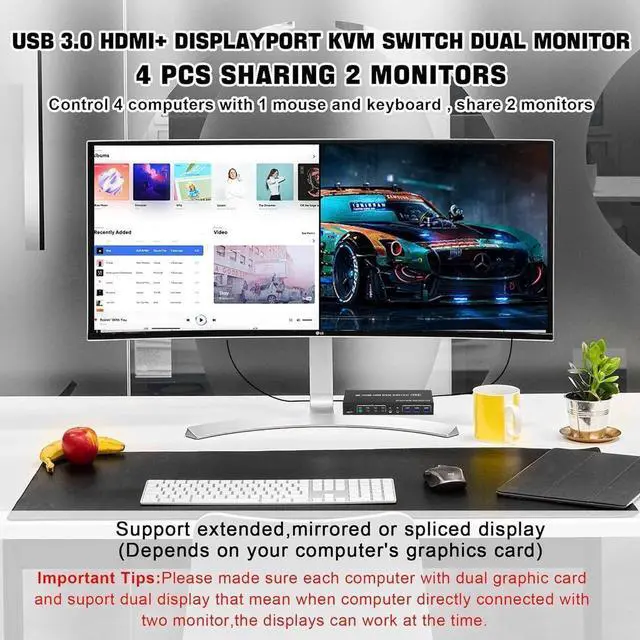
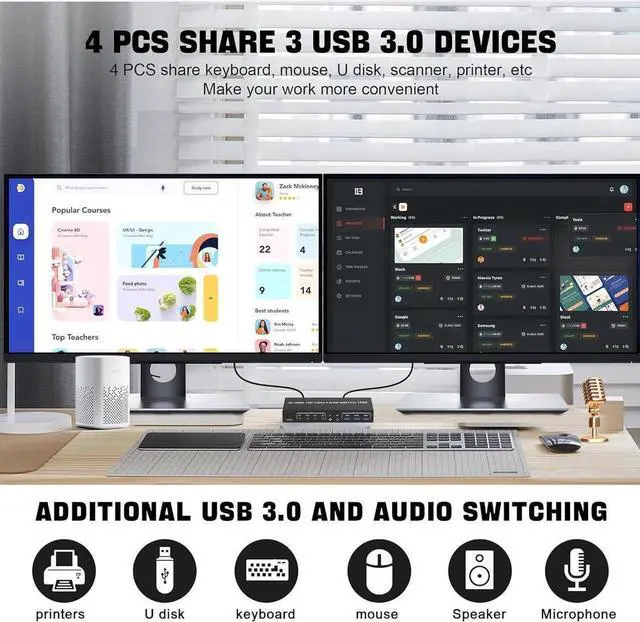
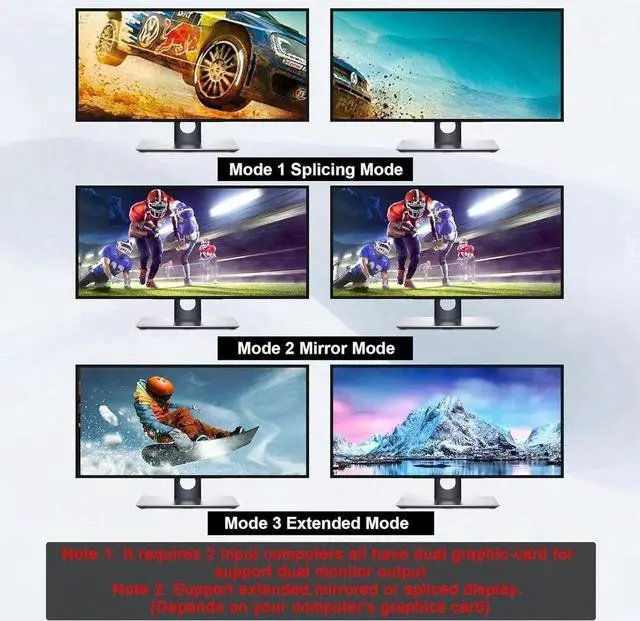
    • DisplayPort HDMI Dual Monitor KVM Switch: This KVM Switch allows you to control 4 computers or laptops with one set of keyboard, mouse, and single or dual monitors to make your workspace tidy and efficient. Note: This dual monitor KVM supports HDMI + DP dual-screen display (This function requires your PC to support dual display or multi-display, then you can use this KVM to achieve 4 PCs to share 2 monitors
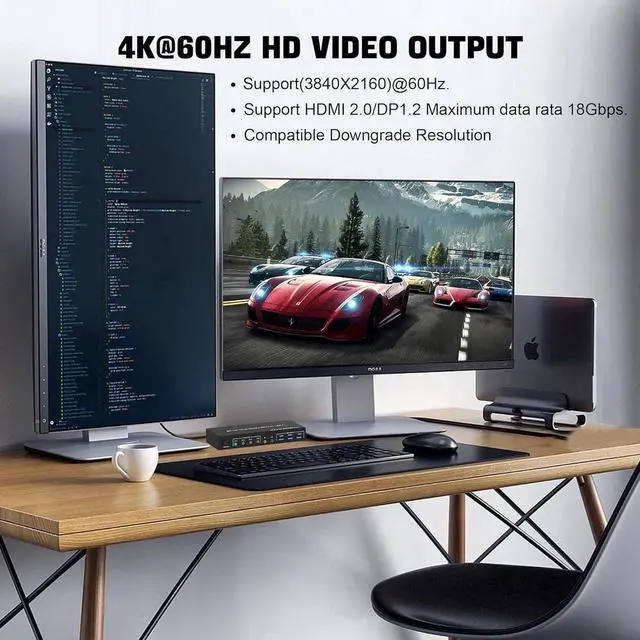
    • 4K@60HZ: Supports a maximum resolution of 4K@60Hz, and is compatible downwards. Also supports separate audio and microphone output.
    • with 3 USB 3.0 Ports: with 3 USB 3.0 ports which can recognize wired/wireless keyboard mouse, printer, or other USB devices. USB 3.0 has a faster data transfer speed of up to 5Gbps, backward compatible with USB 2.0/1.1.
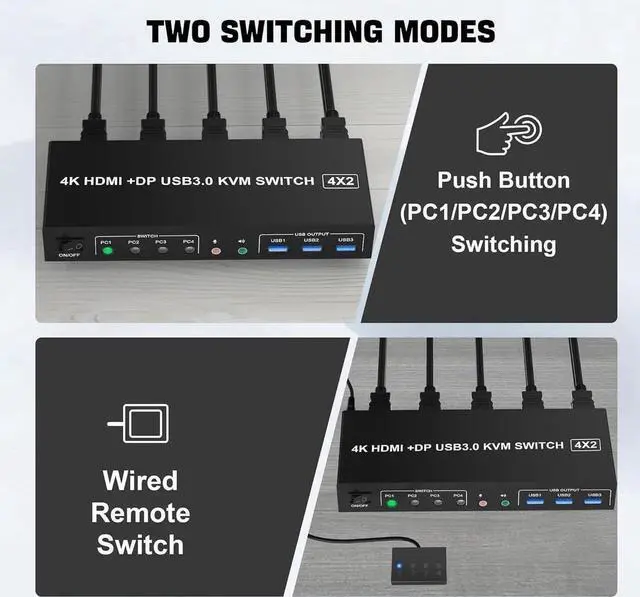
    • Support 2 Switching Modes & LED Indicator: 1. Buttons switching, just need one click switch to the designated computer;2.Wired remote switch. LED indicates the active computer. The package comes with an external power.
    +
    +
    Overview
    Specs
    Reviews
    avatar

    Any questions? Our AI beta will help you find out quickly.

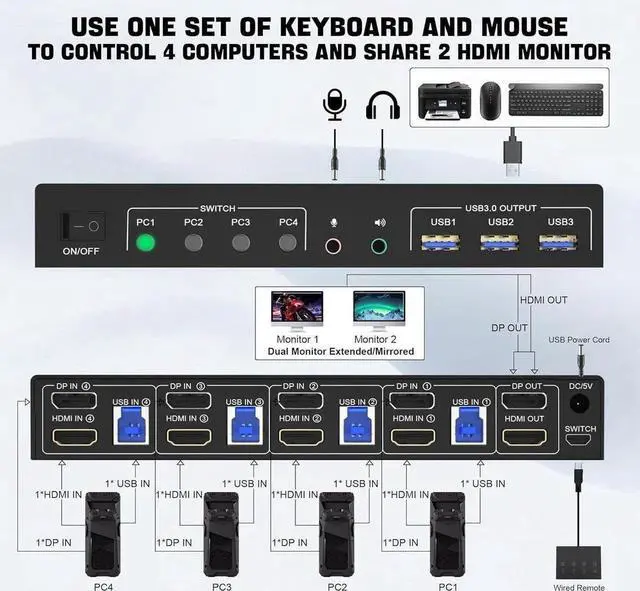
    1. Insert the DC/5V adapter into the KVM;

    2. Plug the DP/HDMI cable into the KVM and monitor; (Output)

    3. Plug the DP/HDMI cable and USB cable into the KVM and your computer/laptop (DP/HDMI cables are not included) (Input)

    DP IN1 + HDMI IN1 + USB IN1=PC1

    DP IN2 +HDMI IN2 + USB IN2=PC2

    DP IN3 + HDMI IN3 + USB IN3=PC3

    DP IN4+ HDMI IN4+ USB IN4=PC4

    4. Insert the mouse and keyboard into the KVM switch

    5. If needed, you can connect a microphone and audio port

    Note:

    1. Most of the reasons why only one video output works is because of an incorrect connection. Please make sure each computer has 2 HDMI cables connected to the KVM.

    2. If the KVM switch does not work, you can turn off the switch on the panel and turn it on again after 2-3 seconds, and it will return to normal.

    3. Before purchasing this DP/HDMI dual monitor KVM switch, please make sure that connecting your computer directly to the monitor can work normally, Otherwise, the KVM will not be available.

    4.
    Note: DP/HD-MI cables are not included

    Warranty & Returns

    Warranty, Returns, And Additional Information

    Warranty

    • Please contact the Seller directly for warranty information. Warranty information may also be found on the Manufacturer's website.
    • CONTACT

    Return Policies

    • Return for refund within: 30 days
    • Return for replacement within: non-replaceable
    • This item is covered by E-tech Return Policy

    Manufacturer Contact Info

    LOADING...