USB 3.0 HDMI Dual Monitor 4 Port (HDMI + HDMI ) KVM Switch 4K@60Hz
Does Everything You Need!
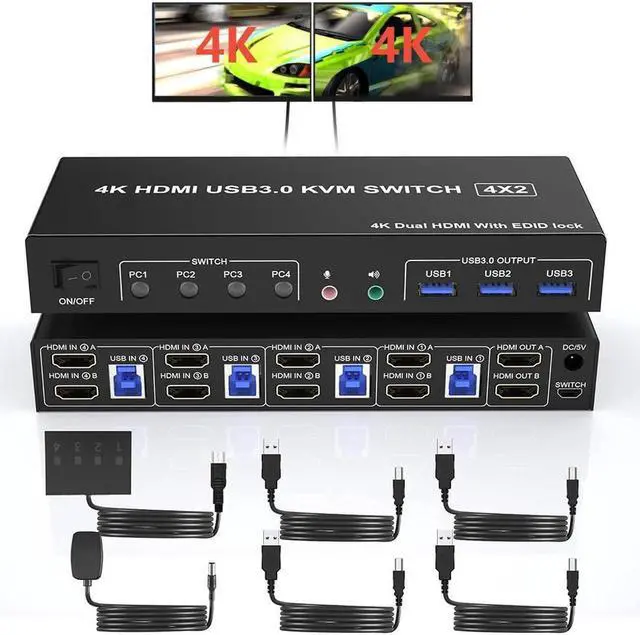
4 port USB 3.0 dual-monitor HDMI KVM Switch (HDMI + HDMI). Each input source device must be connected to two dual-monitor.
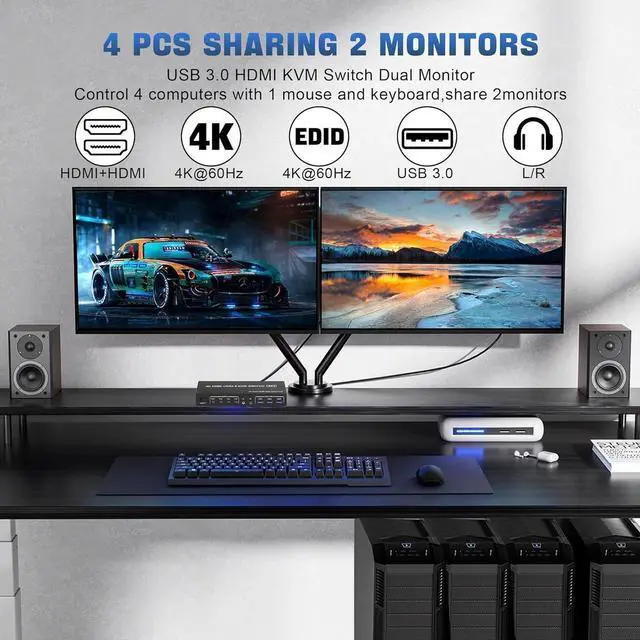
This kvm switch dual monitor 4 port help you control 4 PCs share 2 monitors by only one set of USB keyboard & mouse.
Product Features:
4 computers/laptops share one set of keyboard, mouse and dual monitors, and more USB 3.0 ports;
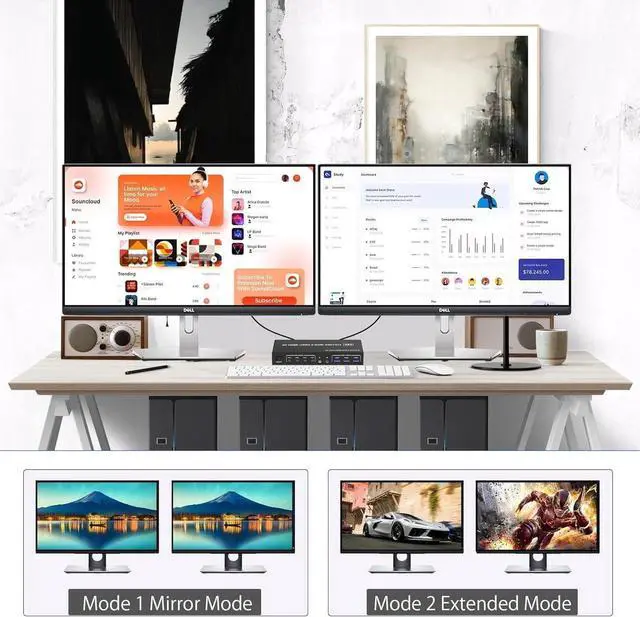
Support maximum resolution up to 4K 60Hz; Dual monitors output support up to 4K@60Hz for extended and mirrored display;
Compatible with Windows 11/10/7/2000/XP/Vista, Linux, UNIX, Ubuntu, Fedora, and other systems;
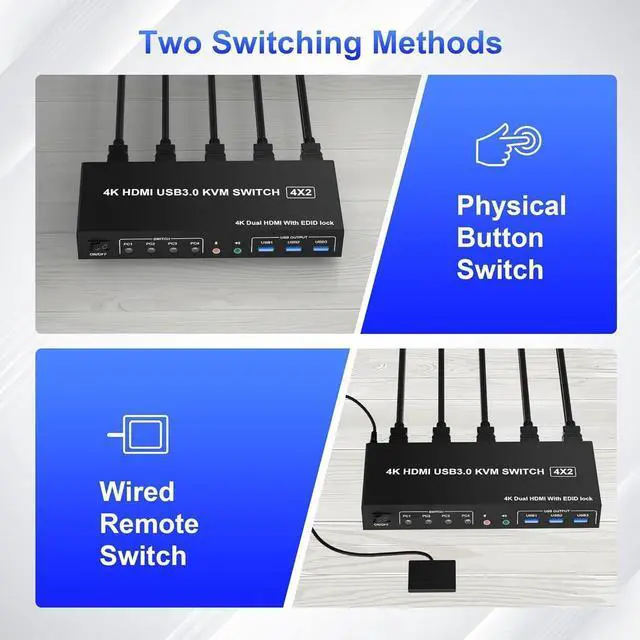
Advanced switching modes: push button and wired remote;
No complicated installation is required, and non-professionals can easily operate it;
The ports that need to plug in HDMI/USB cables are all hidden behind the KVM, so the desktop doesn't get cluttered;
Audio Microphone output.
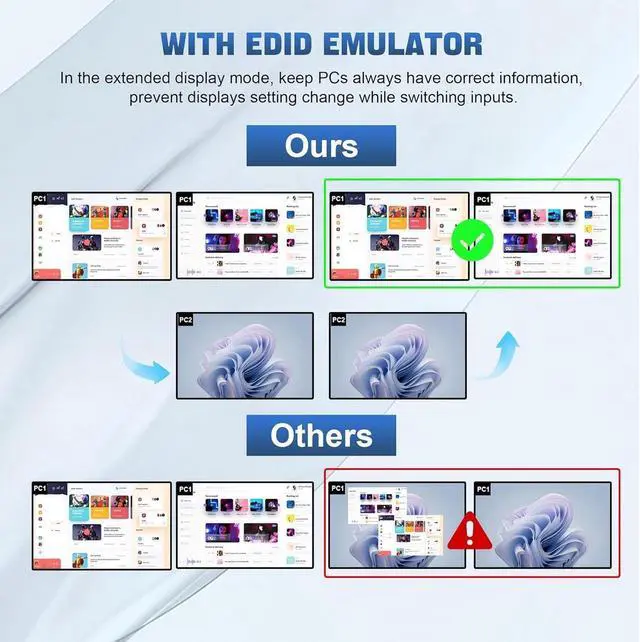
Support EDID lock screen
USB 3.0 dual monitor KVM switch can simulate the EDID of the display, when the monitor is switched between 4 computers, the original window order will not change.
installation steps:
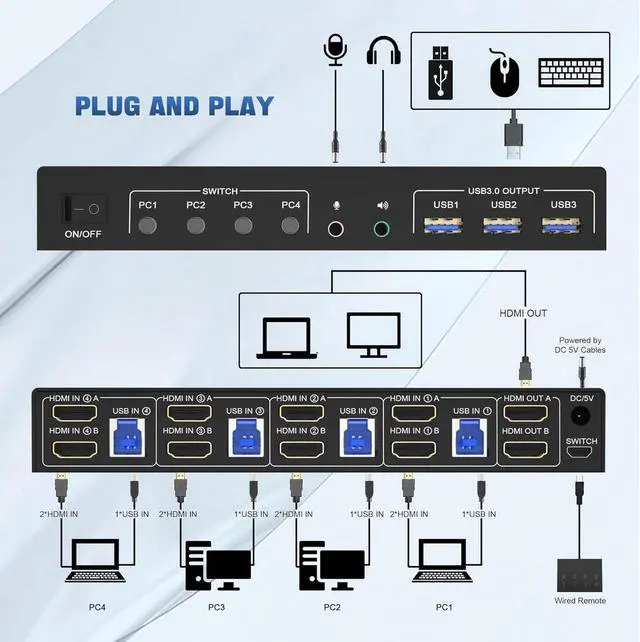
1. Insert the DC/5V adapter into the KVM;
2. Plug the HD-MI cable into the KVM and monitor; (Output)
3. Plug the HDMI cable and USB cable into the KVM and your computer/laptop (HDMI cables are not included) (Input)
HDM1 IN1 A + HDM1IN1 B + USB IN1=PC1
HDM1 IN2 A + HDM1IN2 B + USB IN2=PC2
HDM1 IN3 A + HDM1IN3 B + USB IN2=PC3
HDM1 IN4 A + HDM1IN4 B + USB IN2=PC4
4. Insert the mouse and keyboard into the KVM switch
5. If needed, you can connect a microphone and audio port
Note:
1. Most of the reasons why only onevideo output works is because of incorrect connection. Please make sure eachcomputer have 2 HDMI cables connect to the KVM.
2. If the KVM switch does not work, you can turn off the switch on the panel and turn it on again after 2-3 seconds, and it will return to normal.
3. Please check the HDMI IN A1 & A2 & A3 & A4, HDMI IN B1 & B2 & B3 & B4 and USB IN1 & IN2 & IN3 & IN4 is corresponding, HDMI OUT A, HDMI OUT B is corresponding, NOT support mixed insertion.
4.
Note: HD-MI cables are not included
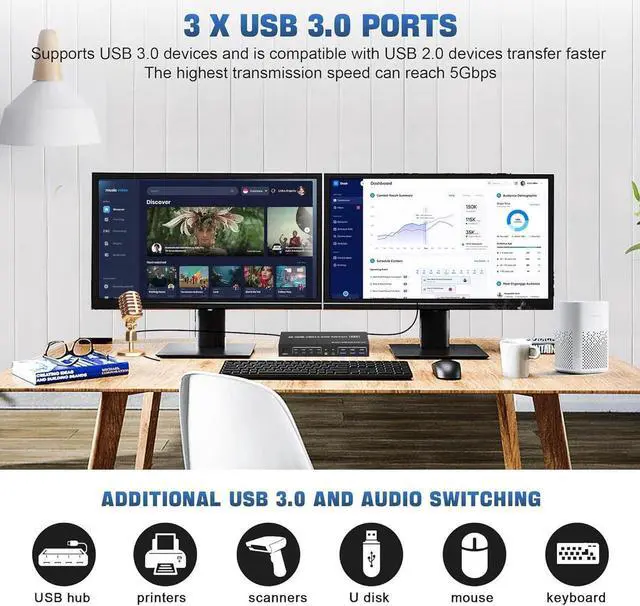
3 Port USB 3.0 with 5Gbps
Supports 5Gbps data transfer speed, can transfer files in Seconds, Much faster than USB 2.0.
3 USB 3.0 ports, backward compatible with USB 2.0 and USB 1.1, share USB devices such as keyboard mouse scanner, printer, flash drive, etc.
Supports separate audio and microphone output
KVM Switch comes with a 3.5 mm Audio Jack port with a DAC chip inside, which can be inserted into a 3-segment 3.5 mm earpiece device, and a 3.5 mm microphone interface, which can be inserted into a 3-segment microphone.
USB 3.0 Dual Monitor KVM Support 4K@60HZ
Supports high resolution up to 3840*2160@60Hz and downwards.
Note: Only when both your computer Graphics card and monitor support 4K@60Hz then you can get 4K@60Hz effect, so if you want the max resolution you have to check your devices first.
2 monitors 4 computers KVM Support 2 Switching Modes
Quickly switch between the 4 computers with just one click of the switch button on the panel or use the wired remote controller (included in the package).
Please note: This KVM does not support hotkey switching.





 here!
here!