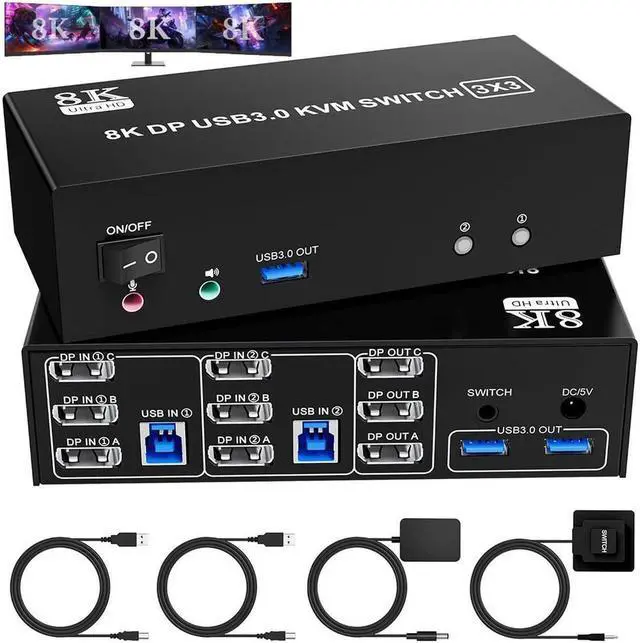
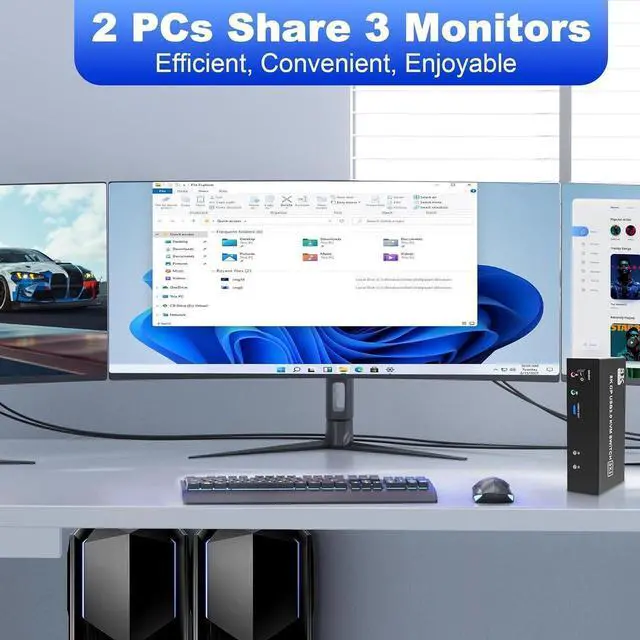
USB 3.0 KVM Switch is a powerful solution for users who need to manage multiple computers and displays efficiently. With the ability to support 3 monitors and 2 computers, this KVM switch allows seamless switching between devices, maximizing productivity and enhancing your workspace.
Product
Specifications
1. 8K Triple Monitor KVM Switch allows 2 computers/laptops to share one set of keyboard, mouse, and 3 monitors (3 DisplayPort)
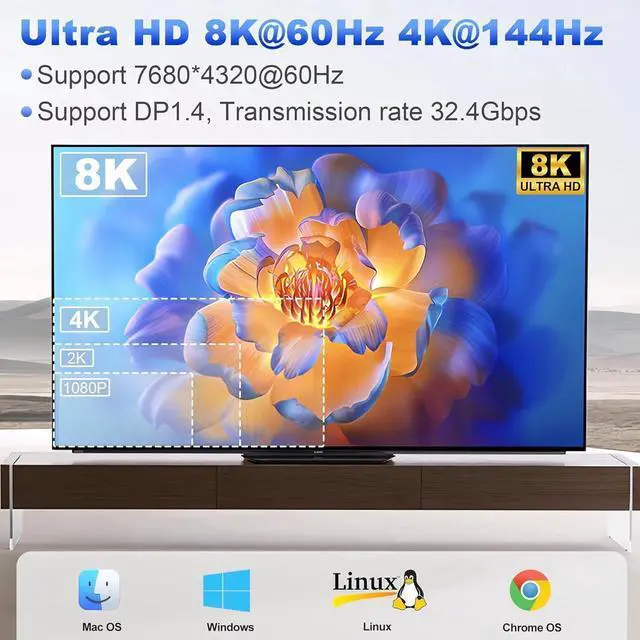
2. Support DP 1.4 standards and downward compatibility. 3 monitors output support up to 8K@60Hz for extended, mirrored or spliced display (Depends on your computer's graphics card. );
3. 2
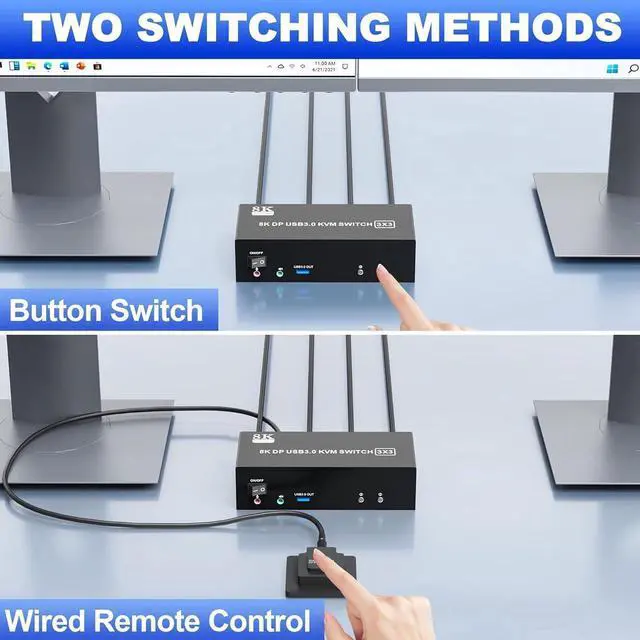
Switching modes: Button switch and wired remote.
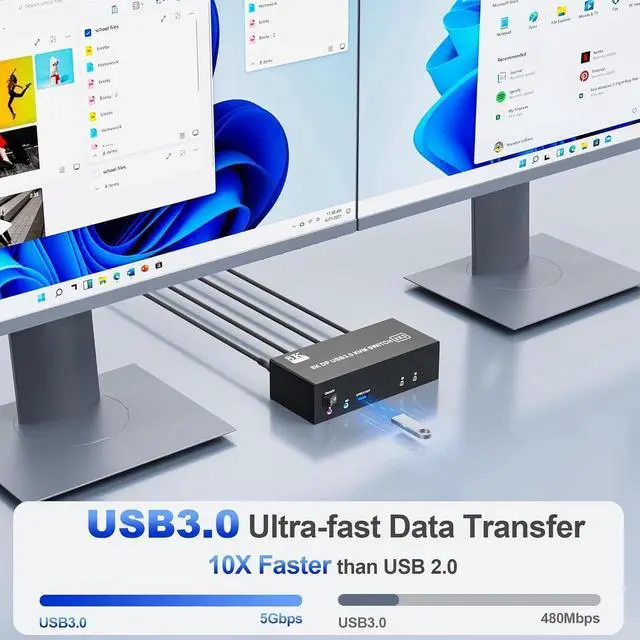
4. KVM switch equipped with 3 USB 3.0 ports for USB devices, and with extra Audio Microphone output
installation steps:
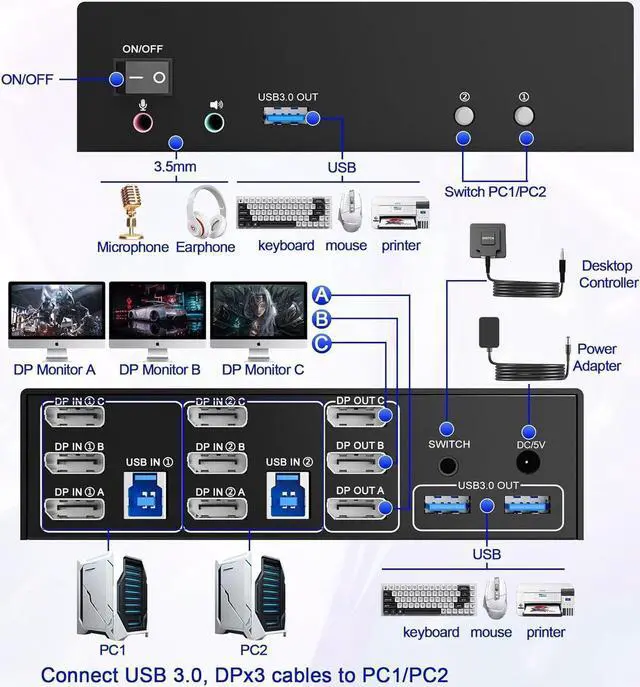
1. Insert the DC/5V adapter into the KVM;
2. Plug the 3*DisplayPort cable into the KVM switch and monitor; (Output)
3. Plug the DisplayPort cable and USB cable into the KVM switch and your computer/laptop (DP cables are not included) (Input)
DP IN 1A +DP IN 1B + DP IN 1C + USB IN 1=PC1
DP IN 2A + DP IN 2B + DP IN 2C + USB IN 2=PC2
Please check whether DP IN 1A, DP IN 1B, DP IN 1C, and USB IN 1 corresponding, and whether DP IN 2A, DP IN 2B, DP IN 2C and USB IN 2 are corresponding. Mixed insertion is not supported.
4. Insert the mouse and keyboard into the KVM switch
5. If needed, you can connect a microphone and audio port
Note:
1. Most of the reasons why only one video output works is because of incorrect connection. Please make sure each PC has(3 DP+USB cable) connect to the KVM.
2. If the input USB 3.0 ports are not connected or connected incorrectly, the output USB device will not be recognized.
3.
Note: DP cables are not included
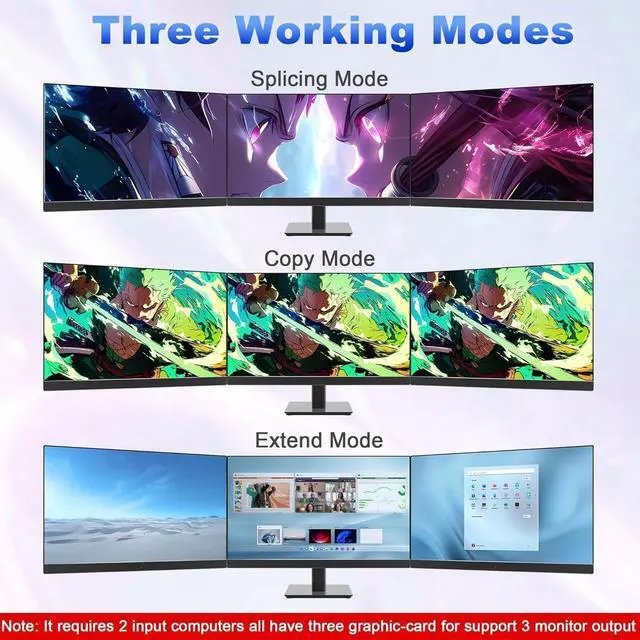
Support 3 display modes
In "Duplicate" mode, 3 output monitors will output same image from PC1 or PC2 or PC3. Computer host outputs 3 identical images on 3 monitors.
In "EXTEND" mode, the working window from main screen can be dragged to seond and third output monitor. You can have the mouse across between 3 monitors. PC host in output 3 different images on 3 monitors
In "Splicing" mode, Computer host outputs splice screens on 3 monitors
1)Extended mode can output three different screens and mirror mode can output three identical screens.
Note: If your graphics card has a splicing screen function, you can use the splicing screen mode.
2) The requirement for this KVM to achieve a triple-screen display is that each PC you connect to has the capability to support a triple-screen display. This has nothing to do with KVM.
USB Displayport KVM switch driver-free for Windows, Mac OS, Linux and Chrome OS, Compatible with PC, Laptop, PS5, PS4, TV Box, 3 USB ports use for external USB devices. It is widely applied for home, office, teaching, meeting room, games, etc.
KVM switch 2 computers 3 monitors support resolution up to 7680*4320@60Hz, 3840*2160@144Hz and backward compatible.
Note: If you need 8K@60Hz resolution, please make sure yourDisplayport cables, computers and monitors support 8K@60Hz.





 here!
here!