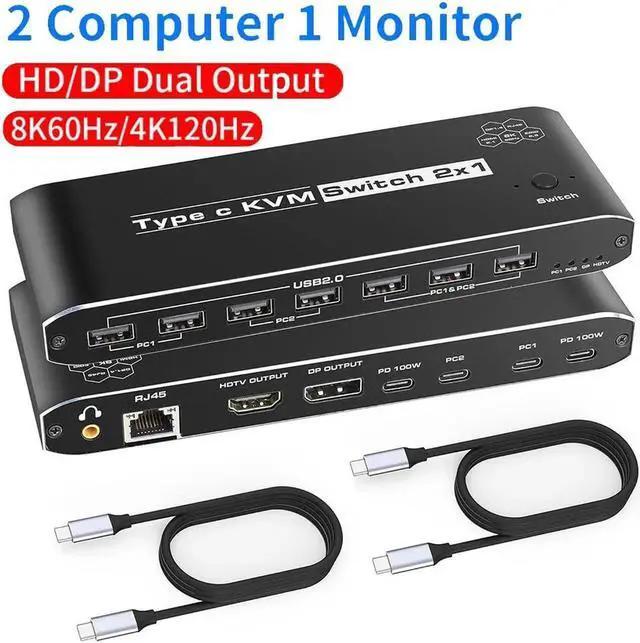
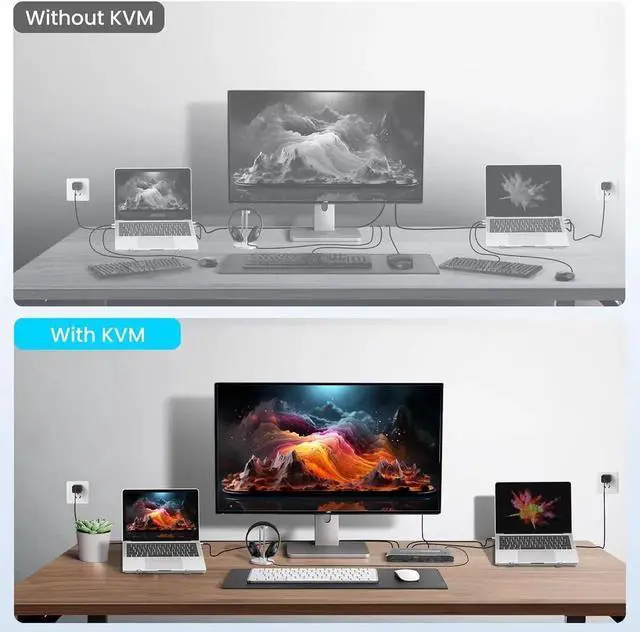
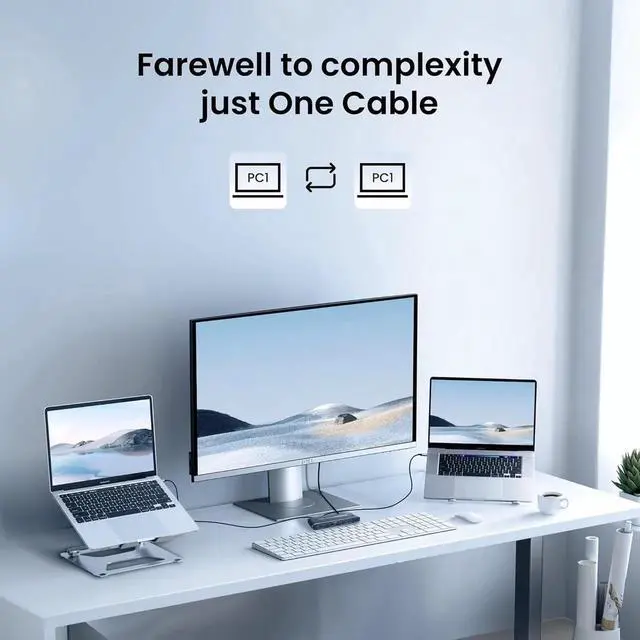
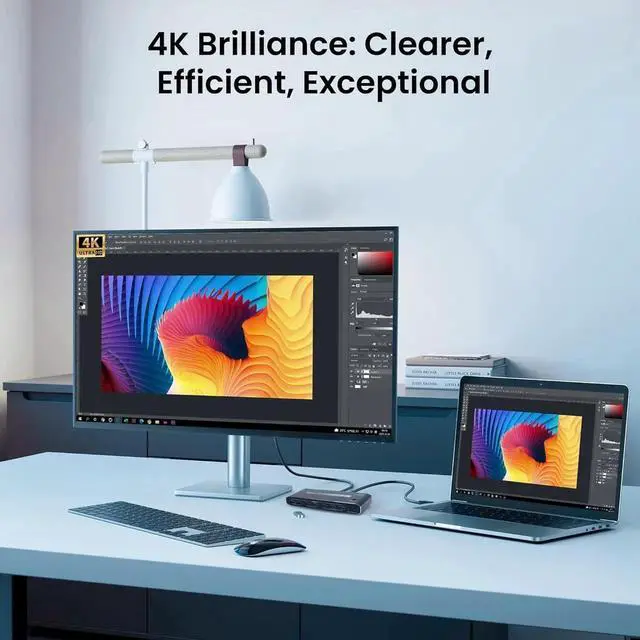
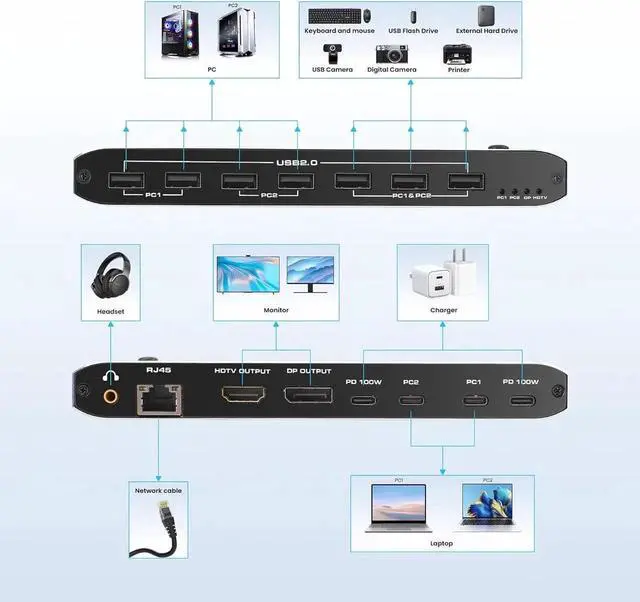
[KVM Switch 1 Monitors 2 Computers] The KVM switch allows your two laptops to share an 8K60Hz display, keyboard, mouse, printer, and other USB devices, as well as wired network and 3.5mm headphone interfaces. You can use the switch button on the front of the product to switch between the two laptops.
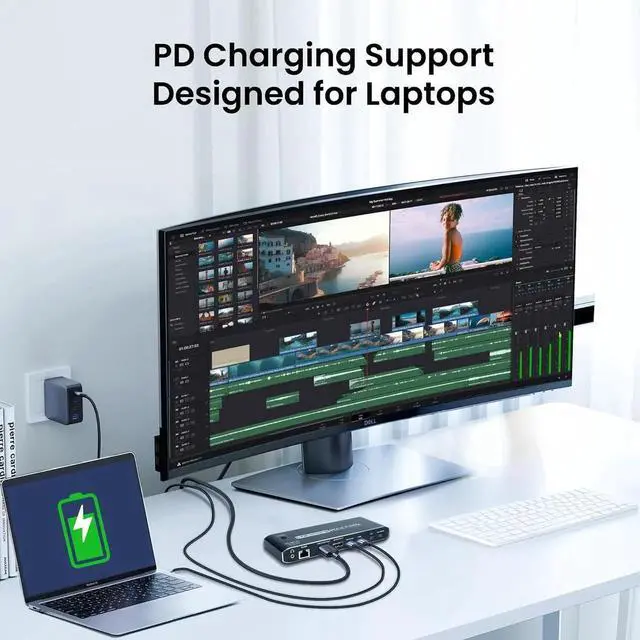
[Charge While Using] Simply connect your laptop charger to the PD port of the KVM, and it can provide your laptop with a charging power of up to 100W. Additionally, if you plug an Ethernet cable into the RJ45 port of the KVM, it can offer a more stable wired network for your laptop.
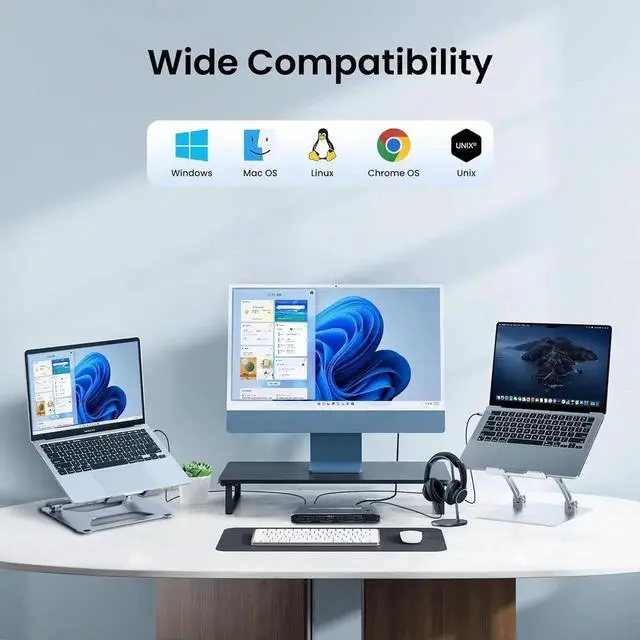
[Good compatibility] KVM switch has the following interfaces: 7xUSB 2.0 Type-A, 2xThunderbolt, 2xUSB Type-C PD 100W, 1xHDMI 2.1, 1xDP1.4, RJ45 (100Mbps), 3.5mm Audio Aux Jack. Supports all Windows and macOS systems released since Windows 7 and and Mac OS X 9.0.
[Ultimate high definition]: Supports maximum resolution up to 8K@60Hz and 4K@144Hz(requires your laptop to support Thunderbolt 4).
+
+
Overview
Specs
Reviews
Any questions? Our AI beta will help you find out quickly.
Try me now
Specification:
Name: USB C to HDMI KVM Switch
Function: Two hosts share a set of mouse, keyboard and monitor
Learn more about the Detailed Specifications
Additional Information
First Listed on Newegg
August 28, 2025
There are no reviews yet.
Do you own this product?
Warranty & Returns
Warranty, Returns, And Additional Information
Warranty
Please contact the Seller directly for warranty information. Warranty information may also be found on the Manufacturer's website.