• $76.90
  • Free 30-day Returns
  • Ships from China.
    Price alert
    Shop it at NeweggBusiness.

    Meet Your Seller

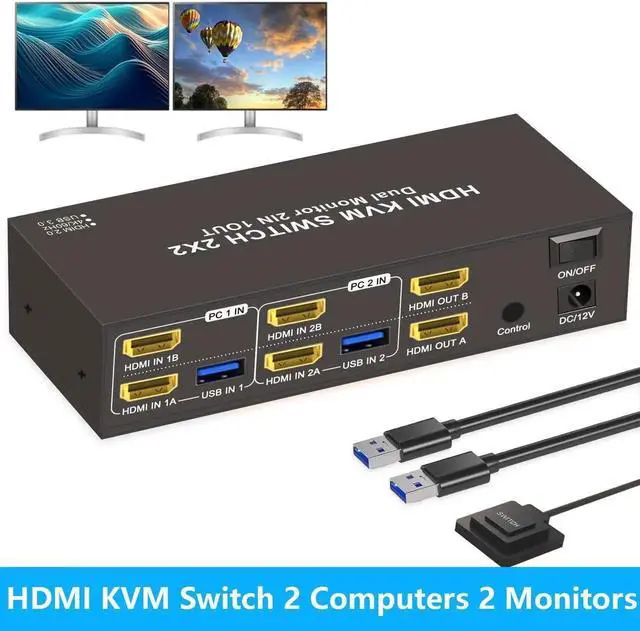
    HDMI KVM Switch 2 Computers 2 Monitors, Dual Monitor HDMI KVM Switch 2 in 2 Out, 4K 60Hz, Dual HDMI Outputs with 4 USB 3.0 Ports to Share Keyboard Mouse Printer etc, Supports Extended/Copy Mode

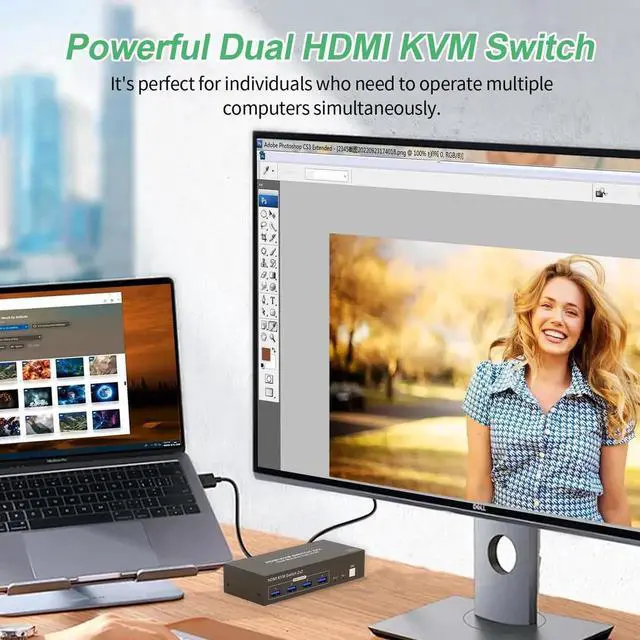
    • [Dual Monitor HDMI KVM Switch] Achieve seamless multitasking with this KVM switch, which lets 2 PCs share 2 monitors along with a keyboard and mouse setup. Supporting both extended and mirrored display modes.
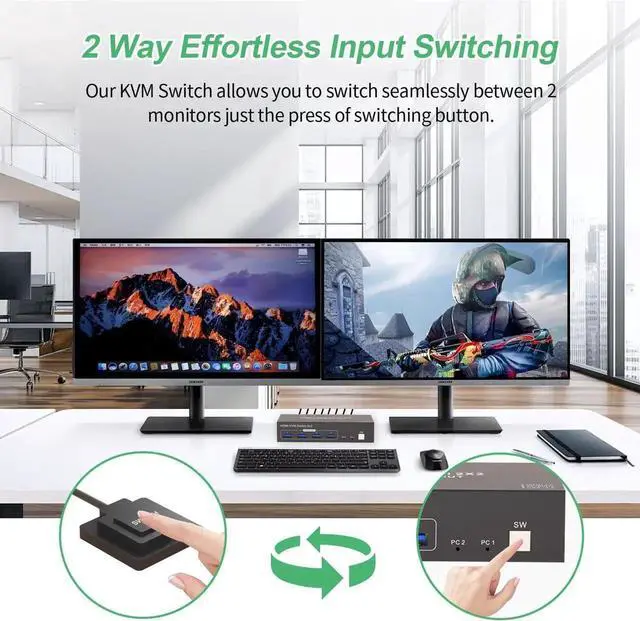
    • [Convenient Dual Switching Options] Easily switch between computers using either the button on the unit or the external wired controller. The one-touch button beside the indicator light provides instant switching, while the wired remote keeps your desk organized. (Note: Hotkey switching is not available.)
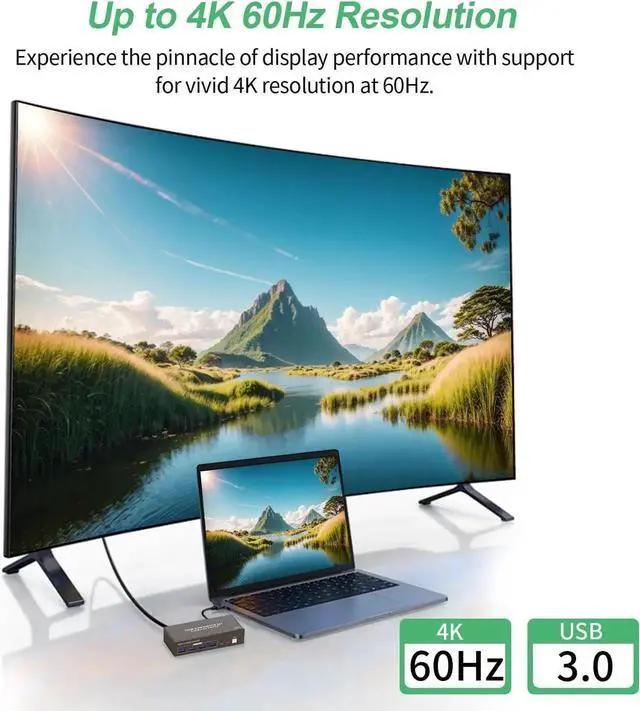
    • [Ultra HD 4K@60Hz Visuals]with 4K resolution support up to 3840*2160@60Hz, fully compatible with HDMI 2.0, HDCP 2.2, and backward compatibility with 1080p and lower.
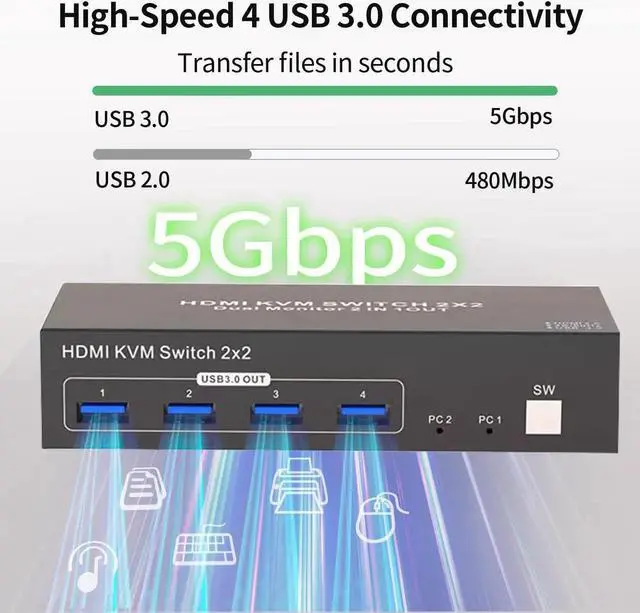
    • [High-Speed USB 3.0] Equipped with 4 USB 3.0 ports,achieves data transfer speeds of up to 5Gbps, ideal for efficiently sharing devices like printers, cameras, and USB drives between 2 computers-10x faster than standard USB 2.0.
    • [Versatile Use Across Multiple Environments] No drivers required-plug and play ready.
    +
    +
    Overview
    Specs
    Reviews
    avatar

    Any questions? Our AI beta will help you find out quickly.

    Precautions for Dual Monitor HDMI KVM Switch (2 PCs, 2 Monitors)

    1.Display Delay During Switching: When switching between computers, the monitors may briefly go black for a few seconds--this is normal and expected.

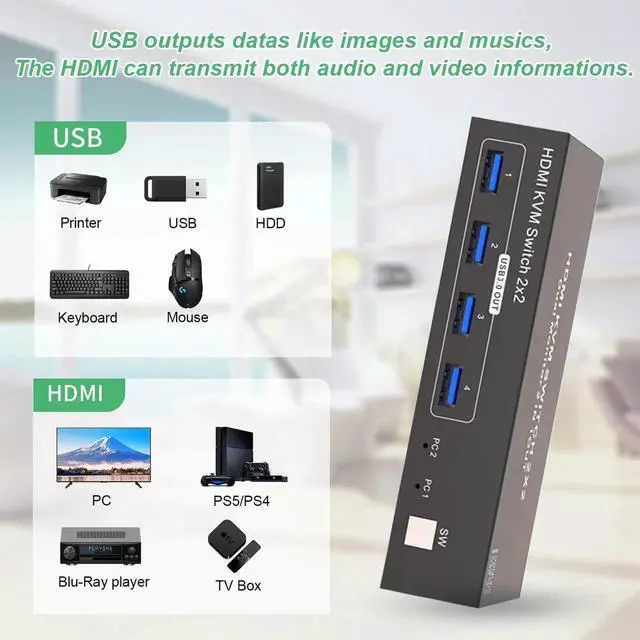
    2.USB And HDMI Ports: USB ports are for data transfer only (e.g., images and music). For both video and audio, use the HDMI ports.

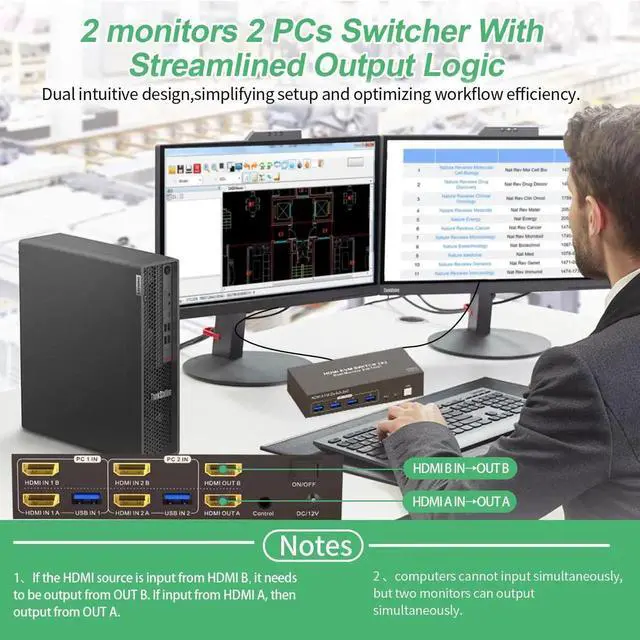
    3.Port Matching for HDMI Input/Output: When connecting HDMI sources, ensure they match the corresponding outputs. For example, if the input is from HDMI IN B, use HDMI OUT B; if from HDMI IN A, use HDMI OUT A.

    4.Extended & Mirrored Modes: This KVM supports both extended and mirrored display modes, but your computer must support these as well. Note that the KVM switch only transmits signals; it doesn't modify display settings on your device.

    5.Power for Stability: For stable operation, connect the KVM switch to the included power supply.

    6.Dual Monitor Setup: To use dual monitors, connect both HDMI ports on one PC. For example, connect HDMI IN 1B and HDMI IN 1A on PC 1 IN, and connect HDMI OUT B and HDMI OUT A on the output side. This setup allows HDMI OUT B to display HDMI IN B's output, and HDMI OUT A to display HDMI IN 1A's output.


    Warranty & Returns

    Warranty, Returns, And Additional Information

    Warranty

    • Please contact the Seller directly for warranty information. Warranty information may also be found on the Manufacturer's website.
    • CONTACT

    Return Policies

    • Return for refund within: 30 days
    • Return for replacement within: 30 days
    • This item is covered by HUADO Return Policy

    Manufacturer Contact Info

    LOADING...