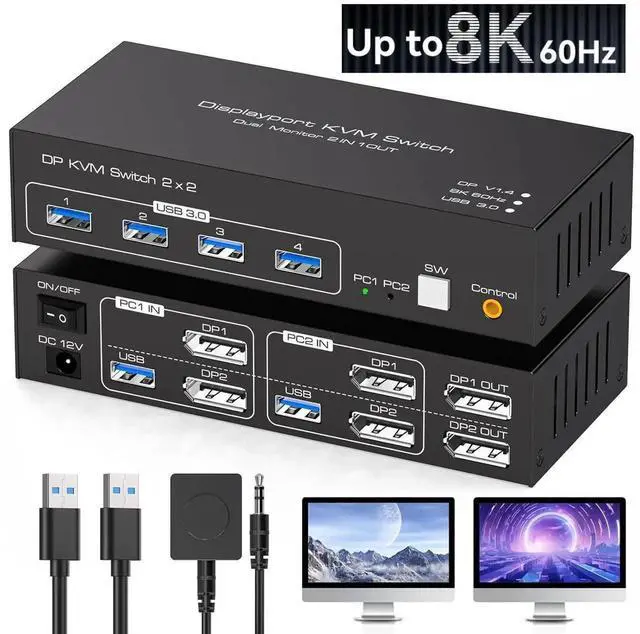
8K@60Hz/4K@120Hz Displayport KVM Switch 2 PC 2 Monitors, USB 3.0 DP 1.4 KVM Switch for 2 Computers Share Dual Monitor and 4 USB Devices Supports Extended Mode and Copy Mode, with Wired Remote
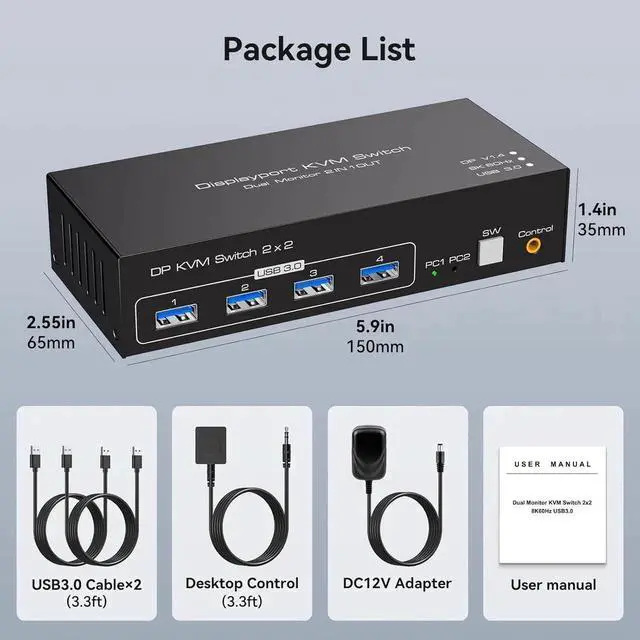
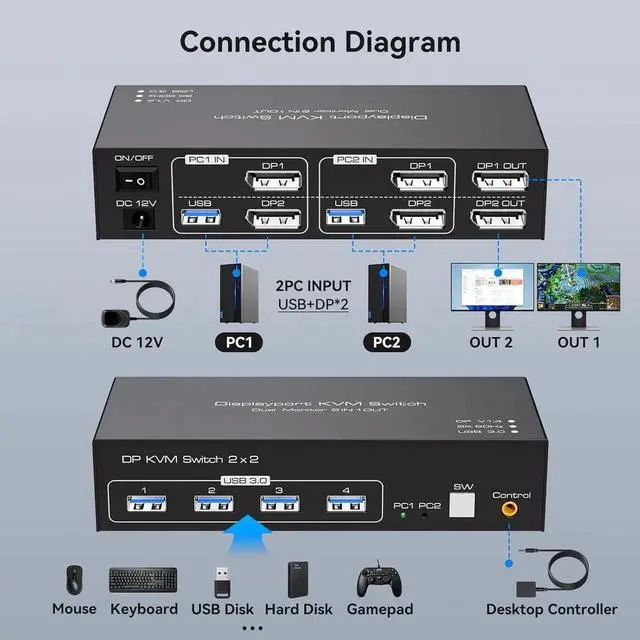
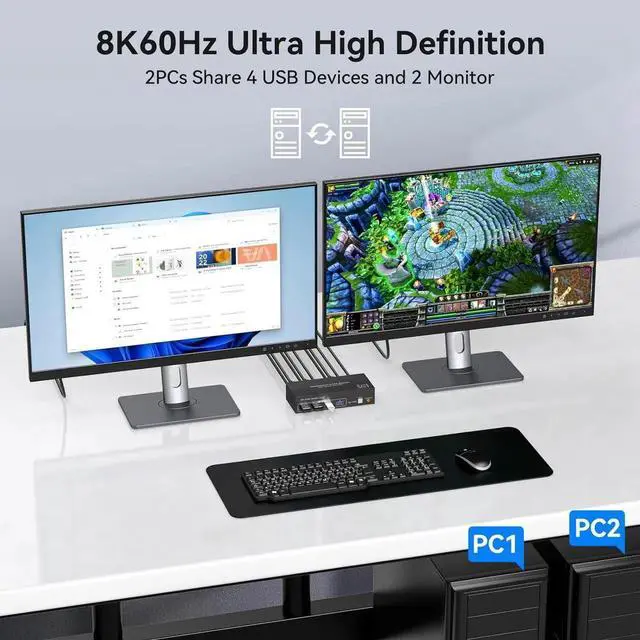
KVM switch 2 PC 2 monitors: KVM switch allows 2 PCs to share 2 monitors and 4 USB ports. Each PC must be connected to the KVM via 2 DP cables and 1 USB-A cable to share the monitors and USB devices.The use of adapters or conversion cables is not recommended.
8K KVM switch: Supports resolutions and refresh rates of up to 8K60Hz/4K120Hz and is backwards compatible with 1080p 3D 720P etc.
Supports extended mode and copy mode: the extension mode allows you to move application windows to another screen and provides enough space for efficient multitasking. In copy mode, the image of the main screen is copied to the secondary screen.
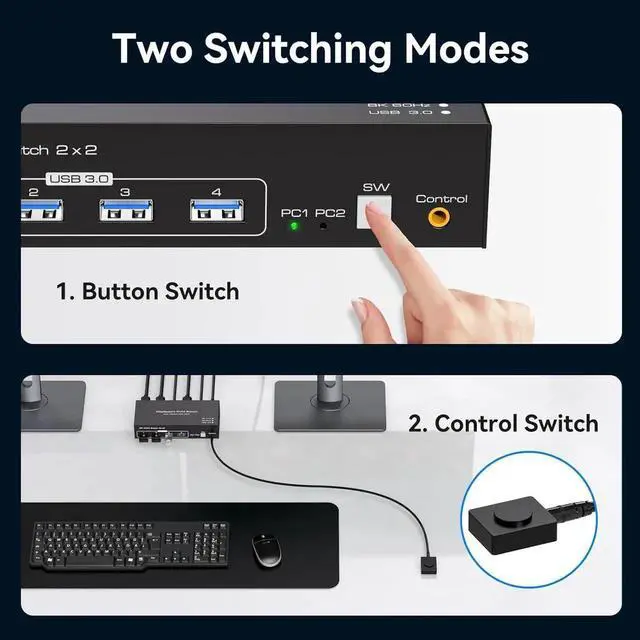
Easy to change: In addition to the "SW" push button switch on the device, the KVM also has an external controller that allows you to place the KVM outside your work area to keep your desk clean and tidy.
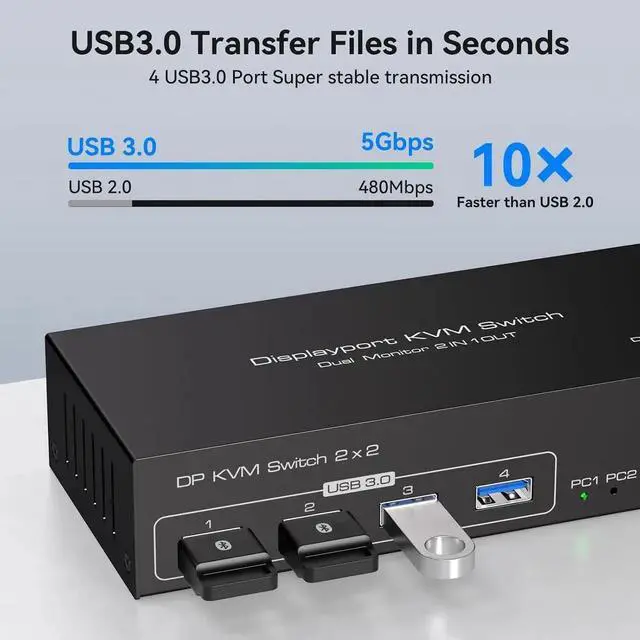
USB 3.0: KVM switch can share 2 computers up to 4 USB devices at the same time. The transfer speed of USB3.0 is up to 5 Gbps, which is far superior to USB 2.0.
+
+
Overview
Specs
Reviews
Any questions? Our AI beta will help you find out quickly.
Try me now
Warm Tips:
Make sure that both computers have two DP ports and one USB-A port each, that both monitors have two DP ports each, and that your computer supports dual-screen output.
KVM only switches signals, and each time after switching, both monitors only display the image of the same computer.
The KVM switch can only be used for signal transmission and cannot change any information.
The switcher does not support the use of hotkeys to switch signal sources.
If the monitor flickers or has other display problems after connecting the KVM switcher, please try to connect it with a shorter DP cable; the use of an adapter cable is not recommended.
Learn more about the Detailed Specifications
Additional Information
First Listed on Newegg
August 28, 2025
There are no reviews yet.
Do you own this product?
Warranty & Returns
Warranty, Returns, And Additional Information
Warranty
Please contact the Seller directly for warranty information. Warranty information may also be found on the Manufacturer's website.