
Your Browsing History




Any questions? Our AI beta will help you find out quickly.
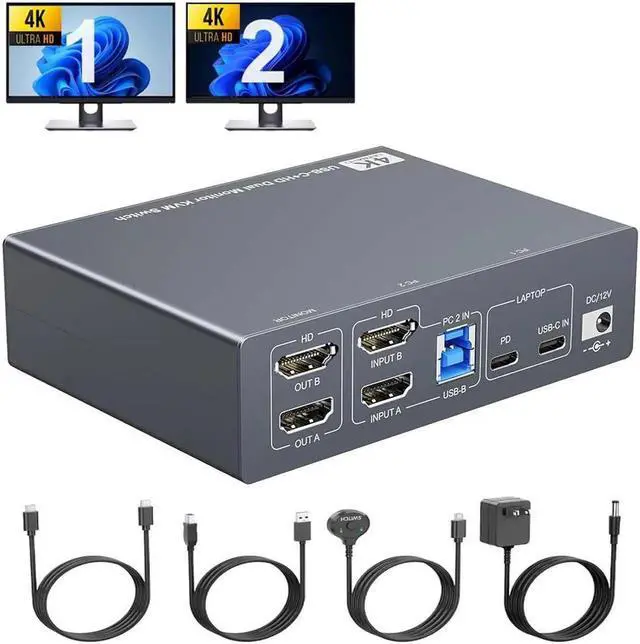
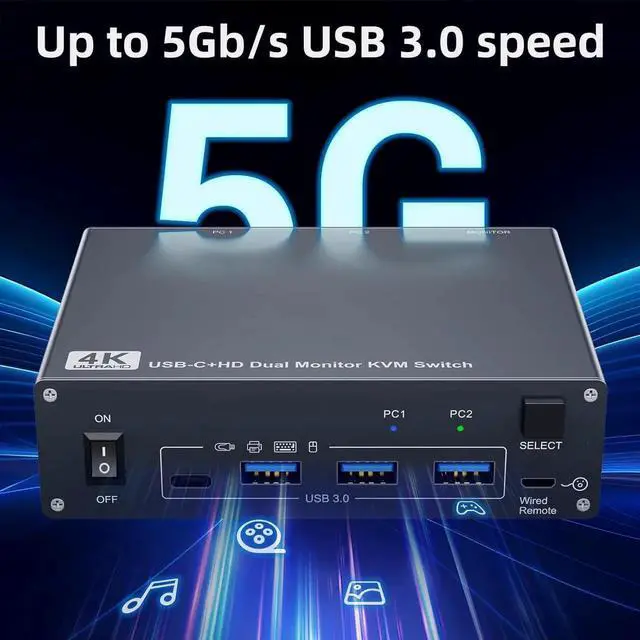
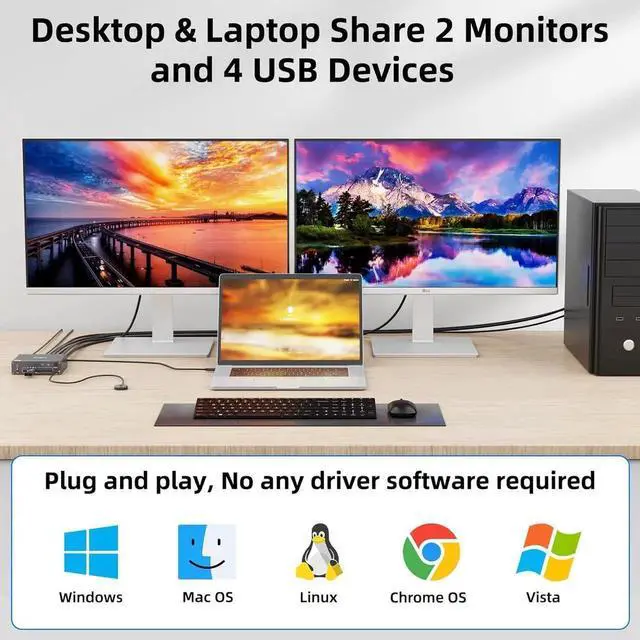
Dual monitor KVM switch driver-free for Windows, Mac OS, Linux and Chrome OS, Compatible with Desktop, Laptop and Mini Box, with 4 USB ports for peripheral USB devices.
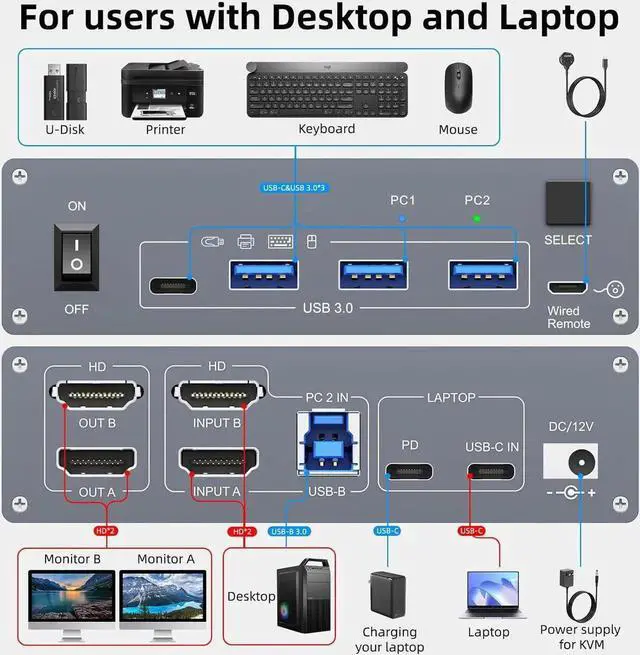
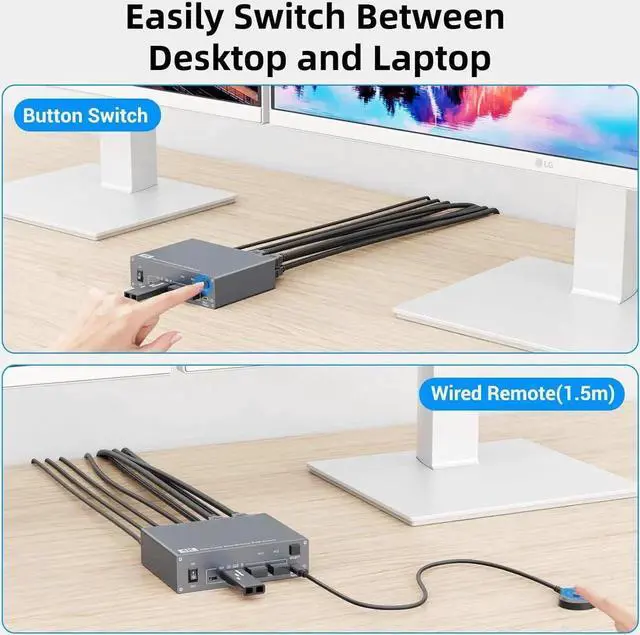
How to connect the KVM switch
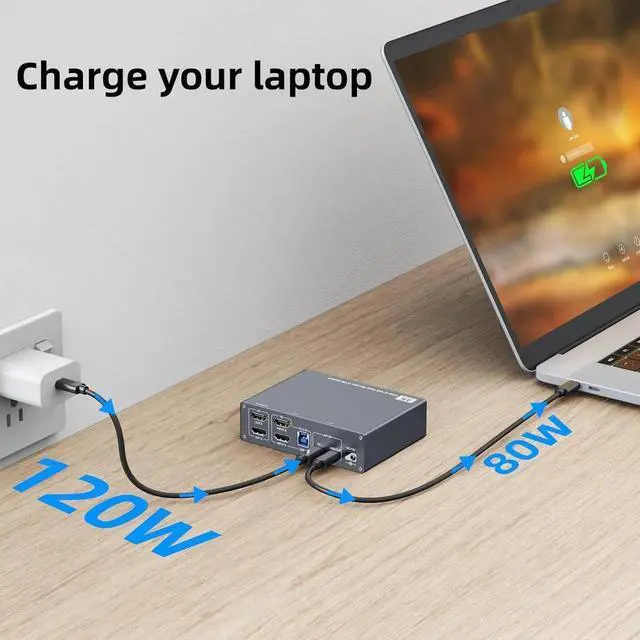
For laptops: simply connect the laptop to the KVM using a USB-C to USB-C cable. If you need to charge your laptop, connect the laptop's power adapter to the KVM's PD port.
For desktop: 2 * HDMI+1 * USB cable are required to connect the desktop to KVM. If your desktop does not have 2 HDMI ports, you can use a Displayport to HDMI cable.
It is also suitable for 2 laptops, but requires a USB C docking station with 2 HDMI outputs.
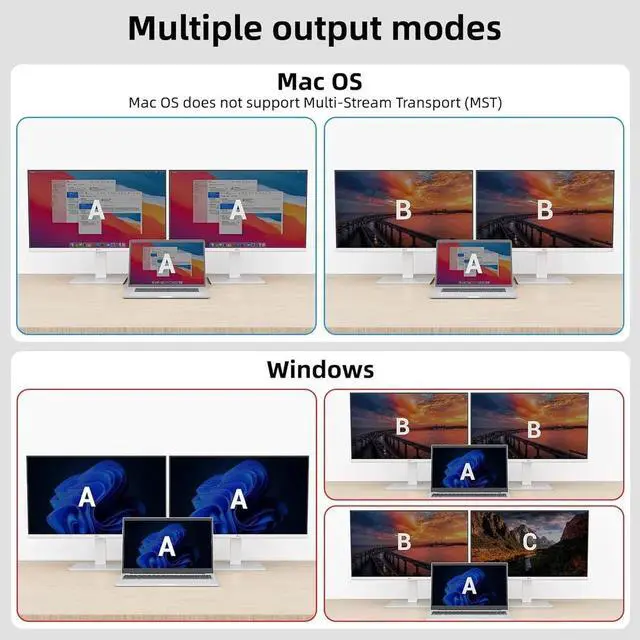
OUT A, OUT B are used to connect 2 external monitors.