




 here!
here!
I’m your shopping assistant for PC builds, upgrades, and everything tech.
Got questions? Ask away!
Start a conversation
here!
I’m your shopping assistant for PC builds, upgrades, and everything tech.
Got questions? Ask away!
Start a conversation
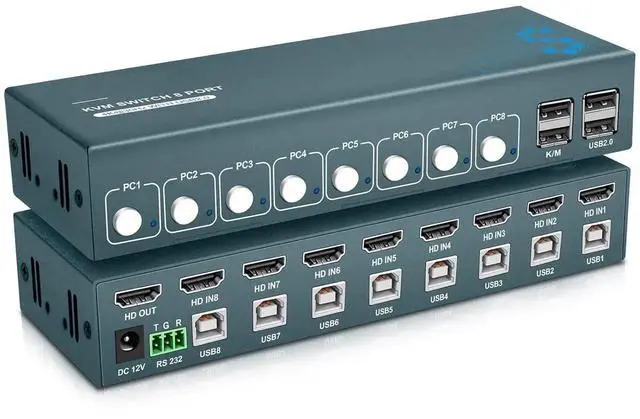
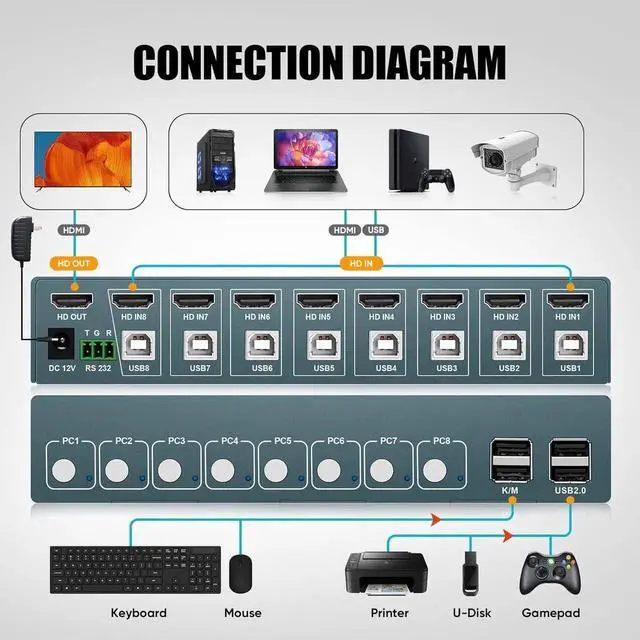
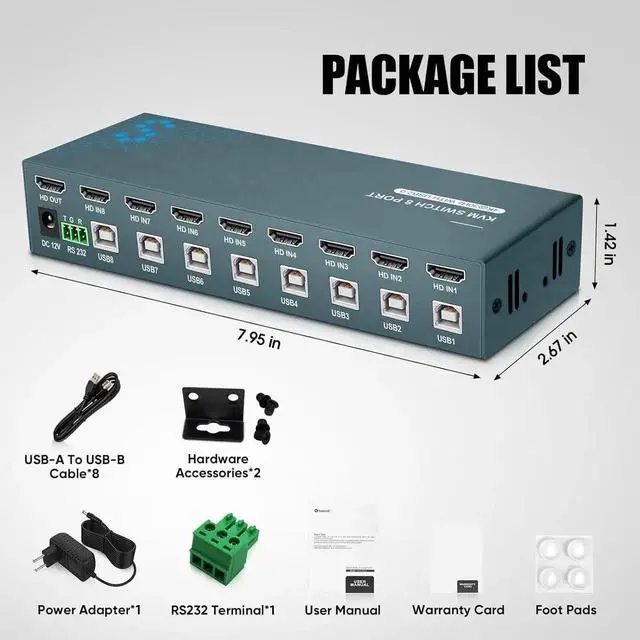
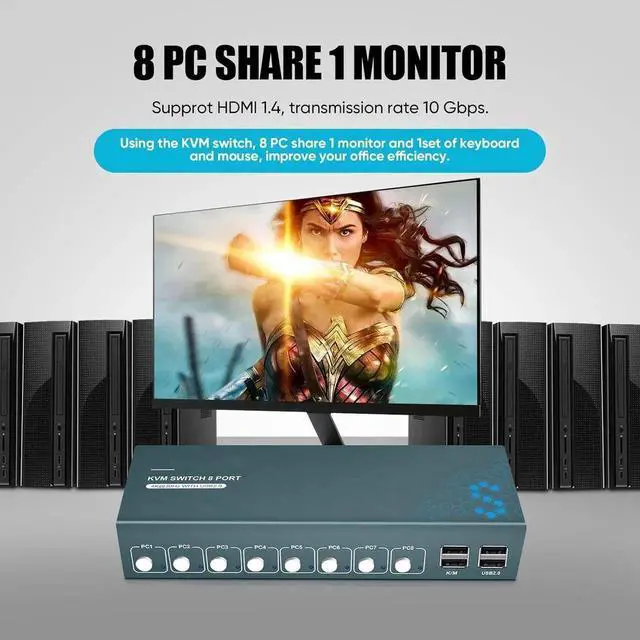




Any questions? Ask CelesteSM will help you find out quickly.
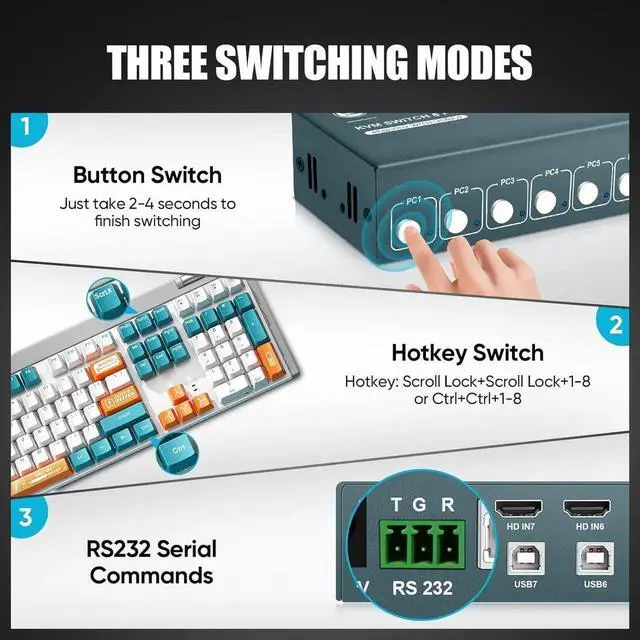
Two Switching Methods:
Seamlessly switch between computers using either the support button or hotkey switch. The status light on the switch panel indicates the active computer, providing clarity in your operation.
To get the RS232 working, you can use the following commands for switching ports and controlling the scanning feature:
PS 1 to switch to port 1 (equivalent to the keyboard command ctrl + ctrl + 1)
PS 2 to switch to port 2 (equivalent to ctrl + ctrl + 2)
PS 3 to switch to port 3 (equivalent to ctrl + ctrl + 3)
PS 4 to switch to port 4 (equivalent to ctrl + ctrl + 4)
PS 5 to switch to port 5 (equivalent to ctrl + ctrl + 5)
PS 6 to switch to port 6 (equivalent to ctrl + ctrl + 6)
PS 7 to switch to port 7 (equivalent to ctrl + ctrl + 7)
PS 8 to switch to port 8 (equivalent to ctrl + ctrl + 8)
CS 0 to stop scanning (no keyboard equivalent, can press any key)
CS 1 to start scanning (equivalent to ctrl + ctrl + S)
Make sure to add a space before the number in the command, and always press ENTER after inputting the command (except for hex commands).
Adjustable Beep Sound Control:
This product offers an easy way to toggle the beep sound on or off using a simple key combination. To turn off the beep sound, press CTRL+CTRL+B+0. To turn it back on, press CTRL+CTRL+B+1, allowing you to customize the audio experience based on your preferences.


