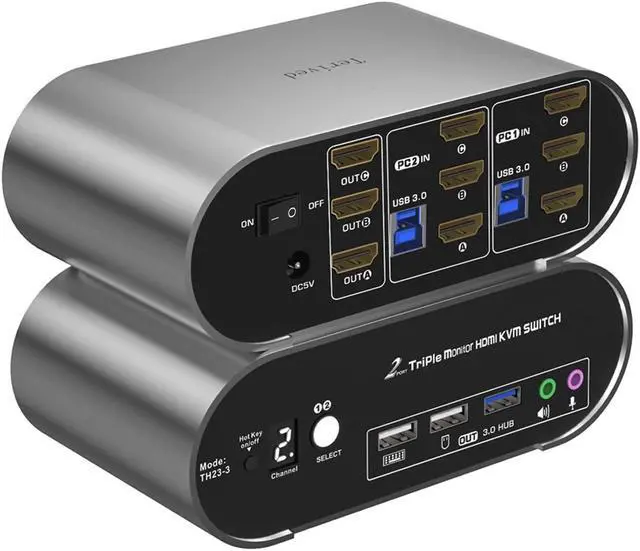
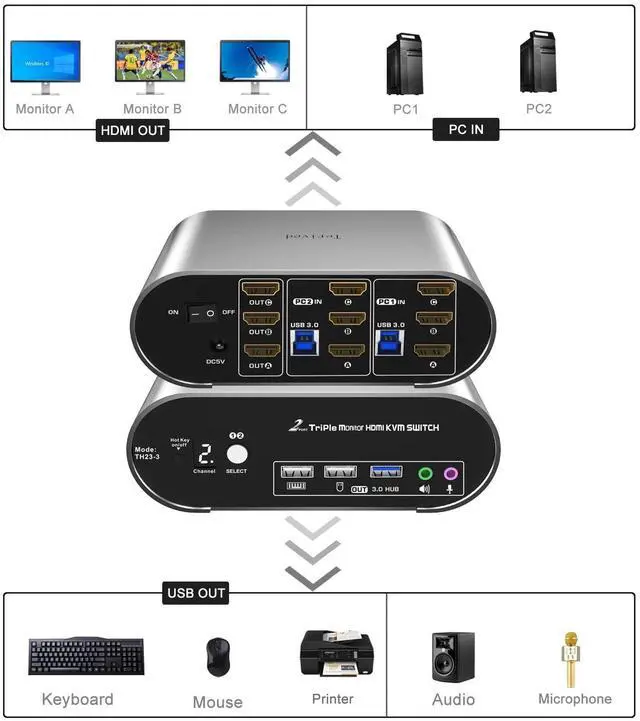
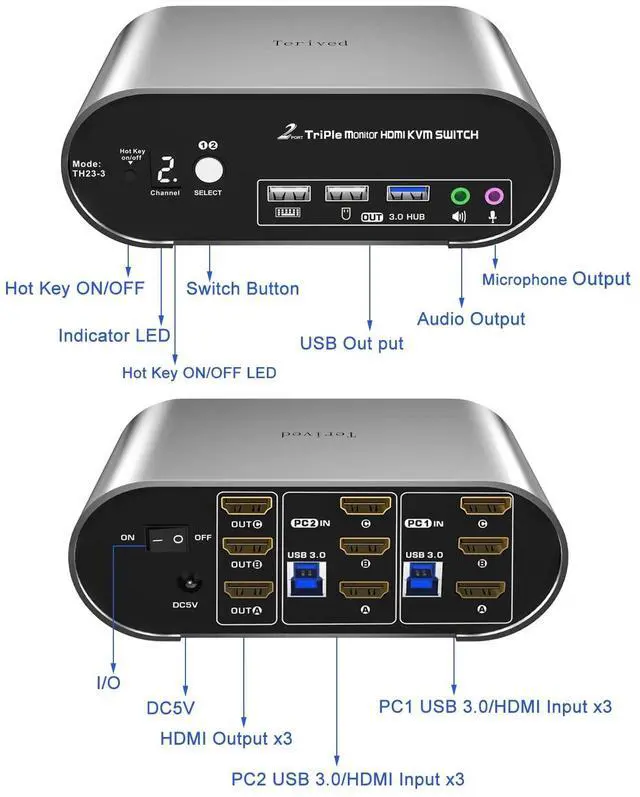
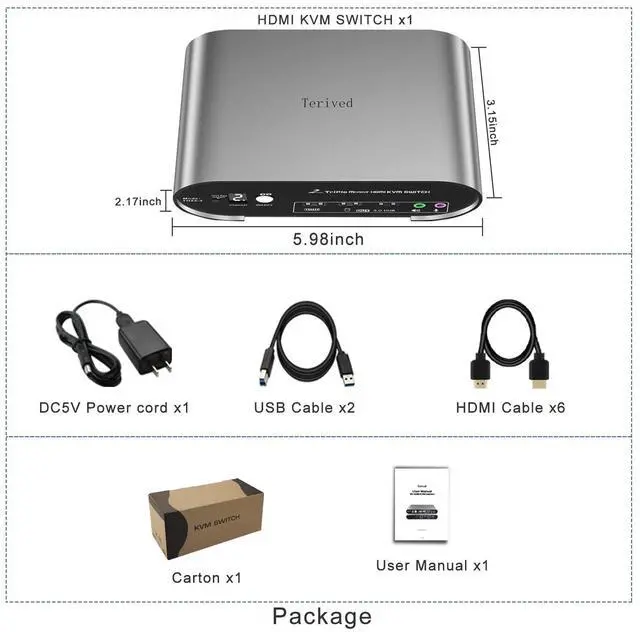
Attention: This HDMI Triple monitor KVM switch requires 3 HDMI outputs for each computer. If you need additional HDMI outputs, consider using high-quality DP to HDMI or Type C to HDMI cables that meet your monitor's resolution and refresh rate. We do not recommend docking stations because most of them are unstable. Additionally, please ensure that all the cables in the product box are properly plugged in. The USB cables included are intended for the KVM's front USB ports.
Aluminum Alloy shell - We want to give customers the best quality; we use aluminum alloy for the body, which provides you with an excellent premium look, great drop resistance, light-weight, strong, and robust corrosion resistance
Digital Display- KVM Switch 2 port triple monitors with a digital display which lets you easy to see the current channel even in the dark investment
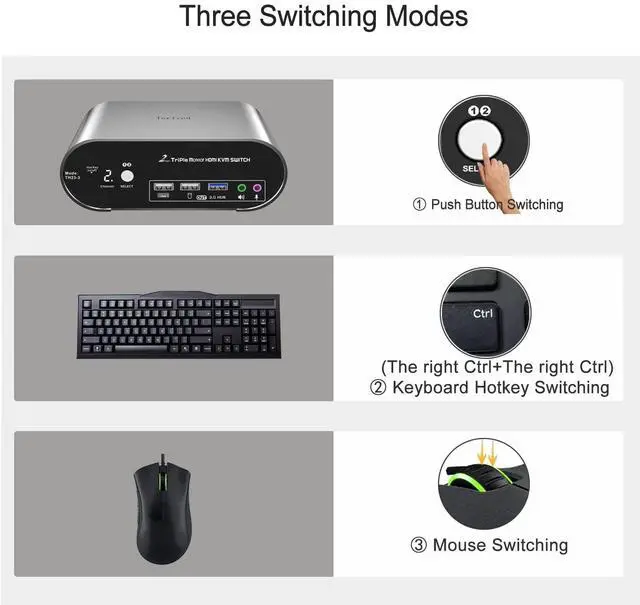
Hotkey - Tired of a manual button switch This product gives you a convenient way to switch, including keyboard hotkeys switch, mouse wheel switch
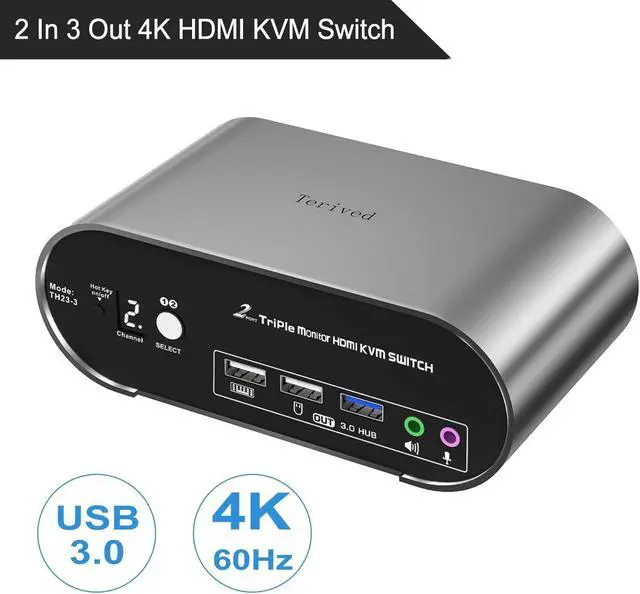
Two computers three monitors - Control 2 HDMI interfaced computers or other applicable devices using one keyboard, a mouse, three HDMI monitors with audio & microphone, and USB 3.0 HUB for data transferring rate up to 5Gbps/s (10 times faster than USB 2.0 )
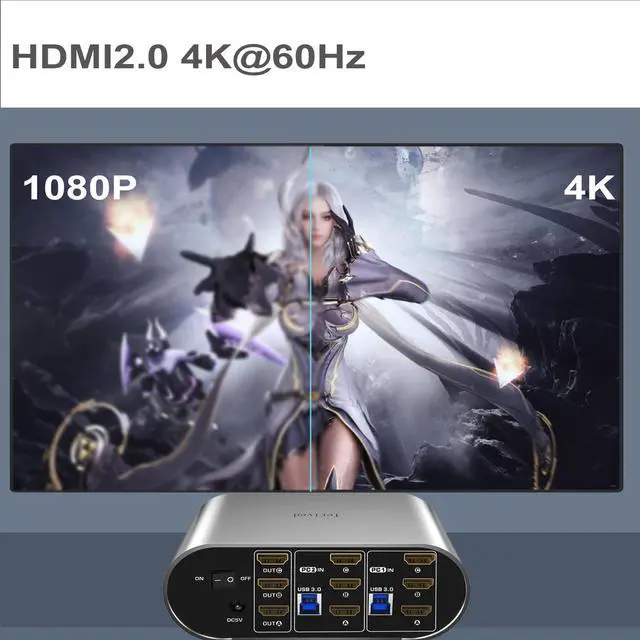
HDMI Switch 4K - Supported resolutions: 480i, 480p, 720p, 1080i, 1080p, 2K@144Hz, 4K@60Hz
RGB 4:4: 4 HDR10, HDMI 2.0 compatible. Auto-Scan, auto-detection, auto EDID. Hot plug & play and HDCP.
Multi-platform: support Windows 11/10/7/2000/XP/Vista, Linux, and Mac
Attention: hotkey software does not work with a keyboard with a maximum transfer rate greater than 12Mbps; (about 1% in the market). If this happens, turn off the keyboard hotkey by using right[CTRL] + right [CTRL] + [k] + [Enter]. After that, the keyboard USB port became a standard USB 2.0 Hub and can be used for any USB device. Please note that you can still use the mouse hotkey switch and one-button switch