Your Browsing History
Meet Your Seller
Visit Explus-C Store
FOLLOW
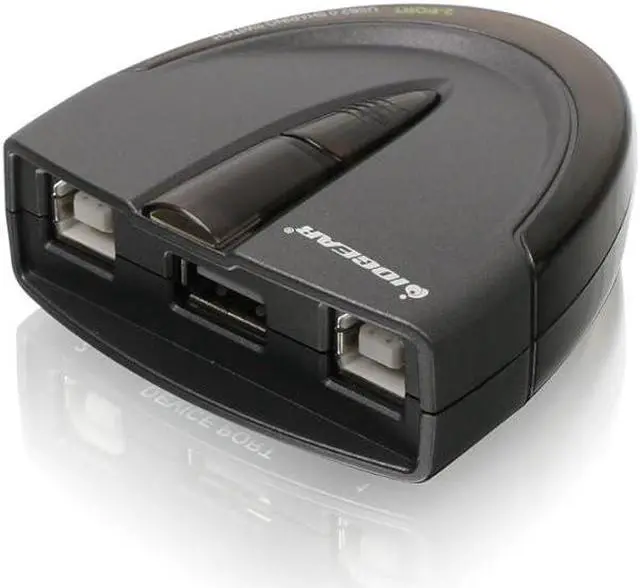
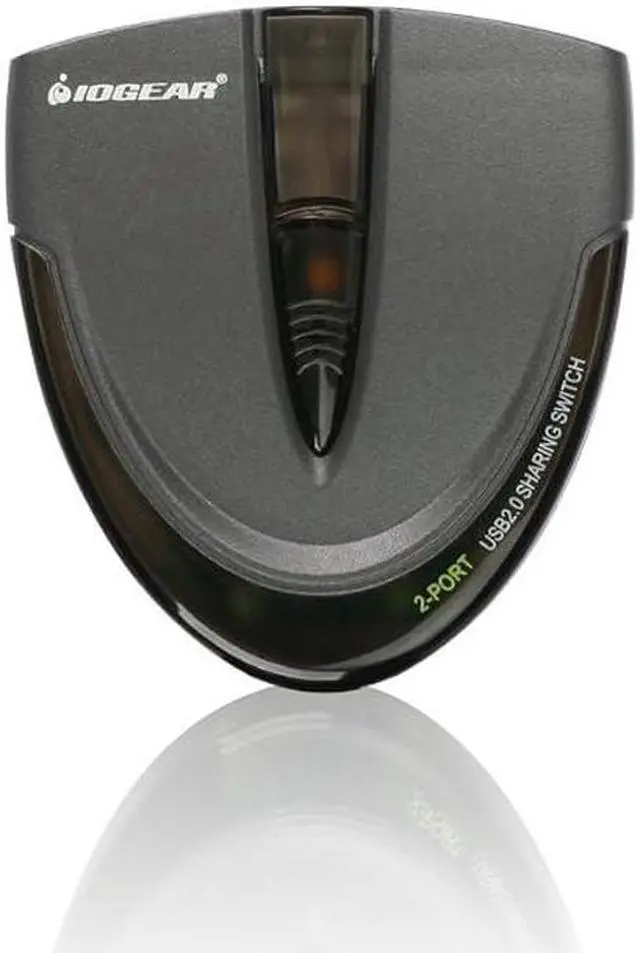
2 Port USB 2.0 Switch - Auto Printer Switch - Manually or Auto Control - LEDs Indicate - Plug n Play - GUB231
- USB 2. 0 support with data transfer rate up to 480Mbps and USB 1. 1 backward compatible
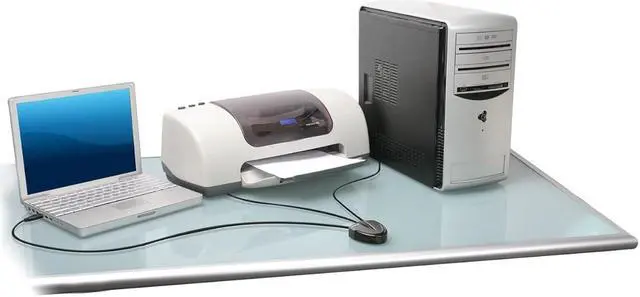
- {SHARE ONE USB PRINTER BETWEEN TWO WORKSTATIONS} Connect your workstations via USB 2.0 ports on the device, allowing you to share one printer, or Multi-function printer.
- {AUTOMATIC OR MANUAL SWITCHING} Downloading the automatic switching software will automatically switch the Printer Switch to the computer that is submitting the task. However, manual switching can be done by pressing the switch-button on the device.
- {MULTI-PURPOSE USE} Manually switch a wide range of USB peripheral devices (scanners, external hard drives, etc) via the push button located on the device itself.
- No external power supply needed
- Switch-lock function prevents other users from switching the USB device and ensures data access consistency
+
+
Overview
Specs
Reviews
Any questions? Our AI beta will help you find out quickly.
Try me now
USB 2. 0 support with data transfer rate up to 480Mbps and USB 1. 1 backward compatible
{SHARE ONE USB PRINTER BETWEEN TWO WORKSTATIONS} Connect your workstations via USB 2.0 ports on the device, allowing you to share one printer, or Multi-function printer.
{AUTOMATIC OR MANUAL SWITCHING} Downloading the automatic switching software will automatically switch the Printer Switch to the computer that is submitting the task. However, manual switching can be done by pressing the switch-button on the device.
{MULTI-PURPOSE USE} Manually switch a wide range of USB peripheral devices (scanners, external hard drives, etc) via the push button located on the device itself.
No external power supply needed
Switch-lock function prevents other users from switching the USB device and ensures data access consistency
**Automatic Switching software requires Admin rights

{SHARE ONE USB PRINTER BETWEEN TWO WORKSTATIONS} Connect your workstations via USB 2.0 ports on the device, allowing you to share one printer, or Multi-function printer.
{AUTOMATIC OR MANUAL SWITCHING} Downloading the automatic switching software will automatically switch the Printer Switch to the computer that is submitting the task. However, manual switching can be done by pressing the switch-button on the device.
{MULTI-PURPOSE USE} Manually switch a wide range of USB peripheral devices (scanners, external hard drives, etc) via the push button located on the device itself.
No external power supply needed
Switch-lock function prevents other users from switching the USB device and ensures data access consistency
**Automatic Switching software requires Admin rights
Warranty & Returns
Warranty, Returns, And Additional Information
Warranty
- Please contact the Seller directly for warranty information. Warranty information may also be found on the Manufacturer's website.
- CONTACT
Return Policies
- Return for refund within: 30 days
- Return for replacement within: 30 days
- This item is covered by Explus-C Return Policy
Manufacturer Contact Info
- For a directory of all our manufacturers, please click below.
- Manufacturers Directory
LOADING...