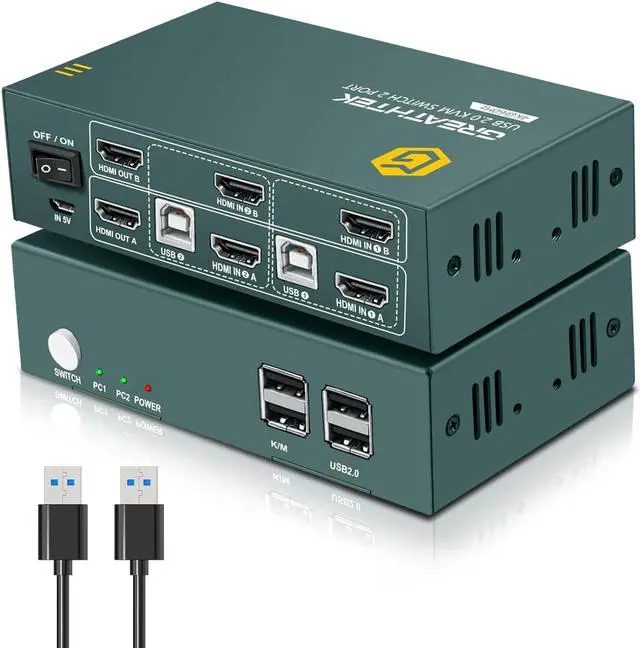
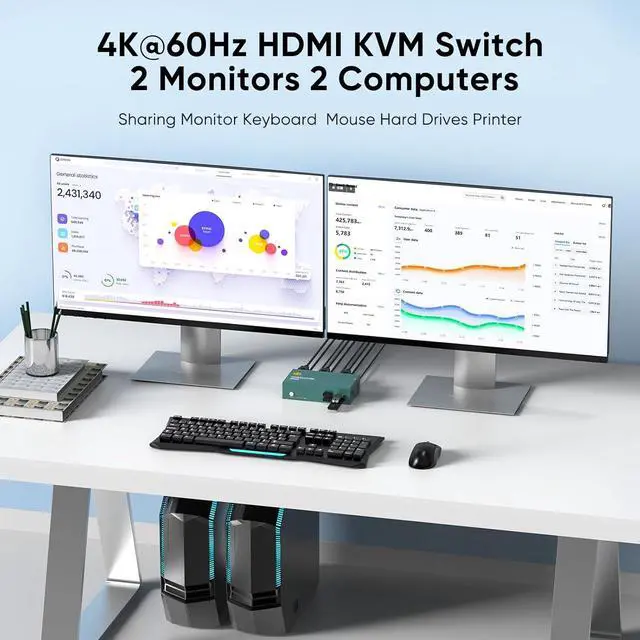
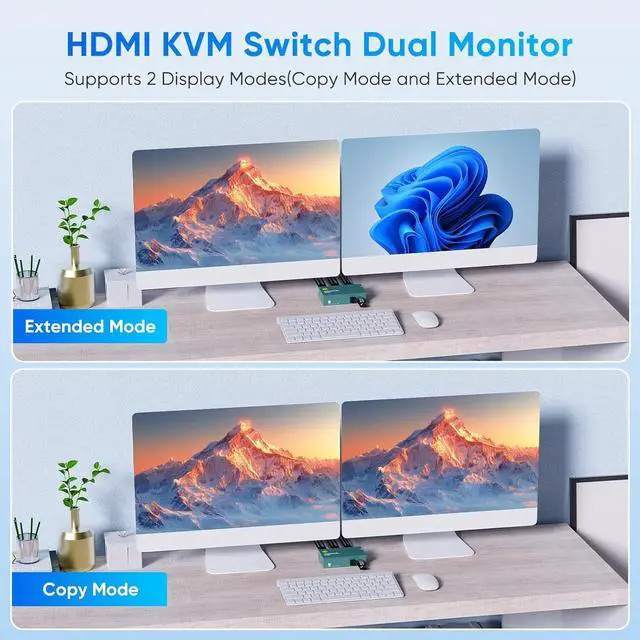
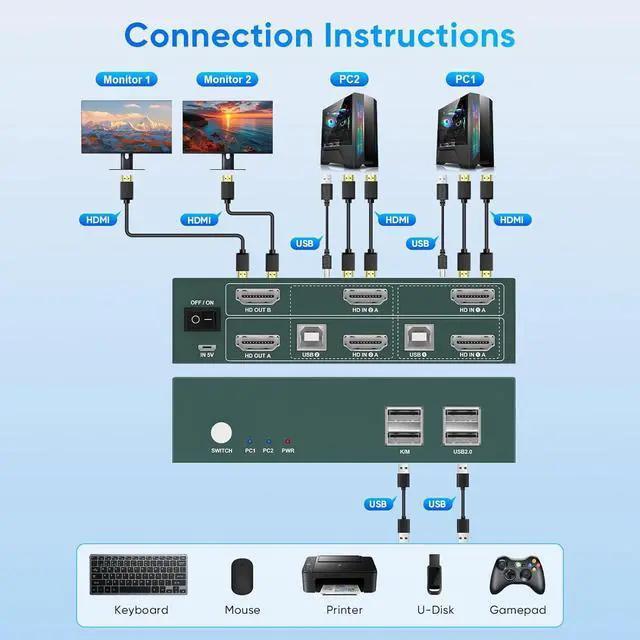
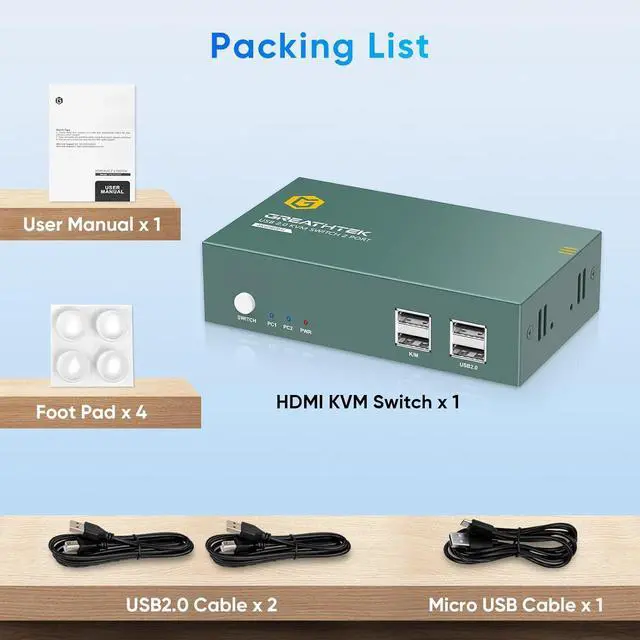
HDMI KVM Switch 2 Monitors 2 ComputersThis KVM switch dual monitor allows you to realize two PCs sharing two monitors and a set of keyboard and mouse. Control any computer at any time by key switch or hotkey switching. Support extended mode and copy mode. The KVM switch can maximize work efficiency
Ultra HD 4K@60Hz These dual monitor KVM switch supports up to 3840*2160@60Hz and is backward compatible with 3D, 1080p and below. Support HDMI 2.0, HDCP 2.2 standards, maximum data rate 18Gbps. (Note: To achieve the highest resolution, you must ensure that both the source and the monitor, as well as the HDMI cable, support 4K@60Hz)
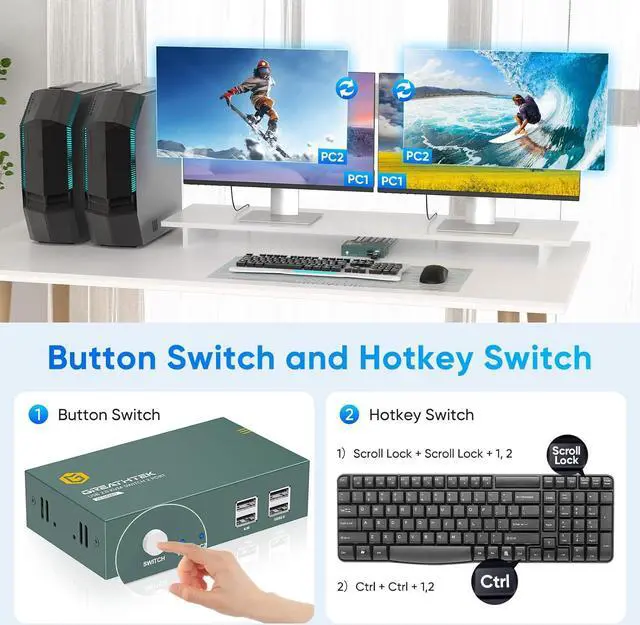
Buttons switch& Hotkey Switching 1.
Buttons switch: the button next to the indicator light enables one-touch switch. 2. Keyboard Shortcuts switching (Market exclusive features), simple
and efficient. (Note: 1. Use hotkey switch need to insert the keyboard into the dual monitor KVM K /M USB ports. 2.
Hotkey Switch: Scroll Lock + Scroll Lock + 1, 2 or Ctrl + Ctrl + 1, 2). The hotkey switching function is currently the only one on the market with such a function.
USB 2.0 KVM Switch This dual monitor KVM switch 2 monitors 2 computers has 4 USB ports, share USB hard drives, printers or other USB devices
Wide Range of ApplicationsThis KVM switch 2 monitors 2 computers, plug and play, no driver required. It can be widely used in enterprises, offices, multimedia teaching, conference rooms, game rooms, research and testing scenarios
Important Notes 1. Please make sure that the computer you connect to itself supports at least two monitors working at the same time. 2. Keep the cable wires properly connected (refer to the picture connection schematic). 3. If you have any problems when using the KVM switch, please contact our professional technical team for help, we provide 12 months replacement service for quality problems, so that you have no worries after the sale





 here!
here!