

Your Browsing History
Ships from China.


Meet Your Seller

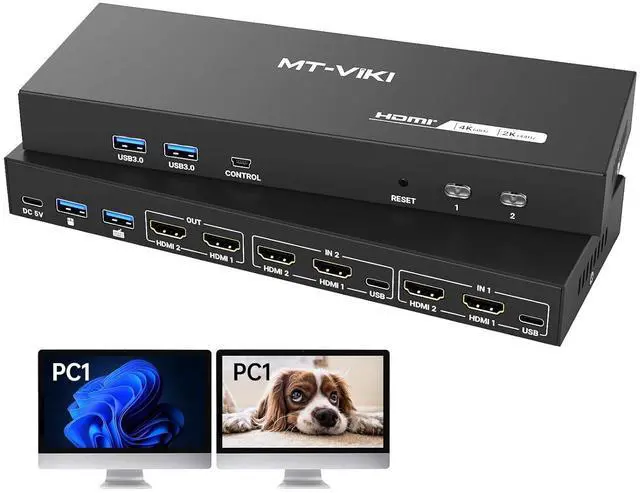


MT-VIKI HDMI KVM Switch 2 Monitors 2 Computers 4K@60Hz, USB3.0 HDMI KVM Switch Dual Monitor with 4 USB 3.0 Ports Sharing Keyboard/Mouse/Printer
Limited time offer, ends 07/12 By EnYZME
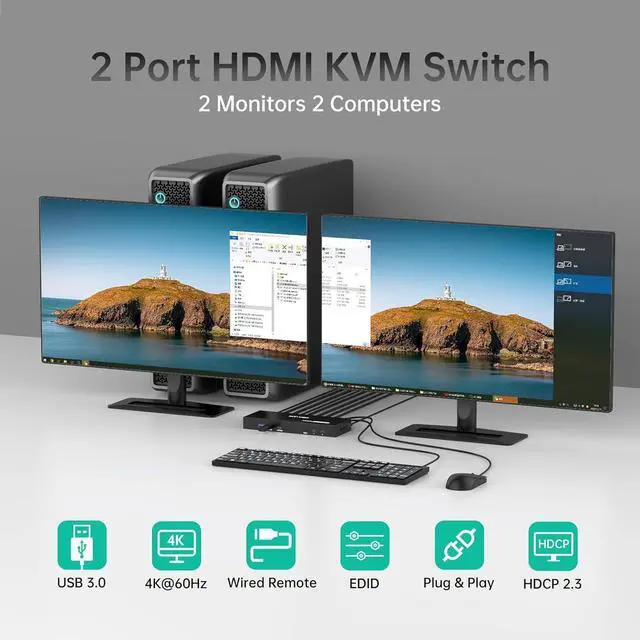
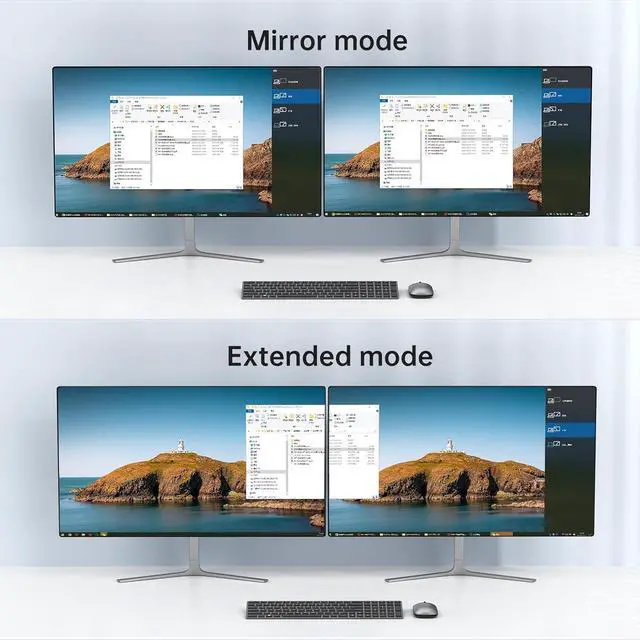
- MT-VIKI HDMI KVM Switch for 2 Computers 2 Monitors: Control two PCs with one keyboard/mouse and dual monitors to maximize workspace efficiency, Support Extended or Mirror mode
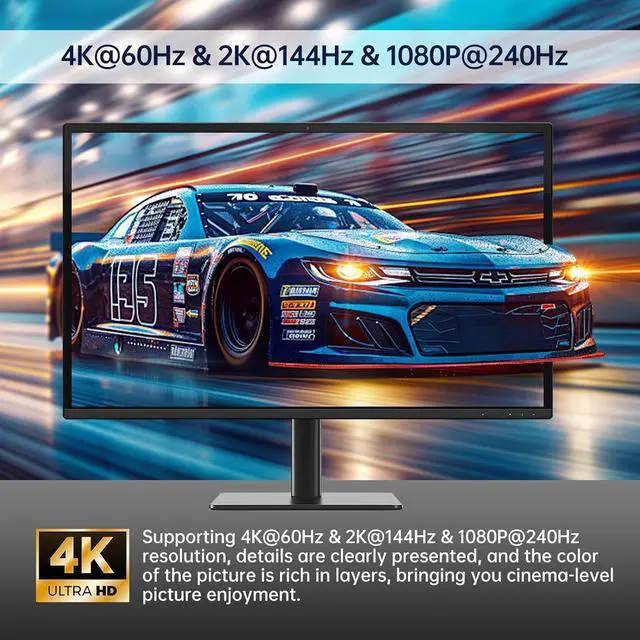
- 4K@60Hz KVM Switch: Supports 4K@60Hz resolution with HDMI 2.0, HDCP 2.2, and 18Gbps bandwidth. Backward compatible with lower resolutions. Note: Requires 4K@60Hz-compatible sources, displays, and HDMI cables
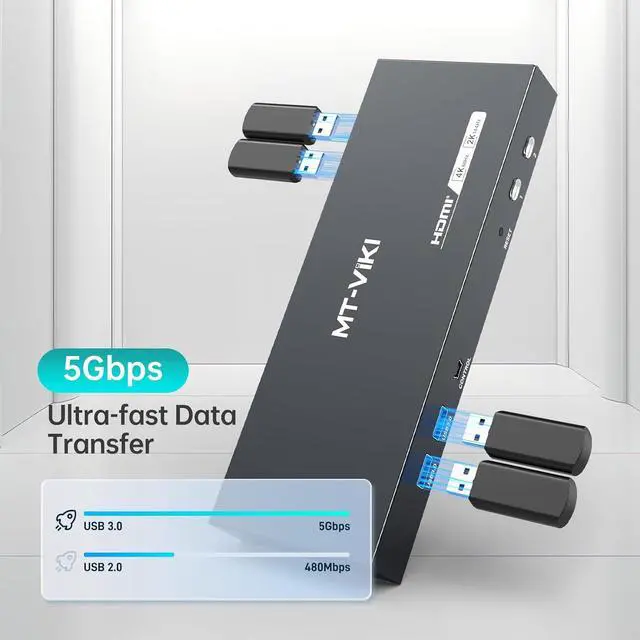
- USB 3.0 Hub: this dual monitor KVM switch with 4 USB 3.0 ports for sharing printers, drives, or peripherals between systems.
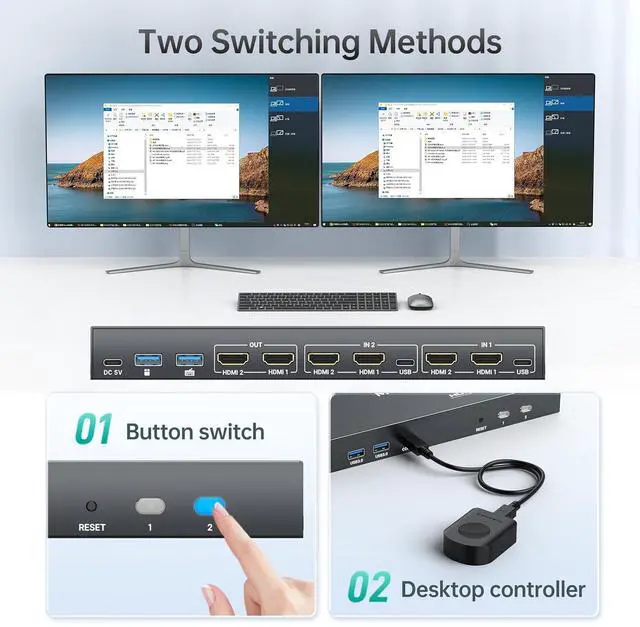
- Two Switching Ways: Toggle via front-panel button or wired-desktop remote (HDMI KVM Switch can't support keyboard hotkeys switching) Plug & Play.
- Important Notes Each computer needs to be connected with 2*HDMI2.0 cable + 1*USB cable to get dual screen display properly. For computers that do not have 2 HDMI port, you will need to use them with a reliable adapter or USB C docking station to expand the HDMI signal. Before purchasing, please make sure that each of your computers can su
+
+
Overview
Specs
Reviews

Any questions? Our AI beta will help you find out quickly.
Try me now
MT-VIKI HDMI KVM Switch for 2 Computers 2
Monitors: Control two PCs with one keyboard/mouse and dual monitors to maximize workspace efficiency, Support Extended or Mirror mode
4K@60Hz KVM Switch: Supports 4K@60Hz resolution with HDMI 2.0, HDCP 2.2, and 18Gbps bandwidth. Backward compatible with lower resolutions.
Note: Requires 4K@60Hz-compatible sources, displays, and HDMI cables
USB 3.0 Hub: this dual monitor KVM switch with 4 USB 3.0 ports for sharing printers, drives, or peripherals between systems.
Two Switching Ways: Toggle via front-panel button or wired-desktop remote (HDMI KVM Switch can't support keyboard hotkeys switching) Plug & Play.
Important Notes Each computer needs to be connected with 2*HDMI 2.0 cable + 1*USB cable to get dual screen display properly. For computers that do not have 2 HDMI port, you will need to use them with a reliable adapter or USB C docking station to expand the HDMI signal. Before purchasing, please make sure that each of your computers can support dual screen display.
Test method: You can connect your computer directly to 2 monitors (not via KVM)
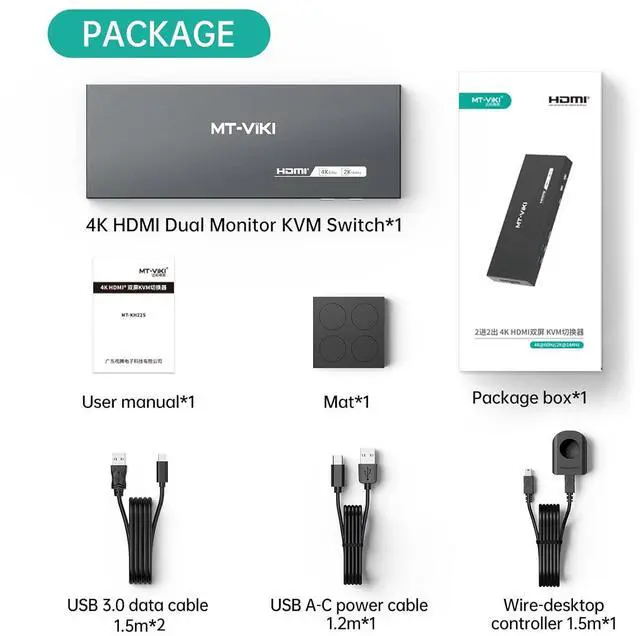
Package: HDMI KVM Switch*1, USB 3.0 data cable*2, USB A-C cable *1, Wire-desktop Controller*1, User
Manual*1(IMPORTANT NOTE: HDMI Cable not included, pls use above 4K@60Hz cable)
Monitors: Control two PCs with one keyboard/mouse and dual monitors to maximize workspace efficiency, Support Extended or Mirror mode
4K@60Hz KVM Switch: Supports 4K@60Hz resolution with HDMI 2.0, HDCP 2.2, and 18Gbps bandwidth. Backward compatible with lower resolutions.
Note: Requires 4K@60Hz-compatible sources, displays, and HDMI cables
USB 3.0 Hub: this dual monitor KVM switch with 4 USB 3.0 ports for sharing printers, drives, or peripherals between systems.
Two Switching Ways: Toggle via front-panel button or wired-desktop remote (HDMI KVM Switch can't support keyboard hotkeys switching) Plug & Play.
Important Notes Each computer needs to be connected with 2*HDMI 2.0 cable + 1*USB cable to get dual screen display properly. For computers that do not have 2 HDMI port, you will need to use them with a reliable adapter or USB C docking station to expand the HDMI signal. Before purchasing, please make sure that each of your computers can support dual screen display.
Test method: You can connect your computer directly to 2 monitors (not via KVM)
Package: HDMI KVM Switch*1, USB 3.0 data cable*2, USB A-C cable *1, Wire-desktop Controller*1, User
Manual*1(IMPORTANT NOTE: HDMI Cable not included, pls use above 4K@60Hz cable)
Warranty & Returns
Warranty, Returns, And Additional Information
Warranty
- Please contact the Seller directly for warranty information. Warranty information may also be found on the Manufacturer's website.
- CONTACT
Return Policies
- Return for refund within: 30 days
- Return for replacement within: 30 days
- This item is covered by EnYZME Return Policy
Manufacturer Contact Info
- For a directory of all our manufacturers, please click below.
- Manufacturers Directory
LOADING...
LOADING...