




 here!
here!
I’m your shopping assistant for PC builds, upgrades, and everything tech.
Got questions? Ask away!
Start a conversation
here!
I’m your shopping assistant for PC builds, upgrades, and everything tech.
Got questions? Ask away!
Start a conversation






Any questions? Ask CelesteSM will help you find out quickly.
Dual Monitor KVM for Laptop and Desktop
Charging for Laptop
USB3.0-A and USB C KVM Switch
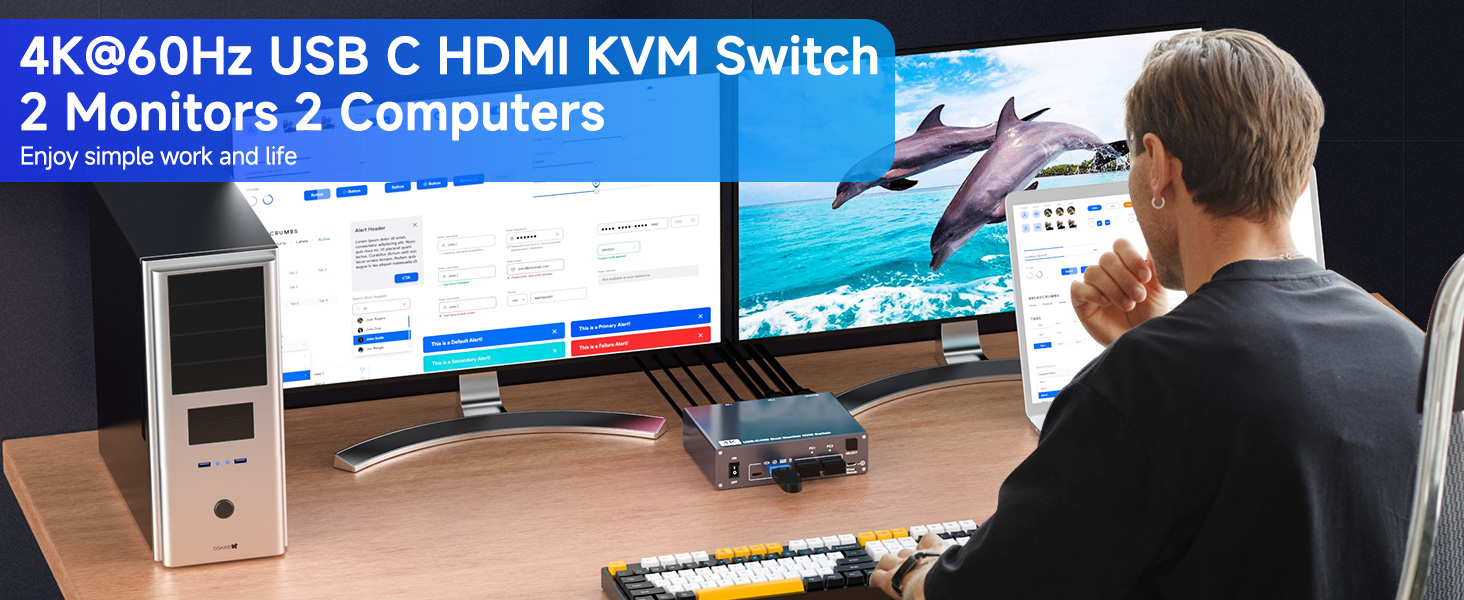
Dual Monitor KVM for Laptop and Desktop
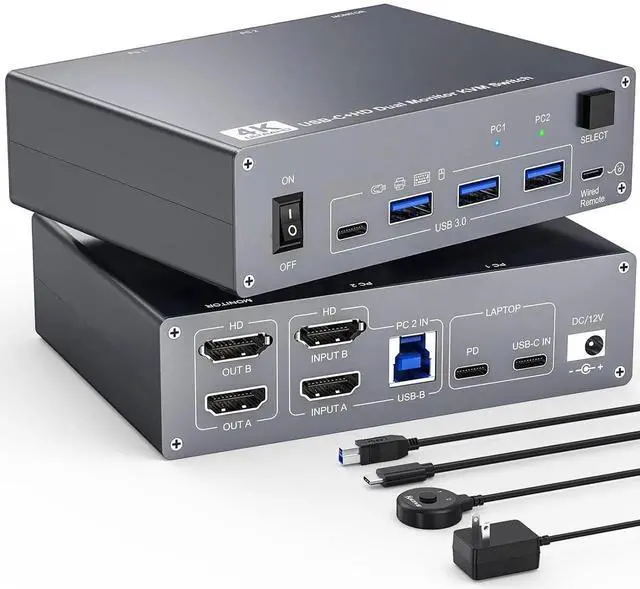
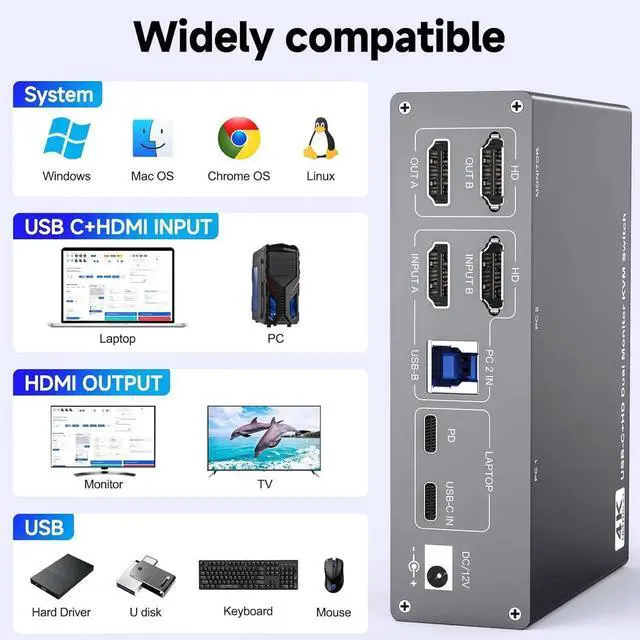
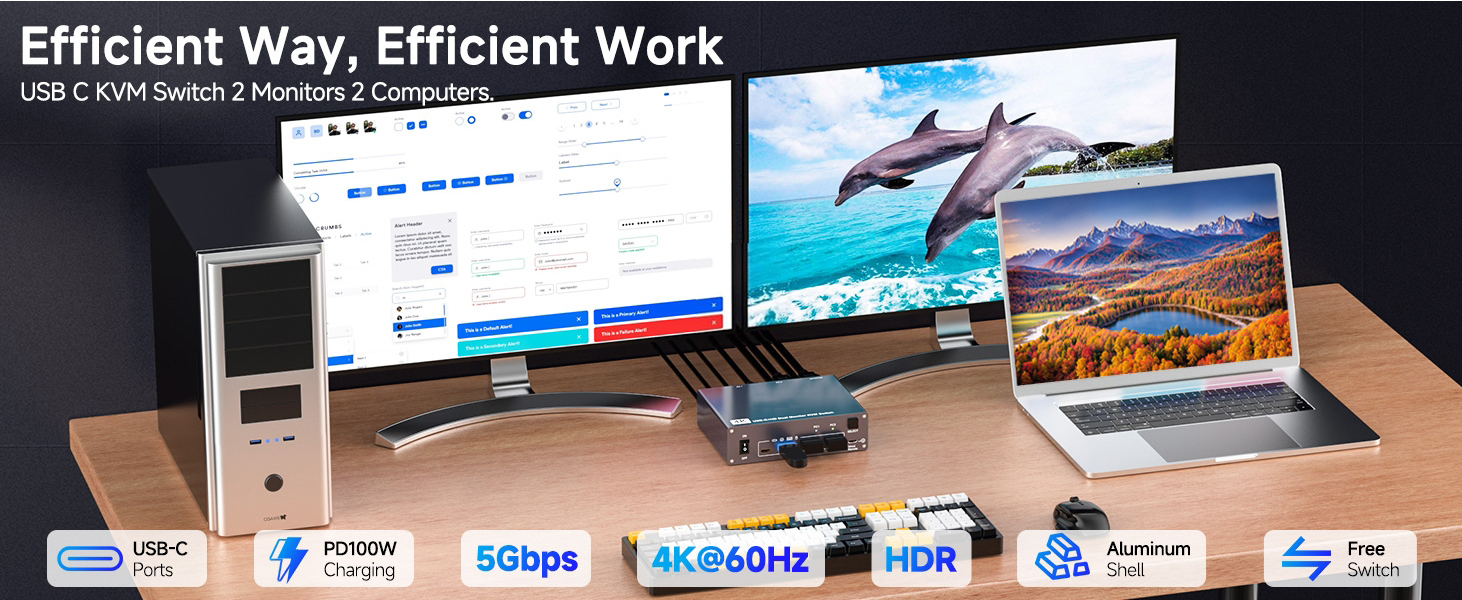
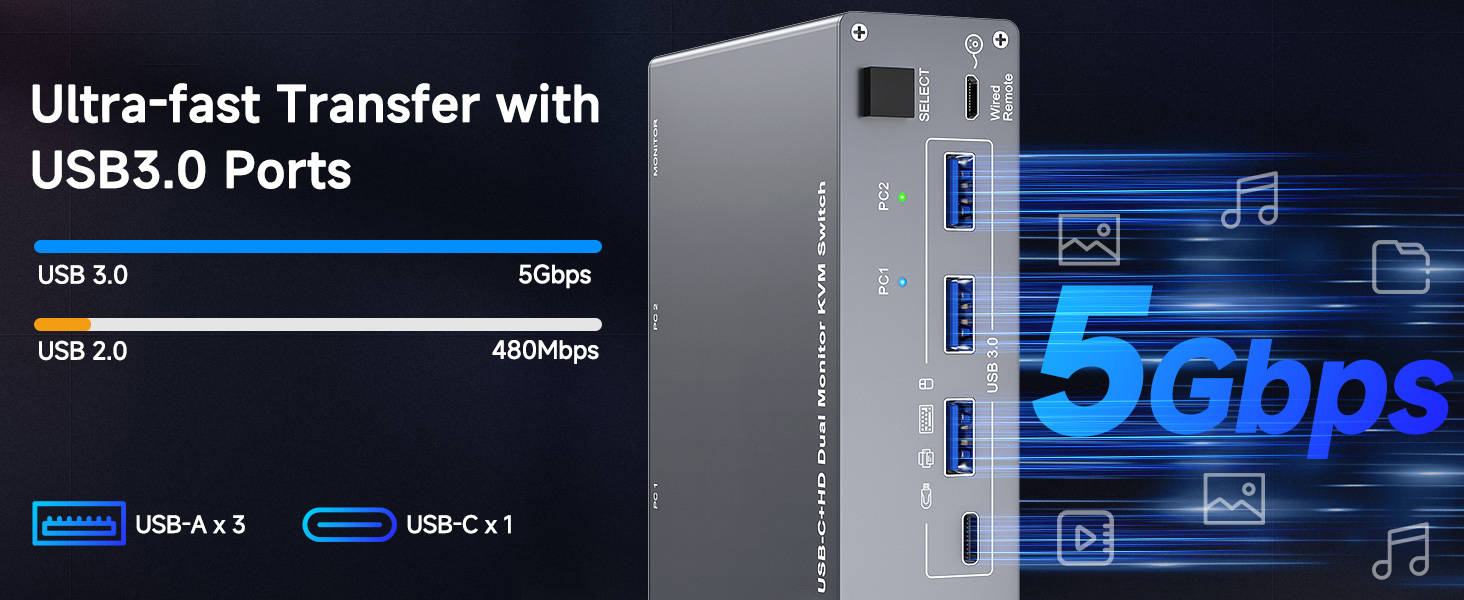
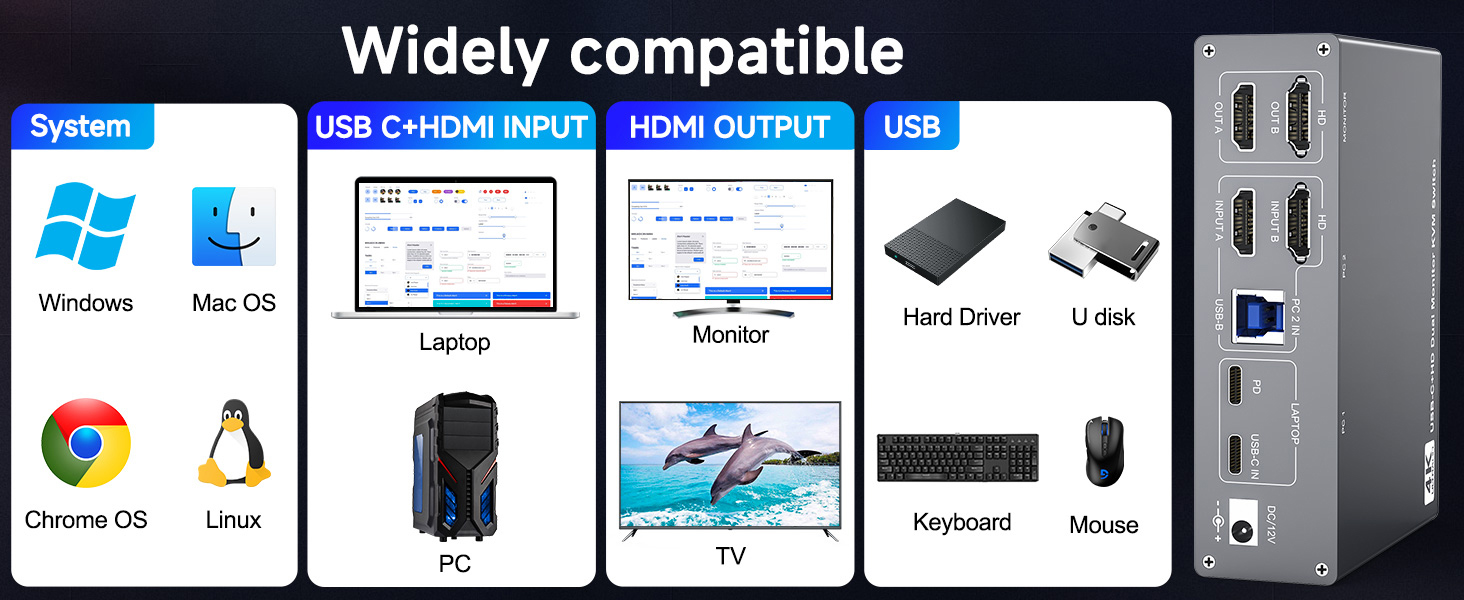
Unleash the potential of this KVM switch for 1 laptop and 1 desktop with multiple shared peripheral ports, like 3x USB 3.0, 1x USB-C, 1x PD charge, and 2x HDMI (4K@60Hz)outputs. Make your work from home more convenient and easier than ever before.
The docking station KVM switch connects 1 laptop+1 desktop and 2 monitors with 1x USB-C (MST) +dual HDMI inputs and 2x HDMI outputs. Seamlessly switch between your work desk and personal laptop to boost your productivity with this USB-C HDMI KVM switch.
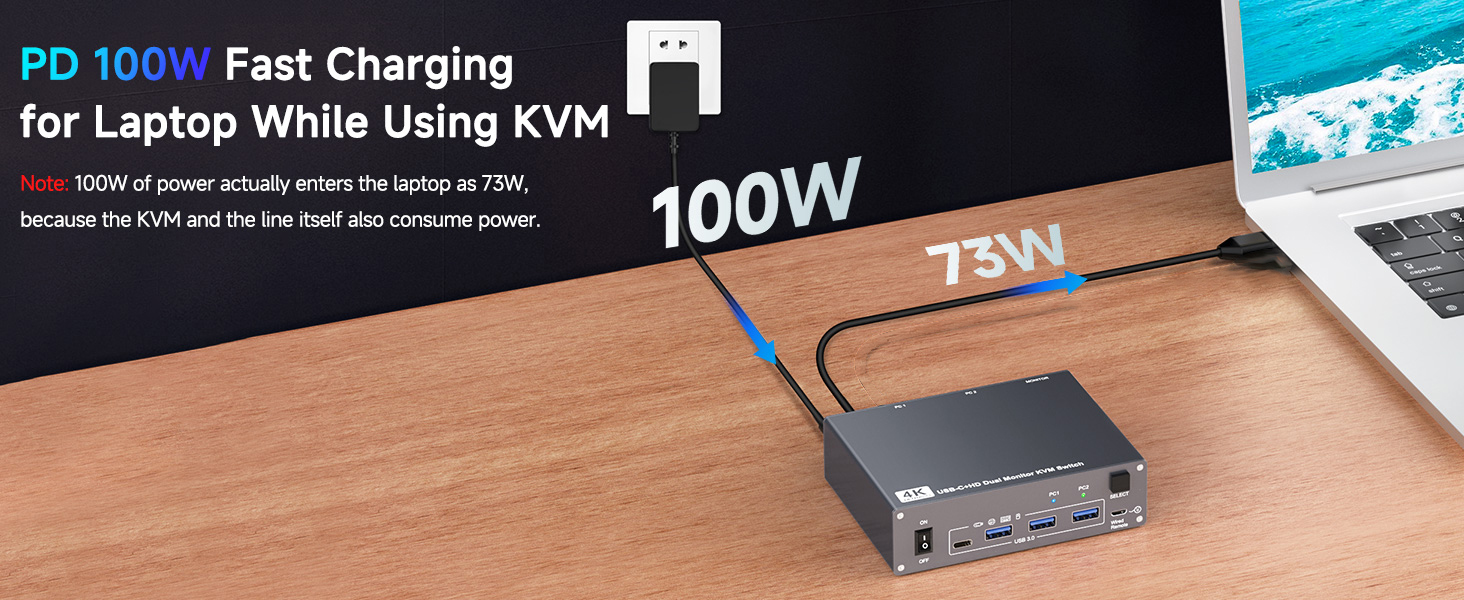
This USB C HDMI KVM switch is equipped with a PD charging port, which can provide sufficient power for your laptop during use. However, the actual charging power obtained by the laptop is between 73W and 85W, because the KVM itself and the cable will generate some power consumption, and the laptop itself has a protection mechanism, so it is impossible to obtain 100W power.
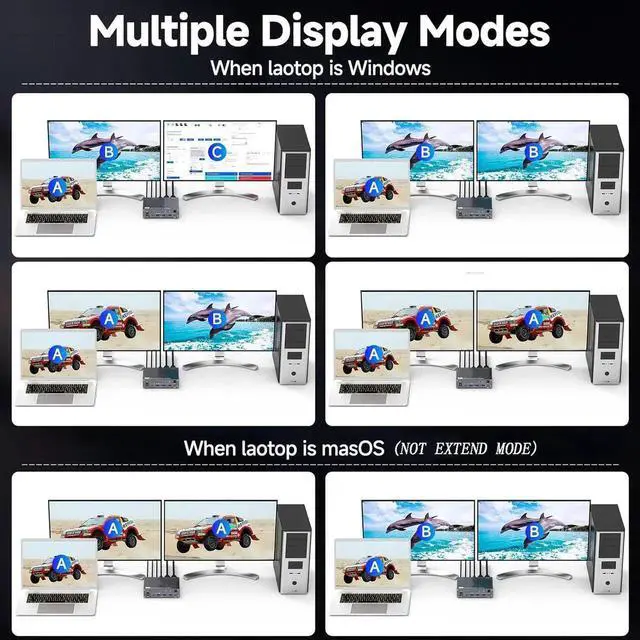
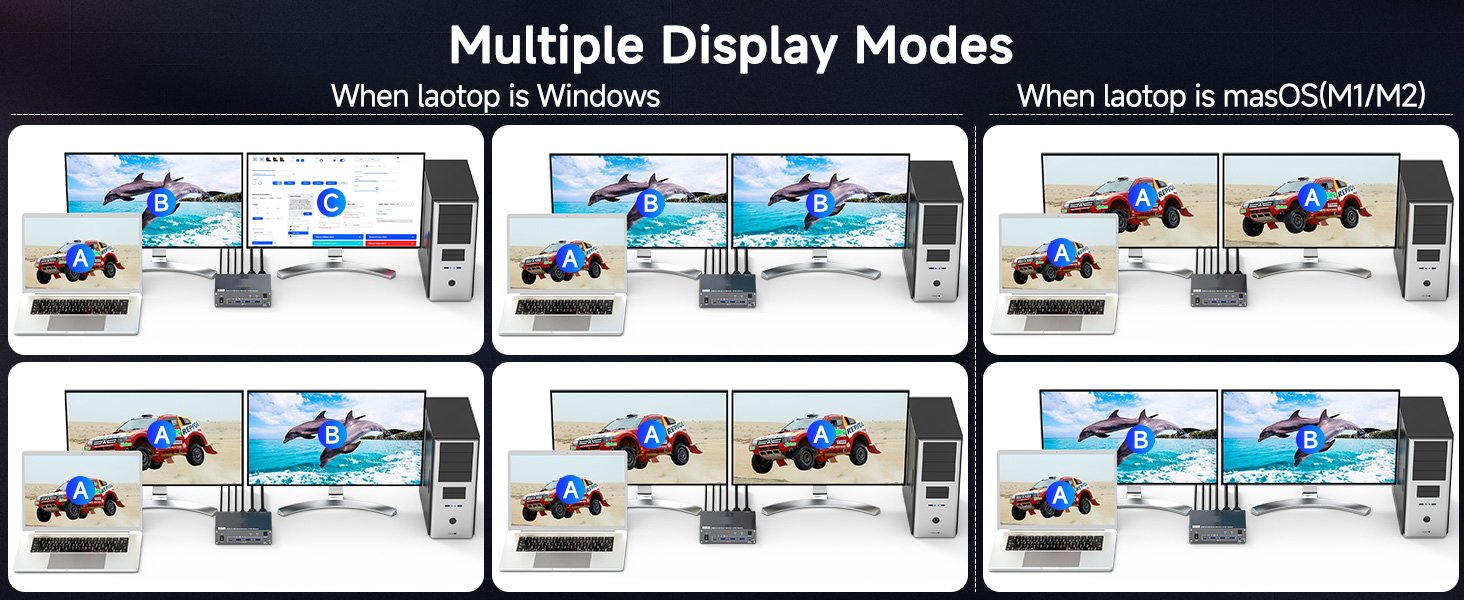
Note: Only support mirrored output on macOS. USB-C KVM Switch 2 Monitors supports extension mode and copy mode for Windows laptops and desktops.
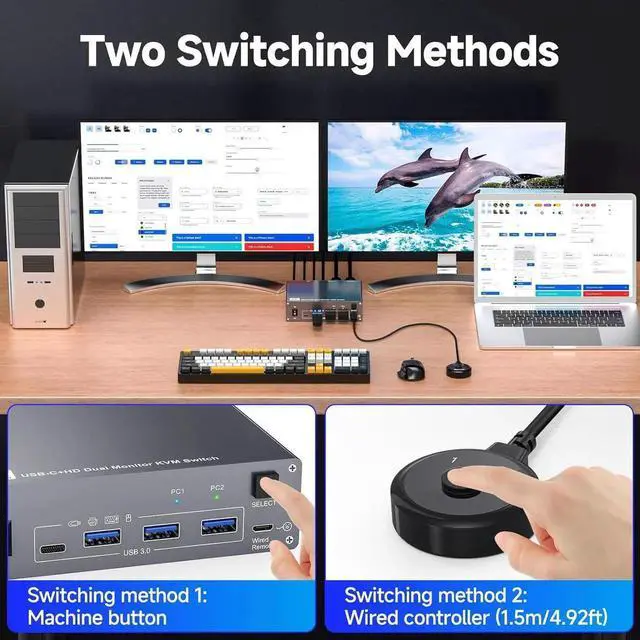
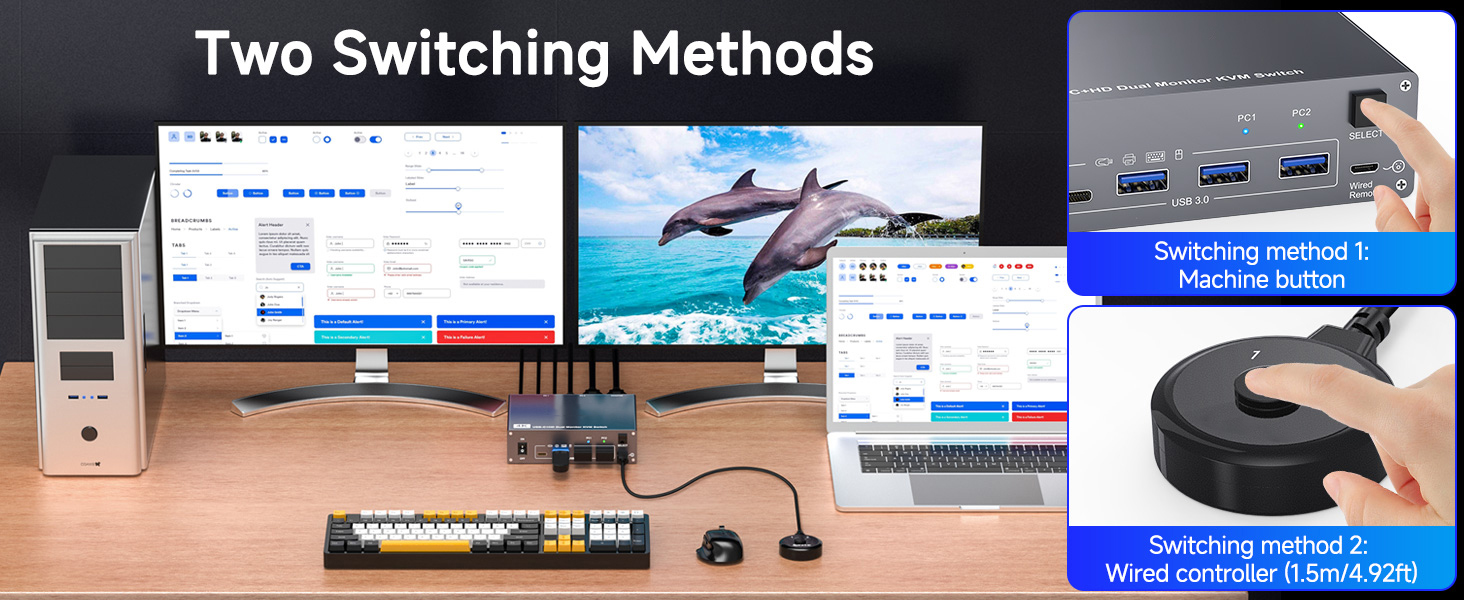
Plug and play, easy installation, no driver required, two
switching methods are provided: press the selection button on the KVM to switch; use the desktop extension button to switch, the KVM Switch can be placed under the desktop or outside the workspace to make the desktop more concise.
Note: Keyboard shortcuts (hot keys) are not supported for switching
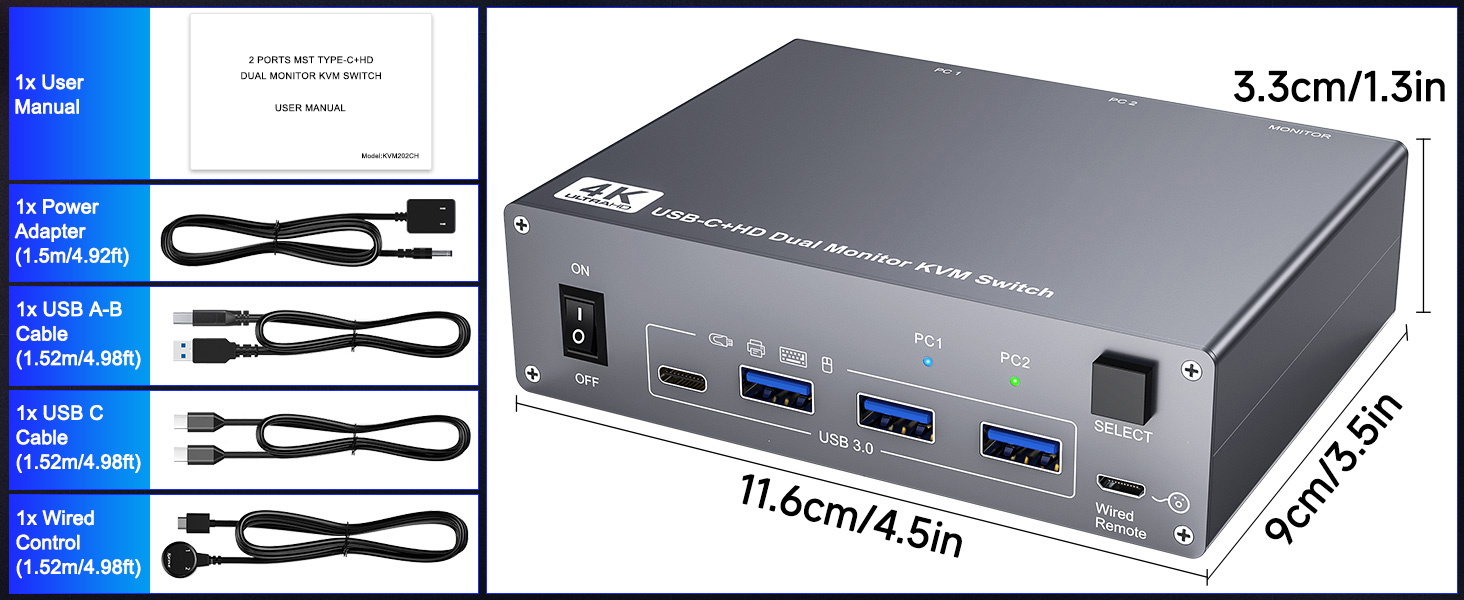
Package included:
USB C HDMI KVM Switch, 1 USB C cable for audio and video signal transmission, 1 USB 3.0 A-B cable, 1 DC12V power adapter, 1 wired controller, instruction manual


