
Your Browsing History




Any questions? Our AI beta will help you find out quickly.

2-in-1 KVM cable
Warm Tips:
1. Connect the KVM cables to the computer ports of KVM switch. KVM Cable: Plug the HOST Port (VGA & USB connector) of KVM cable into the computer.
2. Plug the KVM Port (VGA connector only) of KVM cable into the KVM Switch. The HOST Port and KVM port can not be connected in reverse.
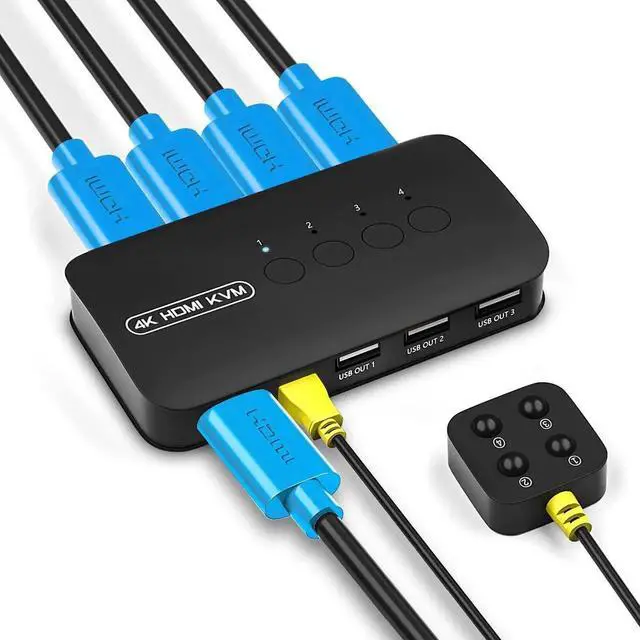
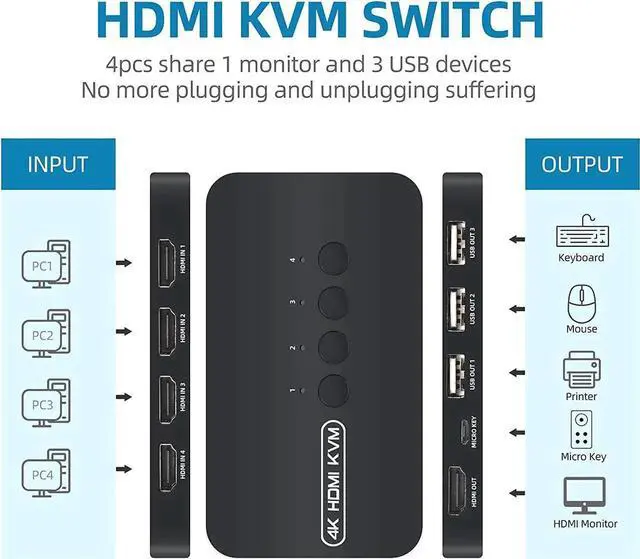
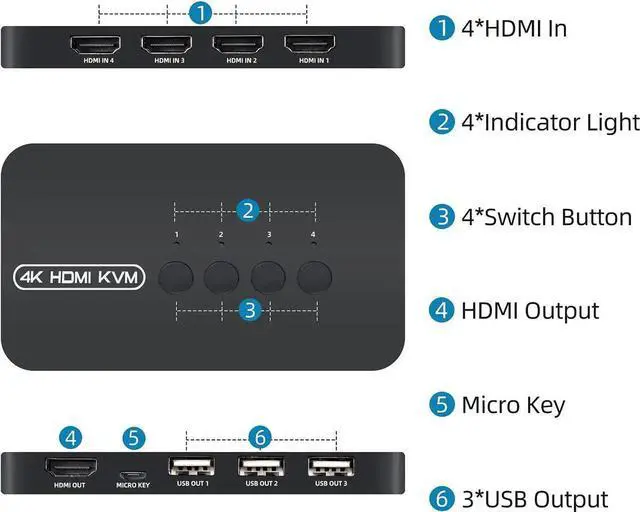
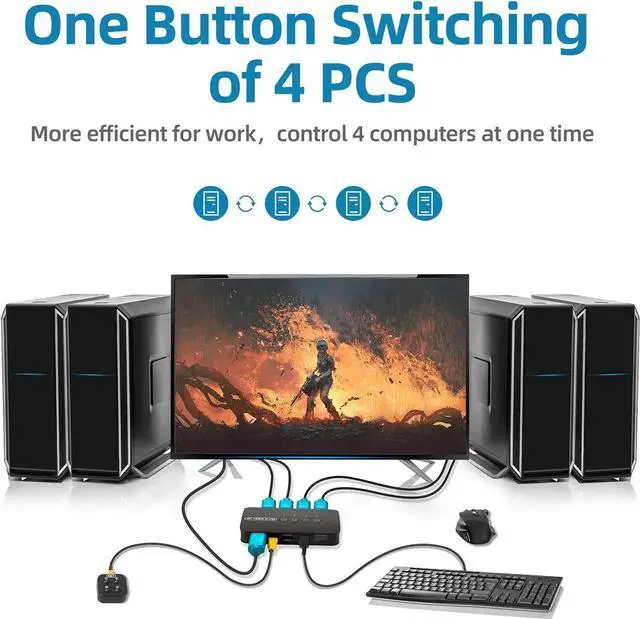
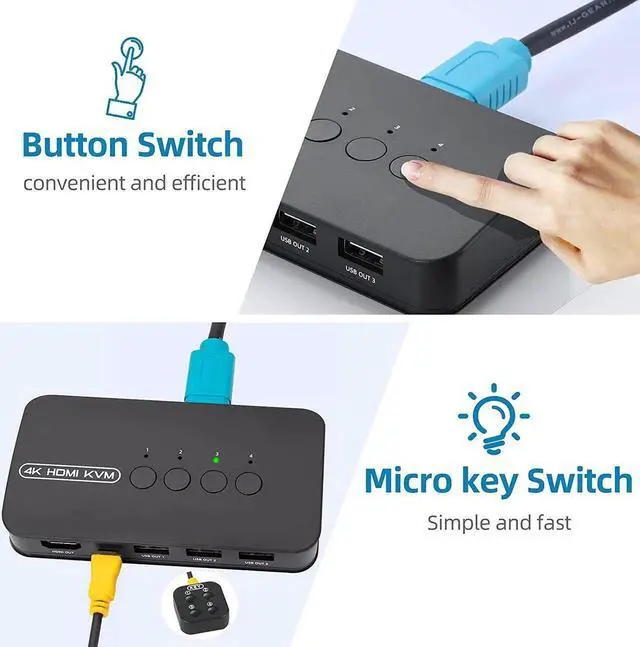
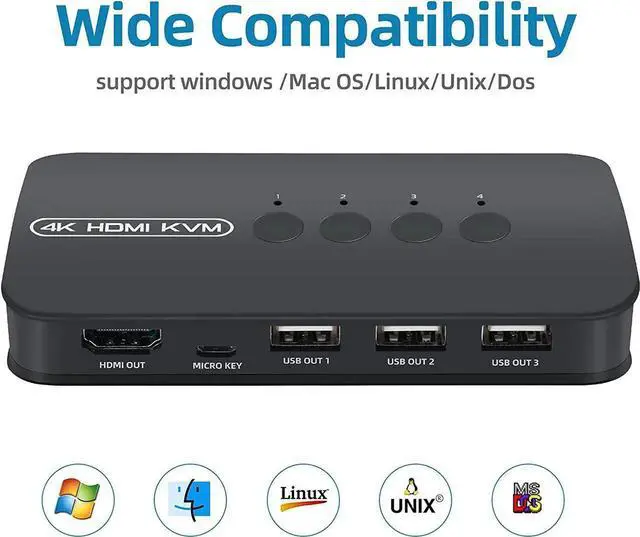
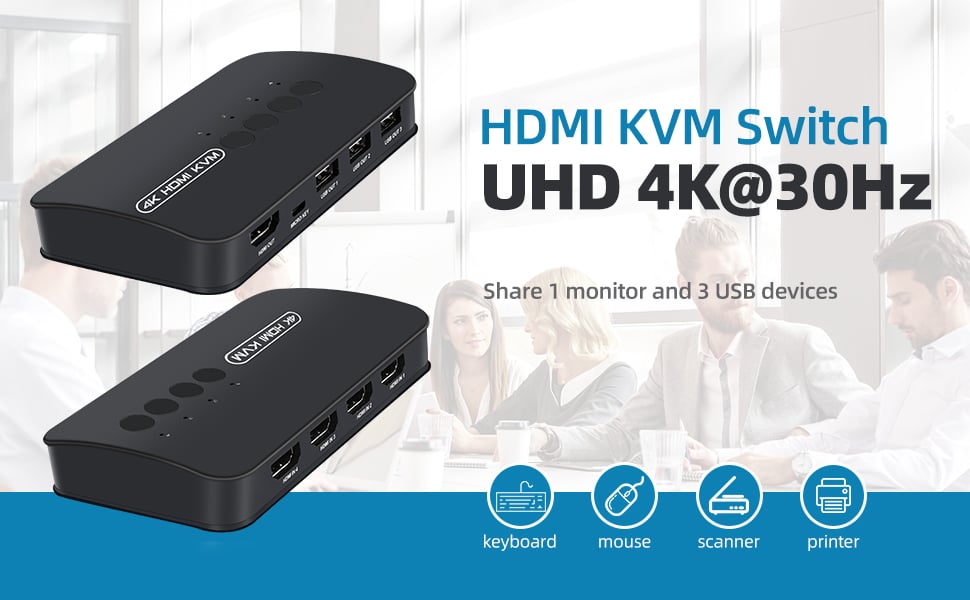
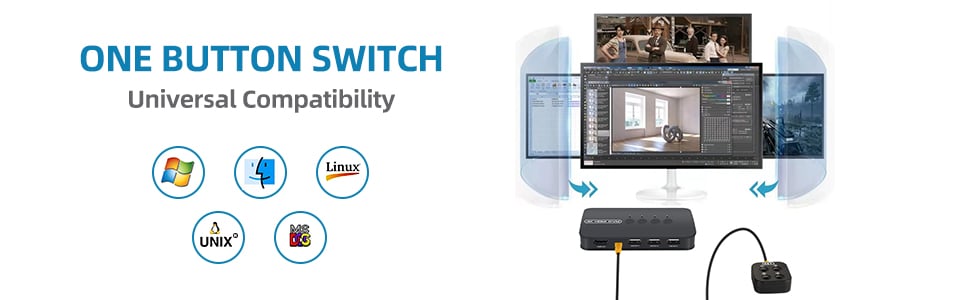
4 Ports HDMI KVM Switch, HDMI USB Selector for 4 Computers Share Keyboard Mouse Printer and One HD 4K@30Hz Monitor, Including 4 KVM Cables