

Your Browsing History

Meet Your Seller

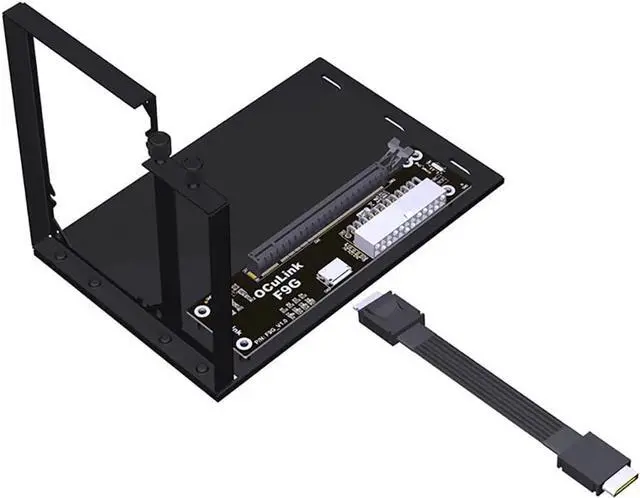
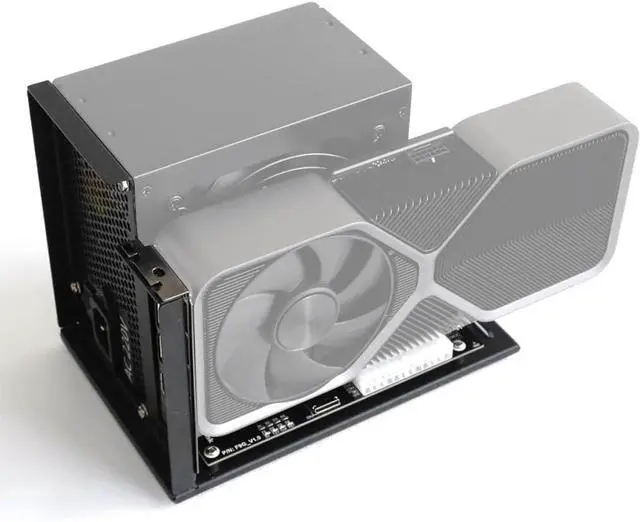
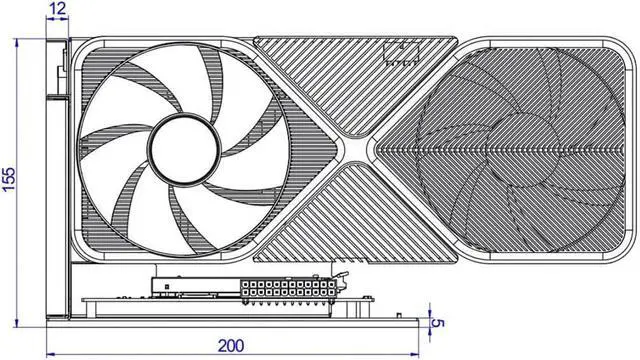
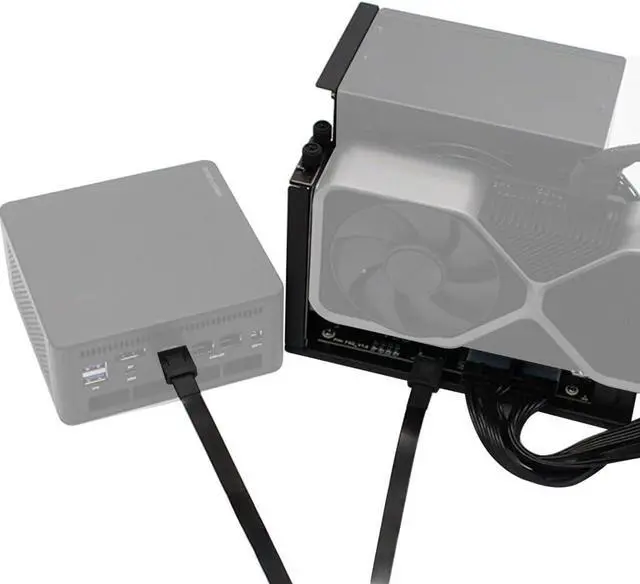
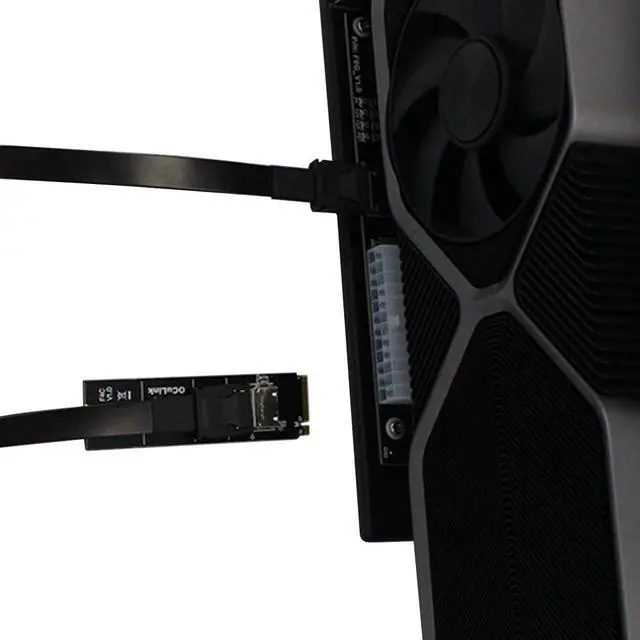
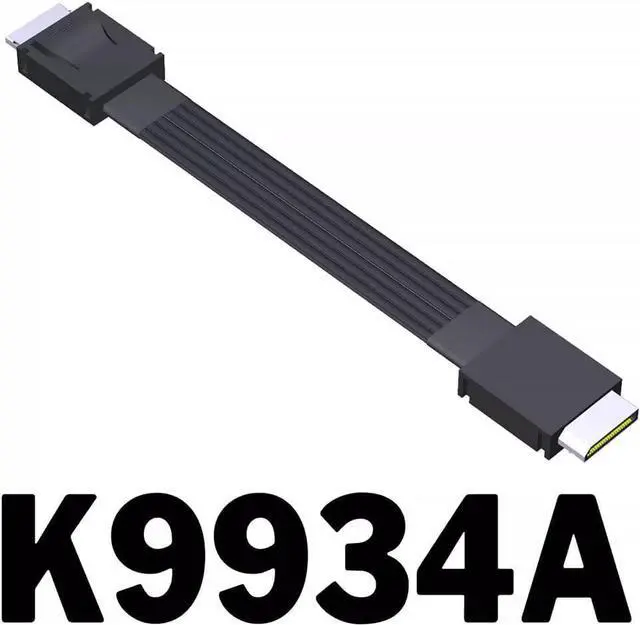
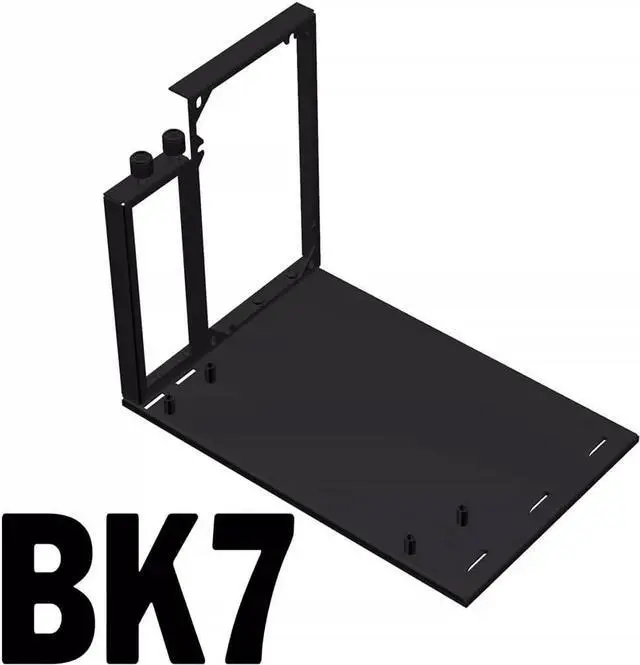


JMT Upgraded ADT-F9G-BK7 PCIe X16 to OcuLink SFF-8612 Docking Station PCIe4.0 64Gbps External Graphics Extension Card (F9G-BK7-K9934A 50cm)
- Excellent SI performance: signal rates up to PCIe4 16GT/s and SAS 4.0 24Gbps. Supports 85 ohm impedance applications, 100 ohm is available on request.
- Support M.2 NVMe Interface: In addition to notebooks, This Docking Station also Compatible with NUC motherboards, STX motherboards, ITX motherboards, graphics cards external, with M.2 NVMe interface can be used.
- Transfer Speed: This F9G-BK7 OcuLink Docking Station Can reach 64Gbps under PCIe 4.0 x4, far exceeding Thunder bolt-compatible solutions.
- Power Supply: Support standard ATX 500W power supply, Please prepare the power supply according to the power of the graphics card.
- Switch Warm Tips: Switch toggle to 1 is auto-start, you can follow the startup; toggle to 2 is forced startup, directly powering the graphics card docking station, which is risky, toggle to 1 auto-start can be enough.
+
+
Overview
Specs
Reviews

Any questions? Our AI beta will help you find out quickly.
Try me now
Excellent SI performance: signal rates up to PCIe4 16GT/s and SAS 4.0 24Gbps. Supports 85 ohm impedance applications, 100 ohm is available on request.
Support M.2 NVMe Interface: In addition to notebooks, This Docking Station also Compatible with NUC motherboards, STX motherboards, ITX motherboards, graphics cards external, with M.2 NVMe interface can be used.
Transfer Speed: This F9G-BK7 OcuLink Docking Station Can reach 64Gbps under PCIe 4.0 x4, far exceeding Thunder bolt-compatible solutions.
Power Supply: Support standard ATX 500W power supply, Please prepare the power supply according to the power of the graphics card.
Switch Warm Tips: Switch toggle to 1 is auto-start, you can follow the startup; toggle to 2 is forced startup, directly powering the graphics card docking station, which is risky, toggle to 1 auto-start can be enough.
Support M.2 NVMe Interface: In addition to notebooks, This Docking Station also Compatible with NUC motherboards, STX motherboards, ITX motherboards, graphics cards external, with M.2 NVMe interface can be used.
Transfer Speed: This F9G-BK7 OcuLink Docking Station Can reach 64Gbps under PCIe 4.0 x4, far exceeding Thunder bolt-compatible solutions.
Power Supply: Support standard ATX 500W power supply, Please prepare the power supply according to the power of the graphics card.
Switch Warm Tips: Switch toggle to 1 is auto-start, you can follow the startup; toggle to 2 is forced startup, directly powering the graphics card docking station, which is risky, toggle to 1 auto-start can be enough.
Warranty & Returns
Warranty, Returns, And Additional Information
Warranty
- Please contact the Seller directly for warranty information. Warranty information may also be found on the Manufacturer's website.
- CONTACT
Return Policies
- Return for refund within: 30 days
- Return for replacement within: 30 days
- This item is covered by PrimeVolt’Shop Return Policy
Manufacturer Contact Info
- For a directory of all our manufacturers, please click below.
- Manufacturers Directory
LOADING...