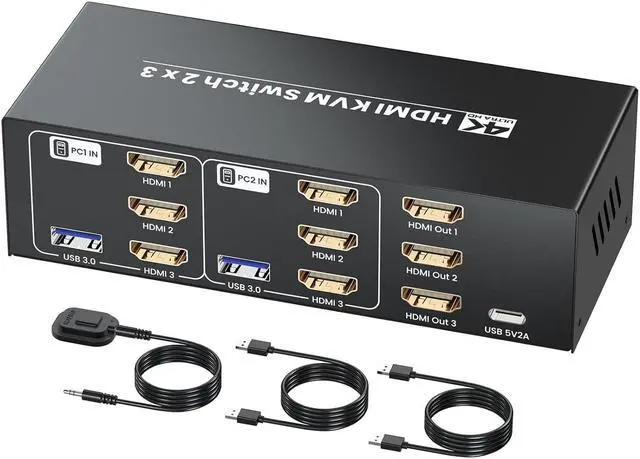
This 2 in 3 out HDMI KVM switch is a versatile and efficient solution designed for managing 2 computers or servers.
It allows users to control up to 2 computers using one keyboard, one mouse, and three HDMI monitors.
It's ideal for IT professionals, multimedia developers, and gamers.
The plug-and-play design ensures a quick and easy setup, with no additional drivers or software required.
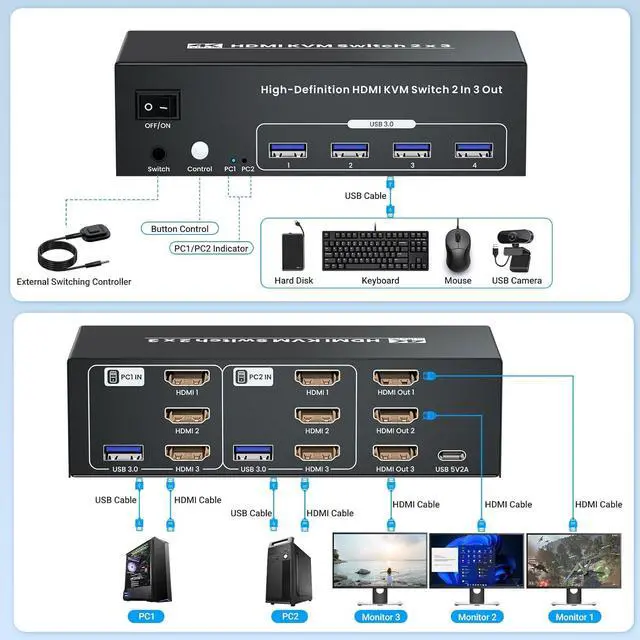
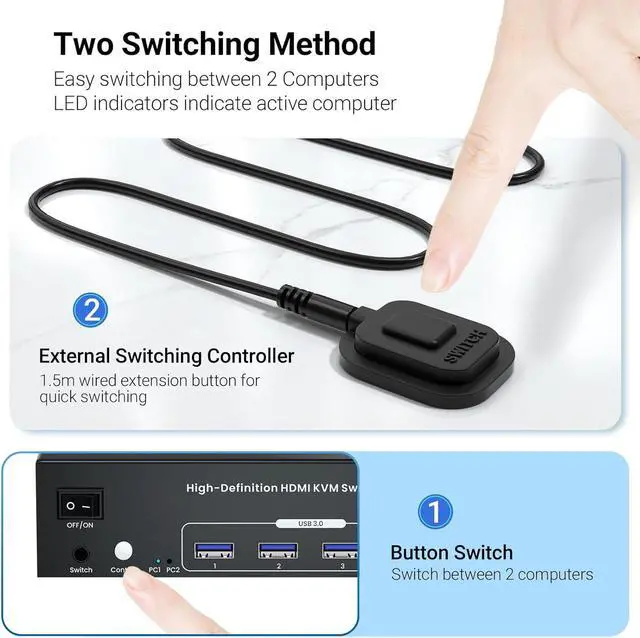
Two kinds of switching mode between 2 connected computers: with the push of a switching button on the HDMI KVM switcher or via external controller kit, enhancing productivity and reducing clutter.
Note: hotkey function is not supported.
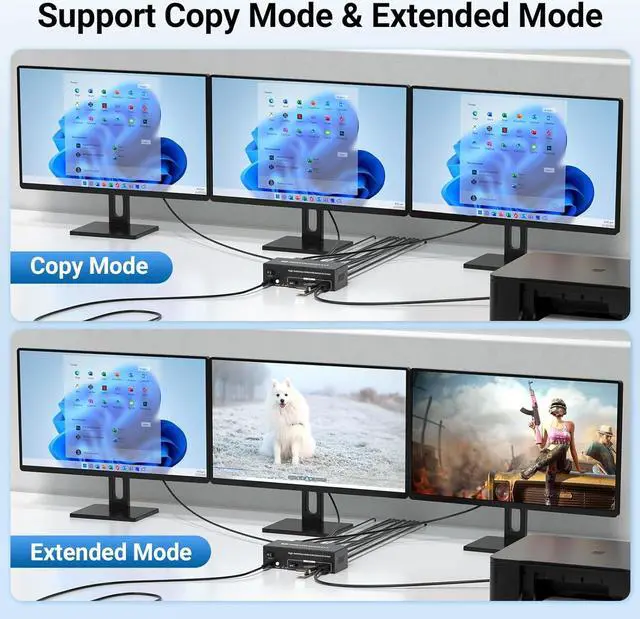
Copy mode: 3 monitors output the same images.
Extended mode: 3 monitors output different images.
Note:
1.Please make sure the graphic cards of both computers support multiple display.
2.Press Windows+P to set your computers to copy mode or extended mode.
Specifications:
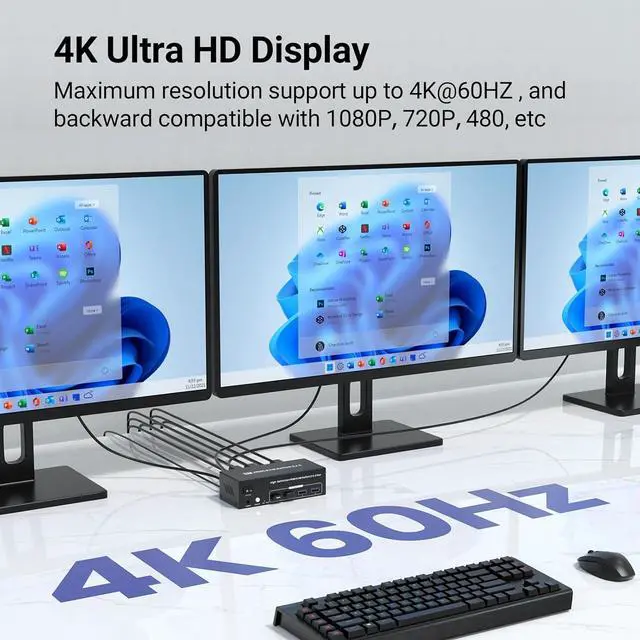
1. Video Resolution: Up to 3840x2160 @ 60Hz
2. HDMI Version: 2.0
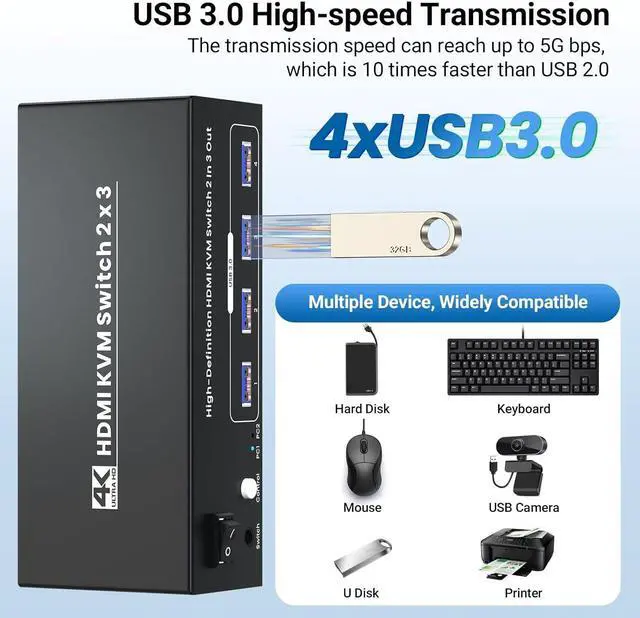
3. USB Ports: 4 x USB Type-A for peripherals
4. Dimensions: 152 x 63 x 43mm
5. Weight: 329g
Note: The graphic card of each connected computer must has 2 HDMI output ports and each computer supports multiple monitors.
This 3 monitors HDMI KVM switcher includes additional 4 USB 3.0 ports for peripheral sharing, such as printers, scanners, and external storage devices, streamlining your setup.
This USB 3.0 HDMI KVM switch 3 monitors 2 computers supports 4K Ultra HD resolution, enjoying stunning picture quality, ensuring every detail is sharp and clear. Backward compatible with 4K@30Hz, 1080P and other lower resolutions.
Note: to achieve 4K resolutions output, both computers and HDMI cables must support 4K@60Hz.
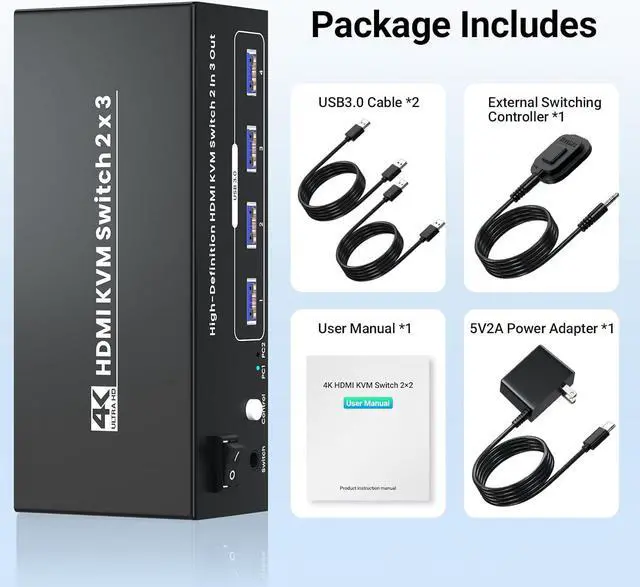
1 x HDMI KVM Switch 2 in 3 out
2 x USB Cables(3.9ft)
1 x Power Adapter(4.9ft)
1 x User Manual
1 x external switching controller kit(4.9ft)
Note: The included USB cables are only 3.9ft long. If you need longer USB cables, please purchase them yourself.
Simplify your workspace and enhance your efficiency with this 2 port HDMI KVM switch available 4K/60Hz 2 Port HDMI KVM Switch 3 Monitors 2 Computers Easy Switching with Switch Button or External Switching Control Kit Supports Copy Mode & Extended Mode Displays to meet different needs Connection Diagram USB 3.0 Hub Functionality Supports 4K@60Hz resolutions.