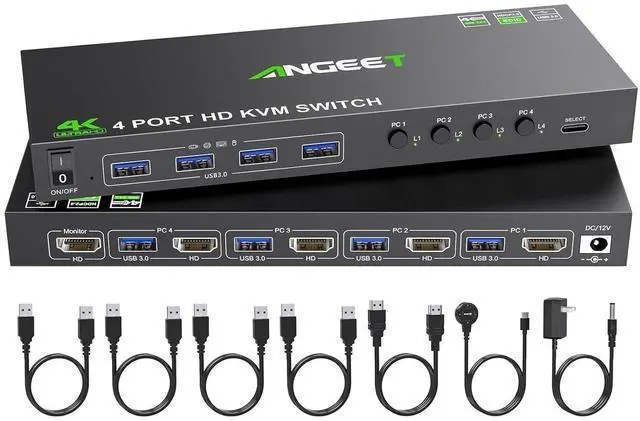
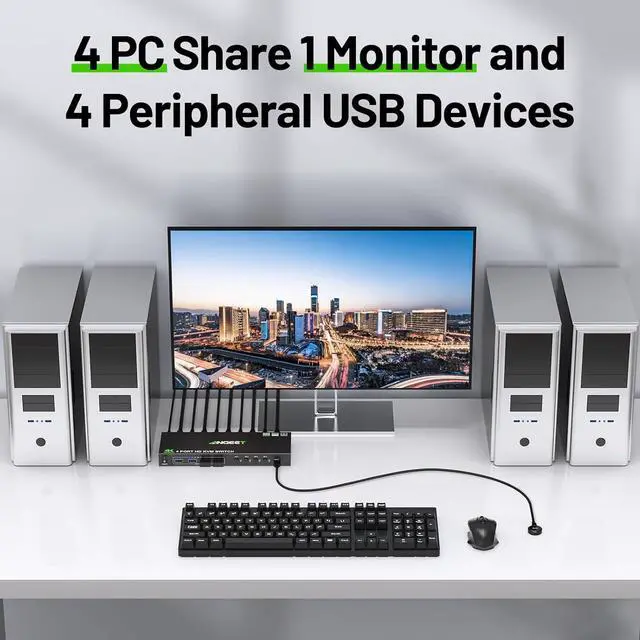
With this HDMI KVM switch, you can connect up to 4 laptops or desktops(PS4/PS5, Raspberry Pi, etc) simultaneously, sharing 1 monitor and 4 peripheral USB devices.Supports video devices with HDMI, USB C, Displayport,DVI or VGA ports.
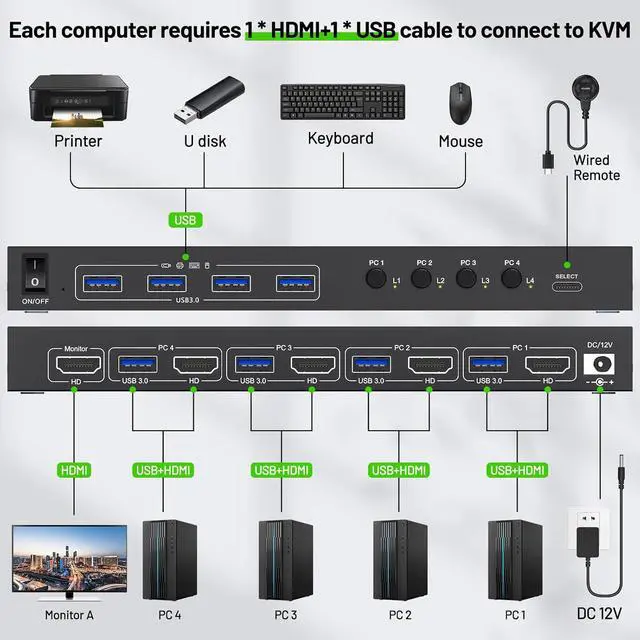
Each PC requires 1*HDMI+1*USB cable to connect to KVM switch (supports USB-C/Displayport/DVI/VGA to HDMI cable or converter)
Each PC needs 1*HDMI+1*USB cable to connect to KVM (supports USB-C/Displayport/DVI/VGA to HDMI cable or converter)
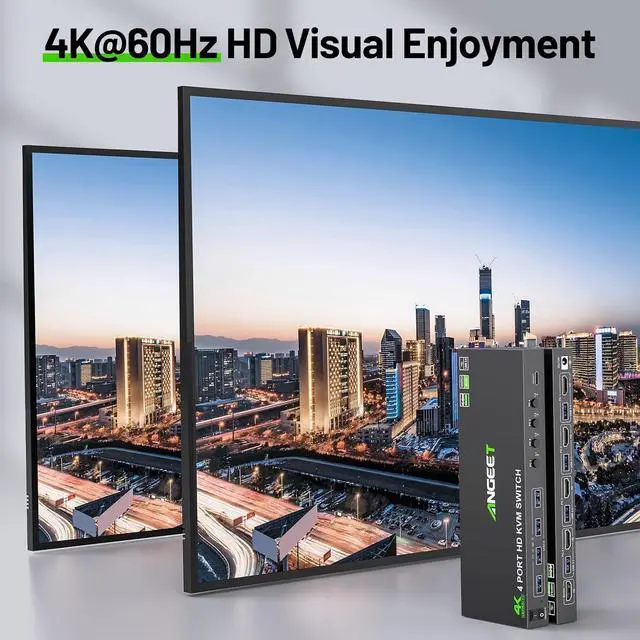
Previous pageNext page Support resolution up to 4K@60Hz and backward compatible 4K@30Hz, 1920*1080@120Hz
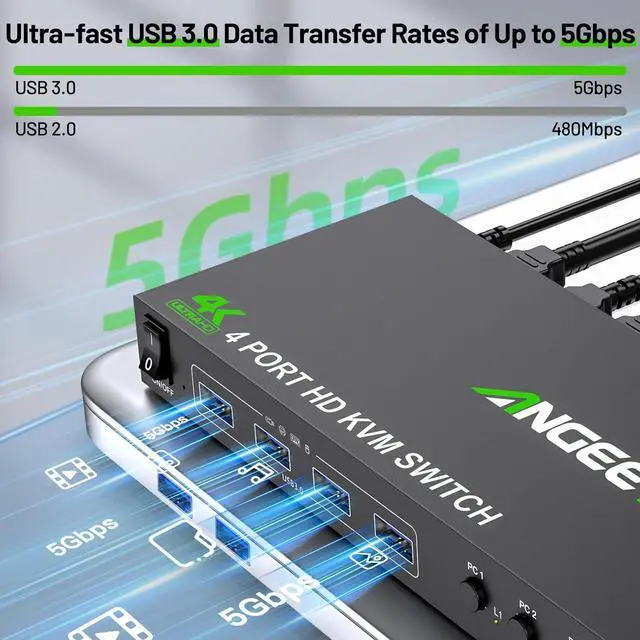
With 4 USB 3.0 ports for keybaord, mouse, U disk,support ultra-fast data transfer up to 5Gbps
Previous pageNext page Restart KVM with one click, no need to unplug and plug cables back and forth
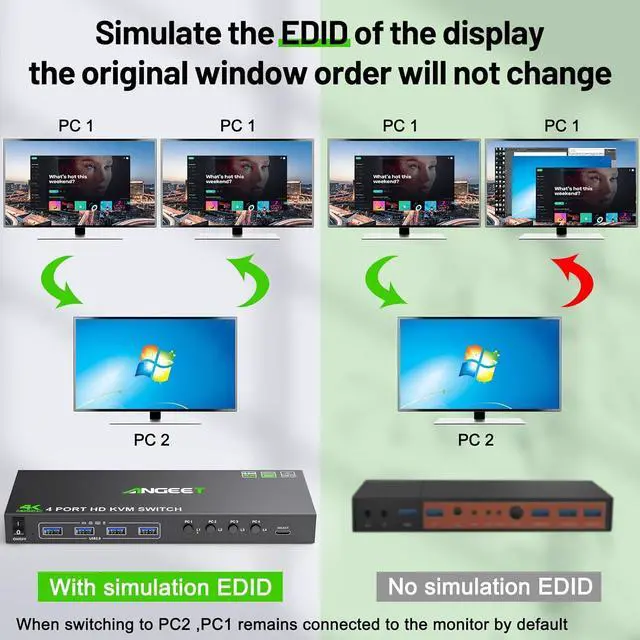
Our KVM switch can simulate the EDID of the display, When switching between four computers, the original window order will not change.
Easy to hide your KVM, say goodbye to messy cables, and make your desktop more tidy.
Make KVM work smoother and more stable when using high-power USB devices.
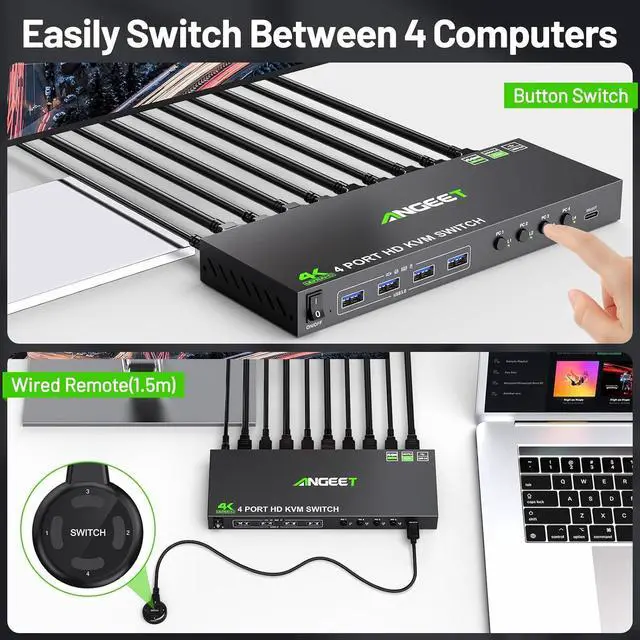
Laptop/Desktop (HDMI Port)Just use 1*HDMI +1*USB cable to connect the PC and KVM.Desktop (only DP Port)Requires 1*USB cable+1*DP to HDMI cable or (DP to HDMI converter + HDMI cable)Laptop(only USB-C Port)Requires 1*USB cable+1*USB-C to HDMI cable or (USB-C to HDMI converter + HDMI cable)PC with VGA or DVI PortSupports VGA or DVI to HDMI cable, but the resolution is up to 1080P, which is not recommended.Monitor(HDMI Port)Just use 1*HDMI to connect the KVM and Monitor.Monitor(DP Port)Requires 1*HDMI to DP cable with USB powerd or (HDMI to DP converter with USB powerd+ DP cable),Not recommendedMonitor(only DVI Port)1*HDMI to DVI cable or (HDMI to DVI converter + DVI cable)Monitor(only VGA Port)1*HDMI to VGA cable or (HDMI to VGA converter + VGA cable)About resolutionUsing conversion cables or converters may cause resolution to drop, flicker or the monitor to not work (depending on their quality and compatibility) It is recommended to use HDMI2.0/2.1 cable, and the length of a single cable should be controlled within 1.5 meters. ON/OFF switch EDID simulation Wired Remote(1.5m)bianyu 12V power adapter (included)