HDMI KVM Switcher Dual Monitor 2 Computers 2 Monitors
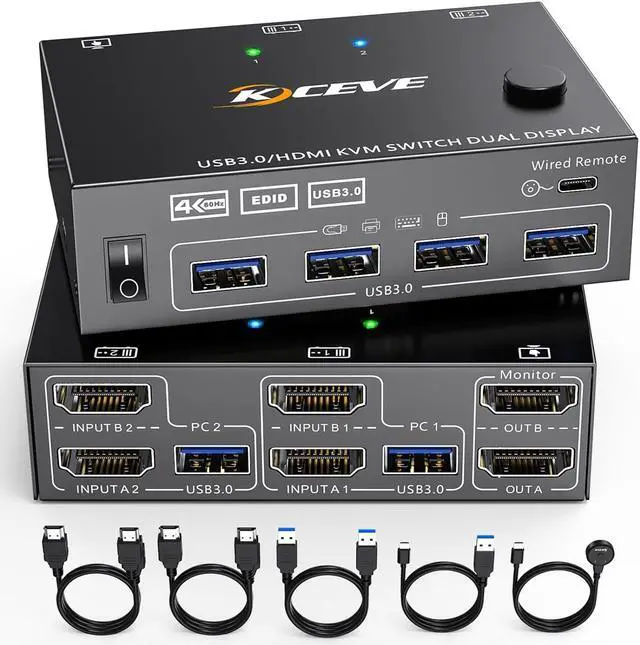
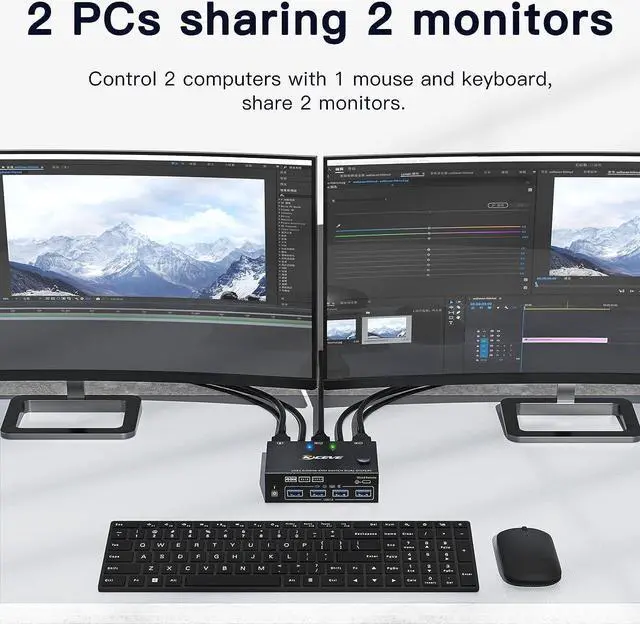
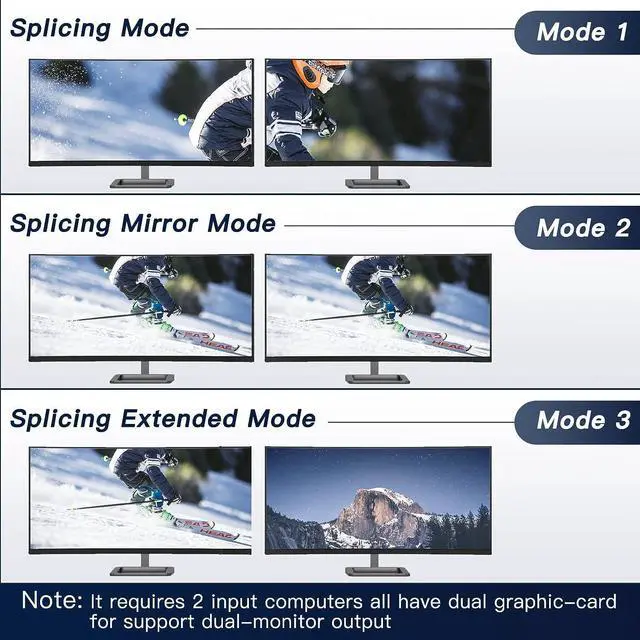
This dual monitor KVM switcher allows you to control 2 computers or laptops through only one set of keyboards and mice, sharing 4 USB 3.0 devices and 2 monitors (extended display mode or copied display mode).Notethat the extended mode can output two different screens, while the copy mode can output two identical screens.KVM dual monitor With Wide Compatibility Dual Monitor KVM support many kinds of input devices,such as PC,Laptop,Apple TV,Xbox.it is widely applied for Office,Multimedia Teaching,Meeting Room,etc.In both work and life, they are the best partners who can help you with easy work
DUAL monitor USB 3.0 HDMI KVM Switcher 2 Computers 2 Monitors support
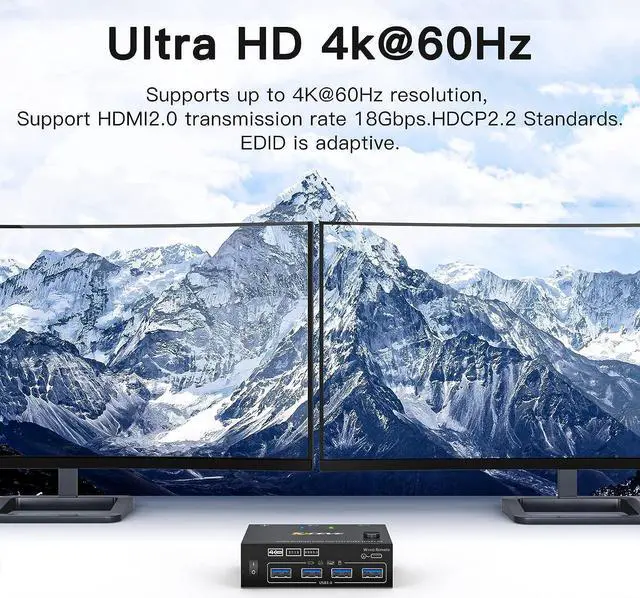
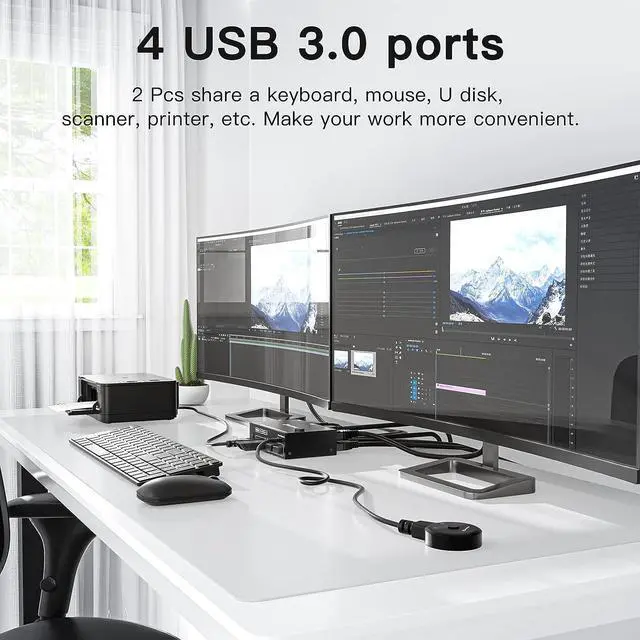
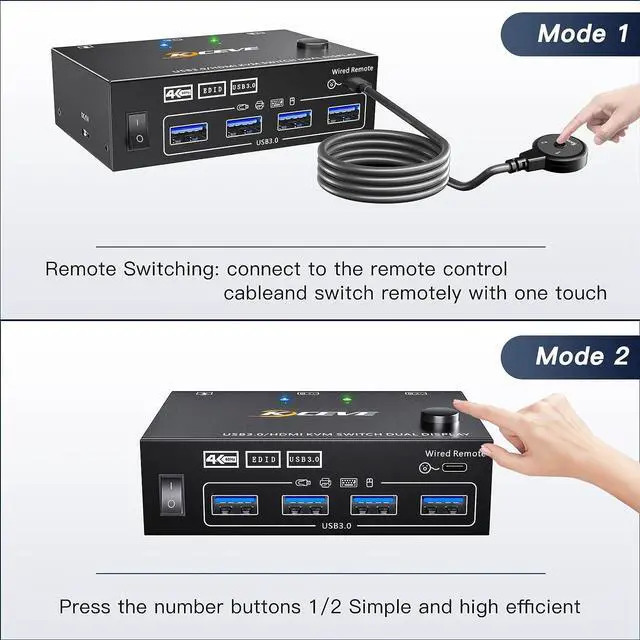
2 computers share one set of wired/wireless keyboard, mouse and 2 monitors.Dual monitors output support extended and mirror display.Switching modes: Button switch and wired remote.Support wired or wireless keyboard and mouse.Cross support most major OS including Windows, Linux, MacWith 4 USB 3.0 ports for USB devices.Support max up resolution 3840x2160@60Hz,2560×1440@,1920x1080P@120Hz,downward compatible.Support HDMI 2.0 standard, backwards compatible with HDMI 1.4 standard.A USB hub can expand the USB3.0 ports if multiple connections are required.
Installation Guide Tips (incorrect connection will cause malfunction):
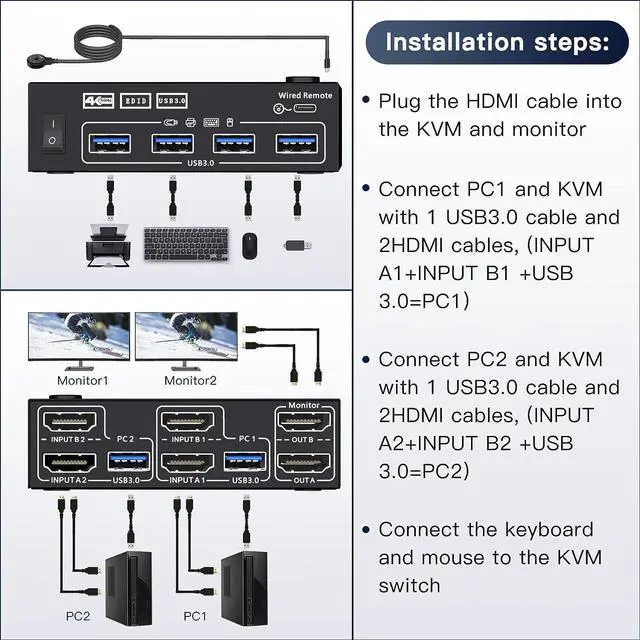
Each computer must connection 2 HDMI cables and 1 USB A / A cable to ensure keyboard, mouse and monitor to work correctly.
Connection steps:
Connect 2*HDMI cables+1*USB-A cable between computer 1 and KVM (USB 3.0, INPUT A1, INPUT B1).Connect 2*HDMI cables+1*USB-A cable between computer 2 and KVM (USB 3.0, INPUT A2, INPUT B2).Connect 2*HDMI cables between the KVM (OUT A, OUT B) and the monitor 1 and monitor 2
***Notice***
After connecting the computers and the monitors through KVM, you need to set the screen output mode on the computer (press Windows+P) and select the output mode in the pop-up window on the screen. Otherwise, only one of the two connected monito
KCEVE DUAL monitor HDMI KVM Switch KCEVE USB3.0 DUAL monitor HDMI KVM Switch Support for EDID simulation lock screen, desktop order does not change after switching -Important -