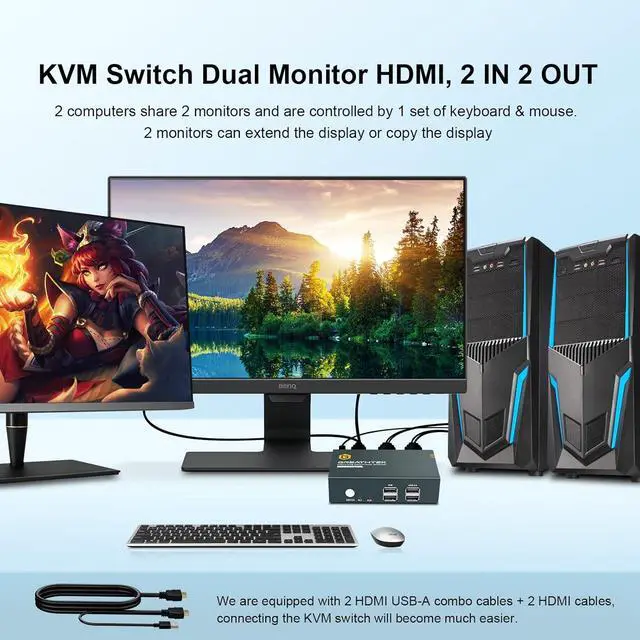
The KVM switch dual monitor allows you to use 1 set of keyboard and mouse to control 2 computers and share 2 monitors and USB devices. Extended mode can output two different screens, while mirror mode can output two identical screens.
Whether you are at home or in the office, Dual Monitor KVM Switches is very convenient and greatly improves work efficiency.
Resolution up to 4K@30Hz, 2K@60Hz, Backward compatibility.2 Switching Modes:
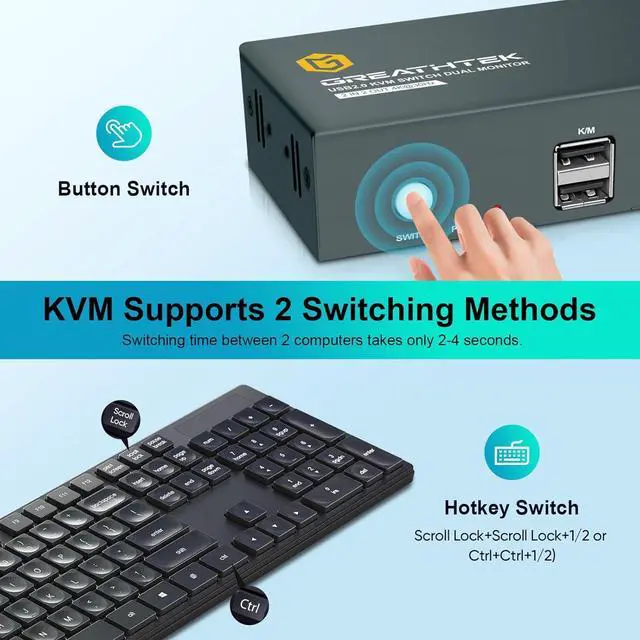
Hot key switching (Scroll Lock+Scroll Lock+1,2 or Ctrl+Ctrl+1,2)button switching.
Supports wired or wireless keyboards and mouse.2 USB 2.0 ports for share USB devices, compatible with USB 1.1 standard.Adaptive EDID, plug and play.Compatible with most systems, such as Windows, Linux, and Mac.The upgraded HDMI USB combo cable makes connection more convenient and cables cleaner.
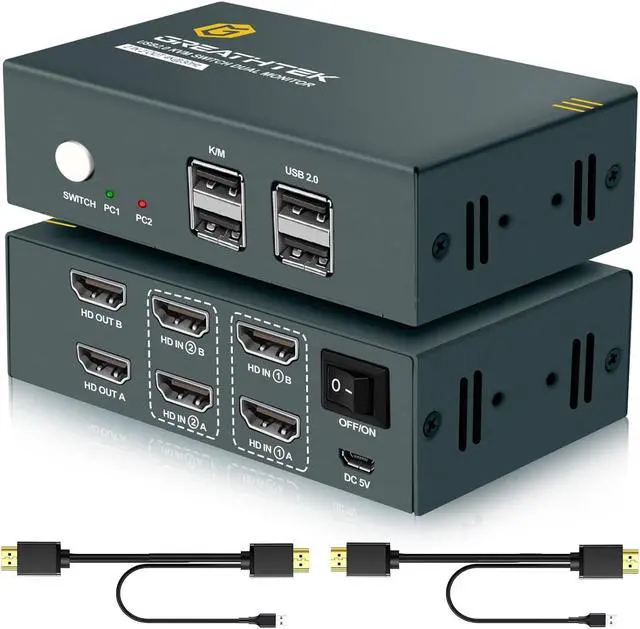
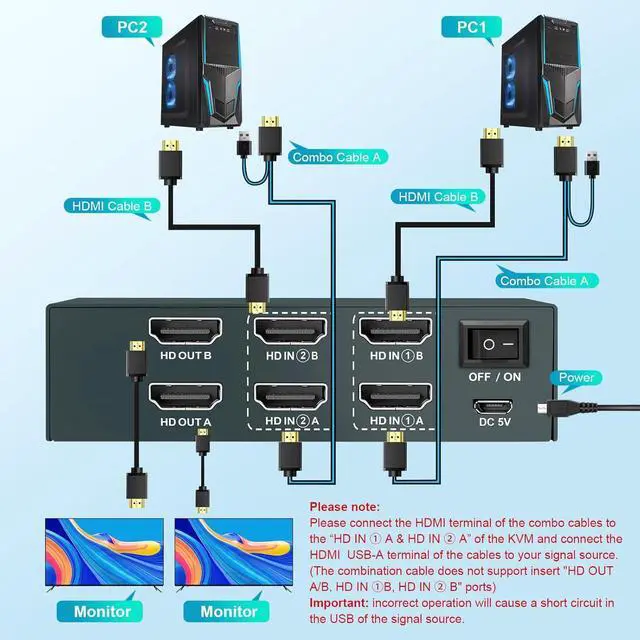
HDMI KVM Switches has 4 built-in HDMI input ports (2 HDMI input ports of each computer as a group) and 2 HDMI output ports. Therefore, you can view the two monitor screens at any time and switch between the two computers at will. Whether it's office or gaming, it can meet your daily usage needs.
(When PC1 is selected, the monitors shows PC1, and when PC2 is selected, both monitors display PC2.)
Before purchasing, please confirm if connecting the two monitors directly works properly.
After connecting the KVM Switch and the computer, if only one monitor has a picture, please confirm whether the output mode is extended or mirrored. And you need to confirm that each computer has 1 HDMI cable and 1 HDMI USB combination cable connected to the KVM.
The dual monitor KVM switch supports 2 switching modes, which can be switched between 2 computers at will within 3-5 seconds.
Hotkey switching Command: "Scroll Lock+Scroll Lock+1/2" or "Ctrl+Ctrl+1/2" Button Switching
Please note: KVM Switch supports hotkey switching only when you connect a keyboard and mouse to the K/M port.
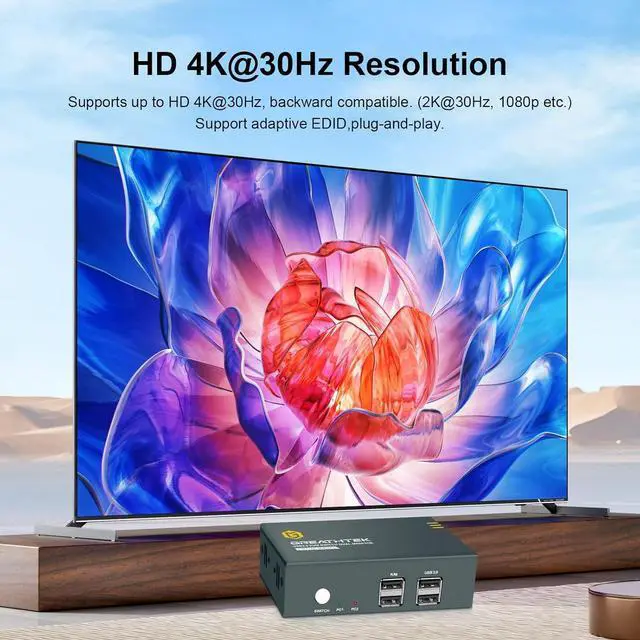
Support up to 4K@30Hz, compatible with lower resolution, such as 2K@60Hz,1080p, etc. Please ensure that your device and cables support 4K@30Hz.
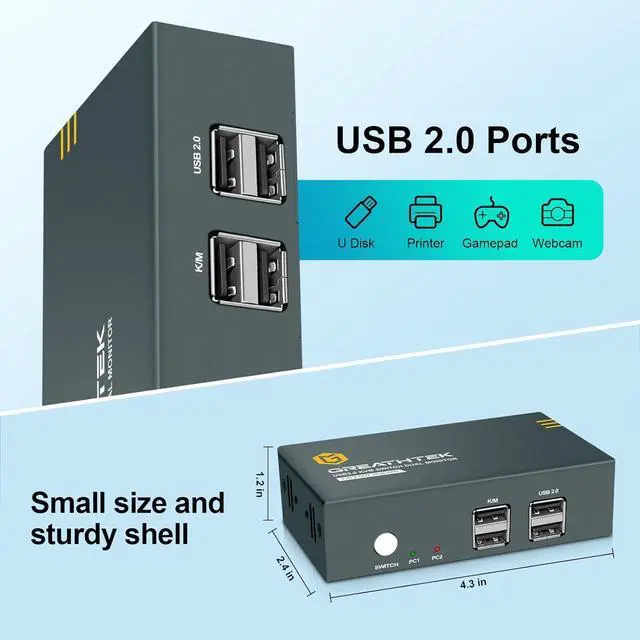
The KVM Switch HDMI with 2 USB 2.0 ports allows 2 computers to share USB devices. Connect the keyboard and mouse to the K/M port to support hotkey switching.
The KVM Switch 2 port is smaller than a hand and lightweight, and the housing is made of hardened iron. Small desktop space occupation.
How to connect?
Connect the "DC 5V" power port with a Micro USB cable. Connect from KVM to PC1 using 1 HDMI USB combo cable to connect "HD IN 1 A" on KVM and 1 HDMI cable to connect "HD IN 1 B". Connect from KVM to PC2 using 1 HDMI USB combo cable to connect "HD IN 2 A" on KVM and 1 HDMI cable to connect "HD IN 2 B". Plug 2 HDMI cables into the 2 HDMI output ports and 2 monitors. Connect the keyboard and mouse to the K/M port.
**The HDMI USB combo cable can only be connected to "HD IN 1 A" and "HD IN 2 A".**
We recommend not to use Docking station, adapters, adapter cables, etc. to connect devices.
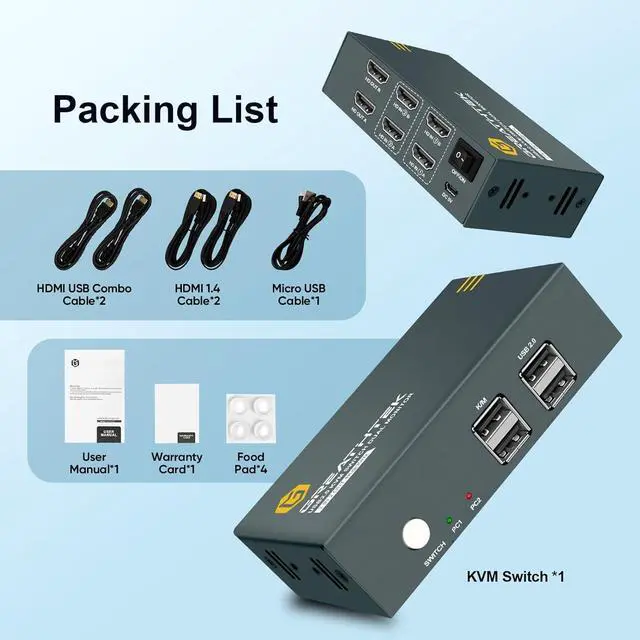
Packaging list:2 x HDMI USB combination cable2 x HDMI cable1 x Micro USB cable
HDMI KVM Switch 2x1/4x1/8x1 HDMI KVM Switch 2x2/4x2 Displayport KVM Switch 2x1/2x2 4K KVM Switch HDMI Extender GREATHTEK KVM Switch Dual Monitor HDMI - 2 IN 2 OUT HDMI KVM Switch 2 Monitors 2 Computers Up to 4K@30Hz USB 2.0 Ports Lightweight and small size