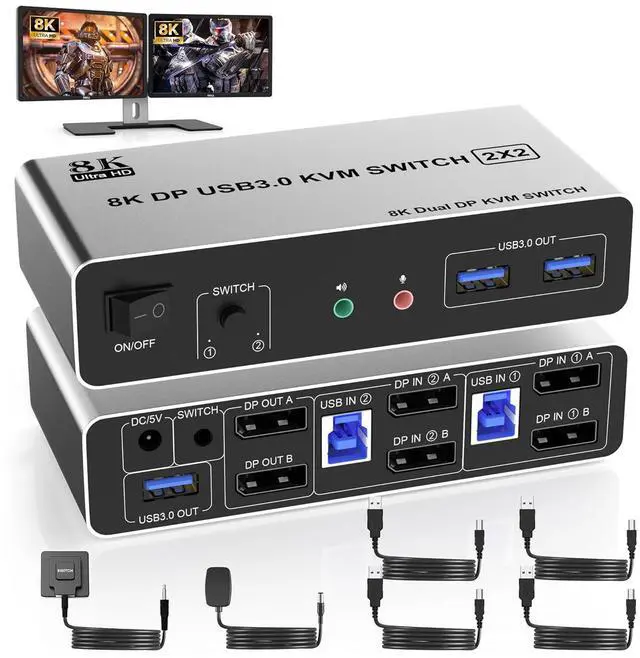
8K@60Hz DisplayPort + DisplayPort KVM Switch for 2 monitors 2 computers
Advantages:
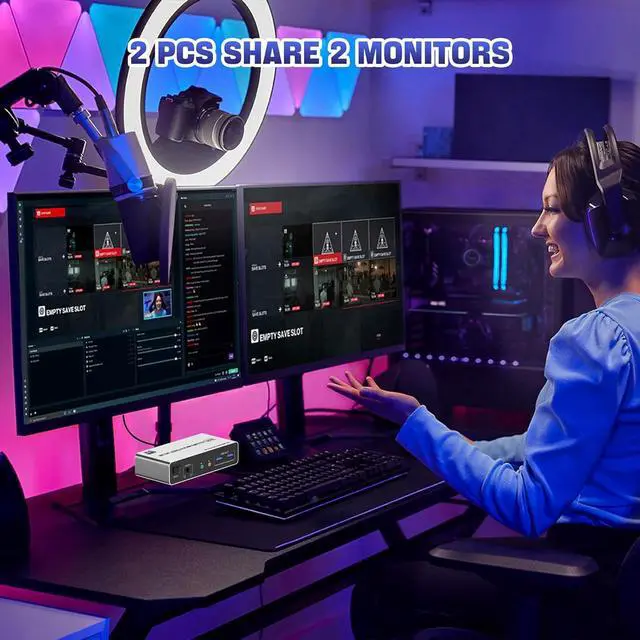
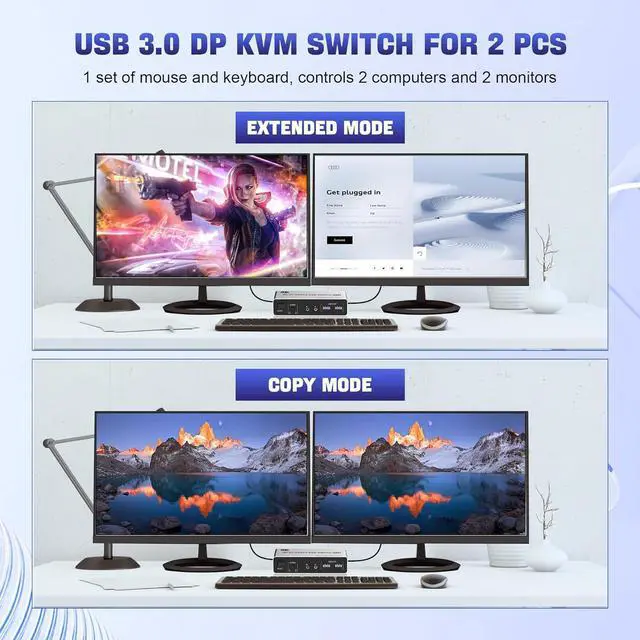
1. 2 computers share one set of keyboard, mouse and 2 monitors2. Dual monitors output support and mirrored and extended display3. Switching modes: Button switch and wired remote4. Cross support most major OS including Windows, Linux, Mac6. With extra USB 3.0 ports and audio output.7. Support max up resolution 8K@60Hz,downward compatible.
installation steps:
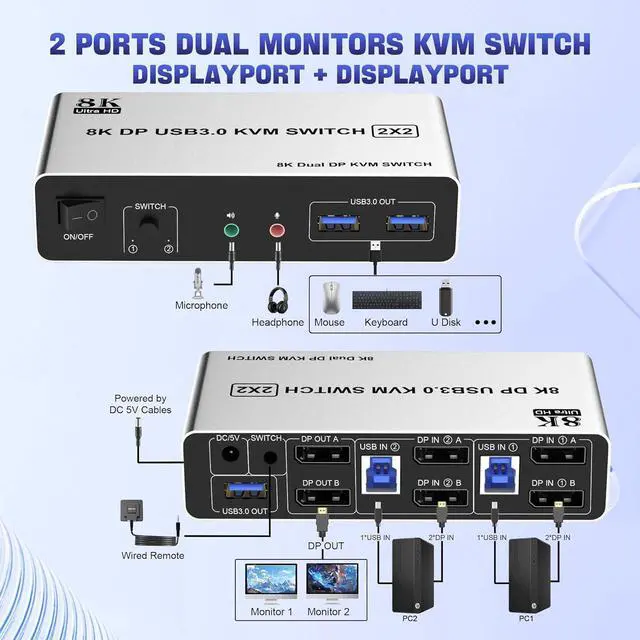
1. Insert the adapter into the KVM ;2. Plug the Displayport cable into the KVM switch and monitor;(Output)3. Plug the Displayport cable and USB cable into the KVM switch and your computer/laptop (DP cables are not included)(Input)Please check whether DP IN1 A , DP IN1 B and USB IN1 are corresponding, and whether DP IN2 A , DP IN2 B and USB IN2 are corresponding. Mixed insertion is not supported.DP IN1 A + DP IN1 B + USB IN1=PC1DP IN2 A + DP IN2 B + USB IN2=PC24. Insert the mouse and keyboard into the KVM switch5. If needed, you can connect a microphone and audio port
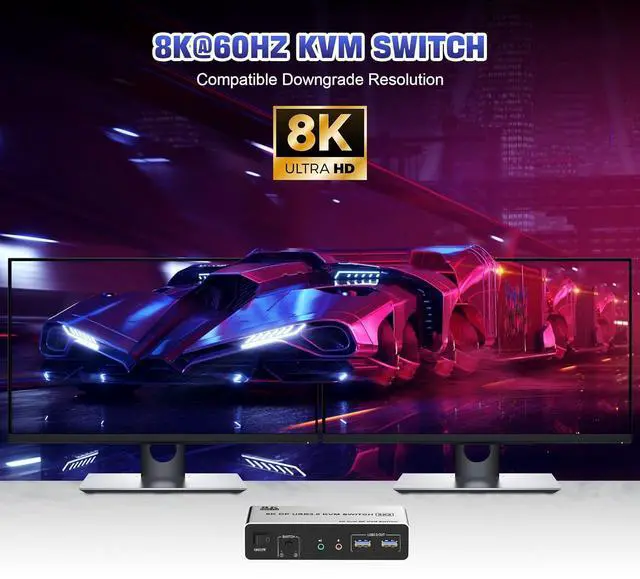
Ultra HD 8K@60Hz Dual Monitor KVM Switch
Supports up to 8K@60Hz/4K@120Hz, Ultra HD, HDR 10, Dolby vision, 3D effect.Note: Only when both your computer Graphics card and monitor support 8K@60Hz then you can get 8K@60Hz effect.
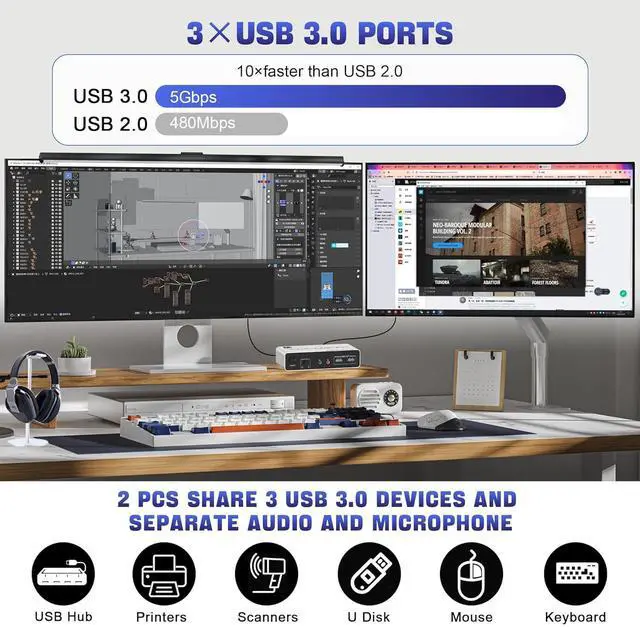
3 USB 3.0 Ports
Supports ultra-fast USB 3.0 data transfer up to 5Gbps, also supports separate audio and microphone output.
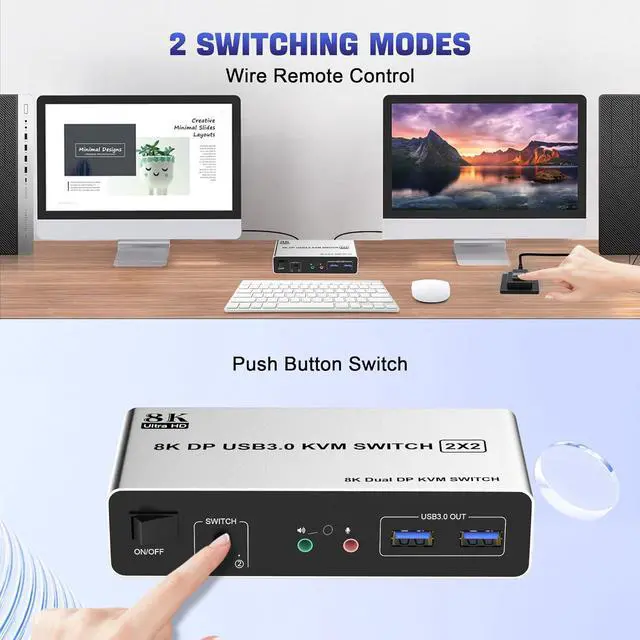
2 convenient switch modes
1. Toggle selection on front panel 2. Wired remote switch (one-touch switch)





 here!
here!