• $126.99
  • Free 30-day Returns
  • Price alert
    Shop it at NeweggBusiness.

    Meet Your Seller

    Ennovor HDMI KVM Extender, 1080P@60Hz Ultra HD Resolution, Over Cat5e/6/7 Ethernet Cable, Up to 165ft/50m with Loop Out & POC Function - Support Keyboard and Mouse

    • USB KVM FunctionUsing KVM extenders to manage servers from one workstationKVM stands for keyboard video mouse, allows you to control a computer system using a mouse/keyboard. By transmitting keyboard and mouse data via LAN.
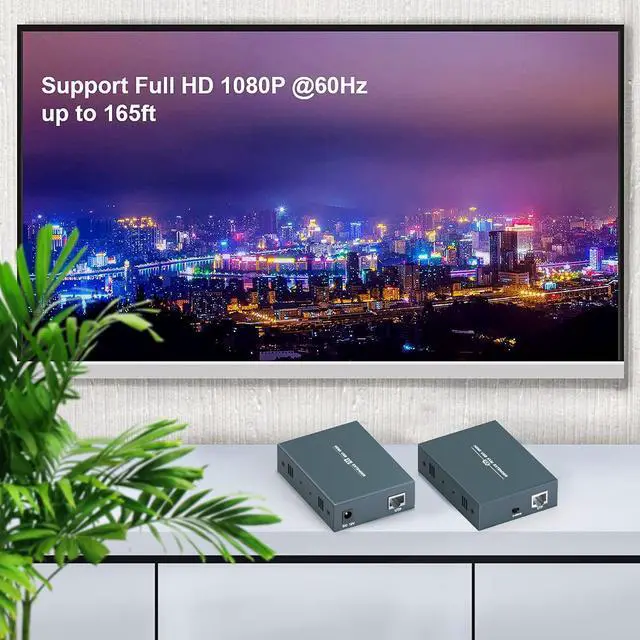
    • Full HD 1080P@60Hz up to 165ftExtends 1920x1080 HDMI signal over single cat5e/6/7 cables max up to 165ft/50m with stereo audio and USB extension. No video loss with zero delay, with EDID Management.
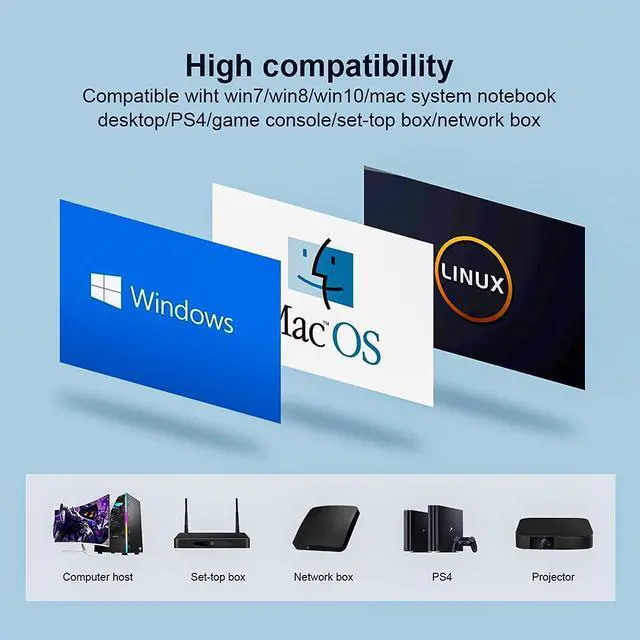
    • Easy to install and Set UpConnect your HDMI source device (PC, game console, Blu-ray player, media player) to the transmitter by an HDMI cable, use Ethernet CAT5e/6/7 to connect the transmitter to receiver, then use an HDMI cable connect your HD TV (monitor/displayer) to the receiver. HDMI KVM extender is very easy to set up, plug and play and no driver required.
    • Local Output optionThis HDMI KVM extender firmly support signal local output, which can help you reduce mistakes when you want to display something on the distant monitor/display.
    +
    +
    Overview
    Reviews
    avatar

    Any questions? Our AI beta will help you find out quickly.

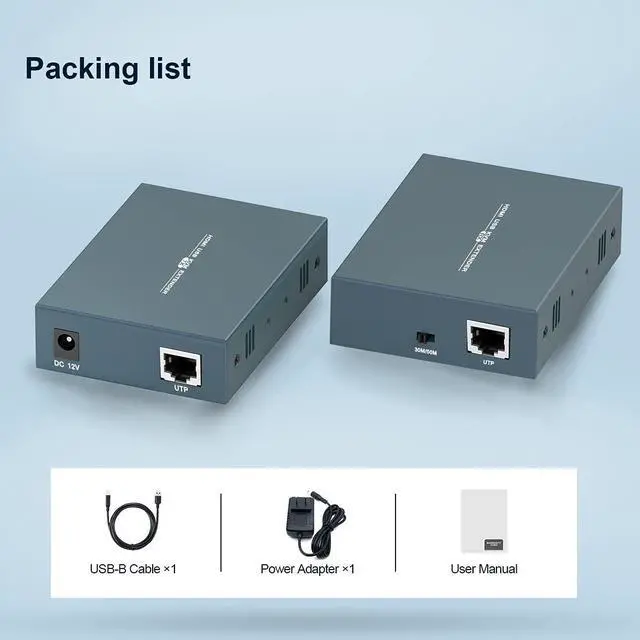
    HDMI extender support remote control of signal sources through keyboard and mouse.HDMI KVM extender has a maximum transmission distance of 165ft/50m. (Cat5e Ethernet transmission distance of 40 meters, it is recommended to use Cat6/7 for optimal performance.)Maximum resolution supported 1080p@60Hz, downward compatibility.Support loop out for easy monitoring locally.
    Connect the power supply.Connect the USB A-B cable between the signal source and TX.Connect the HDMI cable (HDMI IN) between the signal source and TX.Connect the local loop on TX to the local display with HDMI cable (if needed).Connect Cat5e/6/7 between TX and RX.Connect the HDMI cable between the RX and the display.Connect keyboard and mouse to RX.
    1. The volume is even smaller than the palm of the hand, making this product easier to carry or transfer.
    2. Plug and play, no need to install any drivers, making the application of this product more convenient.
    HDMI KVM EXTENDER WITH LOCAL OUTPUT Connection diagram Connection steps Easy to carry and use Application scenarioes

    Warranty & Returns

    Warranty, Returns, And Additional Information

    Warranty

    • Please contact the Seller directly for warranty information. Warranty information may also be found on the Manufacturer's website.
    • CONTACT

    Return Policies

    Manufacturer Contact Info

    LOADING...