Does Everything You Need!
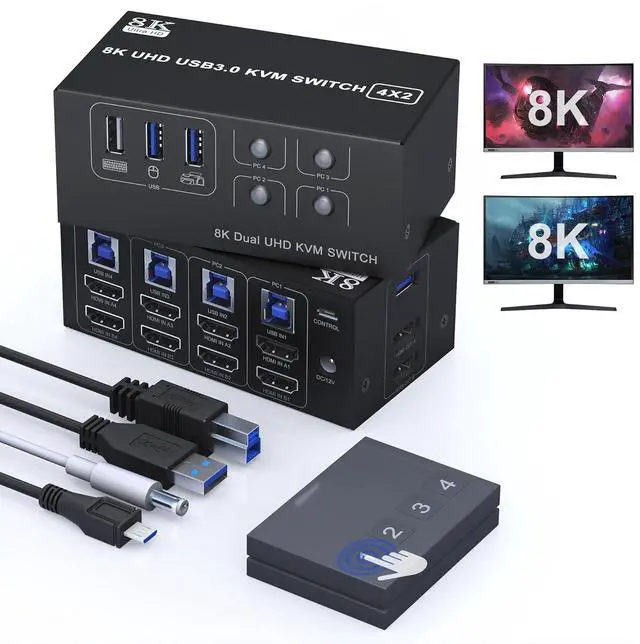
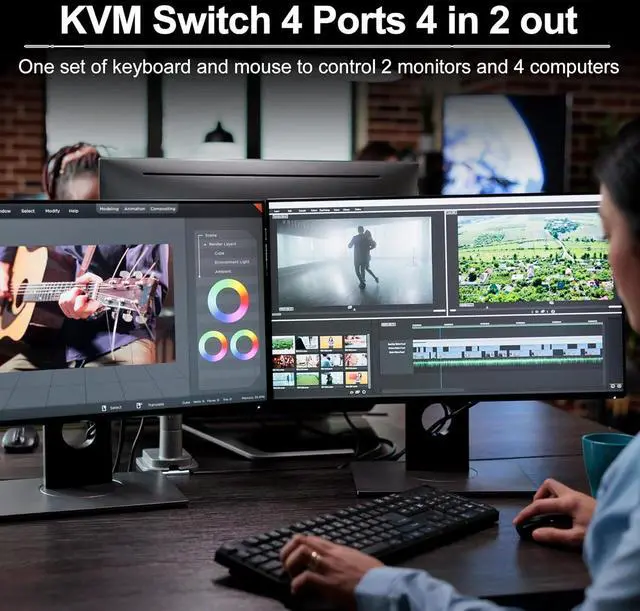
With this 8K HDMI KVM switch 2 monitors 4 computers, you can share 2 monitors and 1 set of keyboard and mouse with 4 computers. Your desktop will become tidy and solve the problem of managing multiple devices, eliminating the need to repeatedly plug and unplug devices.
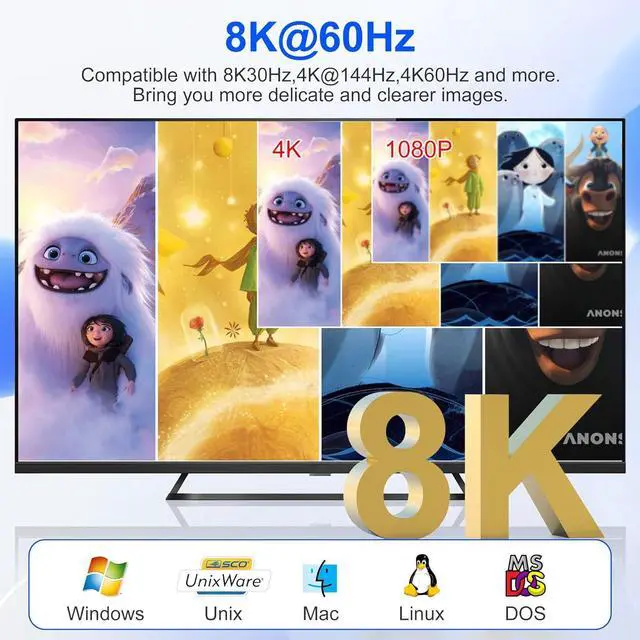
Supports HDMI 2.1 8K@60Hz,4K@144Hz,4K@120Hz,4K@60Hz, etc. Backward compatible.Dual monitors output support up to 8K@60Hz for extended,mirrored or spliced displayDepends on your computer's graphics card..With 3 USB 3.0 Ports+1 USB 2.0-A Port, USB 3.0 transmission rate up to 5Gbps.2 switching methods, easy to switch. Support button switching and desktop wired remote controller.Compatible with multiple operating systems, such as Windows/Mac/Linux/Unix, etc.Easy installation, plug and play, no driver required.
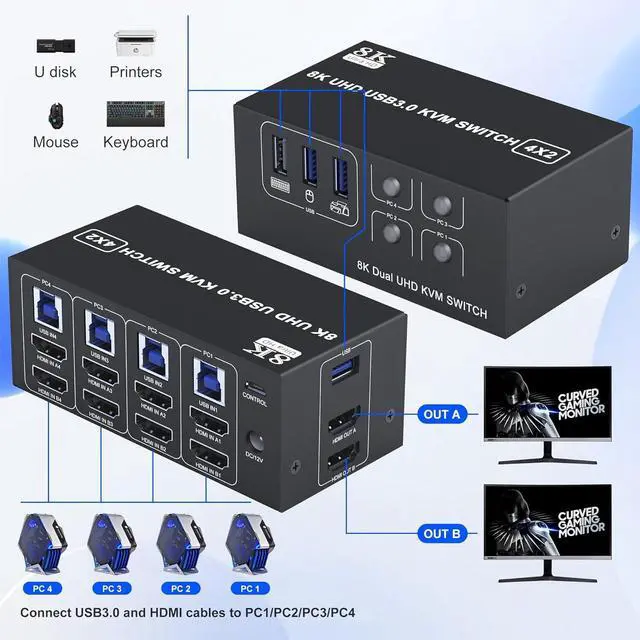
1. Insert the adapter into the KVM ;2. Plug the HDMI cable into the KVM and monitor;(Output)3. 1). Connect PC1 Firstly(Input)Use 1 HDMI cable to connect the "HDMI IN A1" input interface and PC1 HDMI A output interface,Use 1 HDMI cable to connect the "HDMI IN B1" input interface and PC1 HDMI B output interface.Use 1 "USB-a to USB-b" USB3.0 cable to connect the "USB IN 1" input interface and PC1 USB 3.0 interface.2)Then, Connect PC2,PC3,and PC4 according to the connection steps of PC1.4. Insert the mouse and keyboard into the KVM switchNote1. Most of the reasons why only one video output works is because of incorrect connection. Please make sure each PC has(2 HDMI+USB cable) connect to the KVM.2. If the input USB ports are not connected or connected incorrectly, the output USB device will not be recognized.3. Note: HDMI cables are not included
4 PCs Share 4 USB Devices
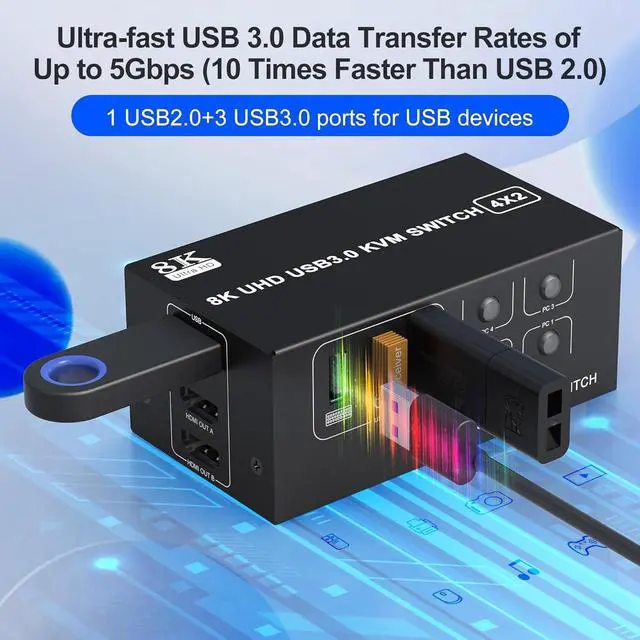
The HDMI KVM switch 4 port dual monitor is equipped with 3 USB 3.0 ports + 1 USB 2.0 Port, USB 3.0 with a transfer speed of up to 5Gbps, which is 10x the speed of USB2.0. 1*USB A 2. 0 Designed for 2.4GHz wireless mouse or keyboard without signal interference.
Ultra HD 8K@60Hz Dual Monitor KVM Switch
Support 8K@60Hz, 4K@144Hz/120Hz
Warm tips:
We recommend your computer with 2 HDMI ports and monitor with HDMI port.If you want to achieve 8K@60 resolution, please pay attention to the configuration of HDMI2.1 cable; at the same time, in order to ensure the stability of the use of the KVM switch, we do not recommend the use of the converter.We recommend adjusting both sources to the same resolution before connecting them to the KVM switch, such as 8K@60Hz for both computers or 4K@60Hz for both computers.
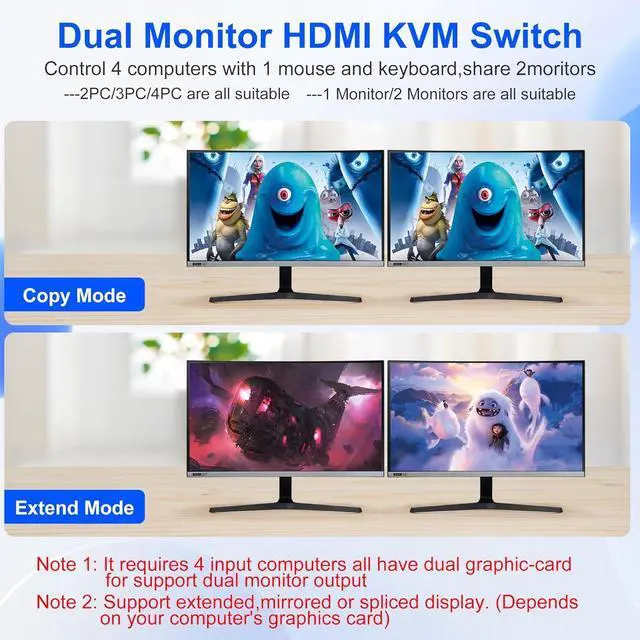
2 Display Modes
Extended DisplayMirrored Display1)Extended mode can output 2 different screens and mirror mode can output 2 identical screens.NoteIf your graphics card has a splicing screen function, you can use the splicing screen mode.2) The requirement for this KVM to achieve a 2-screen display is that each PC you connect to has the capability to support a 2 screen display. This has nothing to do with KVM.
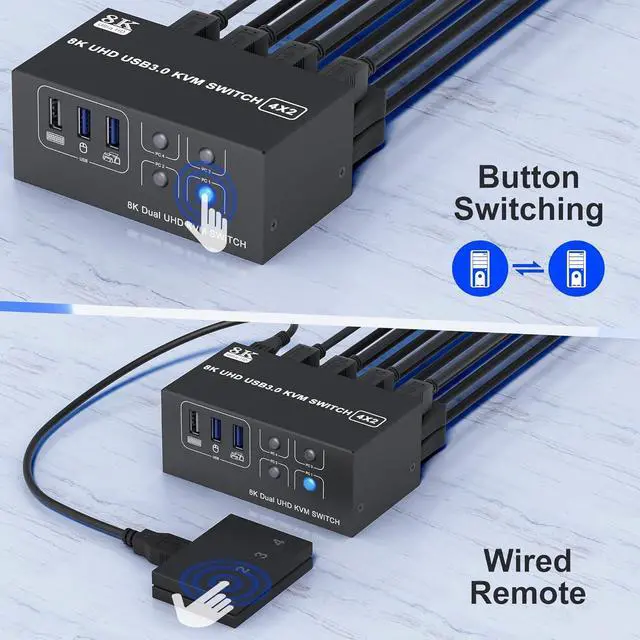
Supports Button Switch
You can easily and quickly switch between computers with the push of a button on the control panel.
Support wired remote control
A push-button controlled switch extension cable is included for easy switching without having to get up when using it.
LED Indicator
When switching to which PC, the LED will tell you whether PC1 or PC2/PC3/PC4 is active.
Latest version of KVM - More Compact 8K HDMI Dual Monitor KVM Switch 4 computers share 2 monitor and 4 USB devices Connection Steps.