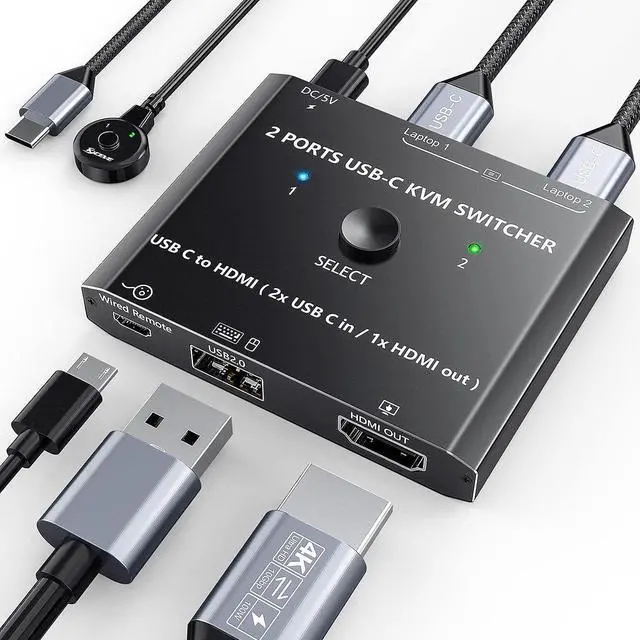
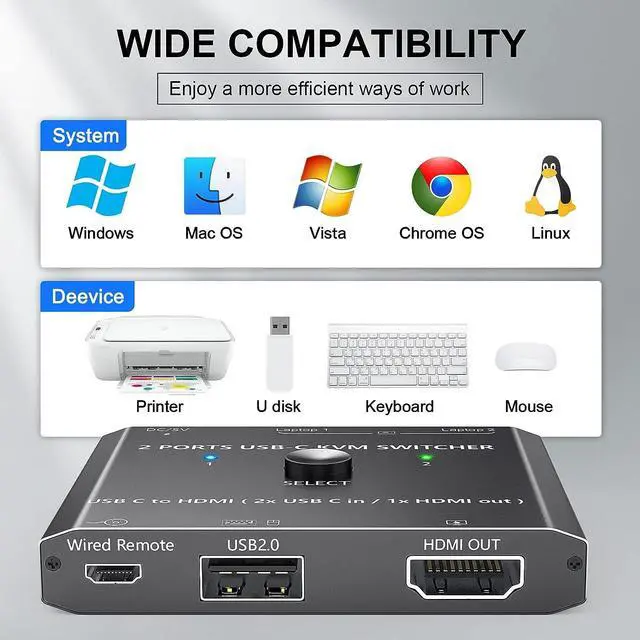
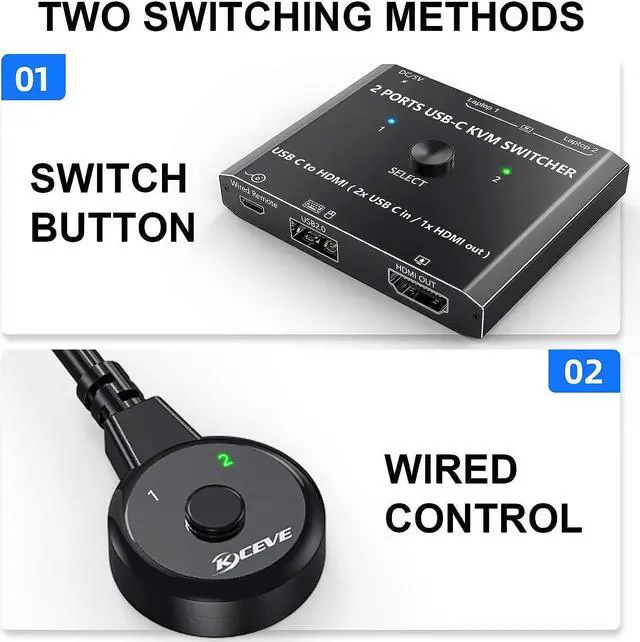
Name: 2 Port USB C KVM SwitchFeatures: 2 x USB C Inputs + 1 x HDMI OutputResolution: Video resolution up to 3840*2160 @60HzYCBCR 4:4:4)Switching Modes: Physical Button and Wired Remote.Support systems: Windows 10/8/8.1/7/XP and Mac OS, Linux and moreMaterial: Metal shell
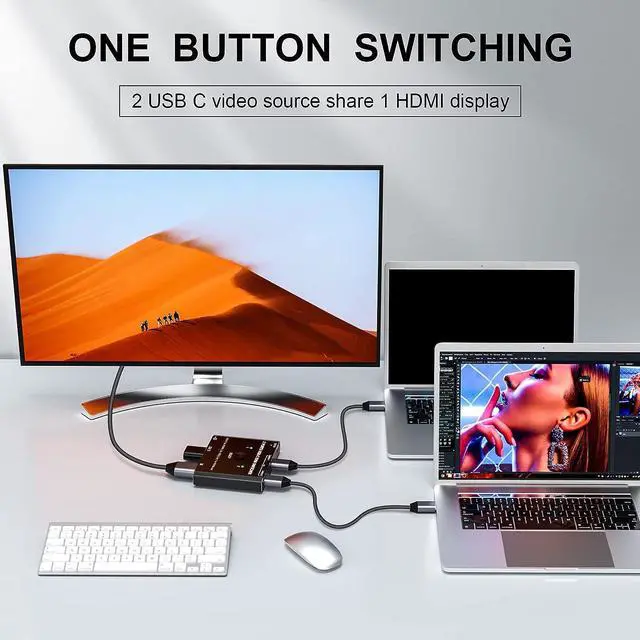
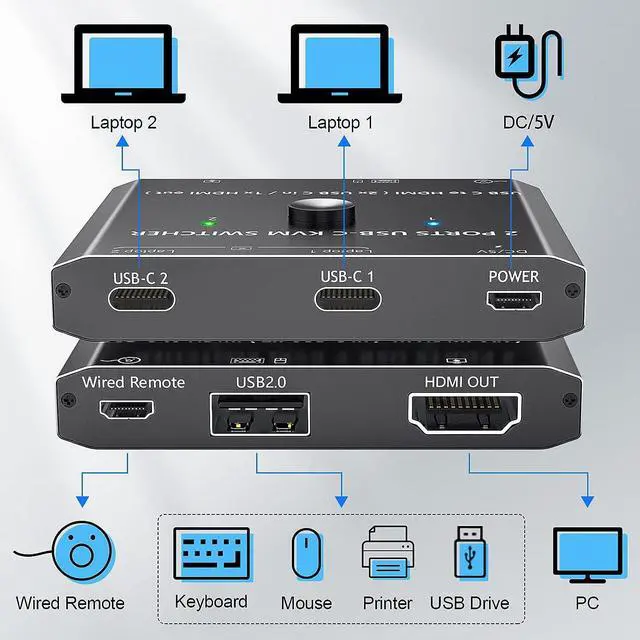
Step 1. Connect PC 1 to the USB-C1 port ;Step 2. Connect PC 2 to the USB-C2 port ;Step 3. Connect a monitor to the "HDMI OUT" port of the KVM switch using an HDMI cable.Step 4. Connect wired remote control to switch between 2 input sources.
Noted: Please make sure your computer / device has at least 1 USB Type C port which support DataVideoPD.The USB C KVM switch cannot wake up the computer, please set your computer to never sleep mode.
This usb type c to HDMI switch with stable performance, it can greatly improve your work efficiency. It is a new style USB-C kvm switch mainly desigh for Laptops with TYPE-C port.2 computers share one set of wired/wireless keyboard mouse and 1 monitor, easily output 4K video from Laptop to HDMI monitor, television or projector without drivers.This 2 in 1 out USB Type-c switch support USB 2.0 devices connected, and resolution support up to 4K@60Hz. Note: Do not use too long TYPE-C cable for connection between the switcher and your devices.
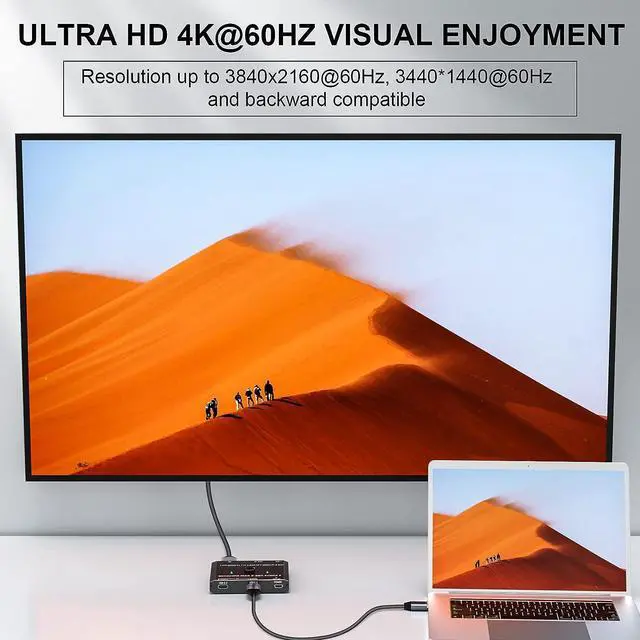
Resolution up to 4k@60Hz, 2K@120Hz, 1440P@100Hz, backward compatible.
Button switching, a single button on top is very convenient for you to select computer 1 or 2.You can hide the USB-C kvm switch under the table when using the wired control (1.5m wired control included).
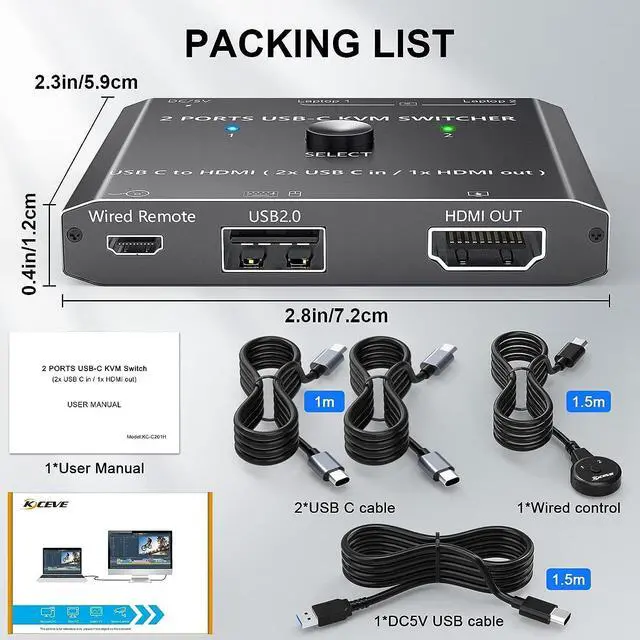
1*USB Type-C KVM Swtich,2*USB-C Cable1*Wired Remote1*User Manual.
2 in 1 out USB C KVM Switch, 2 laptops share 1HD monitor and USB devices Easy set up to 2 USB TYPE-C laptops and 1 HDMI monitor 2 Port USB C KVM Switch, 2 x USB C Inputs +1 x HDMI Output 4K@60HZ Ultra HD Video Output Two control ways available