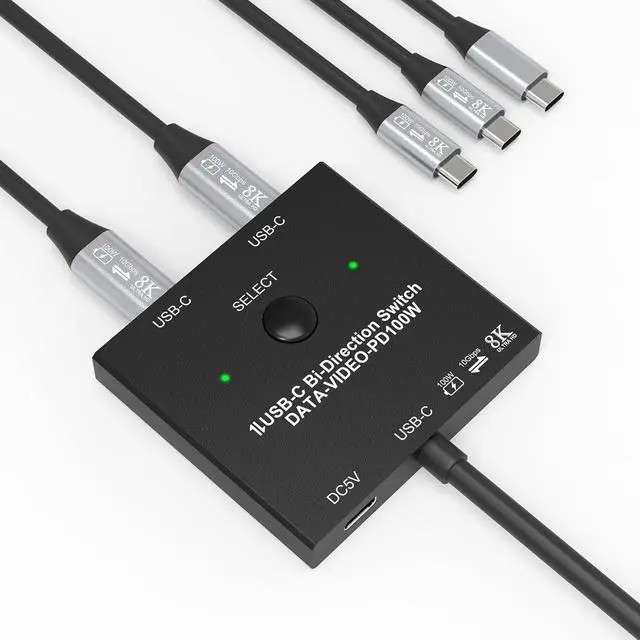
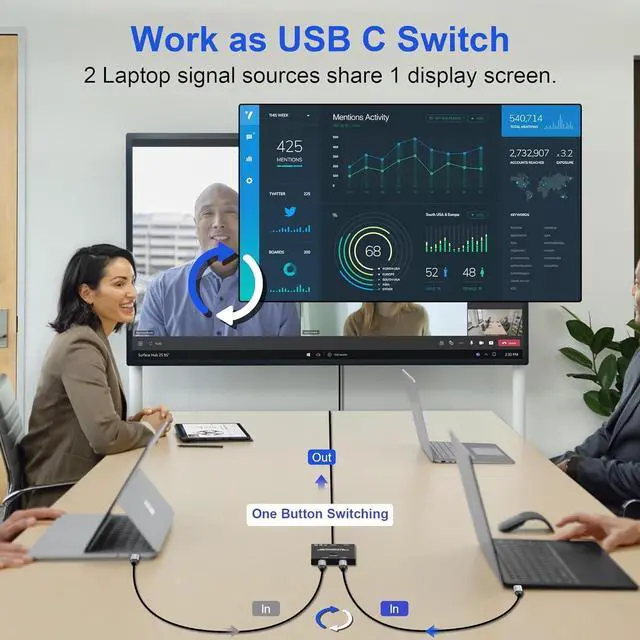
This USB C KVM Switch supports USB 3.1 Gen 2, 10Gbps/S high-speed transmission, integrating data/video/PD fast charging technology. Can easily realize two USB-C computers share a display device, through the button can choose which computer to connect the display device, but also can easily realize a computer share the use of multiple external devices, such as printers, USB flash drives, video cameras, etc., eliminating the need for frequent unplugging and plugging of the device's cables.Support multiple input devices, such as PC, Laptop, Apple TV, DVD Player, PS3/PS4, and Xbox.Support Monitors, Projectors, TV screens, and other display devices.
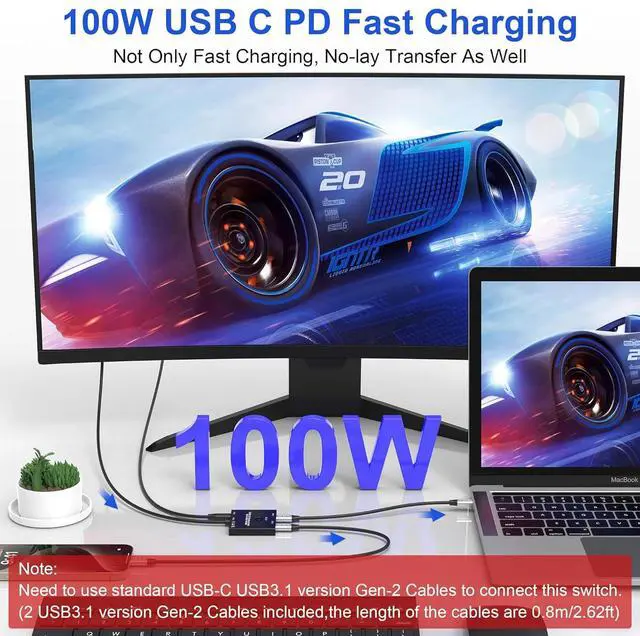
USB-C1 or USB-C2 Port support PD 100W Reverse Charging.Use this 8K USB C splitter to fast charge type-c cell phones, laptops, and other devices up to 100W while it's working. Note: The monitor, cable, and device you use should support fast charging.
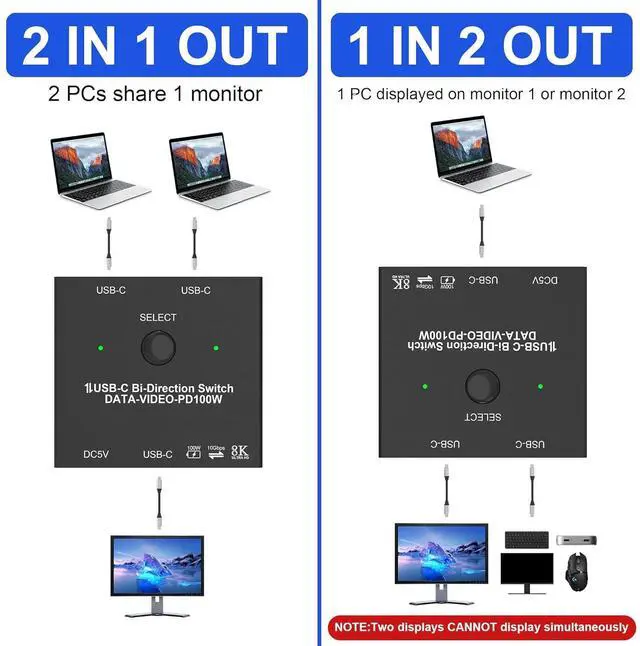
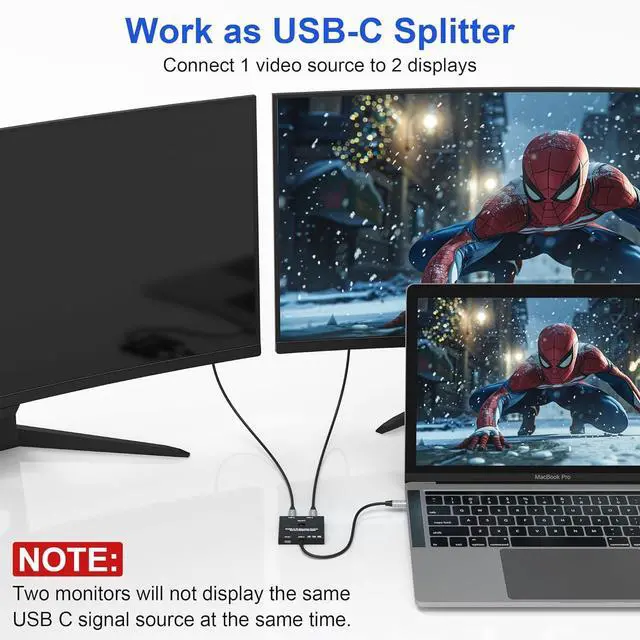
Mode1-USB C Splitter 1 video source shares 2 monitors (2 monitors can not work at the same time!) Mode2-USB C Switcher 2 video sources share 1 monitor
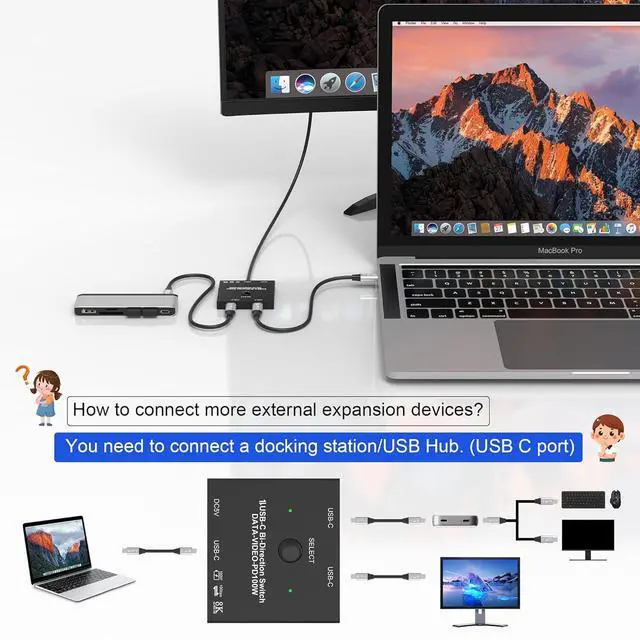
Product connection schematic diagram:
Mode1 USB-C1 and USB-C2 connect to the laptop by wiring, USB-C header connect to the display, through the key switch, shared using a screen. USB-C DC/5V requires external power supply.Mode2 USB-C head connected to laptop, USB-C1 and USB-C2 can connect to USB-C external equipment, expansion dock, mobile hard disk, printer, etc., USB-C DC/5V needs external power supply.
Warm Tips!
Connecting a USB-C/Thunderbolt docking station/hub is recommended.Need to use standard USB-C USB 3.1 Gen-2 cables to connect and use the USB cable to power the switch. The length of power cable is 60CM/1.97FT and the USB-C cables included (Support Data&Video&PD) are 80CM/2.62FT.24-hour email support, and a 2-year after-sales service, please feel free to let us know if you encounter problems using this USB-C switch.
Use this Type C KVM switch to fast charge type-c cell phones, laptops, and other devices up to 100W while it's working.
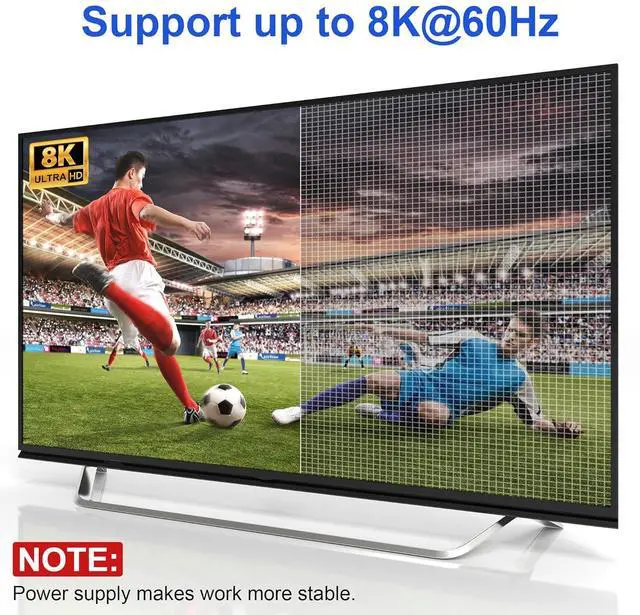
Supports 8K60Hz video to the USB-C or HDMI monitor and ultra-wide screen output (3440*1440, etc.), compatible with 4K120Hz/1080P165Hz.The maximum resolution and refresh rate of the output depends on the source device, monitor, USB C dock and cables.
The Type C switch supports transfer speeds of up to 10Gbps (USB3.1 Gen2), allowing you to transfer music, movies, or entire seasons of TV shows in seconds.
No need to worry about plugging and unplugging, switching can be done at the touch of a button.
Please plug in the power cord when using the USB C Splitter to prevent the screen from flashing or turning black.
USB-C Switch KVM x1USB-C to C Cable x2 (0.8m)USB Cable x1 (0.8m)Manual x1
Support multiple input devices, such as PC, Laptop, Apple TV, DVD Player, PS3/PS4, and Xbox.Support Monitors, Projectors, TV screens, and other outport display devices.
1. The product has been connected to the device, and the key cannot switch the fault:
1). Check DC 5V connector. If there is no power supply, please connect the power supply cable to the 5V charging head or the USB head of the equipment. After the power supply is connected, the channel selection indicator will turn on, and the button can be switched.
2). If DC 5V has power supply, please check whether other connecting lines are correctly connected, or exclude whether the connecting lines are well inserted.
3). Check whether the button can be pressed, whether the key touch control is good and effective, and whether the 1 and 2 channel lights are on. If the channel lights are not on, it is recommended to contact the service merchant to replace them.
2. The display cannot display the fault after the product connection:
1). Check whether the computer USB-C and the monitor communicate normally, and whether the monitor or display device switch the channels correctly.
2). Check that the output resolution o