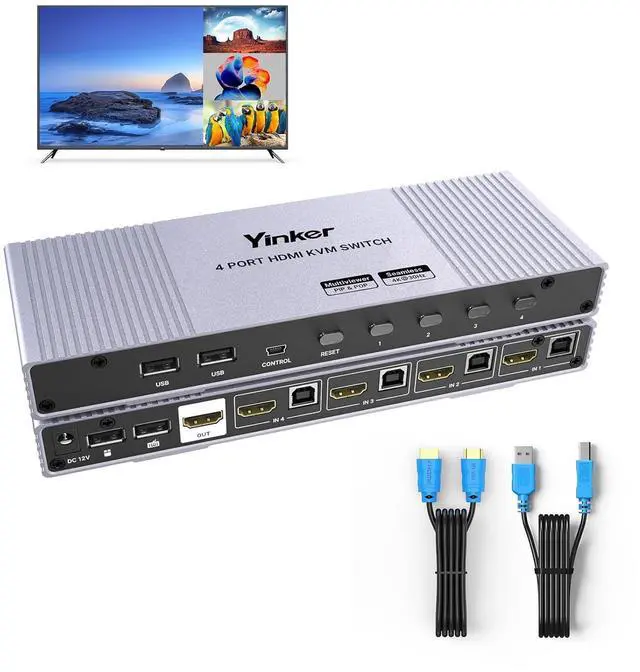
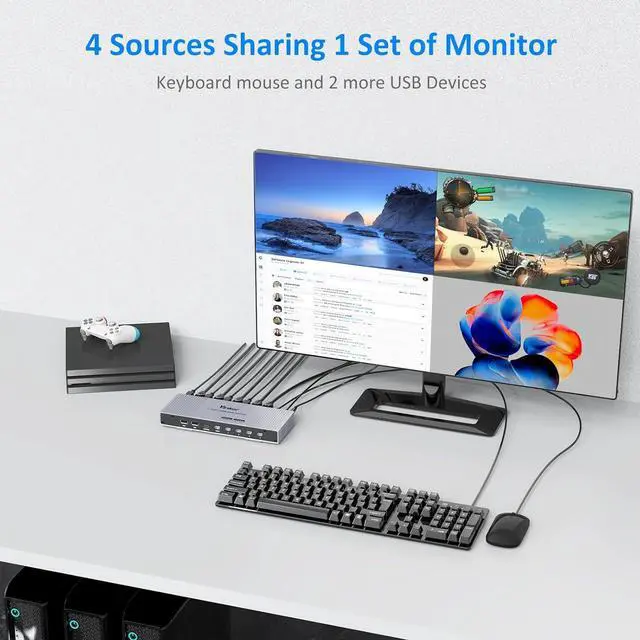
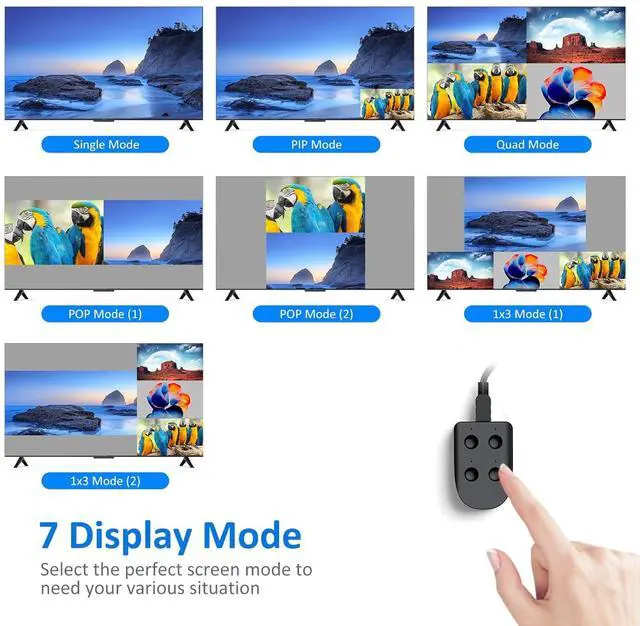
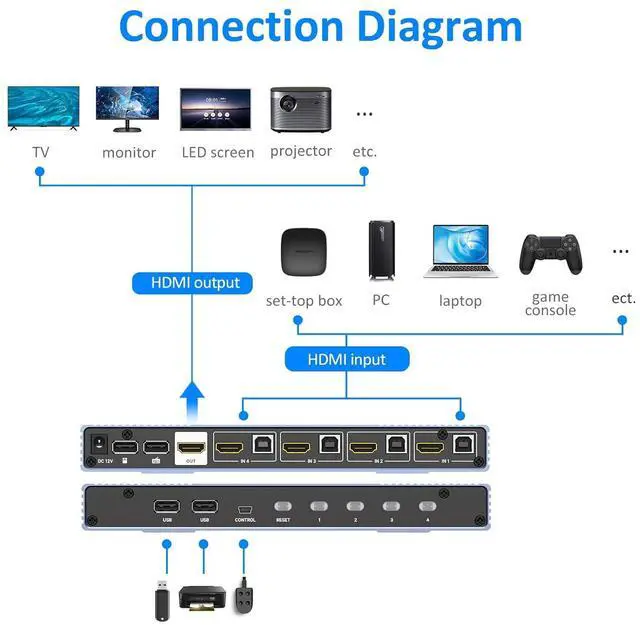
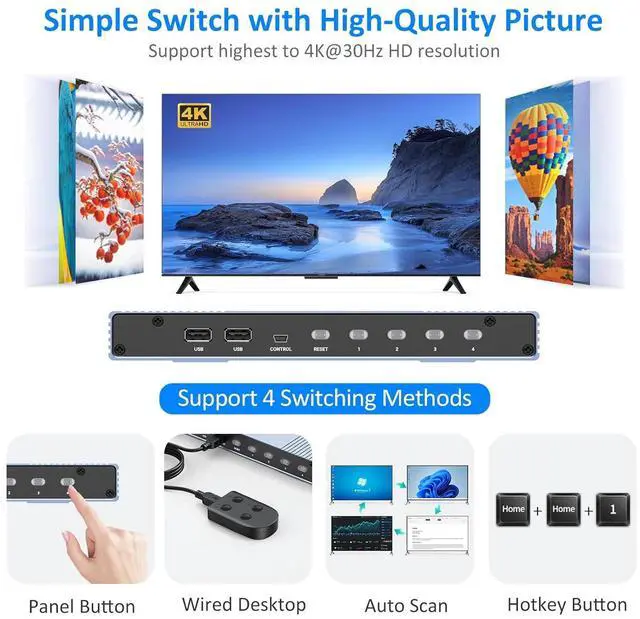
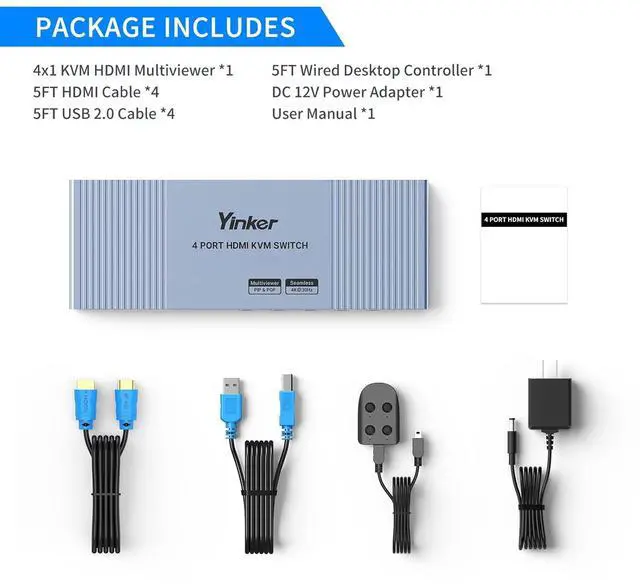
Supports the highest resolution 4K@30Hz Seamless switching, quick response, smooth screen without black or flashing screen Supports 4 switching methods: panel buttons, desktop controllers, auto scan and keyboard hotkeys Supports automatic scanning and can set the scanning time range to "5-999" seconds Supports independent gain adjustment for each port, with different modes enjoying independent gain parameters Supports 7 screen display modes: Compatible with quad multiviewer function, capable of multiple inputs and the same output, displaying multiple input sources on a single screen
Seamless switching, quick response, smooth screen without black or flashing screen
Two USB ports for keyboard and mouse (indicated on the port), and two additional ports for connecting hard drives or printers, etc
4 Switching Methods, Panel Button,Wired Desktop, Auto Scan and Hotkey Button.
Double-click the HOME key Click M keyClick 0~6 to switching display mode
NoticeTo use the keyboard hotkey function, please link the keyboard to the labeled USB port
Mode 1: single screenMode 2: picture in picture (PiP)Mode 3: 2X2Mode 4: horizontal POPMode 5: vertical POPMode 6: vertical 1x3Mode 7: horizontal 1x3
Watch Multi Video on 1 Screen Yinker HDMI Multiviewer Yinker 4 port HDMI Seamless Multiviewer Switch with lightweight and durable aluminum shell, lets 4 Computers share a set of operating devices Keyboard hotkeys switching display mode Compatible with multiviewer function, with 7 display modes which can be seamlessly switched