8K HDMI Dual Monitor HDMI+HDMI KVM Switch for 4PC
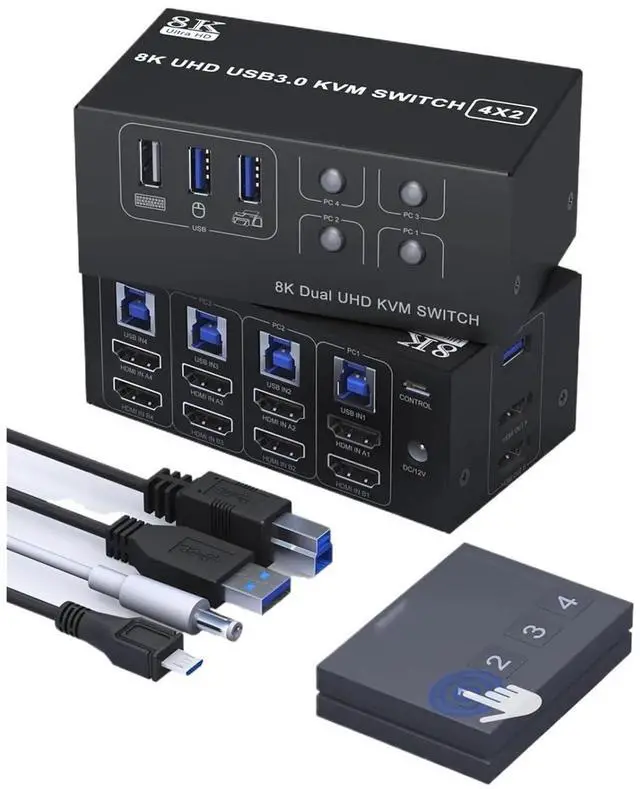
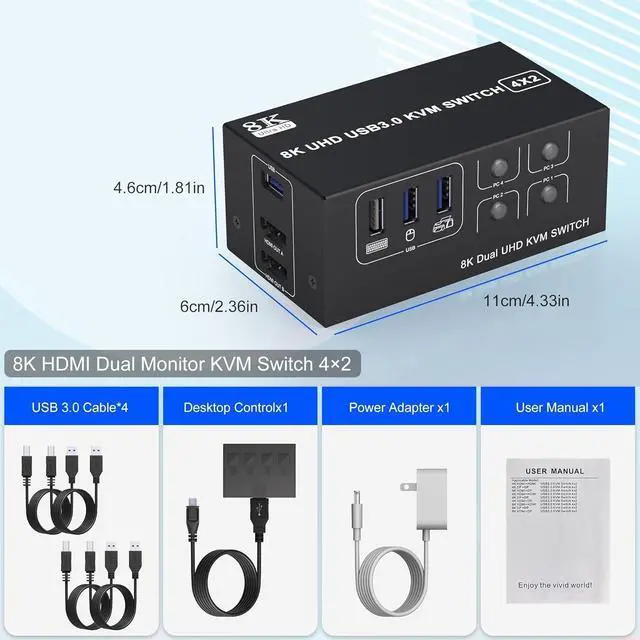
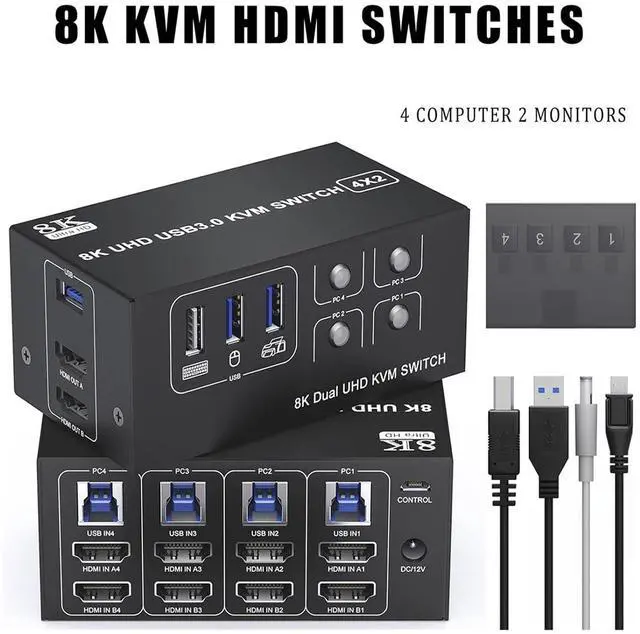
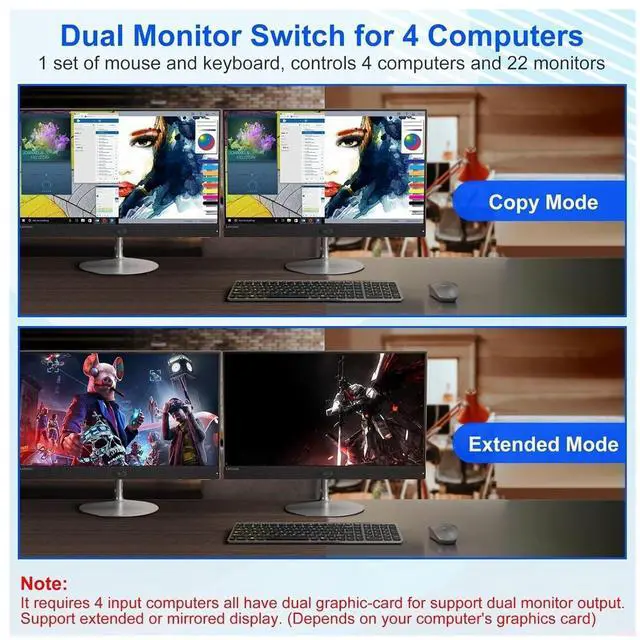
A setup allows for four computers to share a single set of keyboard, mouse, and dual monitors, along with additional USB 3.0 ports.
Supports copy and extend modes. (Your computer's graphics card must support copy and extend modes)
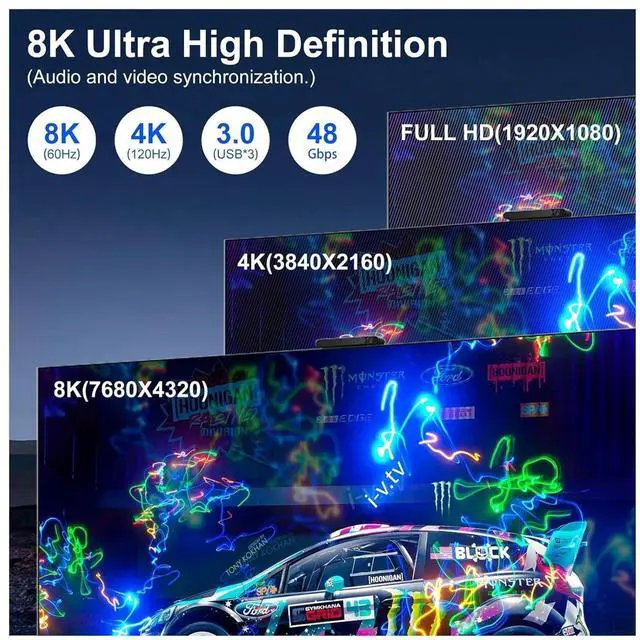
Supports impressive resolutions up to 8K @ 60Hz.
Plug and play functionality, no drivers required.
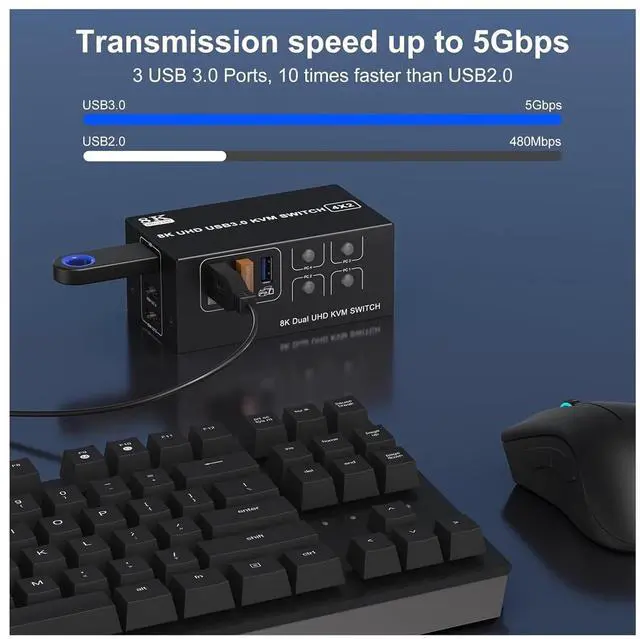
With 3 USB 3.0 interfaces, it can seamlessly identify USB devices such as keyboard, mouse, and printer.
Supports two switching methods: button and remote control (included).
Supports a variety of input devices, including PC, lap*top, Ap*ple TV, PS*3/PS*4, X*box, etc.
Installation Steps:
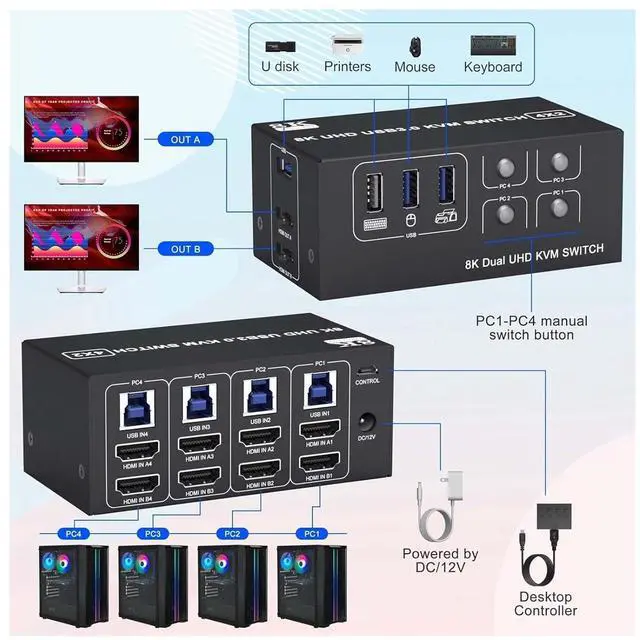
1.Connect the DC/12V adapter to the KVM.
2.Attach the HDMI cable to both the KVM and the monitor (Output).
3.Connect the HDMI cable and USB cable to the KVM and your computer/laptop (HDMI cables are not provided) (Input).
HDM1 IN1 A + HDM1IN1 B + USB IN1=PC1
HDM1 IN2 A + HDM1IN2 B + USB IN2=PC2
HDM1 IN3 A + HDM1IN3 B + USB IN2=PC3
HDM1 IN4 A + HDM1IN4 B + USB IN2=PC4
4. Insert the mouse and keyboard into the KVM switch
Note:
1. Most of the reasons why only onevideo output works is because of incorrect connection. Please make sure eachcomputer have 2 HDMI cables connect to the KVM.
2.Please check the HDMI IN and USB IN is corresponding, HDMI OUT A, HDMI OUT B is corresponding, NOT support mixed insertion.
Ultra HD 8K@60Hz
Supporting impressive resolutions up to 8K at 60Hz. Enjoy a heightened level of detail and realism in your display, whether it's for work or entertainment, and also supports 4K@60Hz, 3D and 1080P@60Hz or other lower resolution (Downward Compatible).Note: Please ensure that your computer, monitor, and connecting cable support 8K at 60Hz.
Replication and Expansion Model
In duplicate mode, both monitors display identical content simultaneously, allowing for easy sharing of information.
In extend mode, e