1,If all the cables are plugged in the Displayport kvm switch dual monitor 2 computer and it does not work, please re-plug the power cable.
2,If the Display port kvm switch dual monitor 2 computer lights are normal, try to replace the input and output DP Cables,
3,If the input and output DP cables are replaced and the video cannot be appear normally, you can try to unplug and plug the DP interface of the computer or try to replace the DP input interface of the monitor;
4:Can not pass with Boot Bios,and the computer switch for 2 computers dual monitor display port can not support USB-C to DPThe computer switch for 2 computers dual monitor displayport cannot support mac. The display port kvm switch dual monitor cannot support Laptop (usb-c output)
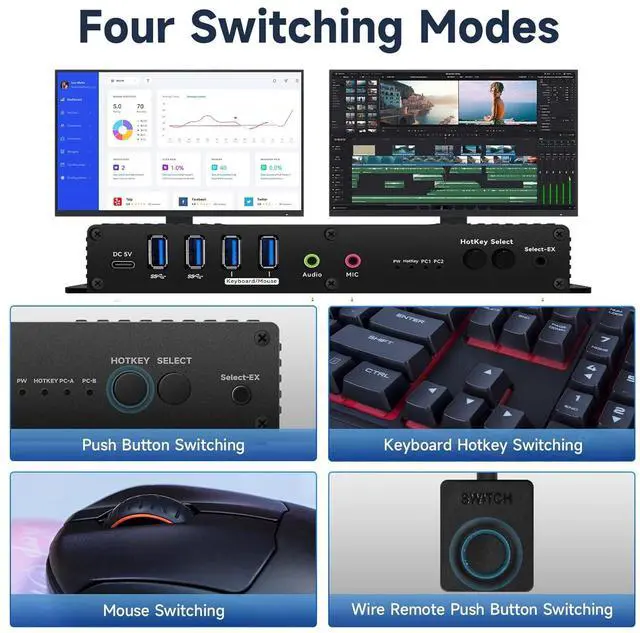
Right Control two times and number 1 and EnterRight Ctrl+Right ctrl+1+Enteryou will switch to PC-A, and Right Ctrl+Right ctrl+2+Enter you will switch to PC-B. You can use Keyboard Hotkey Right Ctrl+Right ctrl+B+Enter to turn off or turn on the Beep for the dual monitor kvm switch.Thank you!
Can this kvm switch display dual monitor support hotkey switching and EDID emulator?
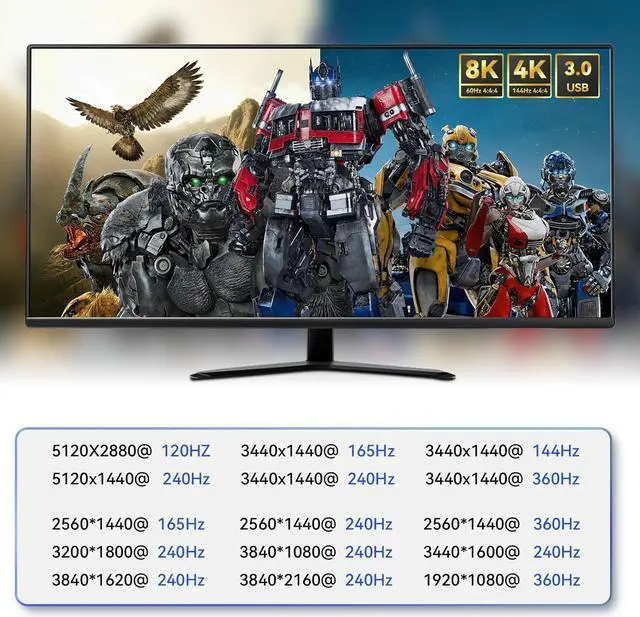
Yes, this kvm switch dp 2 monitors 2 computers not only supports hotkey switching and EDID emulator, But also supports 8K /60hz,4K/144hz/ ,4k/240hz
How easy is it to switch between the two connected computers using hotkeys or the remote button?
Switching between the two connected computers using hotkeys or the remote button is incredibly easy and convenient. I love how quickly I can toggle between devices with just a simple press of a button, making multitasking a breeze.
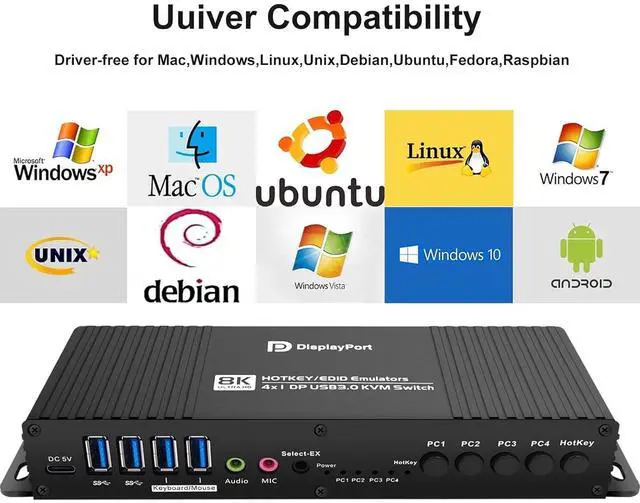
Is this 8k KVM switch compatible with both Windows and Mac operating systems?
Yes, this KVM switch is compatible with both Windows and Mac operating systems. I have been using it with my Windows laptop and Mac desktop without any issues. It's great for multitasking and seamlessly switching between devices.
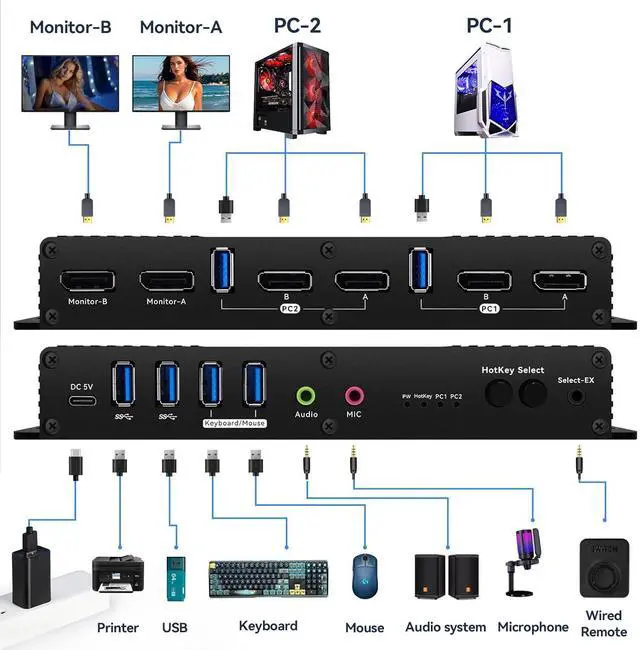
Can this KVM switch 2 monitors 2 computers dpsupport other peripherals such as printers or external hard drives?
Yes, this KVM switch supports other peripherals like printers and external hard drives. You can easily connect and share these devices between your two computers, making it convenient for multitasking and increasing productivity.
Can this display port KVM switch be used for gaming purposes with dual monitors?
Yes, I have used this KVM switch for gaming with dual monitors and it works flawlessly. The 8K@60Hz display is crystal clear and the hotkey switching makes it super convenient to switch between my gaming setup and work computer.
DP kvm switch EDID