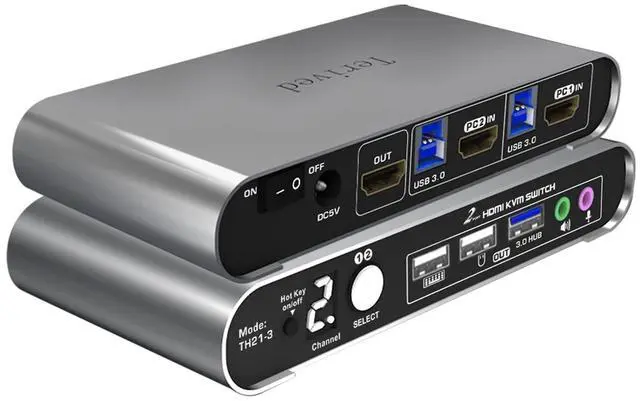
1.Aluminum Alloy shell - We want to give customers the best quality; we use aluminum alloy for the body, which provides you with an excellent premium look, great drop resistance, light-weight, strong, and robust corrosion resistance
2.Digital Display- KVM Switch 2 port with a digital display which lets you easy to see the current channel even in the dark investment
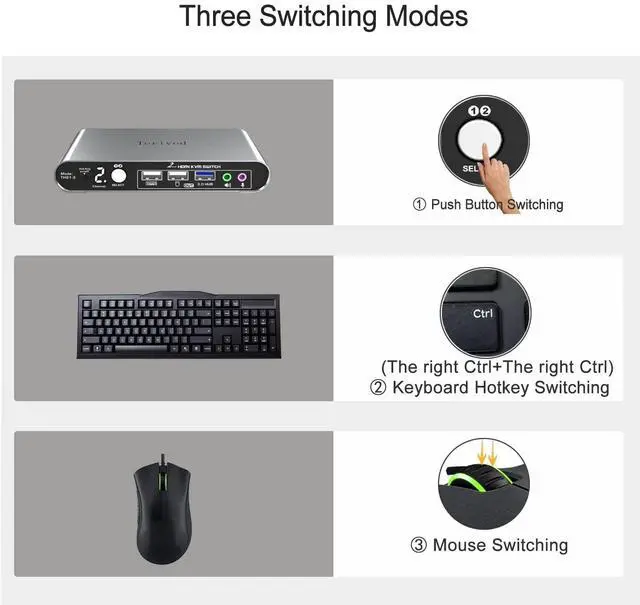
3.Hotkey - Tired of a manual button switch? This product gives you a convenient way to switch, including keyboard hotkeys switch, mouse wheel switch
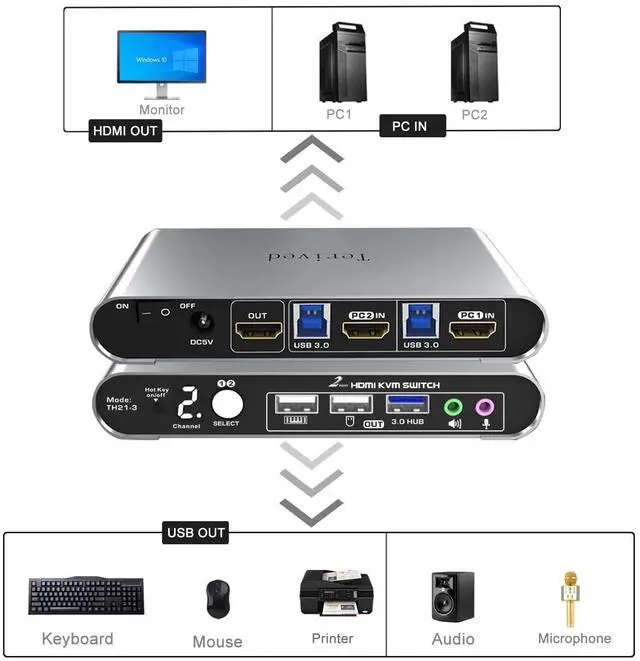
4.Two computers one monitor - Controls 2 HDMI interfaced computers or other applicable devices using one keyboard, a mouse, one monitor with audio & microphone, and USB 3.0 HUB for data transferring rate up to 5Gbps/s (10 times faster than USB 2.0)
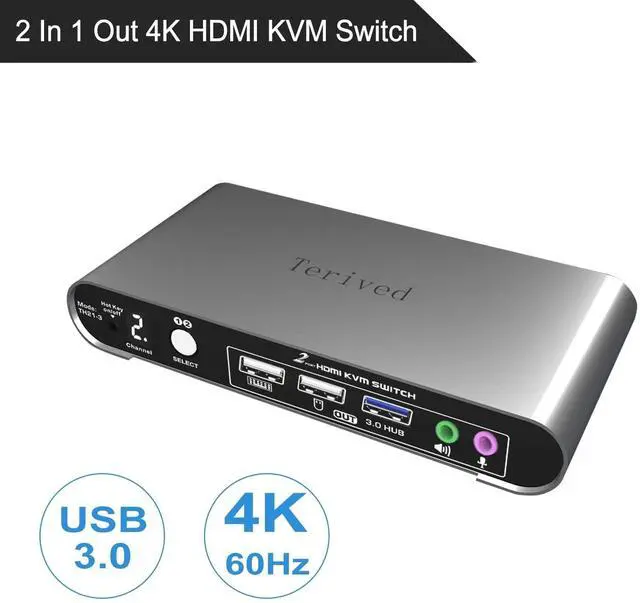
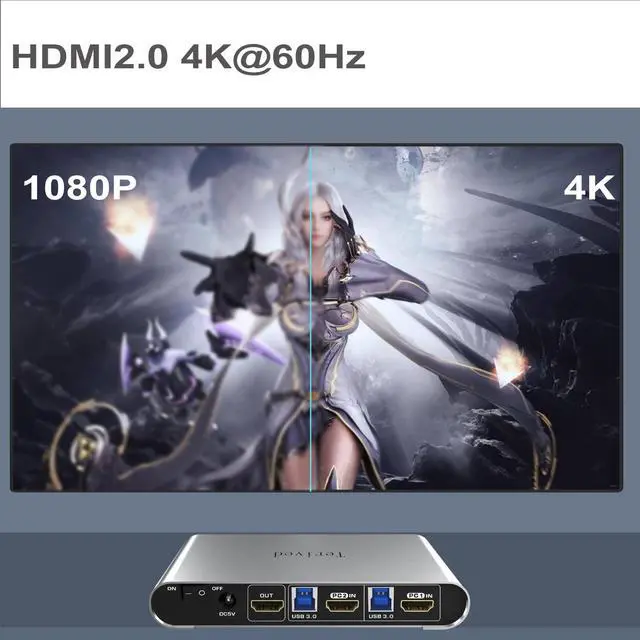
5.HDMI Switch 4K - Supported resolutions: 480i, 480p, 720p, 1080i, 1080p, 2K@144Hz, 4K@60Hz RGB 4:4:4 HDR10, HDMI 2.0 compatible.Auto-Scan, auto-detection, auto EDID. Hot plug & play and HDCP. Multi-platform: support Windows 11/10/7/2000/XP/Vista, Linux, and Mac
6.If you have any questions regarding this product, please don't hesitate to send us a message or email. We will answer your questions as soon as possible.
7. For audio, please select [USB Audio device] as the sound output option and then connect your speakers or headphones to the audio port."
Attention: hotkey software does not work with a keyboard with a maximum transfer rate greater than 12Mbps; (about 1% in the market). If this happens, turn off the keyboard hotkey by using right[CTRL] + right [CTRL] + [k] + [Enter]. After that, the keyboard USB port became a standard USB 2.0 Hub and can be used for any USB device. Please note that you can still use the the mouse hotkey switch and one-button switch
Supported resolutions: 480i, 480p, 720p, 1080i, 1080p, 2K@144Hz, 4K@60Hz RGB 4:4:4 HDR10
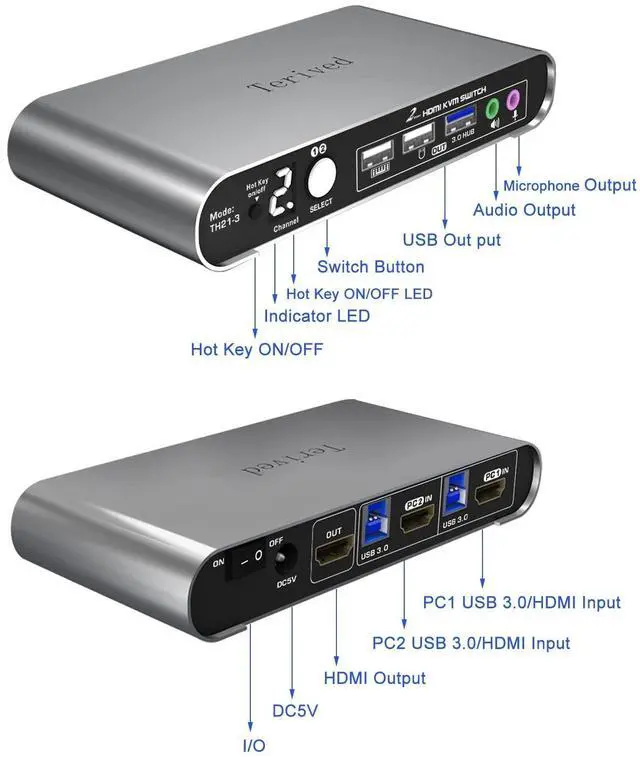
This bright digital display shows the current channel and the hotkey's on/off states. Not more guessing, unlike a common green led light, you can clearly see it even in the dark investment
When the hotkey is on, plug the mouse and keyboard into the dedicated mouse and keyboard slot. Press the right CTRL key twice or double-click your mouse roller wheel to switch to the other computer
This HDMI switcher comes with a 3.5mm audio and microphone slot on the front panel.
Please choose [USB Audio device] as your sound output.
No drive is needed; plug in all the cables and a power adapter, follow the user manual's instructions, and you are ready to go.
Aluminum alloy is an excellent non-toxic material that provides a premium look and excellent drop resistance, lightweight, has great heat dissipation, and has robust corrosion resistance.
Multi-platform: support Windows 10/7/2000/XP/Vista, Linux, and Mac
It supports Auto-EDID, which prevents the pop-up windows from moving around and changing their size. For example, your software is full-screen. Without EDID, after switching between computers, it might change its size to window mode and move to the place that you don't want it to be.
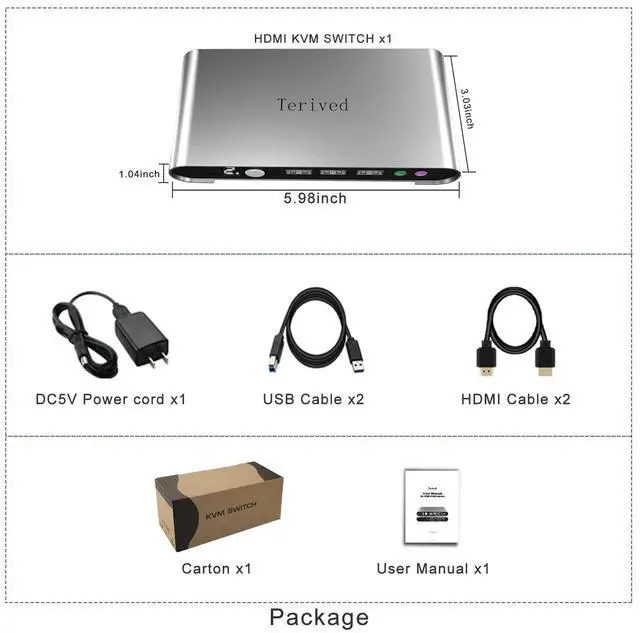
Power off your computers and monitors connect two computers to the KVM switch with HDMI cables and USB (Type A to B) cables.connect your HDMI monitor to the KVM switch with your HDMI cableconnect the 5V power supply to the KVM switchPower on the KVM switch (the on/off switch located on the back of the KVM switch), then computers and monitorsconnect your USB devices to theKVM switchTo set up your audio for a headphone or speaker(windows), open your sound setting and choose [ Speakers(USB Audio Device) ] as the sound outputTo disable the 'beep' sound when switching between computers, right [CTRL] + right [CTRL] + [ b ] + [Enter]You are all set!
There is a product video on the product images; we encourage you to watch it so you have a good idea about this product and what to expect.
Terived 2 Port HDMI USB 3.0 KVM Switch with Aluminum Alloy Shell and Digital Display,Aud