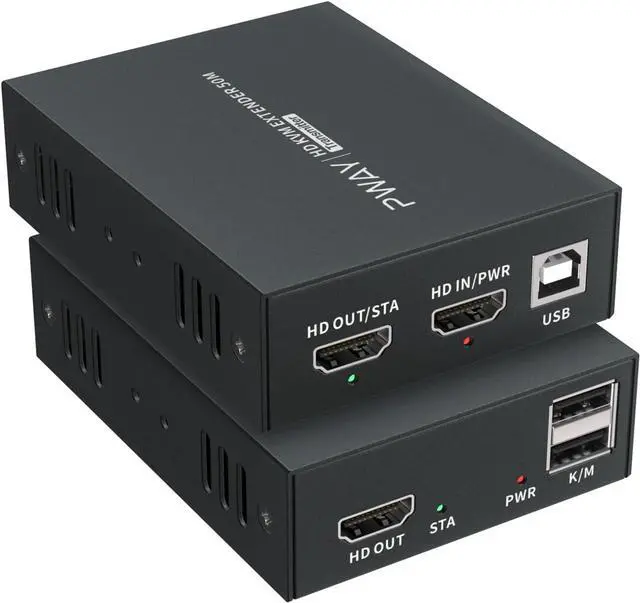
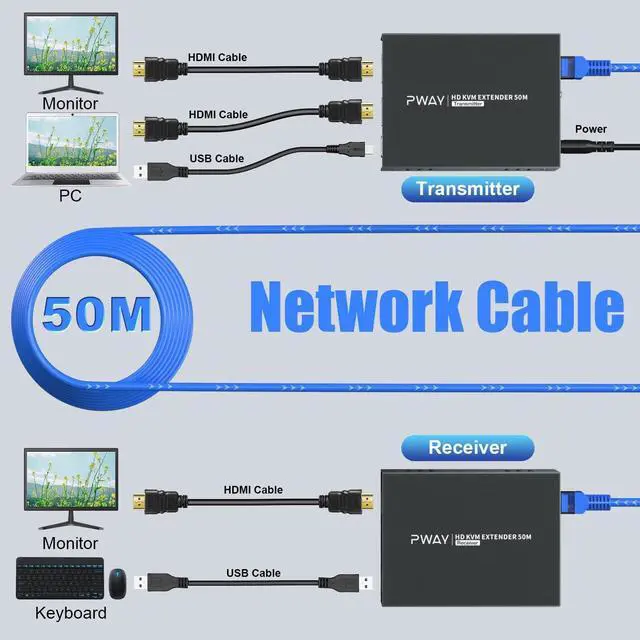
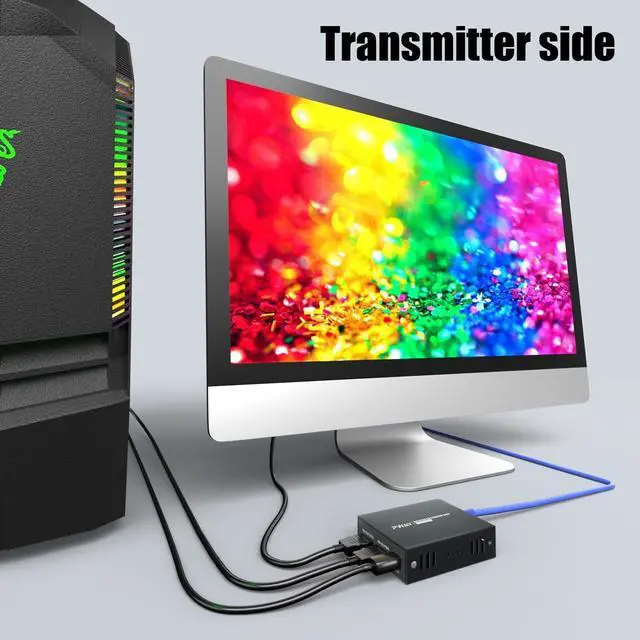
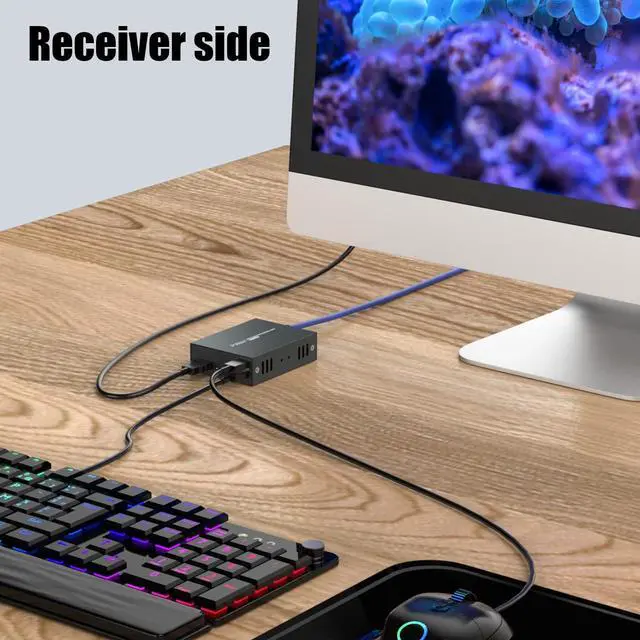
Extend HDMI audio video up to 164 feet/50 meters via Cat5e/6
No delay control signal source, support wired/wireless USB keyboard and mouse
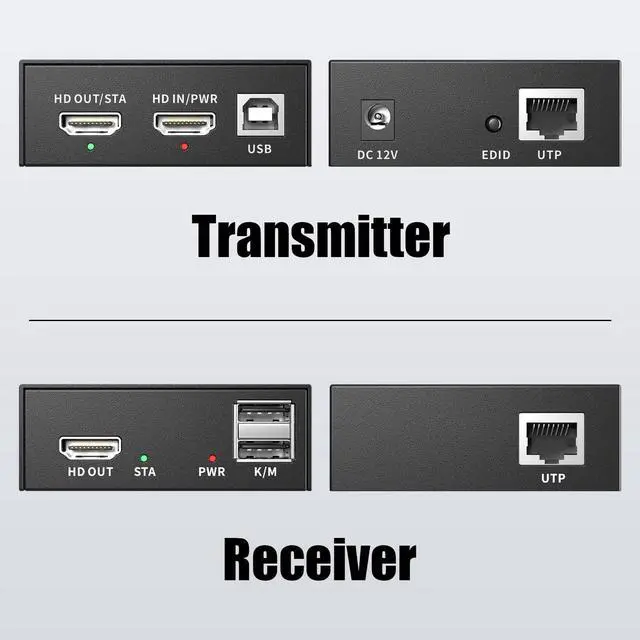
Transmitter comes with HDMI loop-out
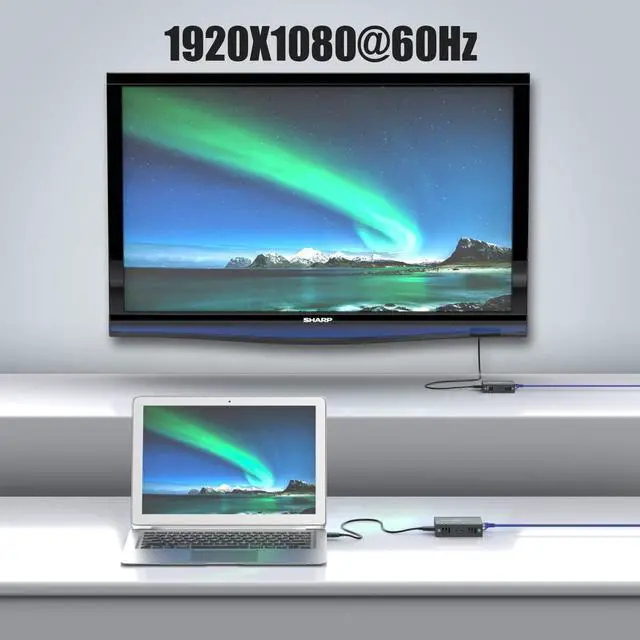
Support HD signal 1080p@60hz
Only the transmitter needs to be powered, no need to connect any adapter to the receiver
Effortless Heat Management
Specifications:
HDMI Version: HDMI 1.3
HDMI Version: HDCP 1.2
USB Version: USB1.1
Resolution: 1920x1080P@60Hz, compatible with 3D
-
Connection instructions:
HDMI cable: HDMI 1.3, within 10 ft.
Ethernet cable: Cat6/7 within 50m/165ft, Cat5e within 40m/130ft, Cat5 within 30m/100ft.
RJ45 wiring sequence: T568B (white orange, orange, white green, blue, white blue, green, white brown, brown)
-
Remind:
1Connect your source and monitor directly and check the signal status before connecting HDMI extender.
2The red light means power and the green light means signal. If the extender has no signal, it is best to use 2 network cables for testing
3RJ45 requires the conventional T568B standard.
-
About EDID:
If HDMI Extender can't recognize your TV's EDID during the first connection, please set the following settings.
1Connect the TV to the HDMI IN on Transmitter(TX).
2Connect the power and start the TV and Transmitter.
3Hold EDID button for 3 seconds. Green light stops flashing, indicating EDID copy is complete.
-
Package contents:
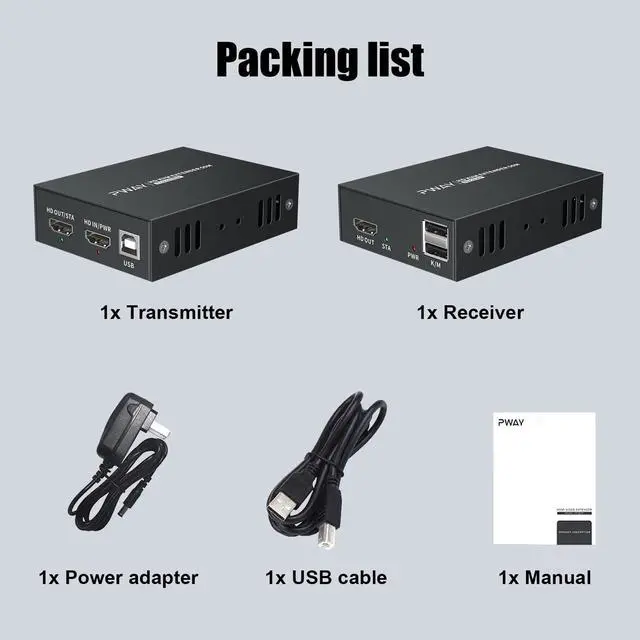
1x Transmitter
1x Receiver
1x USB-B to USB-A Cable
1x Power adapter
1x User manual
Previous pageNext pageHelp others learn more about this product by uploading a video!4.2 out of 5 starsPWAY HDMI KVM USB Extender Over Ethernet Cat5e/6 1080P HD Video Source Controlled by Keyboard Mouse
Share:
Found a lower price? Let us know. Although we can't match every price reported, we'll use your feedback to ensure that our prices remain competitive.
Fields with an asterisk * are required
**