

Your Browsing History
- Free 30-day Returns
$93.51
Ships from China.
Best Sellers
 Top Rated
- $93.51
- + FREE SHIPPING

Meet Your Seller

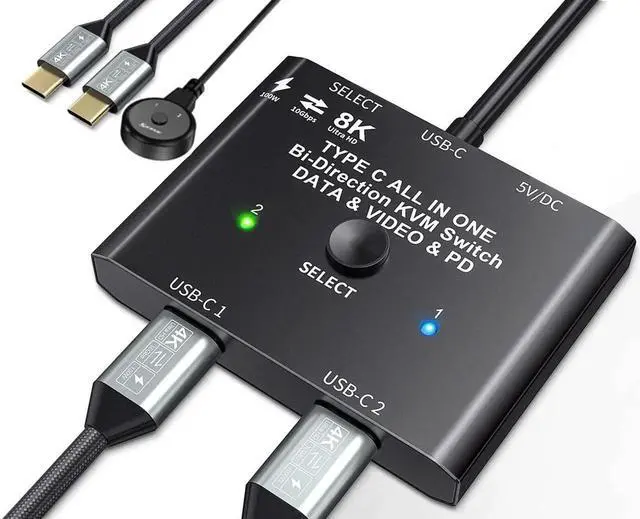


USB C Switch, Bi-Directional USB C Switcher 2 Computers, USB Type C KVM Switch 8K@60Hz 4K@120Hz Video/10Gbps Data Transfer/100W Charging,Compatible with Thunderbolt Device, 2 USB-C Cables Included
Limited time offer, ends 07/12 By Nexus3C
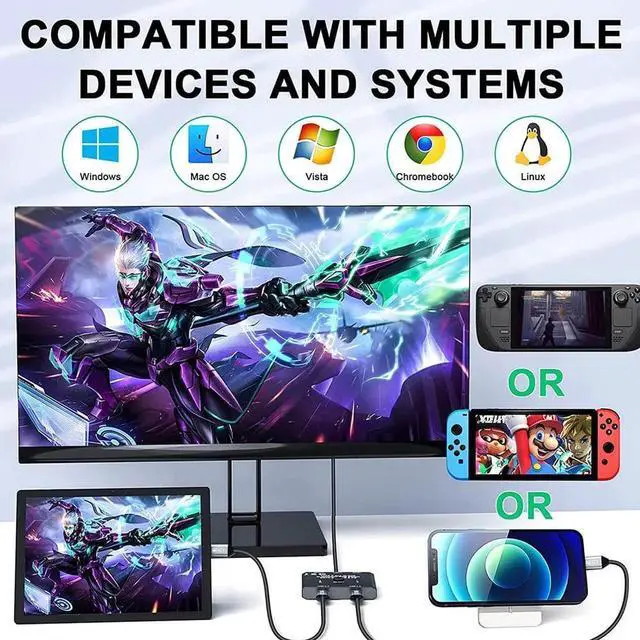
- [Bidirectional USB C Switch Selector] This USB-C switch allows 2 USB-C video source share 1 display or 1 source share 2 displays.Such as laptops, tablets, mobile phones, game consoles and other devices that are compatible with USB-C Alt DP (Alternate Display Port mode).
- [Maximum 10Gbps Data Transfer Rate] Supports a maximum transfer speed of 10Gbps (USB3.1 Gen2) to transfer music, movies or an entire season of TV shows in seconds.
- [8K Ultra HD Video Output] You can output max 8K@60Hz 4K@120Hz 1080P@165Hz via our USB C Switch/Splitter to your USB-C or HD.MI Displays. Support ultra-wide screen output (3440*1440, etc.).
- [Rapid Reverse Charging] With this USB C KVM switch,USB type-c mobile phone, laptop and other devices can be charged while working, compatible with fast charging up to 100W.
- [Great Compatibility & Button Switching] Driver-free for Windows 10/8/8.1/7/XP and Mac OS,Linux,Compatible with most Thunderbolt 3 devices,Not compatible with Mac-Book Pro. Plug and play.
+
+
Overview
Specs
Reviews

Any questions? Our AI beta will help you find out quickly.
Try me now
USB C Switch/Spliiter with 8K Video Transfer, 100W Power Delivery and 10Gbps Data
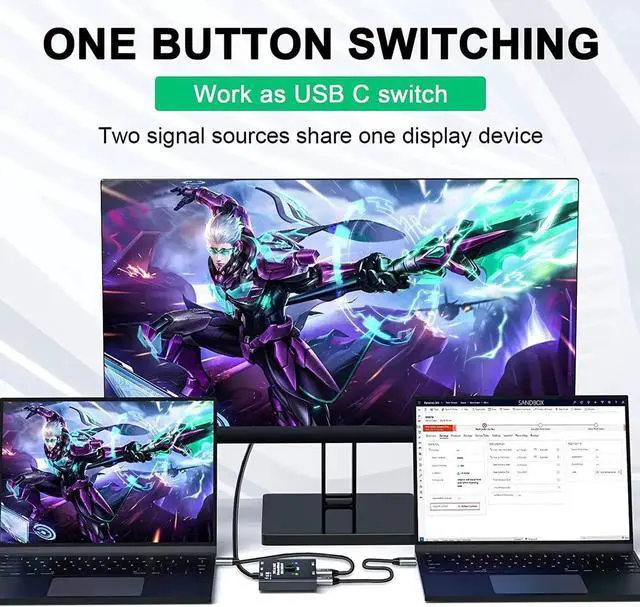
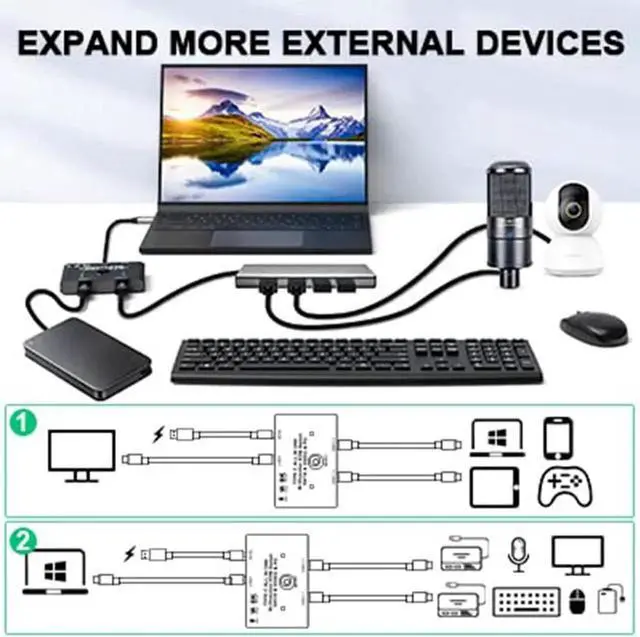
Work as a USB C switcher, 2 video sources share 1 display.
You can share 1 display device by one-click switching between video sources such as computer, laptop, tablet, mobile phone and game console (monitor with HDMI port require USB-C / HDMI adapter or a USB-C / HDMI hub).
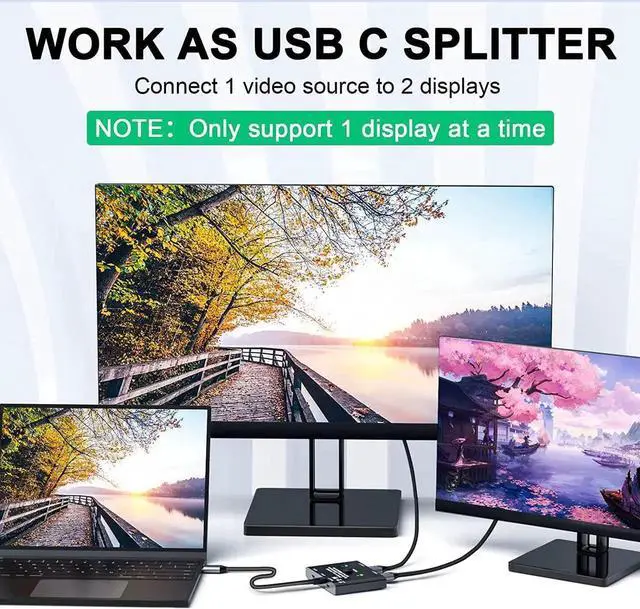
Work as a USB C spliiter, 1 video source share 2 displays.
One video source can be switched between two display devices.
note that this is not a USB-C hub, so it is only one link activated at a time.
Please follow the following instruction to operate:
Connect the two included USB 3.1 Gen 2 Cable from our USB-C Switch 's USB-C 1 and USB-C 2 Port to your USB-C Source Devices (or display devices);
Connect the fixed USB-C cable at the USB-C position to the USB-C port of the monitor (or source device), please make sure that the USB-C port of the monitor supports video transmission and the video function is turned on;
Connect the included Micro USB to USB-A cable with the switch to the power supply (Must power the USB-C switch, otherwise the monitor won't show anything);
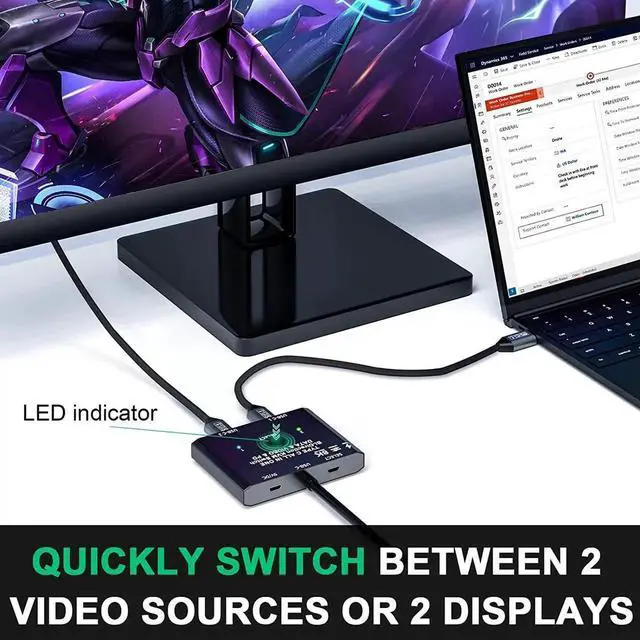
Press the "Select" button to switch between the two video sources (or display devices).
Warranty & Returns
Warranty, Returns, And Additional Information
Warranty
- Please contact the Seller directly for warranty information. Warranty information may also be found on the Manufacturer's website.
- CONTACT
Return Policies
- Return for refund within: 30 days
- Return for replacement within: non-replaceable
- This item is covered by Nexus3C Return Policy
Manufacturer Contact Info
- For a directory of all our manufacturers, please click below.
- Manufacturers Directory
LOADING...
LOADING...