

Your Browsing History
- Free 30-day Returns
$146.19
Ships from China.

Meet Your Seller

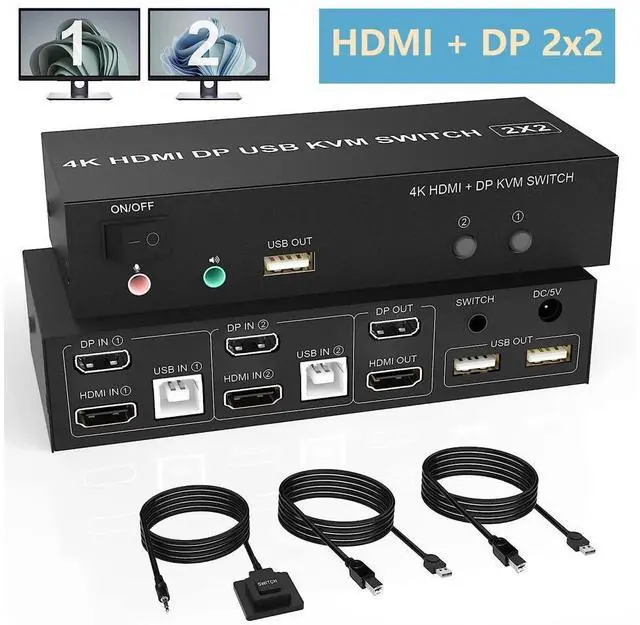


Dual Monitor HDMI Displayport KVM Switch 4K@60Hz Extended Display DP + HDMI KVM Switch for 2 Computers 2 Monitors with Audio Microphone Output and 3 USB Ports, PC Monitor Keyboard Mouse Switcher
Limited time offer, ends 09/27 By GGnix
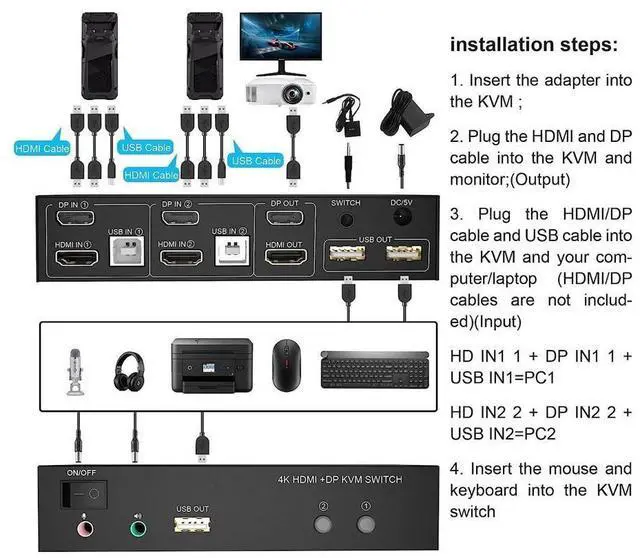
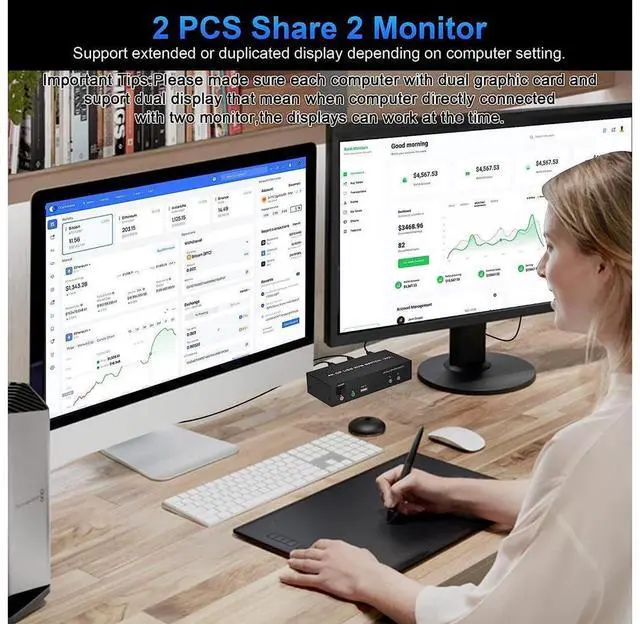
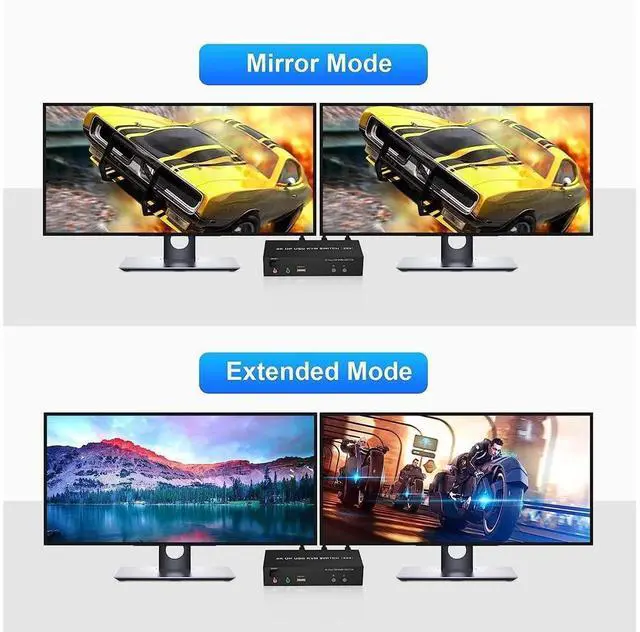
- KVM Switch 2 Monitors 2 Computers: The dual monitor KVM switch using only 1 set of keyboard, mouse and 2 monitors to control 2 DisplayPort + HDMI computers/laptops, Support up to 4K@60Hz for extended,mirrored or spliced display.
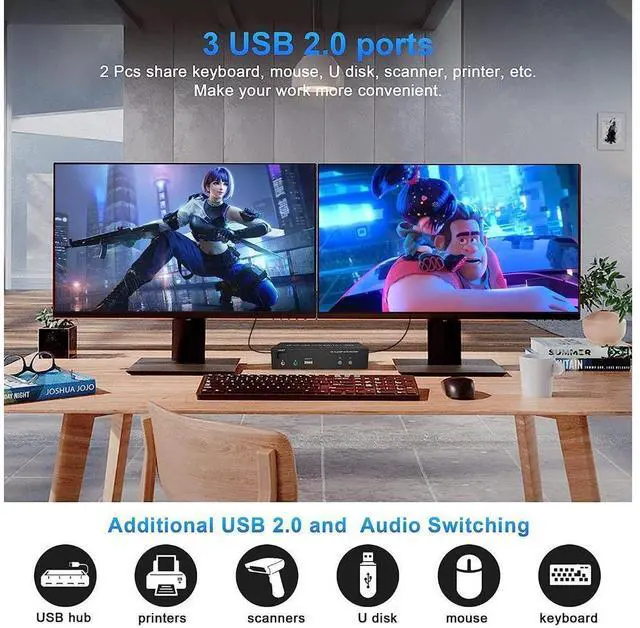
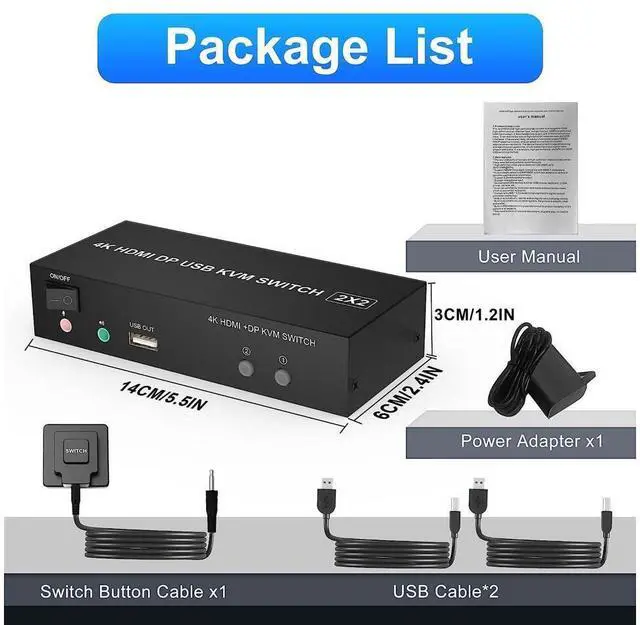
- with 3 USB 2.0 Ports: Plug and play with no driver needed, with extra USB 2.0 port for sharing USB printers, keyboard, mouse. The upgraded design hides the messy cables at the back, leaving a USB 2.0 port on the front for inserting a USB flash drive.
- 4K Dual Monitor Switch: Support high resolution max up to 4K@60Hz, and also supports 3D and 1080P@60Hz or other lower resolution.supports separate audio and microphone output. (Tips 1:Does not support 8K, 100Hz, 120Hz, 144Hz devices. Tips 2: Only when both your computer Graphics card and monitor support 4K@60Hz then you can get 4K@60Hz effect.)
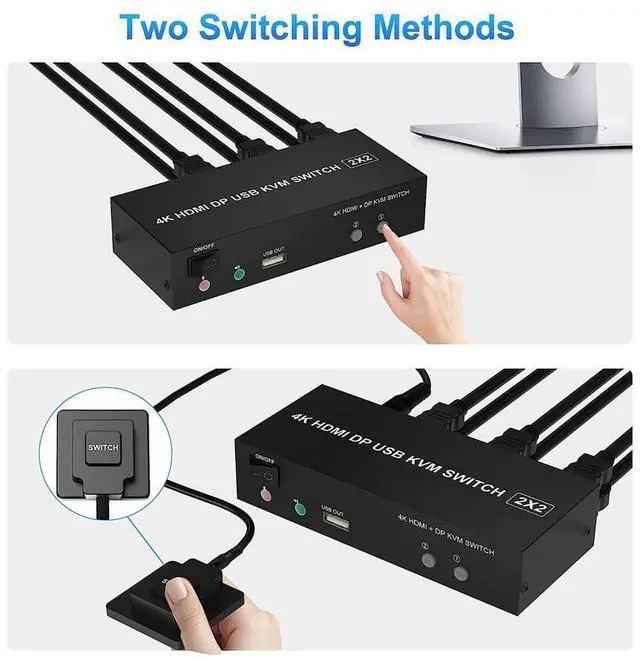
- Switching modes and Wide Compatibility: 1. Toggle selection on front panel; 2. Wired remote switch. Compatible with Windows,Linux, Mac, Unix, Ubuntu, Raspberry etc..
+
+
Overview
Specs
Reviews

Any questions? Our AI mode will help you find out quickly.
Try me now
Features:
No complicated installation is required, and non-professionals can easily operate it;
Share one set of keyboard, mouse and dual monitors between 2 computers or laptops;
Dual monitors output support up to 4K@60Hz for extended, mirrored or spliced display(Depends on your computer's graphics card. );
Cross support major operation systems including Windows, Linux, Mac and more;
With extra 3 USB 2.0 and Audio Microphone output;
The ports that need to plug in HDMI/USB cables are all hidden behind the KVM, so the desktop doesn't get cluttered;
Switching modes: Buttons on the front panel and wired remote.
Warranty & Returns
Warranty, Returns, And Additional Information
Warranty
- Please contact the Seller directly for warranty information. Warranty information may also be found on the Manufacturer's website.
- CONTACT
Return Policies
- Return for refund within: 30 days
- Return for replacement within: 30 days
- This item is covered by GGnix Return Policy
Manufacturer Contact Info
- For a directory of all our manufacturers, please click below.
- Manufacturers Directory
LOADING...